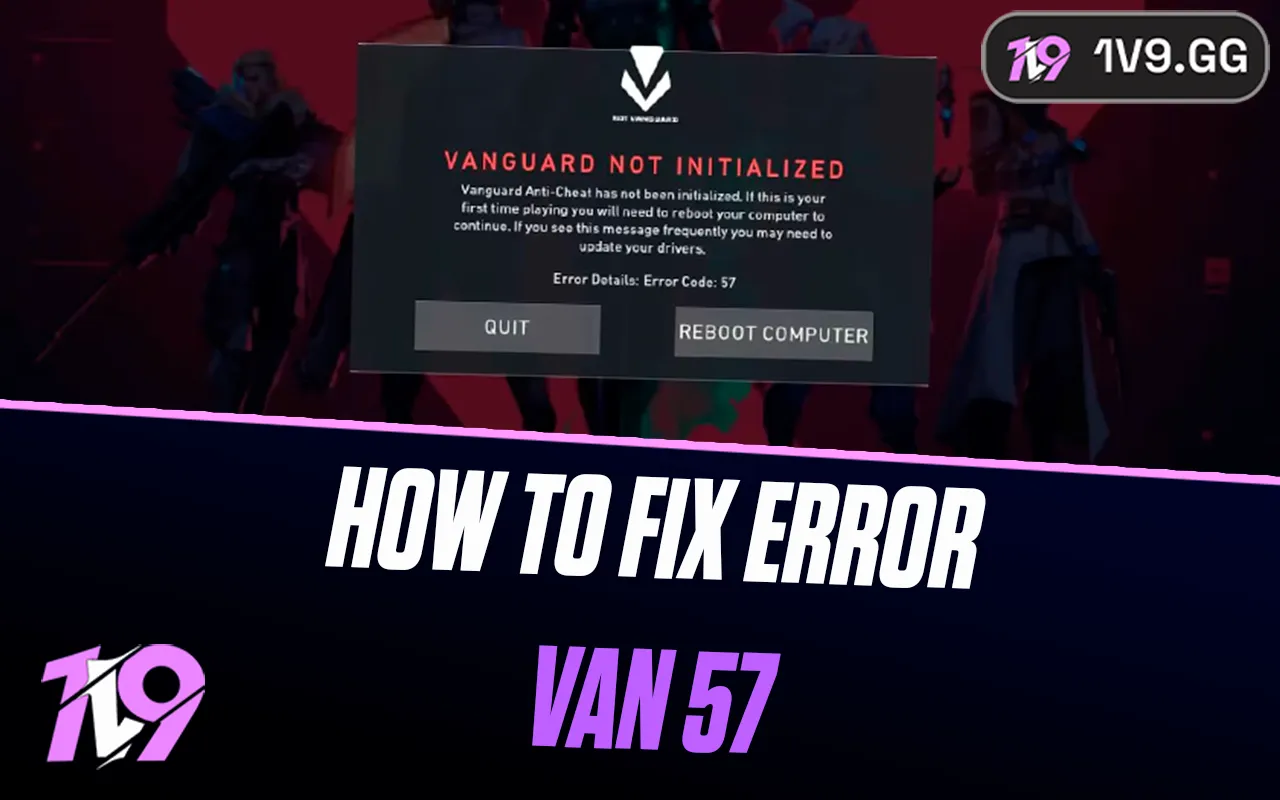


How to Fix VALORANT Error VAN 57
VALORANT error VAN 57 means Riot Vanguard is not running. Riot’s current resolution starts with a full computer restart. If VAN 57 returns, reinstall Vanguard and VALORANT through Riot’s supported Windows workflow, then send Riot Support the exact code and diagnostic logs if the clean install still fails.
Last verified: , during VALORANT Patch 13.05.
What does VALORANT error VAN 57 mean?
Riot’s Vanguard error table labels VAN 57 as “Vanguard is not running.” Because Vanguard must start correctly before VALORANT can run, the client closes rather than opening an unprotected game session.
The code does not by itself identify why Vanguard failed to start. A pending restart, interrupted Riot update, or damaged installation can all produce a launch failure. It also is not evidence of an account ban. Riot uses separate messages for penalties and for specific Windows security requirements.
Fix VAN 57 in the safest order
- Check Riot’s regional status. Open Riot Games Service Status and select your region. If Riot reports maintenance or an incident, wait for an official update rather than changing the PC.
- Write down the complete error. Include whether it says VAN 57, VAL 57, or something else. A screenshot is useful as long as it excludes private account information.
- Close VALORANT and the Riot Client. Exit the Riot Client from its system-tray icon. If it does not close, use Task Manager only for clearly named Riot Client or VALORANT processes.
- Restart Windows. Choose Start > Power > Restart. Shutting only the game or putting the PC to sleep does not reload Vanguard in the same way.
- Open Riot Client normally. Let any client or game update finish before launching VALORANT once.
- Install supported Windows updates. Use Windows Update and restart again if Windows asks. Do not download drivers or system files from an unofficial “fix” site.
- Reinstall through the official route if VAN 57 returns. Riot’s published escalation for this code is to reinstall Vanguard and the game, then contact Support if the error remains.
If the symptom is a frozen download or missing Update button instead of VAN 57, follow the separate VALORANT update troubleshooting guide. Mixing update fixes into a Vanguard startup error can add work without addressing the message you actually have.
How to reinstall Vanguard and VALORANT
Only move to reinstalling after a full restart fails. Save any local clips or custom files you want to keep, then use normal Windows controls:
- Exit the Riot Client and VALORANT.
- Open Windows Settings > Apps > Installed apps.
- Select Riot Vanguard, choose Uninstall, and approve the Windows prompt.
- Uninstall VALORANT from the same list if Riot’s VAN 57 instructions direct a complete reinstall.
- Restart Windows.
- Download VALORANT only from Riot’s official site, or reinstall it with the official Riot Client.
- Allow Riot’s installer to add Vanguard. Restart again when prompted.
- Open Riot Client and test VALORANT once.
Do not delete Vanguard driver files by hand or copy them from another computer. If the installer cannot use the selected drive, diagnose that separately with the VALORANT installation-path guide.
What should you not do for VAN 57?
- Do not disable Vanguard. VALORANT requires it to launch.
- Do not broadly disable antivirus or the firewall. That reduces protection without proving what blocked Vanguard.
- Do not edit the registry, BIOS, or service configuration from an undated tutorial. VAN 57 does not automatically call for any of those changes.
- Do not run batch files or third-party “Vanguard repair” tools. Riot provides its own installer and diagnostic route.
- Do not apply VAN 9001, VAN 9002, or VAN: RESTRICTION instructions. Those codes have different, specific security checks.
If the error changes after a restart or reinstall, stop following this page and use Riot’s current instructions for the new code. For example, VAN -81 has a separate connection-focused workflow.
When to contact Riot Support
Open a support ticket when VAN 57 survives both a full restart and a clean official reinstall, or when Windows reports a driver or installer failure that you cannot safely interpret. Include the exact code, when it appeared, your Windows version, your Riot region, and the steps you already tried.
Riot’s Repair Tool can collect logs for Support. Download it only from Riot, attach the resulting archive to the ticket, and never send a password, multi-factor code, recovery code, or payment information.
Frequently asked questions
Can restarting really fix VAN 57?
Yes. Restarting the computer is Riot’s first published resolution because Vanguard starts with Windows. Reopening only VALORANT is not an equivalent test.
Does VAN 57 mean my account is banned?
No. Riot describes VAN 57 as Vanguard not running. A penalty or ban has its own account message.
Should I manually set the vgc service to Automatic?
Riot’s current VAN 57 row does not require readers to edit a Windows service. Restart first, then use the official reinstall path. If Support asks for a specific service check, follow the instructions in that ticket.
Will reinstalling remove my skins or rank?
Your inventory and rank are stored on the Riot Account, not in the local installation. Sign back into the correct account after reinstalling.
Can VAN 57 appear on console?
Vanguard is the PC anti-cheat component, so this troubleshooting flow is for Windows. Use Riot’s console support path for a console launch or network error.
Bottom line
For VAN 57, verify the exact message, check Riot’s status, restart Windows, and let Riot Client finish any official update. If the same code returns, reinstall Vanguard and VALORANT through supported Windows controls. Leave registry, firmware, service, and security changes alone unless Riot Support gives instructions for your specific case.
Posted On: February 3rd, 2026
Recent Articles


Our 1v9 support team is available 24/7 to help you with any questions or issues you may have.
support@1v9.gg

-a6d5b3e156bb.webp)





Loading...
1v9.gg is not endorsed or affiliated by any game developers or publishers.
2026 1v9, All Rights Reserved, Created By Ritesh (riteshsahoo.com)