

What is Raw Input Buffer in Valorant?
Raw Input Buffer is a setting in Valorant that can directly affect how your mouse movements feel during gameplay, especially in fast-paced gunfights where precision matters. Many players enable or disable it without fully understanding what it actually does or whether it’s right for their setup. Since Valorant is a highly competitive tactical shooter, even small differences in input delay or mouse responsiveness can impact aim consistency and reaction time. In this article, we’ll explain what Raw Input Buffer is in Valorant, how it works behind the scenes, and whether turning it on or off can improve your overall performance.
What is The Raw Input Buffer in Valorant?
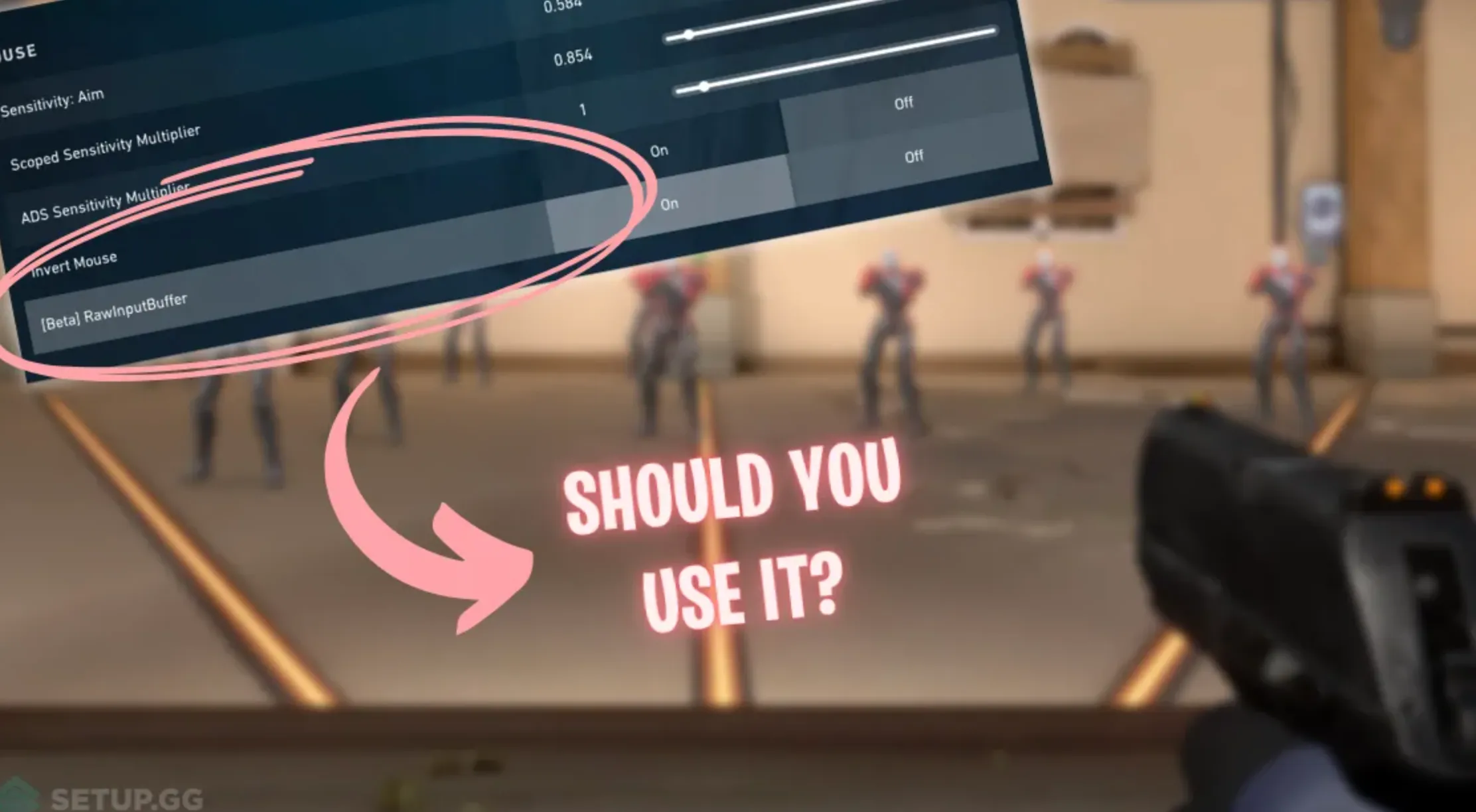
Raw Input Buffer in Valorant is a setting designed to make your mouse input feel more direct and responsive by cutting out extra processing layers from your system. Normally, when you move your mouse or click, that input first goes through your operating system, where it can be affected by background processes, drivers, or OS-level enhancements, before finally reaching the game. This extra step can add a tiny delay, which might not sound like much, but in a competitive shooter it can be the difference between landing a clean headshot or missing it by a split second. When Raw Input Buffer is enabled, Valorant reads your mouse input more directly from the hardware, reducing interference from the operating system and other software running in the background. The result is lower input latency, more consistent aim, and a mouse response that feels closer to your actual hand movements, especially during fast flicks and close gunfights.
How to Turn On the Raw Input Buffer in Valorant
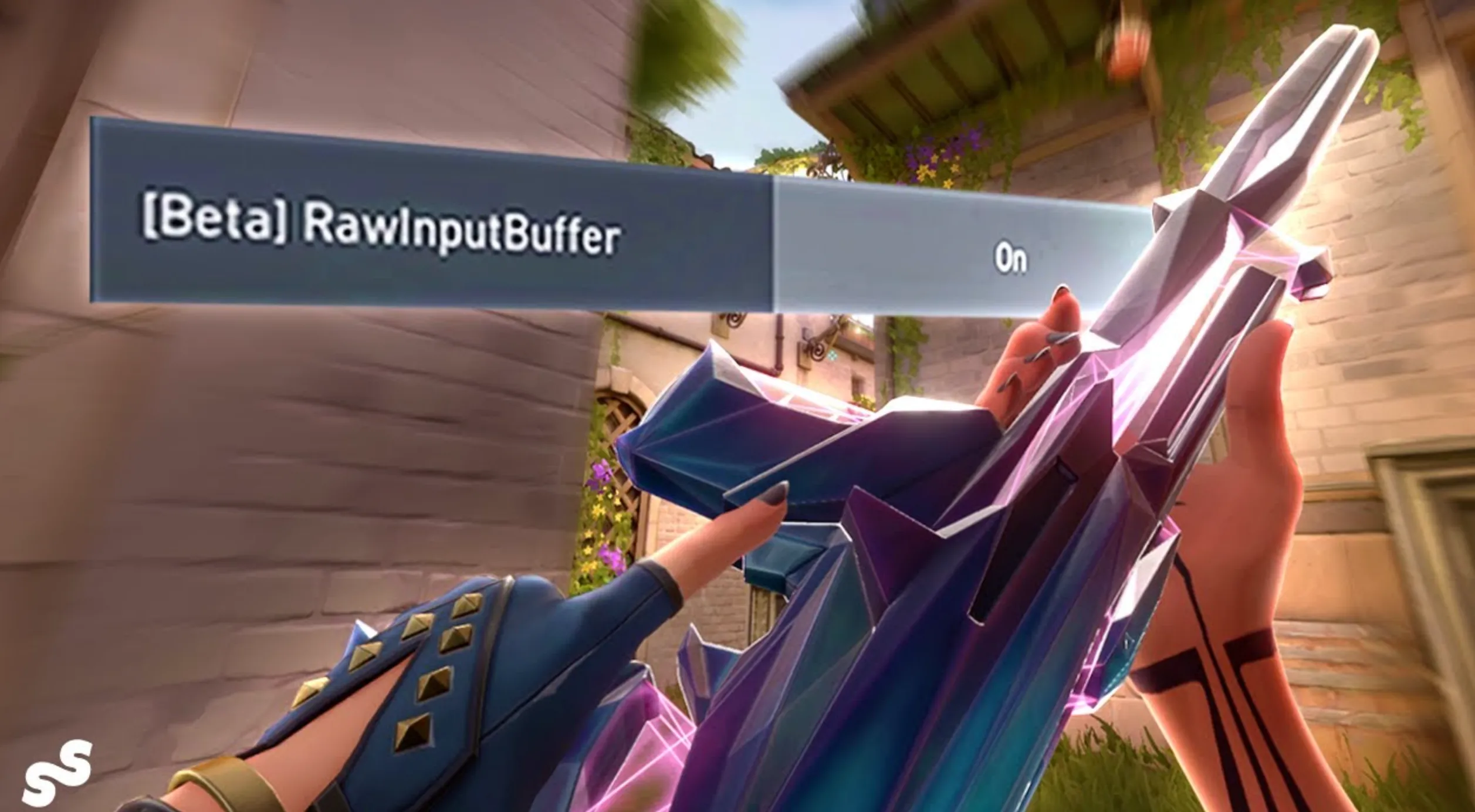
To turn on Raw Input Buffer in Valorant, open the game and head into the Settings menu. From there, go to the General tab and scroll down until you reach the Mouse section. You’ll find an option labeled Raw Input Buffer with a simple on/off toggle. Switch it to On and apply your settings to lock the change in. Once enabled, Valorant will start reading your mouse input more directly, which can help reduce input delay and make your aim feel tighter and more responsive. Jump back into a match or the practice range and pay attention to how your mouse movements feel, especially during fast flicks or tracking. On lower-end systems or with weaker hardware, results can vary slightly, but for most players, enabling Raw Input Buffer leads to smoother and more consistent mouse control.
Who Should Use The Raw Input Buffer Feature in the Valorant?
The Raw Input Buffer option in Valorant is most beneficial for players who use a quality gaming mouse and care about aim precision. This setting really shines if you’re playing with a mouse that has a high polling rate, meaning it sends position updates to your PC very frequently. Higher polling rates allow the game to receive more accurate and timely input, which results in smoother tracking, cleaner flicks, and faster click registration. Keeping your mouse firmware and drivers up to date also helps get the most out of this feature.
That said, you don’t need top-tier hardware to try it. Even with a standard or mid-range mouse, enabling Raw Input Buffer can still offer small but noticeable improvements in consistency by reducing interference from the operating system. The best approach is to turn it on and test it yourself in the practice range or deathmatch. If your aim feels steadier and mouse movements feel more natural, it’s worth keeping enabled, regardless of your setup.
Benefits of Using Raw Input Buffer in Valorant
Using Raw Input Buffer in Valorant can make a noticeable difference if you care about clean aim and consistent mouse control. In a competitive shooter, your performance isn’t only about practice or sensitivity settings, it also depends on how accurately the game reads your physical mouse movements. Raw Input Buffer focuses on that technical side and helps remove unnecessary delays between your hand and what happens on screen.
One of the biggest advantages is faster and more reliable mouse response. With Raw Input Buffer enabled, your mouse movements are passed straight into the game without being altered by background processes or operating system filters. This makes aiming feel tighter, especially during quick flicks or micro-adjustments. Every movement and click is reflected more closely to how you actually move your mouse.
Another benefit is improved precision during gunfights. Lower input latency means your crosshair reacts instantly, which helps with tracking targets and landing headshots in fast situations. This is especially useful in clutch moments where even a tiny delay can cost you a round.
Finally, Raw Input Buffer helps reduce input lag overall. While no system is completely free of delay, this setting minimizes it as much as possible, giving you a more immediate and natural feel when aiming. For players who want smoother control and more confidence in their shots, enabling Raw Input Buffer is an easy setting change that can improve the overall gameplay experience.
FAQs
Should I turn Raw Input Buffer on in Valorant?
For most players, yes. Turning it on usually results in more consistent mouse movement and lower input delay, especially in fast gunfights.
Does Raw Input Buffer increase FPS or performance?
No, Raw Input Buffer doesn’t affect FPS. It only changes how mouse input is processed, making aim feel more direct and responsive.
Is Raw Input Buffer good for low-end PCs?
It can still help on weaker systems, but the improvement may be smaller. Results depend on your mouse, drivers, and overall system stability.
Does Raw Input Buffer change mouse sensitivity?
No, your sensitivity value stays the same. The setting only affects how raw mouse input is read, not how sensitive your aim is.
Do pro players use Raw Input Buffer in Valorant?
Many competitive and high-ranked players enable it because it reduces input interference and helps maintain consistent aim during high-pressure matches.
Conclusion
Raw Input Buffer is a simple but important setting in Valorant that can have a real impact on how your aim feels in-game. By allowing the game to read mouse input more directly and reducing interference from the operating system, it helps lower input latency and improve consistency during fast-paced gunfights. While the biggest benefits are usually felt by players with gaming mice and higher polling rates, even standard setups can see small improvements in responsiveness. Ultimately, Raw Input Buffer is easy to enable, safe to test, and worth experimenting with if you want smoother mouse control and more reliable aim in Valorant.
Posted On: February 3rd, 2026
Recent Articles


Our 1v9 support team is available 24/7 to help you with any questions or issues you may have.
support@1v9.gg

-a6d5b3e156bb.webp)





Loading...
1v9.gg is not endorsed or affiliated by any game developers or publishers.
2026 1v9, All Rights Reserved, Created By Ritesh (riteshsahoo.com)