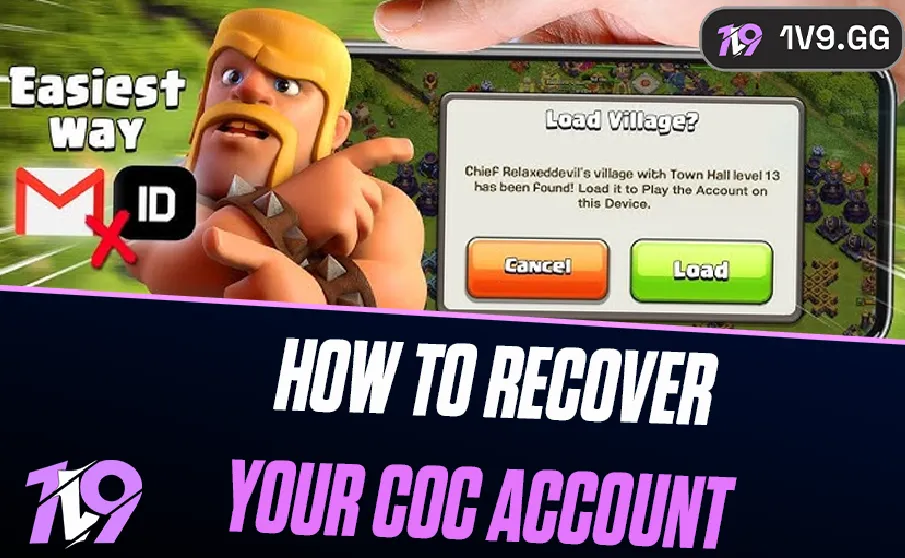


How to Recover Your Clash of Clans Account (2026)
Clash of Clans has been one of the most popular mobile games for years, and many players have spent a long time building their villages, unlocking troops, and upgrading their Town Hall. Because of that, losing access to your account can feel terrible, especially if you recently changed devices, lost access to your email, or something happened to your login details.
Thankfully, getting your Clash of Clans account back is usually possible. Supercell provides several ways to restore access depending on how your account was originally connected. If you previously linked your account to Supercell ID, Google Play, or another platform, recovering it can often be done in just a few steps.
In this guide, you’ll learn the different ways to recover your Clash of Clans account and what to do if you can’t log in normally. We’ll cover the most common recovery methods, including restoring your account through Supercell ID, using platform logins, and reaching out to Supercell Support if you no longer have access to your original login information. This way you can safely regain access to your village and continue playing without losing your progress.
Recovering Your Clash of Clans Account With Supercell ID
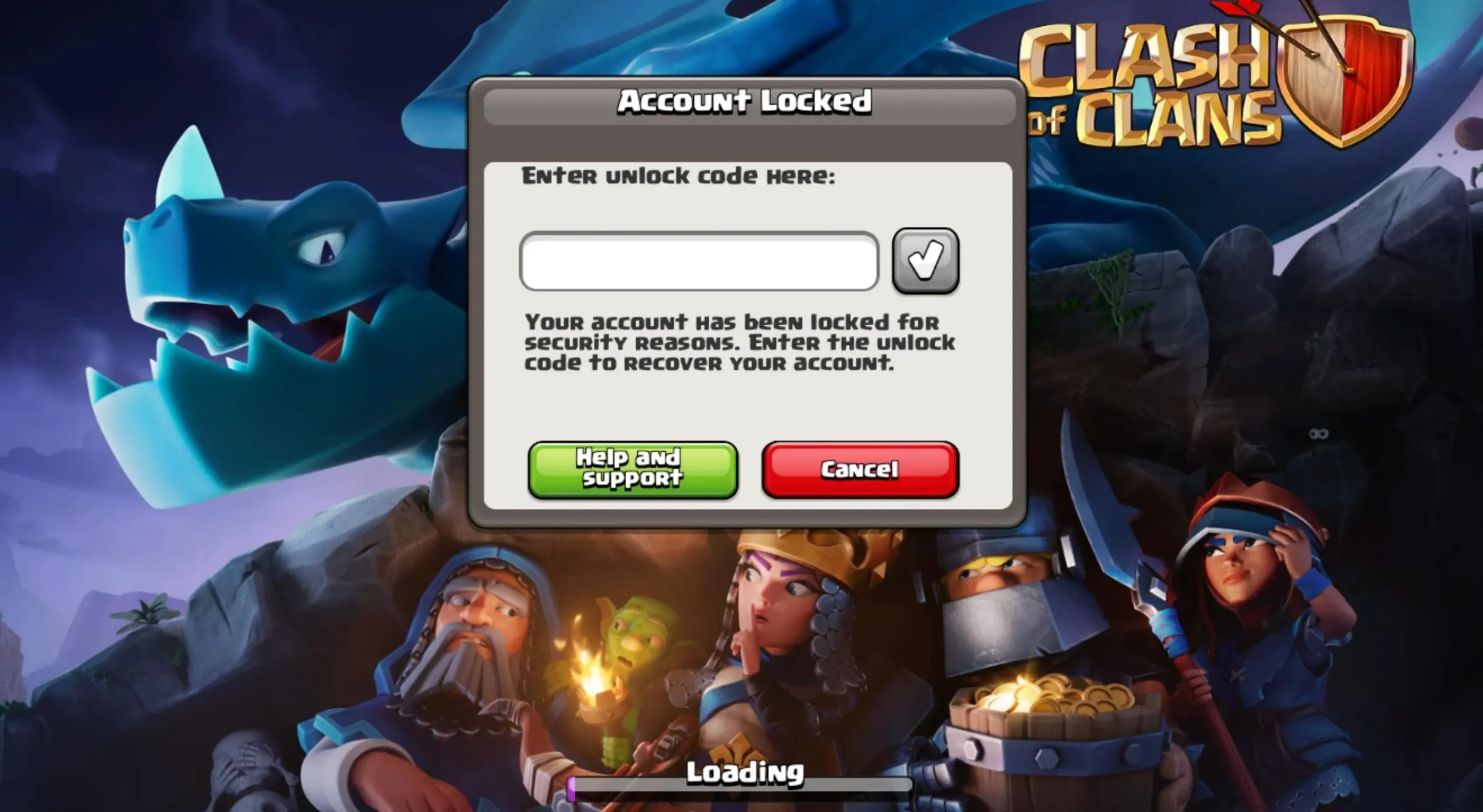
If your Clash of Clans account was connected to Supercell ID, recovering it is usually very simple. Supercell ID is designed to keep your village safe and synced across devices, so even if you change phones or reinstall the game, your progress stays saved to your email login.
To restore your account using Supercell ID, start by opening Clash of Clans on the device you’re currently using. From the main screen, open the Settings menu and choose the Supercell ID option. The game will ask you to sign in using the email address that was originally linked to your account.
Once you enter the correct email, Supercell will send a verification code to your inbox. Check your email, copy the code, and enter it in the game. After the verification is completed, Clash of Clans will automatically load the village connected to that Supercell ID, restoring your progress exactly as it was before.
If you no longer have access to the email address connected to your Supercell ID, you won’t be able to log in through this method. In that situation, the best option is to contact Supercell Support, which can help verify ownership of the account and assist with recovering access.
How to Recover Your Clash of Clans Account on Android and iOS
If your Clash of Clans account was not connected to Supercell ID, there’s still a good chance you can restore it if it was previously linked to Google Play Games on Android or Game Center on iOS. These services automatically store game progress when they are connected to your account, which makes recovering your village much easier when switching devices.
Recovering Your Account on Android
Android players can restore their Clash of Clans account through Google Play Games if the original village was connected to a Google account. Start by installing Clash of Clans on your phone or tablet and launching the game. Once you’re in the game, open the Settings menu and look for the Google Play Sign-In option.
If the correct Google account is already logged in on your device, the game should detect the saved progress linked to that Gmail account. After connecting, Clash of Clans will ask if you want to load the village associated with that account. Confirm the prompt, and your original base should appear automatically.
Recovering Your Account on iOS
On iPhone and iPad, account recovery usually works through Apple’s Game Center. First, open the Settings app on your device and make sure you’re signed in with the Apple ID that was originally used to play Clash of Clans. If a different Apple ID is currently active, you can switch to the correct one.
After logging in, open Game Center and confirm the account is connected. Then launch Clash of Clans. If the game detects saved progress tied to that Apple ID, it will prompt you to load the village connected to it. Accept the prompt, and your previous progress should restore instantly.
How to Contact Supercell Support to Recover Your Clash of Clans Account
If you’re unable to restore your Clash of Clans account using Supercell ID, Google Play, or Game Center, the final option is to reach out to Supercell Support directly. This method is usually used when players lose access to their email, forget their login information, or believe their account was taken over by someone else.
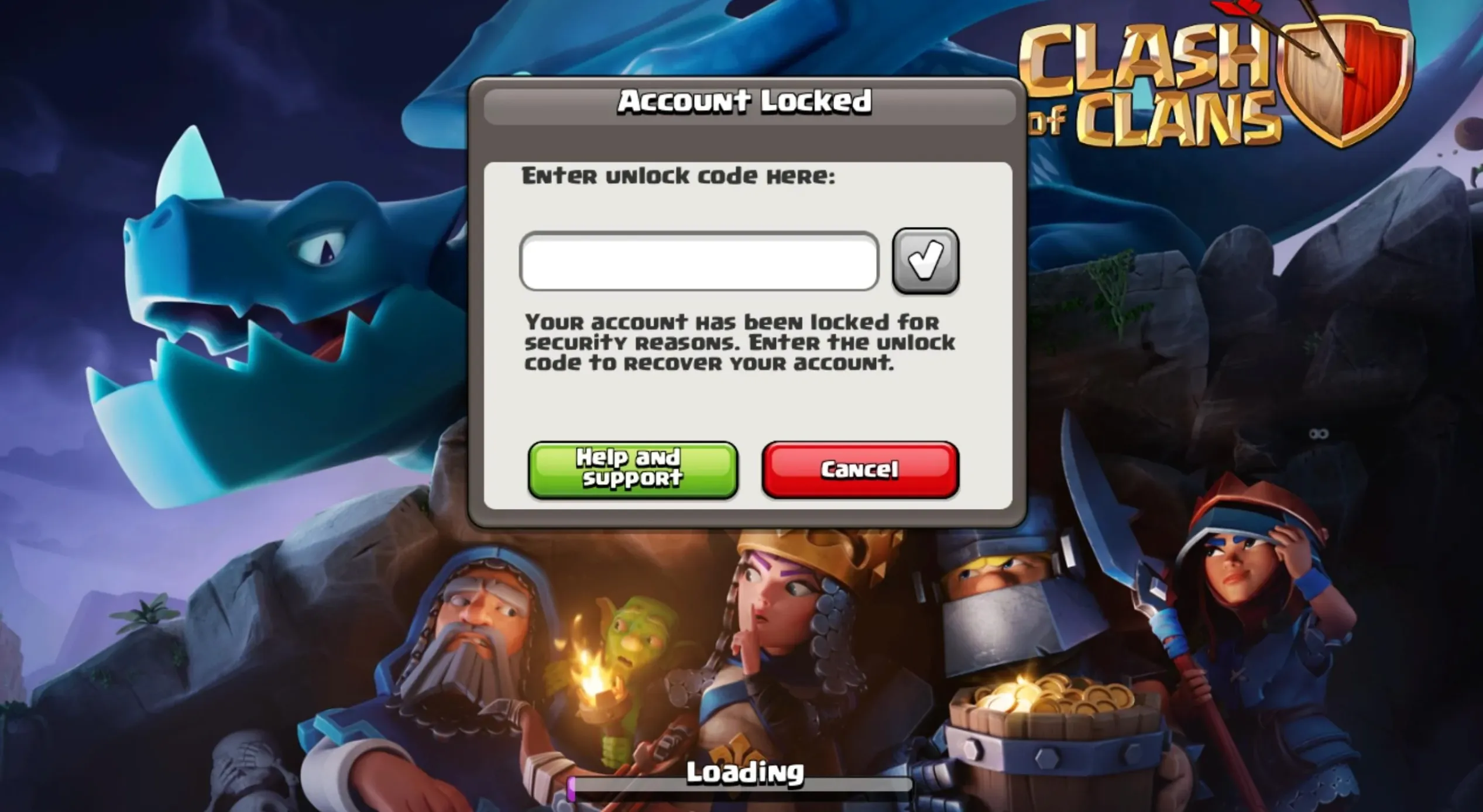
To start the recovery process, install Clash of Clans and open the game. If you don’t already have access to a village, the game will create a new temporary one for you. Once you’re inside the game, open the Settings menu and tap Help and Support. From there, press the chat icon located in the top corner of the screen to start a conversation with support.
Inside the chat, select the option related to a lost account and provide the information requested by the system. Try to explain your situation clearly and include as many details as possible about the missing account. The support team may ask questions to confirm that you are the real owner of the village.
Some of the details they might request include your player tag, Town Hall level, clan name, previous usernames, and any purchase receipts tied to the account. Providing accurate information helps speed up the recovery process and increases the chances of getting your account restored.
It’s also recommended to contact support using a new email address that was never connected to the lost account before. This can make the verification process smoother if the original email is no longer accessible.
Keep in mind that replies from Supercell Support can take some time. In some cases you may receive an answer within a few hours, while more complicated situations can take several days. While waiting for a response, avoid progressing too far on the temporary village. Many players recommend not upgrading beyond Town Hall 4, as keeping the account new helps prevent potential issues during the recovery process.
Conclusion
Losing access to your Clash of Clans account can be stressful, especially if you’ve spent years building your village and progressing through the game. The good news is that in most situations, recovering your account is possible as long as you follow the right steps and provide the correct information.
Whether your account was connected through Supercell ID, Google Play, or Game Center, these systems are designed to keep your progress safe and make restoring your village simple when switching devices or reinstalling the game. And even if none of those methods work, Supercell Support can still help you recover your account by verifying ownership.
Taking a few minutes to secure your account, especially by linking it to Supercell ID, can save you a lot of trouble in the future. Once your account is restored, you’ll be able to jump back into Clash of Clans and continue upgrading your village right where you left off.
Posted On: March 14th, 2026
Recent Articles


Our 1v9 support team is available 24/7 to help you with any questions or issues you may have.
support@1v9.gg


-a6d5b3e156bb.webp)





Loading...
1v9.gg is not endorsed or affiliated by any game developers or publishers.
2026 1v9, All Rights Reserved, Created By Ritesh (riteshsahoo.com)