


How To Check Valorant Shop on Phone: Complete Guide
Checking your Valorant shop from your phone is one of the easiest ways to stay on top of your daily skin rotation without having to open the full game every time. Since the Valorant store refreshes every 24 hours at midnight UTC and pulls four random skins from a massive pool, you can easily miss out on something you’ve been waiting weeks—or even months—for. Opening the PC client just to see the shop isn’t always convenient, especially if you’re away from your setup or don’t want to wait through loading screens. That’s why many players prefer checking their store on mobile instead. While Riot still hasn’t released an official way to view your shop outside the game, there are methods that let you see your daily skins directly from your phone. In this guide, we’ll break down exactly how you can check your Valorant shop on mobile and whether it’s actually possible in 2025.
#1: Using the VShop App
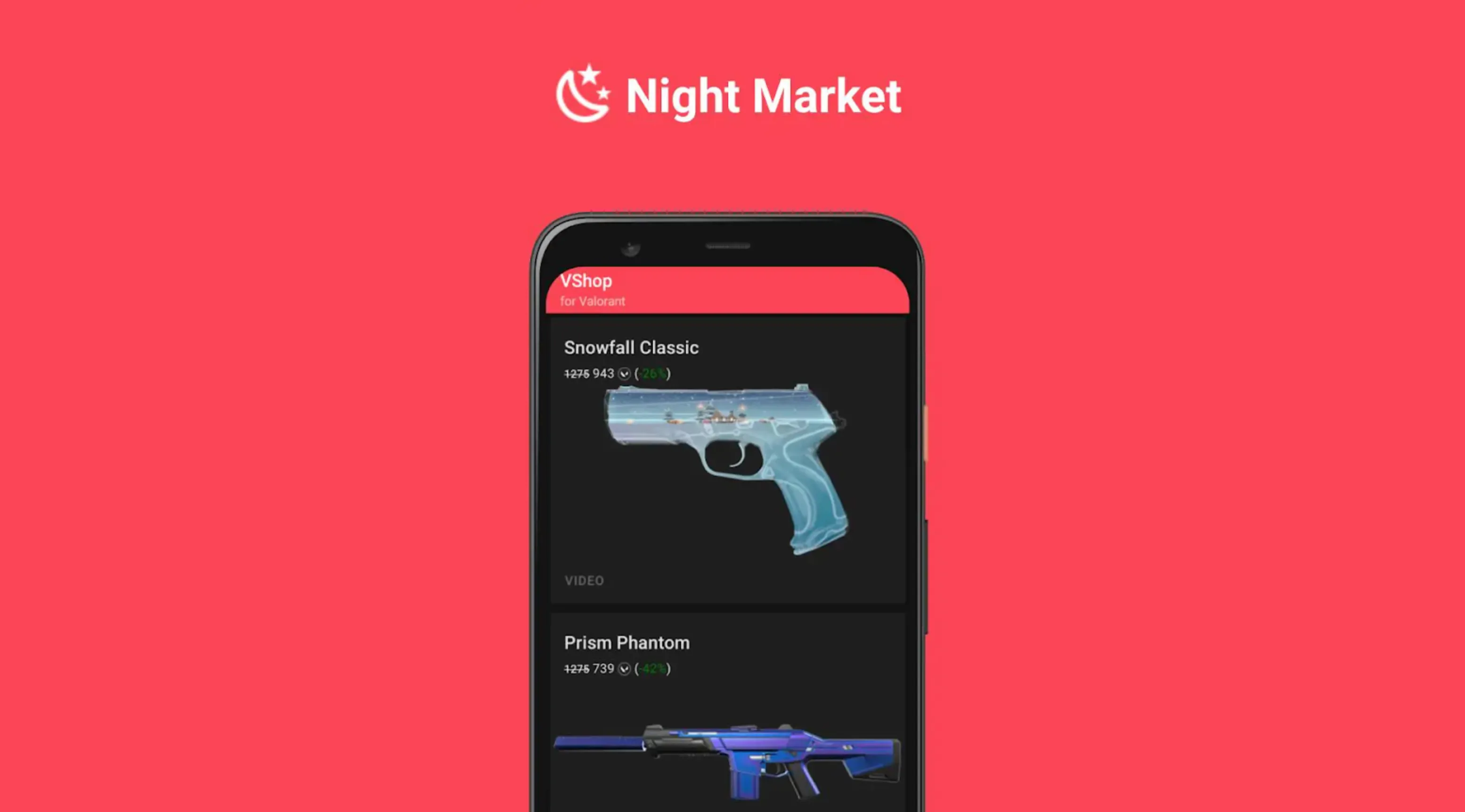
VShop is currently the most popular way for Android users to check their Valorant shop straight from their phone. The app shows your daily store rotation, Night Market offers, and even your account details like VP and Radianite, all without needing to open the full game. It’s created by an independent developer named Vasc, so it’s not an official Riot Games app, but it’s widely trusted by the Valorant community thanks to its accuracy and ease of use.
The app works on Android 7.0 or newer and is completely free. VShop displays everything exactly as you’d see it in the actual Valorant client—skin previews, prices, upgrade levels, and bundle info. You can even save skins to a wishlist and get notified when they show up in your shop, which makes it a great tool if you’re waiting for a specific knife or premium skin to return.
Since VShop isn’t hosted on the Google Play Store, you have to download it manually. The safest place to get the APK is the developer’s official GitHub or his website, vshop.one. After downloading the latest version, just open the file and install it—your device may ask you to allow installations from unknown sources, which is completely normal for apps downloaded outside the Play Store.
Once installed, launch VShop and log in using your Riot account credentials. Make sure you pick the right region (EU, NA, Asia Pacific, etc.), or your shop results won’t match your actual rotation. After logging in, the app instantly loads your daily shop, showing all four weapon skins, your Night Market (when available), and your current currency totals. The store updates automatically every time Riot refreshes the servers at midnight UTC, letting you check your shop anytime, anywhere.
#2: Using Valorant Store Checker Websites
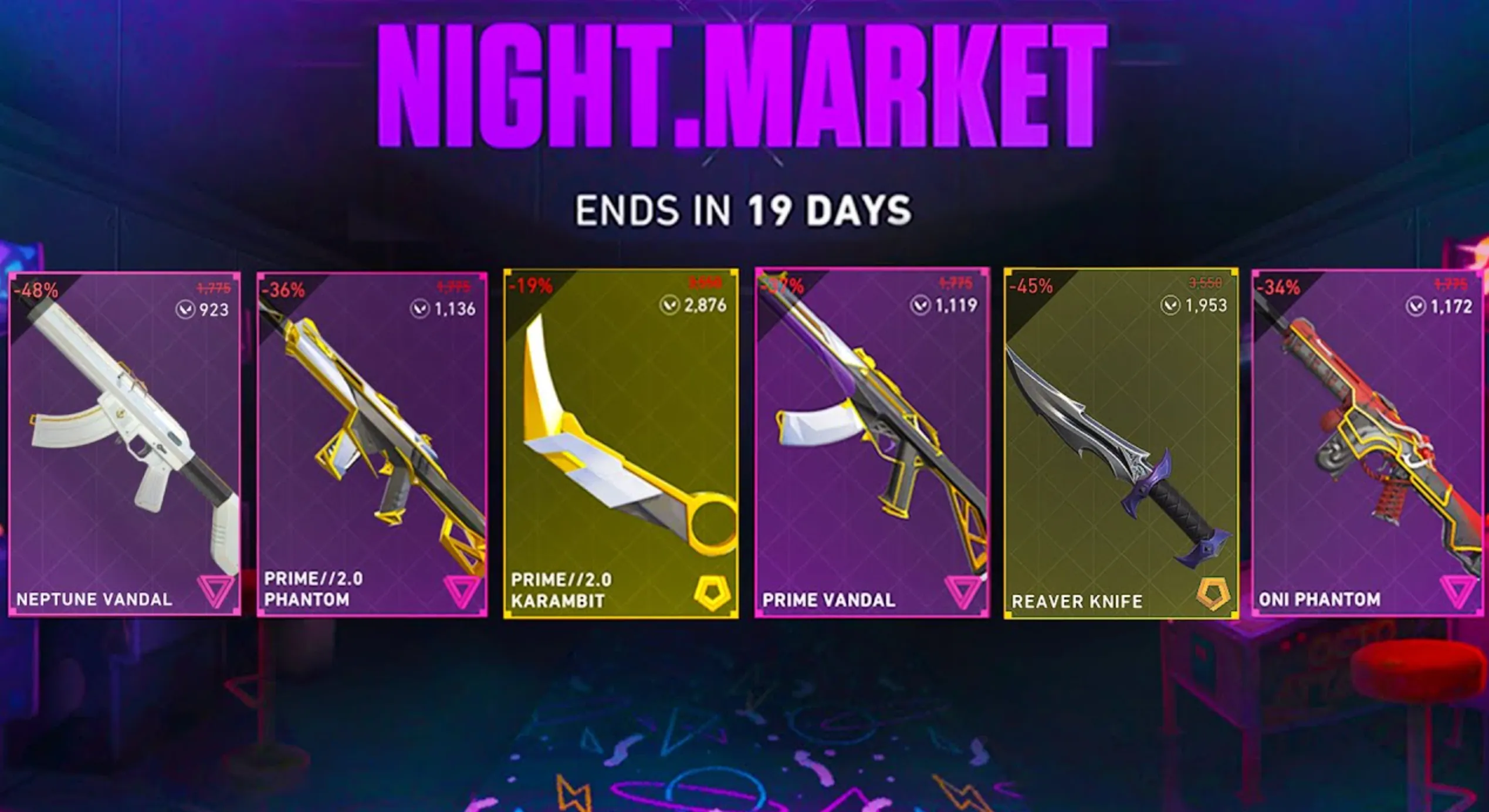
If you don’t want to install anything on your phone, browser-based Valorant shop checkers are another simple way to see your daily rotation. These websites work on any device — phone, tablet, or PC — and all you need is an internet connection. Just open the site, log in with your Riot account, and your shop will appear directly on the page.
One of the most reliable web tools right now is ValorHub. It lets you create an account, link your Riot credentials, and instantly view your current shop, Night Market offers, and even browse all available skins by weapon category. The site updates automatically when the shop refreshes at midnight UTC, so you’ll always see the newest rotation.
Be aware that many older shop checker websites were taken down because Riot issued DMCA removals against tools using their API without permission. Some sites may disappear overnight, which makes website checkers a bit less stable than apps or bots long-term.
Using these tools is easy: visit the site on your phone, make an account if needed, then sign in with your Riot username and password. Once connected, your daily shop will load instantly. You can save the site to your home screen for quick access, making it almost as convenient as a mobile app. The only requirement is having an internet connection, since the website needs to fetch your latest shop data directly from Riot’s servers.
#3: Check Your Valorant Store Through Discord Bots
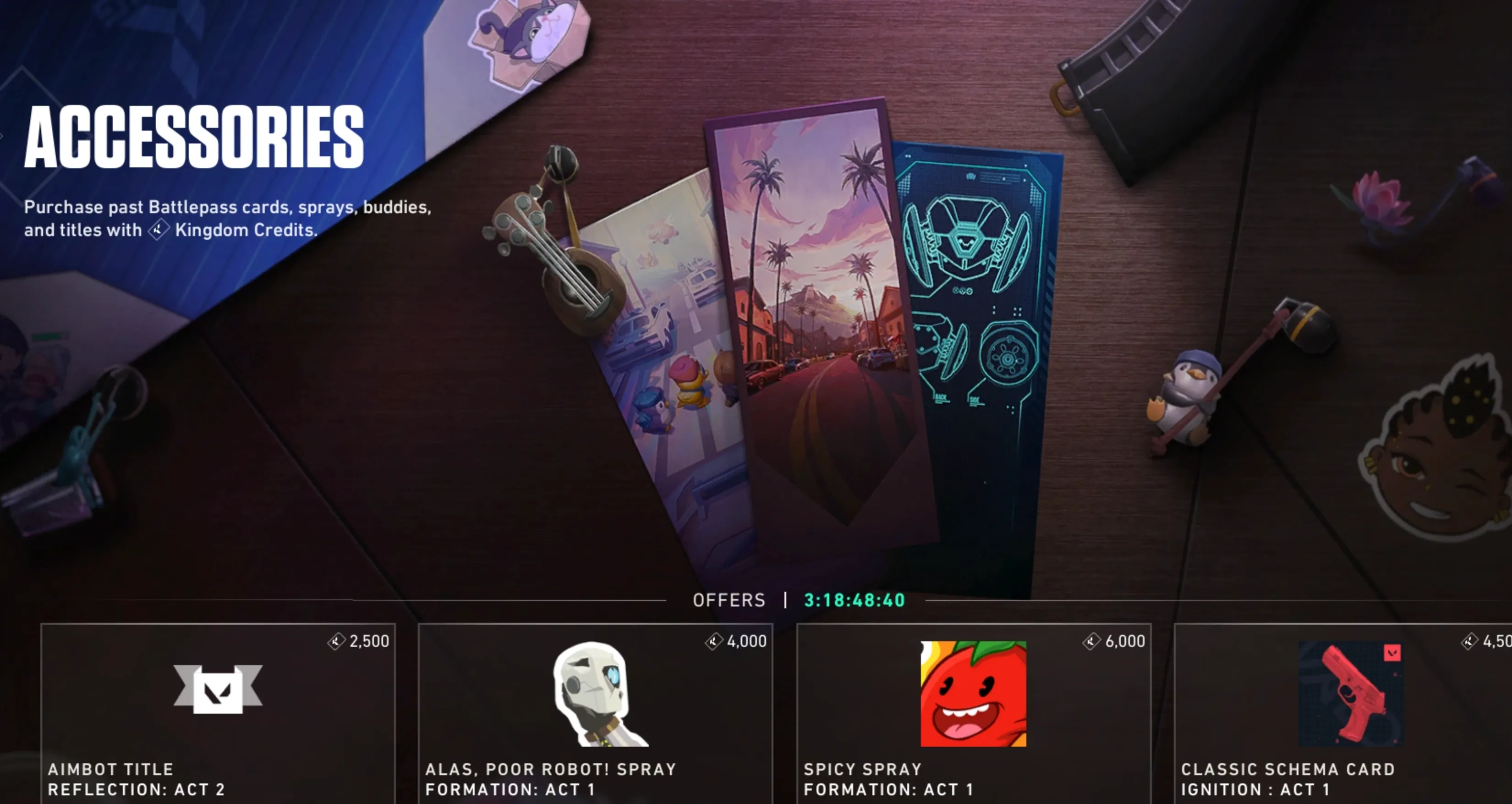
Another easy way to check your Valorant shop from your phone is by using Discord bots. Since Discord works on both iOS and Android, this method is perfect for players who can’t use apps like VShop or don’t want to install anything. These bots connect to Riot’s servers through temporary authentication, letting you see your daily shop rotation directly inside a Discord channel.
Several community-made bots can do this, with popular choices including Valorant Shop Bot and SkinPeek. They’re open-source projects, meaning the code is public and the bots don’t keep your login information. They only generate a short-term token to pull your shop data, then discard your credentials.
Getting started is simple: add the bot to a Discord server where you have permission to use slash commands. This can be your own private server or a server that already has the bot installed. Once the bot is available, open any channel and run the login command (usually /login) and enter your Riot username and password. After the bot verifies your account, it stores a session token that lets it read your item shop.
From there, you can type /shop to see your current daily rotation—complete with images, prices, and skin tiers. Most bots also support commands like /nightmarket to show your Night Market offers, and some even let you set alerts for specific skins so you’ll get a Discord notification the moment they appear in your shop. Since all of this works on Discord’s mobile app, checking your Valorant store becomes as quick and convenient as scrolling your messages.
Conclusion
Checking your Valorant shop from your phone makes keeping up with new skins way easier, especially when you’re not near your PC. Whether you use an app like VShop, a browser-based store checker, or a Discord bot, all three methods give you quick access to your daily rotation, Night Market offers, and account details. Each option has its own perks depending on your device and what you’re comfortable using, but they all help you stay updated without loading the full game. With these tools, you’ll never miss a skin you’ve been waiting for, and you can check your shop anytime, anywhere.
Posted On: November 28th, 2025
Recent Articles


Our 1v9 support team is available 24/7 to help you with any questions or issues you may have.
support@1v9.gg

-a6d5b3e156bb.webp)





Loading...
1v9.gg is not endorsed or affiliated by any game developers or publishers.
2026 1v9, All Rights Reserved, Created By Ritesh (riteshsahoo.com)