


Best Mouse DPI Settings For Marvel Rivals
Finding the best mouse DPI settings in Marvel Rivals is one of the easiest ways to instantly improve your aim, tracking, and overall control in fights. Since Marvel Rivals is a fast-paced hero shooter with a mix of close-range brawling, mid-range tracking, and ability-heavy combat, having the right sensitivity setup matters more than most players realize. A well-tuned DPI helps you land consistent shots, react faster during chaotic team fights, and stay precise when using movement-heavy heroes. In this sensitivity guide, we’ll break down how DPI works in Marvel Rivals, what settings most players prefer, and how to find a setup that feels smooth, accurate, and reliable so you can perform better no matter which hero you play.
What is DPI in Marvel Rivals

DPI in Marvel Rivals stands for Dots Per Inch, and it describes how sensitive your mouse is. In simple terms, DPI controls how far your cursor or crosshair moves on screen when you move your mouse physically. A higher DPI means your aim moves faster with smaller hand movements, while a lower DPI makes your aim slower and more controlled.
In Marvel Rivals, DPI works together with your in-game sensitivity to determine how precise your aiming feels. Since the game is a fast-paced hero shooter with a lot of movement, tracking, and close-range fights, having the right DPI helps you stay accurate without losing control. Too high, and your aim can feel shaky and inconsistent. Too low, and you may struggle to turn quickly or react during intense fights.
Most players use DPI to find a balance between speed and precision, then fine-tune everything using the in-game sensitivity slider. Getting this balance right makes aiming feel smoother, helps with tracking mobile heroes, and reduces over-flicking in chaotic team fights.
Best DPI Settings for Marvel Rivals
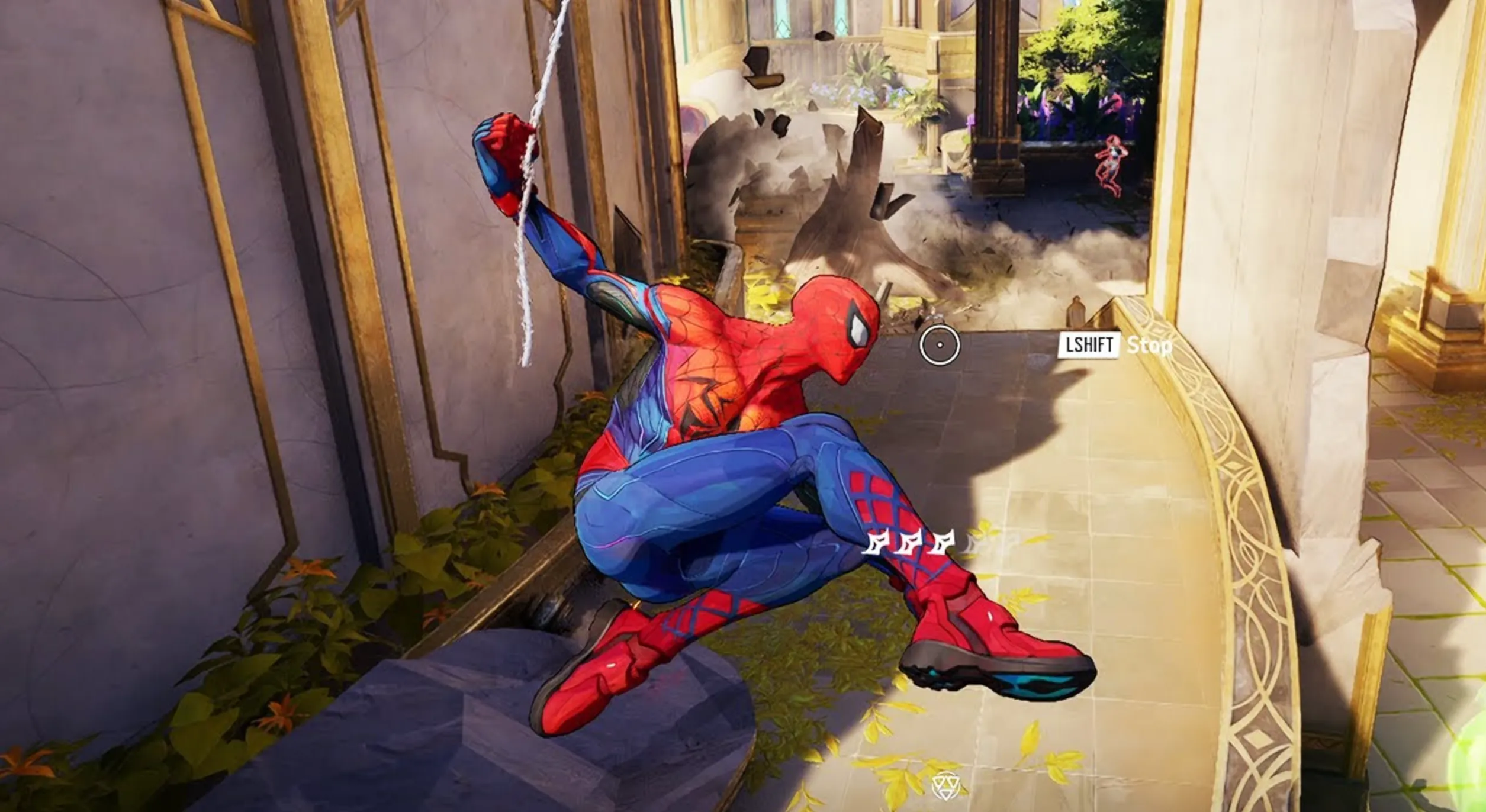
The best DPI settings for Marvel Rivals come down to control and consistency rather than raw speed. Since the game is a fast-paced hero shooter with a lot of movement, vertical fights, and ability-heavy combat, most players perform better with a lower DPI paired with a controlled in-game sensitivity. The most common and reliable setup is 800 DPI, which offers a clean balance between precision and quick reactions without making your aim feel shaky or uncontrollable. Some players prefer 400 DPI for maximum accuracy, especially if they use a large mousepad and rely heavily on tracking, while 1600 DPI can work only if the in-game sensitivity is kept very low. In general, sticking to a moderate DPI and adjusting sensitivity inside the game gives smoother aim, better tracking during team fights, and more consistent performance across different heroes. If your aim feels jittery or inconsistent, lowering sensitivity is almost always a better fix than raising DPI.
Conclusion
Finding the right mouse DPI settings in Marvel Rivals comes down to comfort, consistency, and control. A balanced setup with a moderate DPI and a well-tuned in-game sensitivity helps you aim more smoothly, track enemies better, and react faster during intense fights. There’s no single perfect setting for everyone, but starting with a stable DPI and adjusting sensitivity to match your playstyle will always give better results than constantly changing numbers. Once you lock in settings that feel natural, your muscle memory improves, your aim becomes more reliable, and your overall performance in Marvel Rivals gets noticeably better.
Posted On: January 3rd, 2026
Recent Articles


Our 1v9 support team is available 24/7 to help you with any questions or issues you may have.
support@1v9.gg


-a6d5b3e156bb.webp)





Loading...
1v9.gg is not endorsed or affiliated by any game developers or publishers.
2026 1v9, All Rights Reserved, Created By Ritesh (riteshsahoo.com)