

How To Fix League of Legends Friends List Not Loading Issue
If your League of Legends friends list refuses to load, you’re definitely not the only one dealing with it. This problem pops up from time to time, leaving players stuck on an empty or endlessly loading friends tab, unable to invite teammates or join lobbies. It’s frustrating, especially when you’re just trying to hop into a quick match with friends. The good news is that this issue is usually caused by simple connection glitches, client bugs, or temporary server hiccups—and all of them can be fixed. In this guide, we break down the most reliable solutions to get your friends list working again so you can jump back into the game without any delays.
#5: Restart the Client and Re-Log
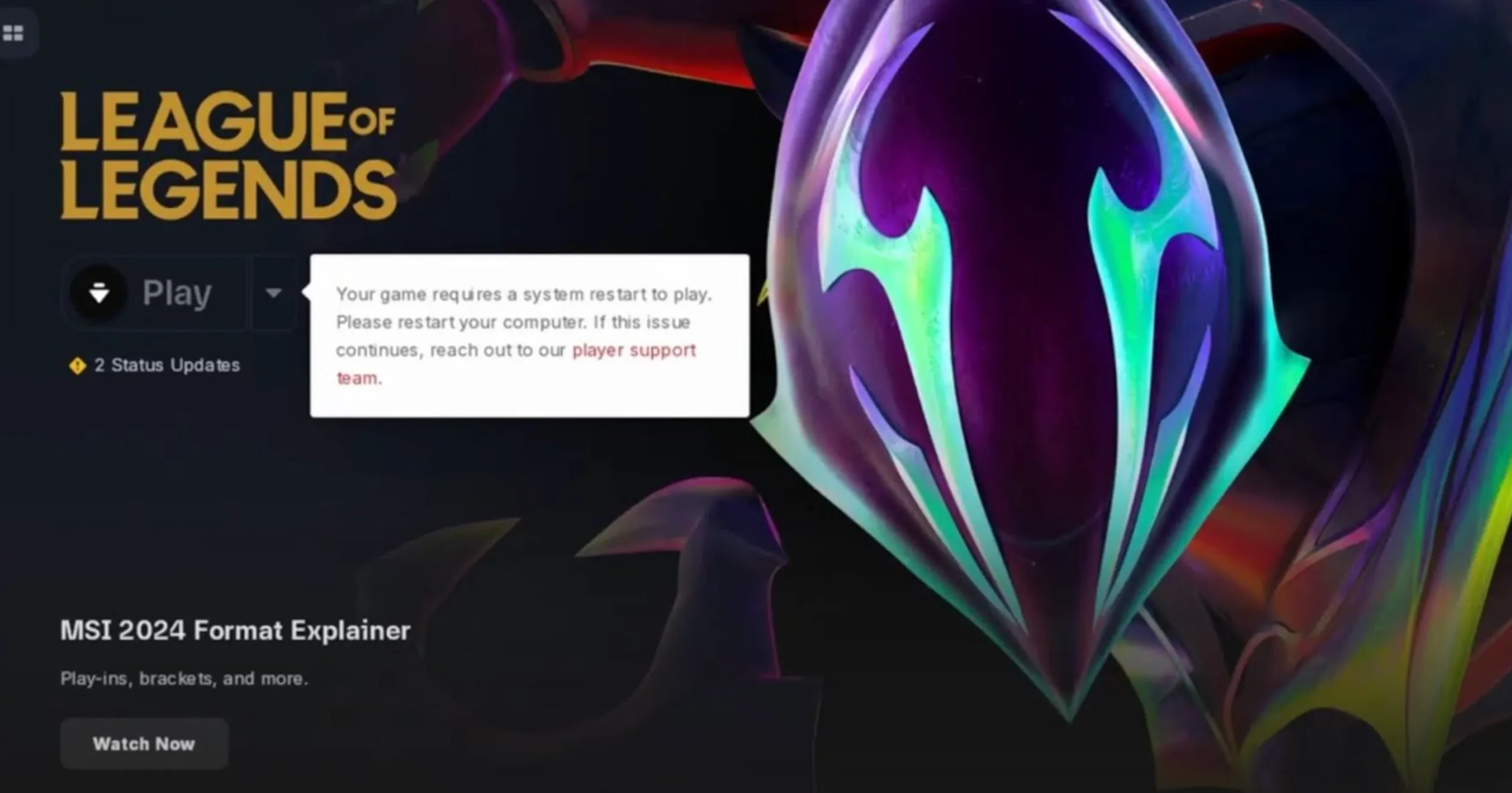
If your League of Legends friends list refuses to load, the first thing you should try is a simple restart. Close the client completely — not just the window, but the entire process — and launch it again. After reopening the game, log back into your account. This refreshes your connection to Riot’s servers and often clears temporary glitches that stop the friends list from appearing. It’s a quick fix, but you’d be surprised how often it solves the issue instantly.
#4: Adjust Compatibility Settings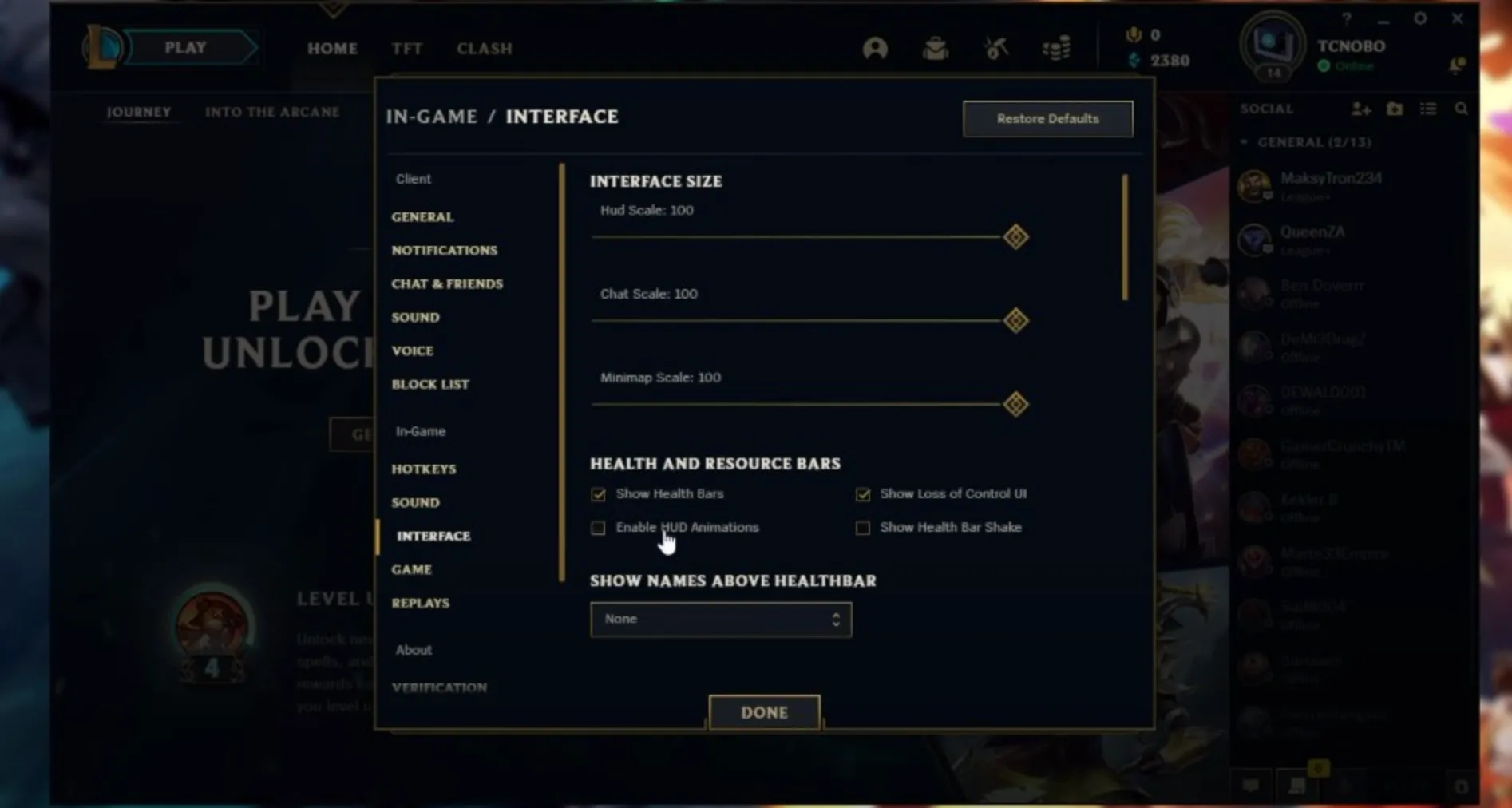
When the League of Legends friends list refuses to load, it can make the game feel completely disconnected, especially if you’re trying to queue with teammates or check who’s online. This issue is surprisingly common and usually comes down to simple client bugs, background conflicts, or settings that need a quick reset. In this guide, we break down the most effective fixes that players can use to get their friends list working again, from basic client restarts to system adjustments that restore proper connectivity, helping you jump back into the Rift without delays.
#3: Sync Your System Clock
A surprisingly common reason the League of Legends friends list refuses to load is a desync between your system clock and Riot’s servers. If your PC’s time or date is even slightly off, the client may struggle to authenticate your social features, which leads to the friends list staying empty or stuck on “Fetching Data.” To fix this, head into your system’s date and time settings and enable automatic time syncing. Once your clock updates, restart the League client and check your friends list again — in most cases, it loads instantly once your PC matches Riot’s server time.
#2: Check Your Firewall and Antivirus Settings
Sometimes your firewall or antivirus can block League of Legends from communicating with the server, which leads to features like the friends list failing to load. Make sure both your firewall and antivirus aren’t restricting Riot Client, LeagueClient.exe, or any of the game’s background services. Adding them to the allowed list usually fixes the issue instantly. If you recently installed a new security program or updated your existing one, double-check its permissions, as these updates can silently change rules. After adjusting everything, restart the client to see if the friends list appears normally again.
#1: Clear the Client Cache and Restart the Router
When the friends list refuses to load, the most reliable fix is clearing out the League client’s cache and refreshing your network connection. Inside the Riot Games folder, delete the “Config” and “Logs” folders to wipe corrupted temporary files that commonly break social features. Once that’s done, restart both your client and your router so you reconnect with a clean session. This forces League to rebuild fresh data and reconnect to Riot’s servers properly, which often brings the friends list back instantly and fixes most of the stubborn connection-related bugs.
Conclusion
If your League of Legends friends list isn’t loading, the issue usually comes down to a simple network or client hiccup, and going through these fixes step-by-step almost always solves it. Restarting the client, adjusting compatibility settings, syncing the system clock, checking your firewall, and clearing the cache are all quick actions that can restore the social features back to normal. Once everything is running smoothly again, your friends list should update instantly, letting you get back to queueing, chatting, and playing without interruptions.
Posted On: December 8th, 2025
Recent Articles


Our 1v9 support team is available 24/7 to help you with any questions or issues you may have.
support@1v9.gg

-a6d5b3e156bb.webp)





Loading...
1v9.gg is not endorsed or affiliated by any game developers or publishers.
2026 1v9, All Rights Reserved, Created By Ritesh (riteshsahoo.com)