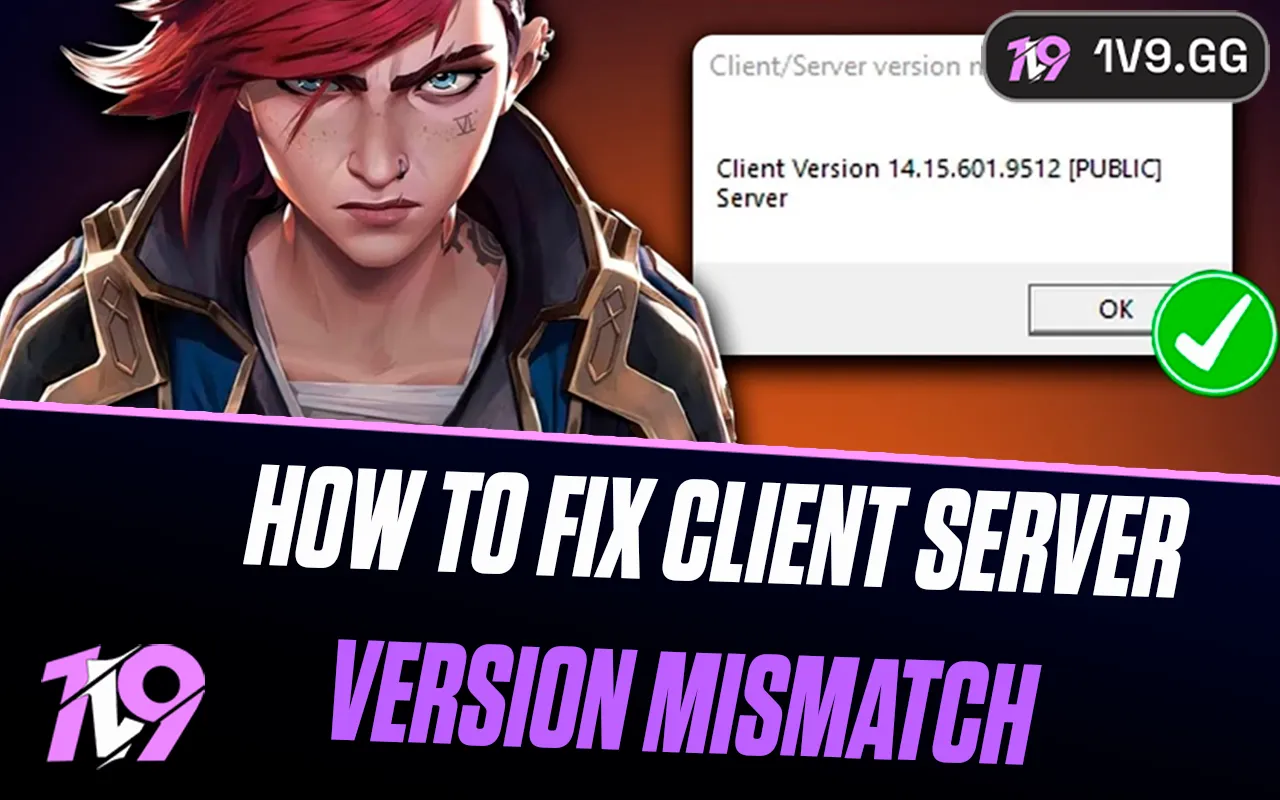


A client/server version mismatch normally means Riot is deploying a patch or your local client has not finished updating. Check the regional Riot status page first, then close every Riot and League process, reopen Riot Client, and let it patch before attempting repair or reinstall.
Related 1v9 reading: how to check League server status.
Fixes in the safest order
- Check Riot status and patch timing. Select the correct region. During deployment, waiting is safer than reinstalling.
- Exit Riot completely. Close League and Riot Client, then end only clearly named Riot/League processes in Task Manager or Activity Monitor.
- Reopen Riot Client as normal. Let downloads and verification finish; do not launch from an old desktop shortcut while it patches.
- Confirm the account region. A wrong shard or transferred account can produce misleading connection errors.
- Use Riot’s supported repair flow. Collect logs and contact Player Support if repair does not resolve the mismatch.
- Reinstall last. Restart first, preserve screenshots/configs you care about, then use Riot’s official installer.
What not to do
Do not delete arbitrary patch-cache or system folders, edit the registry, disable antivirus or firewall protection, install a “client fixer,” or copy executables from another computer. Those steps can create a larger security or integrity problem than the original patch mismatch.
When the client is current but the error remains
Restart the computer and router, then test Riot Client once on a normal wired or trusted home connection. A VPN, captive portal, corporate proxy or stale DNS path can route the client differently from the game service. Disable only the optional VPN—not the firewall or security suite—and retest. On macOS, use the current Riot installer and verify that the app is in Applications; on Windows, allow Riot Client to complete its normal elevation prompt.
If friends in the same region see the same mismatch, it is probably deployment-side. If only one computer fails after a clean restart and supported repair, attach Riot Client logs to a Player Support ticket. Include the region, exact error text and time; never publish account credentials or authentication codes.
Match the symptom to the next safe step
- Status page shows maintenance: wait for Riot to finish the deployment and restart the client afterward.
- Only one stale League process remains: end it normally, then reopen Riot Client once.
- Client offers an update: allow it to finish before launching League.
- Repair finds damaged files: let the supported repair complete and reboot.
- The same error survives repair on one computer: collect logs and contact Riot Support before reinstalling.
Reinstallation is the last step because it consumes time without fixing a regional outage or incomplete server rollout. Use only Riot’s official installer and preserve screenshots of the error for the support ticket.
Sources and update policy
Primary verification: Riot Games Service Status. Time-sensitive mechanics, availability and prices should be rechecked after major patches.


-a6d5b3e156bb.webp)





