- Home
Games
 League of Legends
 Valorant
-a6d5b3e156bb.webp) Fortnite
Fortnite Call of Duty
 Clash of Clans
 Counter-Strike 2
 Roblox
 Rainbow Six Siege
 Clash Royale
 Minecraft
 Rocket League
 Dota 2
 Genshin Impact
 Squad Busters
 Rust
Rust Apex Legends
 Pokemon Go
 XDefiant
 LoL: Wild Rift
 Hay Day
 Diablo 4
 FC 25
FC 25 Marvel Rivals
 World of Warcraft
 Destiny 2
 Deadlock
-9ede9dc6b01b.webp) PUBG Mobile
PUBG Mobile The Finals
 Growtopia
 Forza Horizon 5
 Honkai: Star Rail
 Warframe
 8 Ball Pool
 Zenless Zone Zero
 Path of Exile
 Runescape 3
 Raid: Shadow Legends
 Lost Ark
 WoW: Classic Era
 Summoners War
 WoW: Season of Discovery
 WoW Cataclysm
 WoW: Hardcore
 Throne and Liberty
 New World
 Mobile Legends
 Escape From Tarkov
 Path of Exile 2
 Blade Ball
 Fisch
Fisch Pet Simulator 99
 Pets Go
-d8bcef7708c7.webp) One Piece Bounty
One Piece Bounty Anime Adventures
 Blox Fruits
 Adopt Me
 Murder Mystery 2
 Fragpunk
 Wuthering Waves
 Teamfight Tactics
 Free Fire
 Albion Online
 Black Desert Online
 Honor of Kings
 Brawl Stars
 Arena of Valor
 Call of Duty: Mobile
 Rematch
 Steal a Brainrot
 Grow a Garden
 FC 26
FC 26 Old School Runescape
 Plants vs Brainrots
 Overwatch
 Battlefield
 Arc Raiders
 Dragon Ball Legends
 Fallout 76
 Jailbreak
 Type Soul
 GPO
GPO DonutSMP
 Escape Tsunami For Brainrots
 Watcher of Realms
 Roblox Rivals
 2XKO
2XKO Sailor Piece
 Forza Horizon 6
 GTA 5
GTA 5- Lootboxes
- Become Affiliate
- Blog
- Contact Us
- Sign In
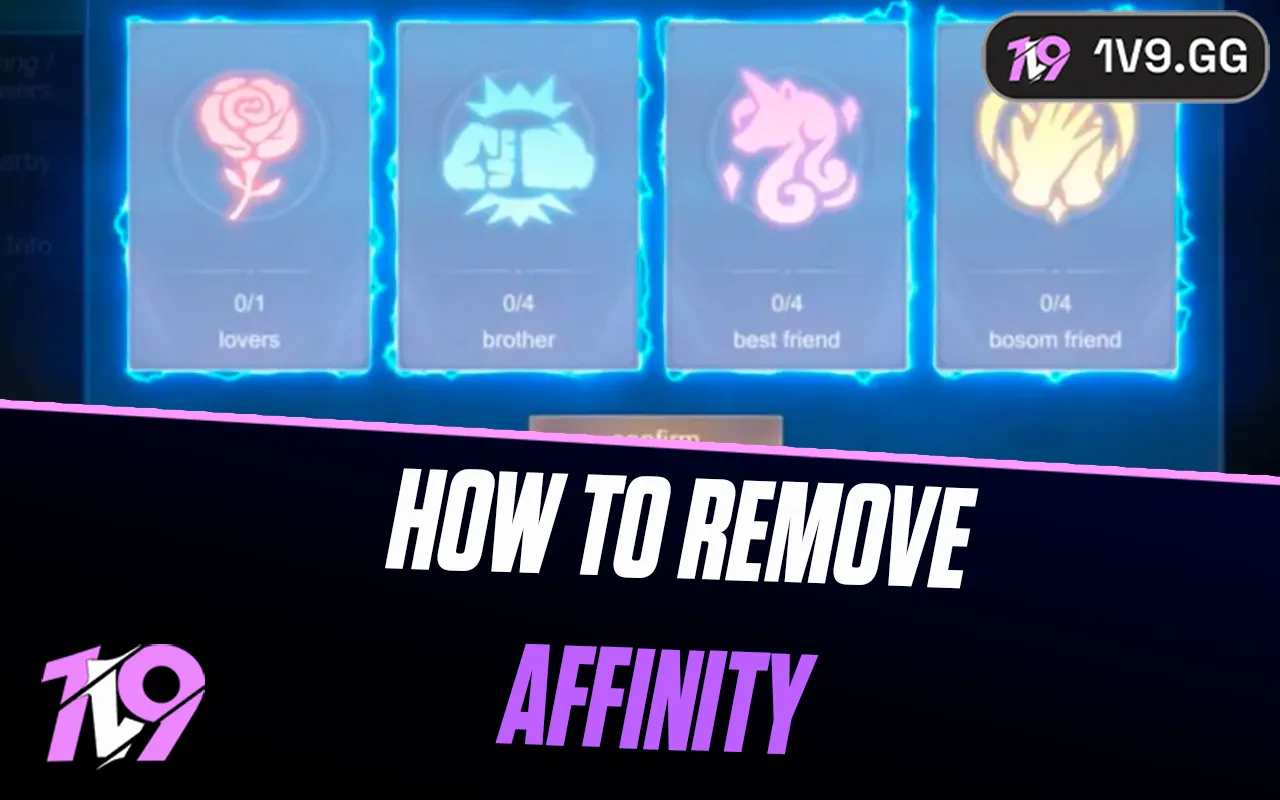

How to Remove Affinity in Mobile Legends (2026)
To remove an Affinity in Mobile Legends, open Friends, choose Close Friends or Affinity, tap the remove/trash icon beside the relationship, and confirm the request. The bond ends immediately if the other player accepts. If they have been offline for more than 30 days, the client may approve the removal immediately.
Menu labels vary slightly by client and region. Read the timer on your own confirmation screen: maintained references disagree on what happens after seven days without a response.
How to end an MLBB Affinity
- Open Friends from the MLBB lobby.
- Select Close Friends or the current Affinity section.
- Find the Partner, Bro, Bestie or Confidant relationship you want to end.
- Tap the trash/remove icon beside that player.
- Read the warning, then confirm the termination request.
The other player can approve the request to end the Affinity immediately. Multiple community references also document immediate approval when the other account has been offline for more than 30 days. For an ordinary unanswered request, use the countdown and wording displayed by your current client rather than assuming an old seven-day rule.
Do you lose Familiarity points?
Ending only the Affinity normally preserves the Familiarity points built with that player. That lets you establish a different relationship type later without starting the shared progress from zero.
Removing or unfollowing the player from your friends list is the destructive option: maintained MLBB references document that it resets the Familiarity record. Use that only if you intend to clear the relationship progress, not simply free an Affinity slot.
How to hide Affinity without ending it
If privacy is the goal, open Settings → Privacy and look for the Close Friends/Affinity visibility control. Hiding the badge does not terminate the relationship or erase Familiarity. The other player’s own privacy choice can still affect what appears on their profile.
You can keep the bond and use that switch instead of sending a removal request. Social features do not affect matchmaking skill or rank; if your goal is to improve match performance, work on the fundamentals in these Mobile Legends beginner tips without changing Affinity.
Why the remove option may not work
- A request is already pending: check the relationship request list and current countdown.
- The menu moved: open Friends first, then Close Friends/Affinity rather than the general profile page.
- The client is stale: update MLBB from the official app store and restart it.
- The wrong player is selected: verify the name and relationship badge before confirming.
- A sync problem persists: capture the screen and contact in-game Customer Service; do not repeatedly unfriend and re-add the account.
If the relationship issue is tied to sending a cosmetic or currency value, the MLBB gifting guide explains the separate friendship and gift-eligibility rules.
MLBB Affinity removal FAQ
Can I remove Affinity without the other person?
You can send the request yourself. Immediate completion depends on the other player accepting or the client applying its inactive-account rule.
Can I change Partners to Besties?
End the current Affinity, keep the person friended so Familiarity remains, then establish the new type when the slot and live requirements allow it.
Does removing Affinity affect rank?
No. It changes a social relationship and its badge, not your Rank, MMR or match history.
Sources and update policy
The removal path, 30-day inactivity behavior and Familiarity retention were cross-checked against the current client flow and several maintained MLBB community references. Because published descriptions conflict on unanswered seven-day requests, this page defers to the timer shown in the live client.
Posted On: April 3rd, 2026
Recent Articles


Our 1v9 support team is available 24/7 to help you with any questions or issues you may have.
support@1v9.gg
Loading...
1v9.gg is not endorsed or affiliated by any game developers or publishers.
2026 1v9, All Rights Reserved, Created By Ritesh (riteshsahoo.com)