

How To Link Brawl Stars To Supercell ID and Save Your Progress
Millions of players spend months building their accounts in Brawl Stars, unlocking brawlers, collecting skins, and pushing their trophy count higher every season. But none of that progress is truly safe unless the account is connected to Supercell ID, the official account system used across Supercell games.
Unlike some mobile games that automatically save your progress to the device, Brawl Stars requires players to link their account manually. If your account isn’t connected to Supercell ID, something as simple as deleting the app, switching phones, or resetting your device can cause you to lose everything tied to that profile.
Linking your account solves this problem by attaching your progress to an email address instead of the device itself. Once it’s connected, your trophies, brawlers, skins, and other items are stored securely and can be restored anytime by logging into your Supercell ID on another device.
In this guide, we’ll walk through how to link your Brawl Stars account to Supercell ID, why it’s important for protecting your progress, and how it makes managing your account across different devices much easier.
What Is Supercell ID and How Does It Works?
Supercell ID is the official account system created by Supercell that allows players to safely store their progress in Brawl Stars and other Supercell titles. Instead of saving your account directly to a phone or tablet, Supercell ID links your game progress to an email address, which keeps everything stored securely online.
Once your account is connected, all of your progress — including brawlers, trophies, skins, and other items — is saved in the cloud. This means you can log in from another device and immediately continue playing without losing anything. The same Supercell ID can also be used across multiple Supercell games like Clash of Clans, Clash Royale, Boom Beach, and Hay Day, making it a single login for several titles.
Unlike traditional account systems, Supercell ID does not rely on a permanent password. When you log in on a new device, the system sends a six-digit verification code to your registered email address. Entering that code confirms your identity and grants access to the account. This extra step helps protect accounts from unauthorized logins.
Another important advantage of Supercell ID is flexibility. Services like Google Play or Apple Game Center usually connect your progress to a specific platform, which can make switching between Android and iOS more complicated. Supercell ID works independently from those systems, allowing you to access your Brawl Stars account on almost any device regardless of the operating system.
After your account is linked, Supercell ID becomes the main way to sign in. Platform services such as Google Play or Game Center may still track achievements, but they no longer control access to the account itself. Because of this, it’s important to register the Supercell ID using an email address you actively use and won’t lose access to in the future.
How to Connect Your Brawl Stars Account to Supercell ID
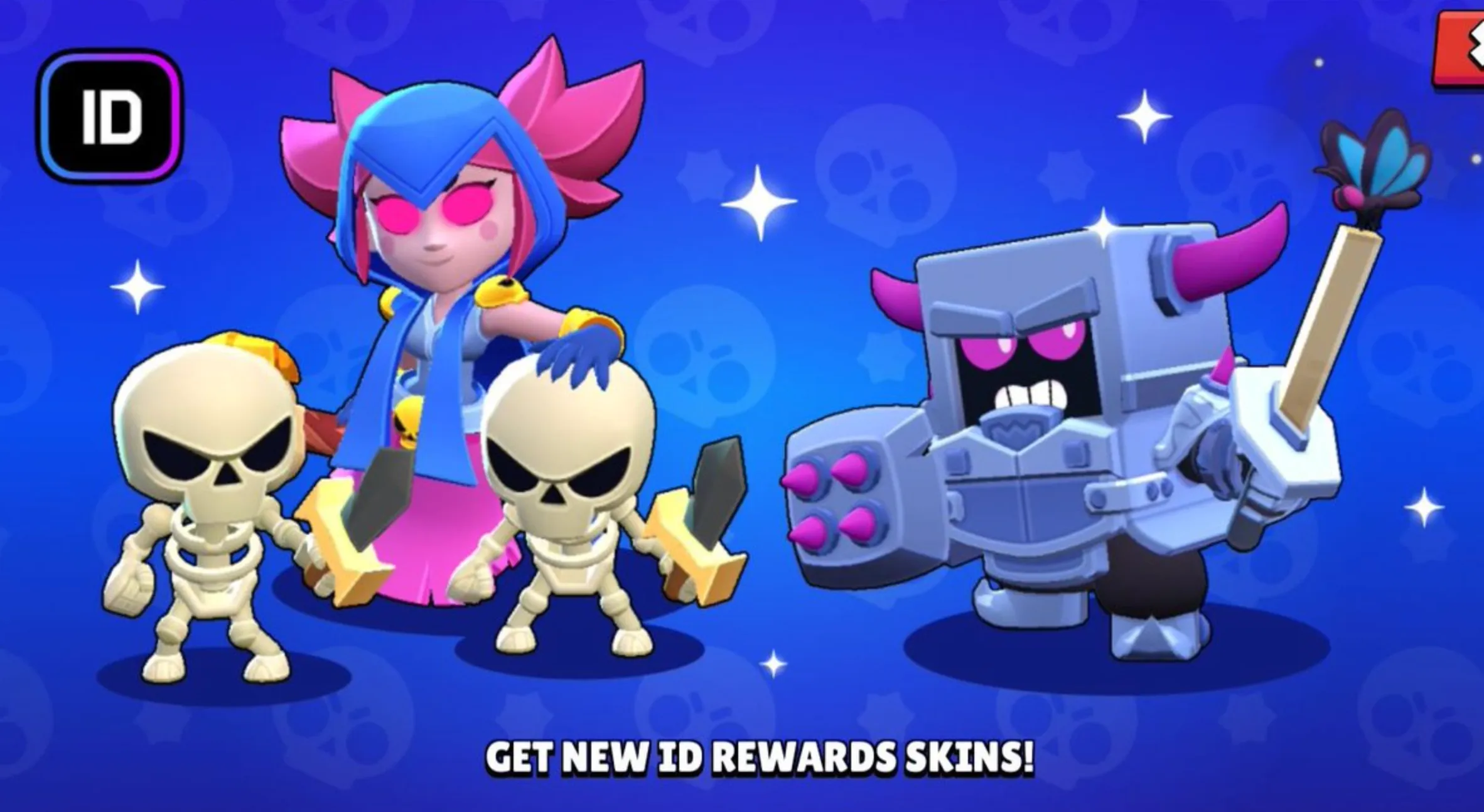
Connecting your Brawl Stars account to Supercell ID only takes a minute and is the best way to make sure your progress stays safe. Once the account is linked, your trophies, brawlers, skins, and other items are stored online instead of only on your device. That means you can log in from another phone or tablet and continue playing without losing anything.
Follow these steps to link your account:
1. Open Brawl Stars and tap the gear icon in the top-right corner to open the Settings menu.
2. Find the Supercell ID option. If your account isn’t connected yet, it will show as Disconnected.
3. Tap the button and choose Register Now if you’re creating a new Supercell ID, or Sign In if you already have one from another Supercell game.
4. Enter an email address you regularly use and will always have access to.
5. Check your email inbox for a six-digit verification code sent by Supercell.
6. Enter the code in the game to confirm the connection.
Once the process is complete, your Brawl Stars account will be fully linked and safely stored in the cloud.
If you already use a Supercell ID for games like Clash of Clans or Clash Royale, you can sign in with the same email. Doing this connects your Brawl Stars progress to that existing Supercell ID so all your Supercell games can be accessed through one account.
During the login process, it’s also a good idea to enable “Remember me on this device.” This saves your login locally so you won’t need to enter a new verification code every time you open the game on that device. If you leave it disabled, the system will send a new login code to your email whenever you sign in.
Brawl Stars Supercell ID Problems and How to Fix Them
Most issues players encounter while linking their Brawl Stars account to Supercell ID are fairly common and usually easy to solve. In many cases, the problem is related to the game version, email delivery, or device connection. Below are some of the situations players run into most often and the steps that usually resolve them.
Supercell ID Button Not Showing
If the Supercell ID option doesn’t appear inside the game settings, the most likely cause is an outdated version of the app or a temporary issue caused by background processes.
Start by completely closing the game and reopening it. Then check your app store to make sure Brawl Stars is updated to the latest version. If the option still doesn’t appear, restarting the device can also help clear temporary conflicts.
If none of these steps bring the option back, the safest solution is to contact Supercell Support through the in-game help section and request assistance with the account.
Verification Code Not Arriving
Sometimes the login code sent by Supercell doesn’t show up in your email inbox. This usually happens when the message is filtered into spam or blocked by the email provider.
First, check your spam or junk folder and search your inbox for “Supercell ID.” If you requested multiple login codes, remember that only the newest code will work, so older ones automatically become invalid.
If emails still don’t appear, request a new code and wait a minute before trying again. In some cases, switching to a major email provider such as Gmail or Outlook can help avoid filtering problems.
Unexpected Logouts
Getting logged out of your account unexpectedly can happen when the internet connection is unstable or when the same account is being used on multiple devices at once.
To fix this, make sure your connection is stable and try restarting the game. Clearing the app cache or reinstalling Brawl Stars can also solve issues caused by corrupted local data. Avoid logging into the same account simultaneously across different devices whenever possible.
When to Contact Supercell Support
If the issue continues after trying the steps above, you can reach out to **Supercell Support directly through the Help and Support section in the game settings. When submitting a request, include your player tag, the email connected to your Supercell ID, and any purchase receipts if available. Providing detailed information helps the support team verify your account faster and restore access if something went wrong.
FAQs
Can one Supercell ID be used for multiple Brawl Stars accounts?
No. Every Brawl Stars account must be connected to its own Supercell ID and email address. Even though you can store several accounts on the same device, each profile still requires a separate login. The game allows players to save many Supercell IDs on one device, and enabling the “Remember me on this device” option makes switching between those accounts much faster since you won’t need to request a verification code every time.
Is it possible to change the email connected to a Supercell ID?
Yes, the email tied to your Supercell ID can be updated through the game settings. Open the settings menu, tap Supercell ID, and choose the option to change the email address. The system will send a confirmation code to your current email so you can verify the change. If you no longer have access to that email account, the only way to update it is by contacting Supercell support and proving ownership of the account.
Can Supercell combine two Brawl Stars accounts into one?
No, account merging is not available. Even if several accounts are saved on the same phone or tablet, each Brawl Stars profile remains completely separate. Supercell support also cannot merge accounts manually, so progress from two different accounts cannot be combined into a single profile.
Conclusion
Linking your Brawl Stars account to Supercell ID is one of the most important steps you can take to protect your progress. Without it, your account is tied only to the device you’re playing on, which means a lost phone, reinstall, or device reset could erase everything you’ve worked for. By connecting your account to Supercell ID, your brawlers, trophies, skins, and purchases are safely stored in the cloud and can be recovered anytime.
Beyond security, Supercell ID also makes managing your account much easier. It allows you to switch devices, log in from different platforms, and keep your progress synced without worrying about losing access. Whether you’re planning to upgrade your phone, play on multiple devices, or simply want peace of mind, linking your Brawl Stars account to Supercell ID ensures your progress stays safe and accessible whenever you need it.
Posted On: March 12th, 2026
Recent Articles


Our 1v9 support team is available 24/7 to help you with any questions or issues you may have.
support@1v9.gg


-a6d5b3e156bb.webp)





Loading...
1v9.gg is not endorsed or affiliated by any game developers or publishers.
2026 1v9, All Rights Reserved, Created By Ritesh (riteshsahoo.com)