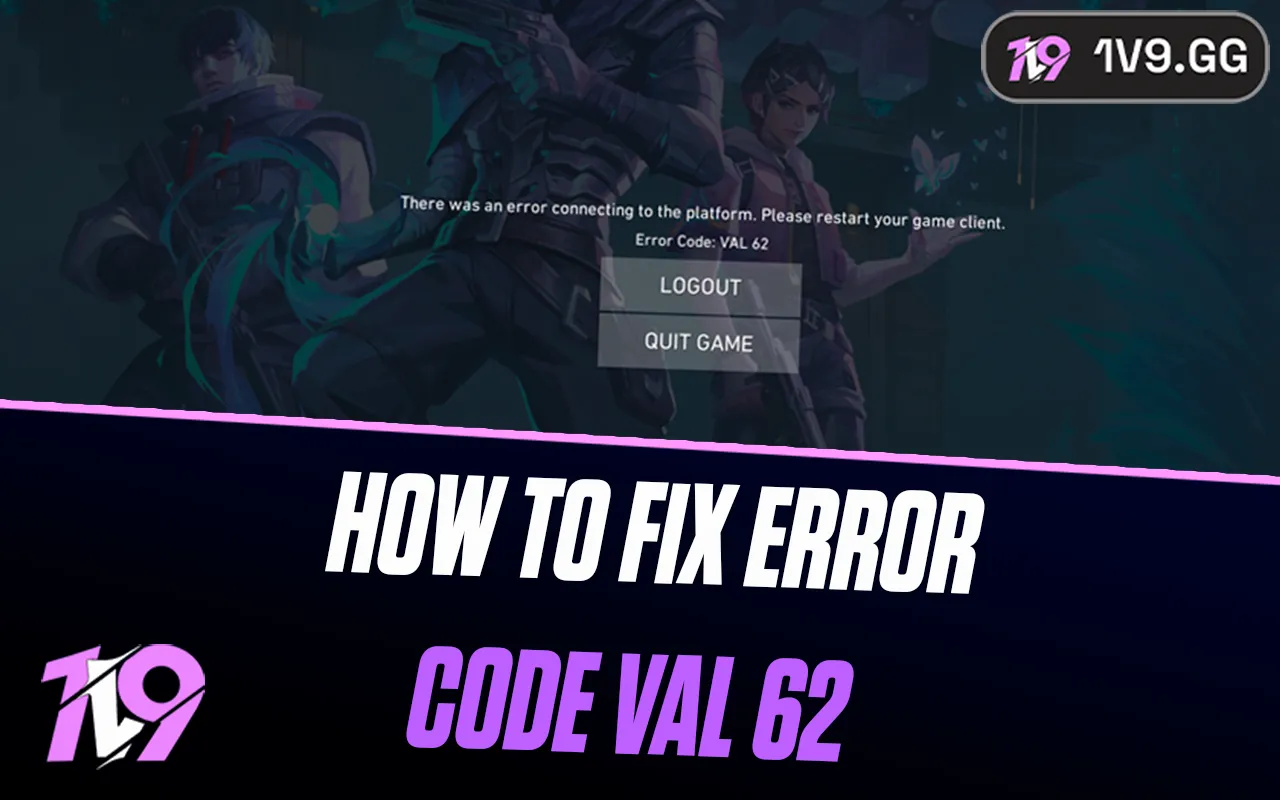


How To Fix Valorant Error Code VAL 62? (Complete Guide)
Valorant Error Code VAL 62 usually shows up when the game fails to properly connect to Riot’s servers. It can happen for several reasons, like temporary server issues, unstable internet connections, background apps interfering with the client, or outdated system settings. When this error appears, it often blocks you from logging in or kicks you out before you can even reach the main menu. In this guide, we’ll break down what causes VAL 62 and walk you through the most effective fixes so you can get back into Valorant as quickly as possible without unnecessary trial and error.
What Causes VAL 62 in Valorant?
VAL 62 is an error that points to a communication problem between your Valorant client and Riot’s servers. In simple terms, the game is trying to connect but something is getting in the way. This can be caused by temporary server outages, ongoing maintenance, corrupted or outdated game files, an unstable internet connection, or security software like firewalls and antivirus programs blocking the connection. Issues with Riot Vanguard, Valorant’s anti-cheat system, can also trigger this error if it isn’t running properly.
In some cases, the problem is completely on Riot’s side. If servers are down or undergoing maintenance, the only real solution is to wait it out. More often, though, VAL 62 happens because of local issues such as network interruptions, background programs interfering with the client, or system settings that need a quick update or reset.
How To Fix Valorant Error Code VAL 62
If you’re running into VAL 62, the good news is that it’s usually fixable with a few straightforward checks. Work through the steps below in order, starting with the simplest ones first.
1. Restart the Riot Client and Your PC
Temporary bugs and background conflicts are more common than you’d think. Fully close Valorant and the Riot Client, restart your computer, then open the game again. This alone often clears the error.
2. Reboot Your Router
Connection hiccups can trigger VAL 62. Power off your router, wait a few minutes, then turn it back on. Once your internet is fully restored, launch Valorant and check if the issue is gone.
3. Check Riot’s Server Status
Before changing system settings, make sure the problem isn’t on Riot’s end. If servers are down or under maintenance, there’s nothing to fix locally and waiting is the only option.
4. Update Valorant and Riot Vanguard
Outdated files can cause connection problems. Open the Riot Client, install any available updates for Valorant or Vanguard, then restart your PC to make sure everything loads correctly.
5. Reset Your Network Configuration
Flushing your DNS and refreshing your IP can solve stubborn network issues. Open Command Prompt as administrator and run these commands one at a time:
• ipconfig /release
• ipconfig /renew
• ipconfig /flushdns
Afterward, restart your computer and try again.
6. Make Sure the VGC Service Is Running
Riot Vanguard relies on the VGC service. Press Windows + R, type services.msc, and hit Enter. Find “vgc,” open its properties, set the startup type to Automatic, and start the service if it isn’t already running.
7. Temporarily Disable Firewall or Antivirus
Security software can sometimes block Valorant’s connection. Turn off your firewall or antivirus briefly to test. If the game works, add Valorant and Riot Vanguard to the exception list instead of keeping protection disabled.
8. Reinstall Riot Vanguard
If Vanguard is corrupted, uninstall it from your system, restart your PC, then launch Valorant. Vanguard will reinstall automatically and often resolves the error.
9. Change Your DNS Servers
Switching to a public DNS can improve connection stability. In your network adapter settings, set your DNS to:
• Preferred: 8.8.8.8
• Alternate: 8.8.4.4
Save the changes and restart your connection.
Going through these steps usually fixes VAL 62 for most players. If none of them work, the issue is likely server-related and should clear up once Riot resolves it on their side.
Conclusion
Valorant Error Code VAL 62 can be frustrating, but in most cases it’s not a permanent problem. Whether the issue comes from a temporary server outage, a network hiccup, or something like Riot Vanguard not running correctly, the fixes are usually simple and quick to apply. By checking Riot’s server status first and then working through basic steps like restarting your client, resetting your connection, and making sure Vanguard is set up properly, you can get back into the game without much hassle. If the error keeps showing up even after trying everything, it’s often a sign that the problem is on Riot’s side and will resolve on its own. With a bit of patience and the right troubleshooting, VAL 62 doesn’t have to keep you out of your matches for long.
Posted On: January 15th, 2026
Recent Articles


Our 1v9 support team is available 24/7 to help you with any questions or issues you may have.
support@1v9.gg

-a6d5b3e156bb.webp)





Loading...
1v9.gg is not endorsed or affiliated by any game developers or publishers.
2026 1v9, All Rights Reserved, Created By Ritesh (riteshsahoo.com)