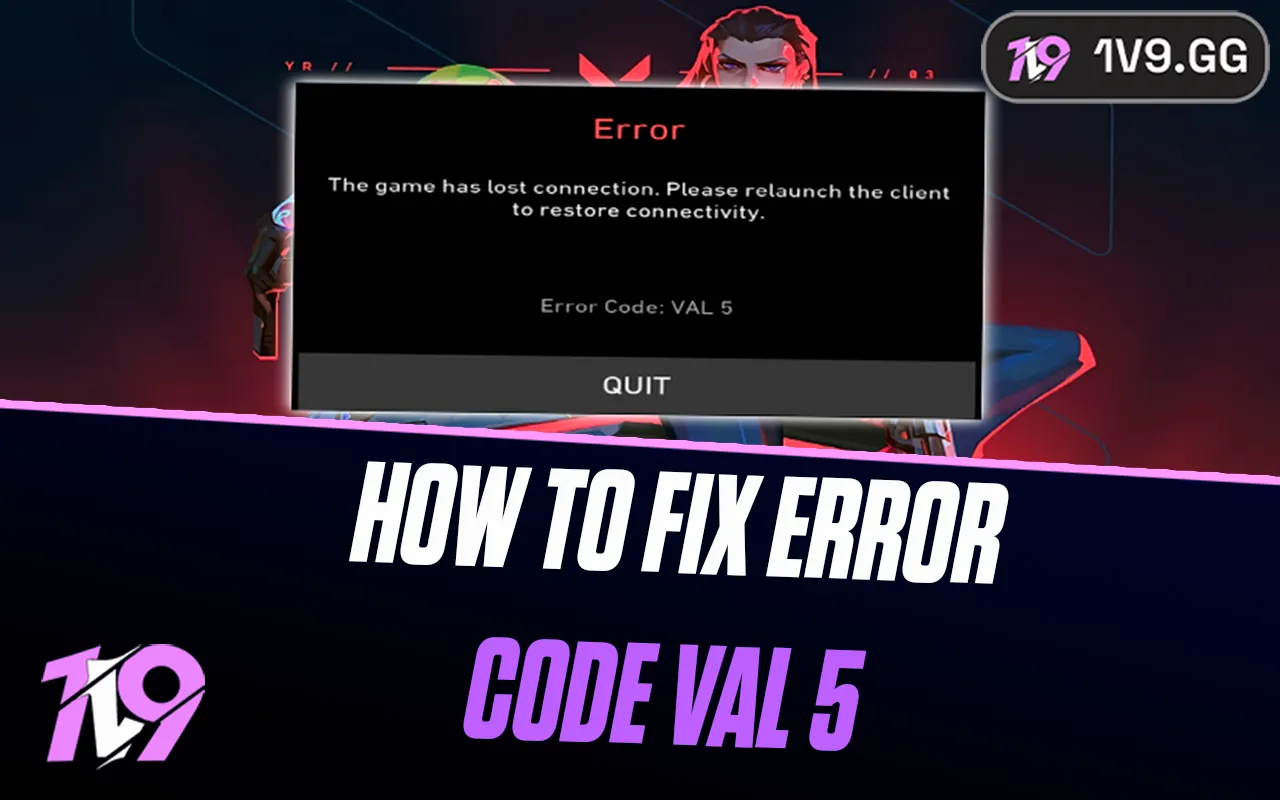


How To Fix Valorant Error Code VAL 5: Step-by-Step Guide
Valorant Error Code VAL 5 usually pops up when the game loses its connection to Riot’s servers, kicking you out or blocking you from logging in altogether. It can happen out of nowhere and instantly ruin a good session, especially if everything else on your internet seems to be working fine. While the error looks serious, it’s often caused by simple issues like account conflicts, background connections, or temporary server hiccups. The good news is that VAL 5 is one of the easier Valorant errors to fix. In this guide, we’ll break down what causes Error Code VAL 5 and walk you through the most effective fixes so you can get back into the game as fast as possible.
1. Check Valorant Server Status and Restart Everything
Before changing any settings, the first thing you should do is check whether the issue is on Riot’s side. Head to the official Valorant server status page and confirm that your region isn’t experiencing maintenance or outages. If servers are down, the VAL 5 error will usually fix itself once Riot resolves the issue.
If the servers look fine, move on to basic resets. Fully close Valorant and the Riot Client, restart your PC, and launch the game again. This clears temporary files and refreshes your connection to Riot’s servers. You should also reboot your router by unplugging it for 30 seconds, then powering it back on to reset your network connection.
2. Secure Your Riot Account and Permissions
VAL 5 is commonly linked to account session conflicts. Log into your Riot Games account through a browser and navigate to the account security or login management section. From there, sign out of all active sessions to ensure your account isn’t connected elsewhere. Once done, reopen the Riot Client and log back in.
Another quick fix is running Valorant with administrator permissions. Right-click the Valorant shortcut and select “Run as administrator.” If this works, you can permanently enable admin access through the shortcut’s compatibility settings.
3. Repair Valorant Game Files
Damaged or missing files can easily trigger VAL 5. Open the Riot Client, locate Valorant, and use the built-in repair option. This scan checks your installation and automatically replaces any corrupted files. While it may take a few minutes, it often resolves the issue without further steps.
4. Perform a Clean Reinstall of Valorant and Vanguard
If repairing doesn’t help, a clean reinstall is your next best option. Uninstall Valorant and Riot Vanguard completely from your system settings or control panel. Restart your computer once everything is removed, then download Valorant again from Riot’s official website. This ensures both the game and anti-cheat system are fully updated and free from lingering errors.
5. Update Network Drivers and Try a Clean Boot
Outdated network drivers can interfere with Valorant’s connection. Open Device Manager, locate your network adapter, and install the latest driver version. This can improve stability and eliminate hidden compatibility issues.
If the error still appears, try performing a clean boot. This starts Windows with only essential services running, helping identify whether background software is blocking Valorant. If the game works during a clean boot, re-enable programs one by one until you find the cause.
6. Contact Riot Games Support
If none of the above fixes work, it’s time to contact Riot Support directly. Submit a support ticket explaining the VAL 5 error and list all troubleshooting steps you’ve already tried. Riot’s support team can check for account restrictions, IP issues, or server-side flags that only they can resolve.
Conclusion
Valorant Error Code VAL 5 can be annoying, but in most cases, it’s fixable with the right steps. Whether the issue comes from server problems, account session conflicts, corrupted files, or network-related errors, going through the fixes one by one will usually get you back into the game. Start with the simple checks like server status and restarts, then move on to repairing files or reinstalling Valorant and Vanguard if needed. If the error still refuses to go away, Riot Games Support is always the final and most reliable option. With a bit of patience and proper troubleshooting, VAL 5 doesn’t have to keep you out of your next match for long.
Posted On: January 16th, 2026
Recent Articles


Our 1v9 support team is available 24/7 to help you with any questions or issues you may have.
support@1v9.gg

-a6d5b3e156bb.webp)





Loading...
1v9.gg is not endorsed or affiliated by any game developers or publishers.
2026 1v9, All Rights Reserved, Created By Ritesh (riteshsahoo.com)