

How to Enable Two-Factor Authentication on a Valorant Account
Keeping your Valorant account secure is more important than ever, especially if you’ve spent time unlocking skins, ranking up, or building your profile. One of the best ways to protect your account from unauthorized access is by enabling two-factor authentication (2FA).
Two-factor authentication adds an extra layer of security by requiring a verification code in addition to your password when logging in. This makes it much harder for anyone else to access your account, even if they somehow get your login details.
In this guide, you’ll learn exactly how to enable two-factor authentication on your Valorant account, why it’s important, and how it helps keep your account safe.
What is Riot Account Multi-Factor Authentication?
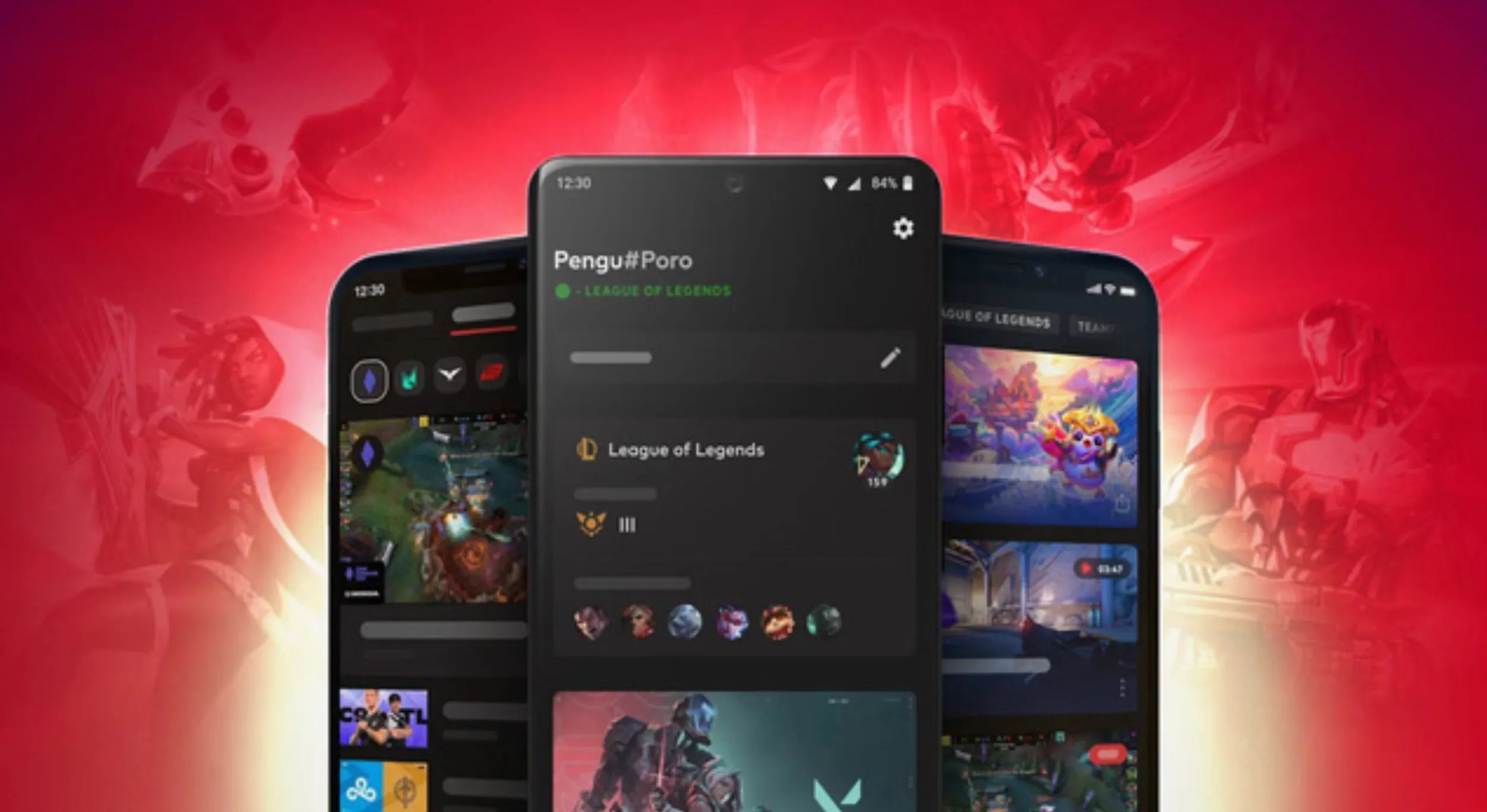
Multi-factor authentication (MFA) is a security feature that protects your Riot account by adding an extra step during login. Instead of only using your username and password, you also need to confirm your identity with a second method. This makes it much harder for anyone else to access your account, even if they somehow know your password.
Riot’s MFA system is an upgraded version of the older two-factor setup. Before, you would only receive a code when logging in from a new device. Now, with MFA enabled, Riot can ask for verification more consistently, giving your account a higher level of protection on every login. This system was introduced to improve overall account security across all Riot games.
There are three main ways to verify your login with Riot MFA:
• Riot Mobile app – sends a notification directly to your phone so you can approve or deny the login instantly
• Authenticator apps – apps like Google Authenticator or Microsoft Authenticator generate a time-based code you enter when logging in
• Email verification – sends a one-time code to your registered email address
You can manage and switch between these options anytime in your Riot account settings, depending on what works best for you.
Enabling MFA is one of the most effective ways to protect your account. Since all your progress, skins, and purchases are tied to one Riot account, keeping it secure is essential. Most compromised accounts don’t have MFA turned on, which shows how important this feature really is.
How to Enable Valorant Account Two-Factor Authentication (Riot Games 2FA)
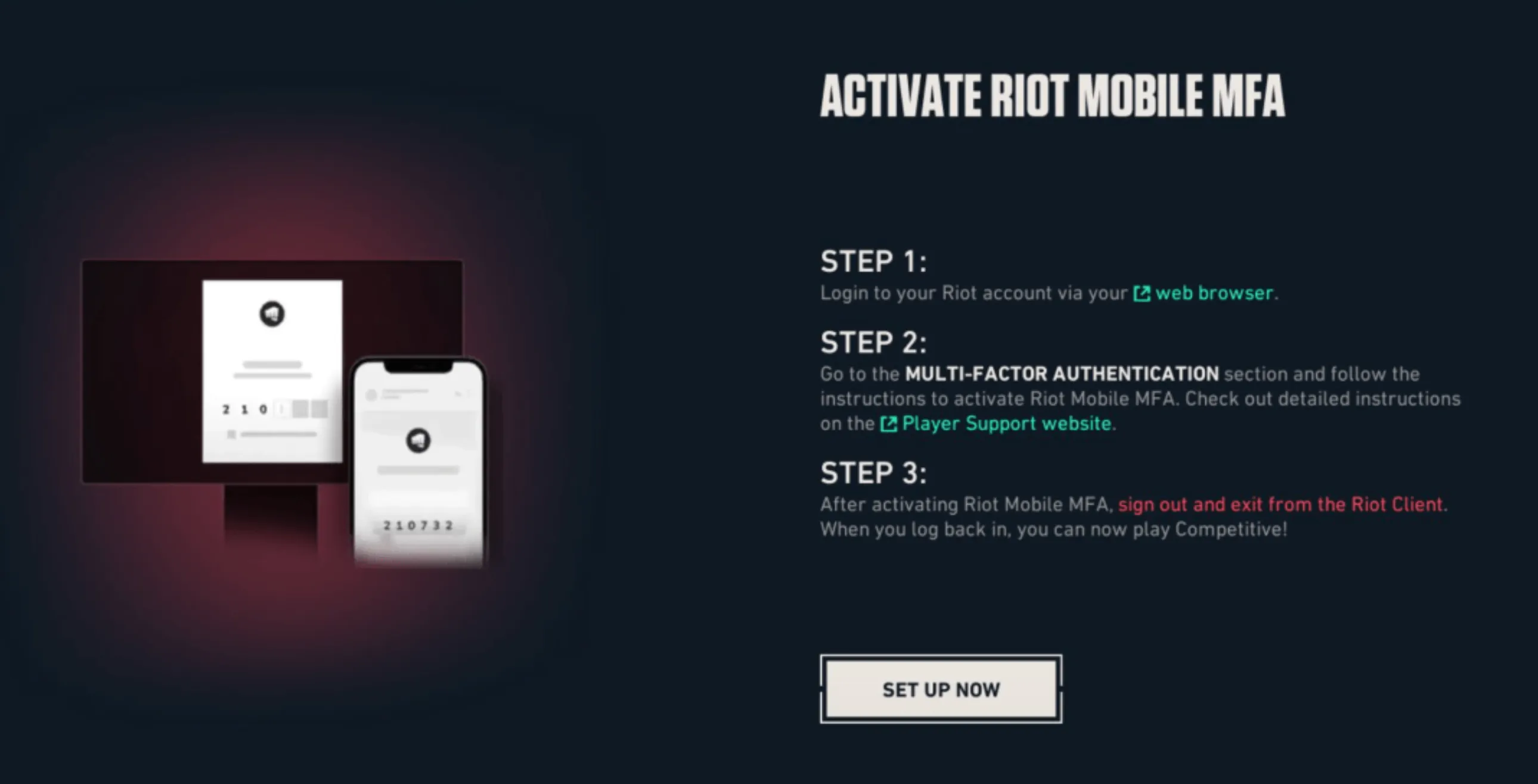
Setting up two-factor authentication on your Valorant account is quick and only takes a few minutes. Everything is done through your Riot account settings, not inside the game itself. Before you begin, make sure your email is verified, since you won’t be able to enable 2FA without it.
Once your email is confirmed, you can turn on 2FA by following these steps:
• Log in to your Riot account from the official account page
• Go to the Sign-In & Security section
• Find the Multi-Factor Authentication option
• Choose how you want to verify your logins (email, Riot Mobile, or an authenticator app)
• Complete the setup by following the instructions shown on screen
After you finish, your account will require a verification code each time you log in, depending on your chosen method. This adds an extra layer of protection and keeps your account much safer.
If you don’t want to enter a code every time, you can select the option to remember your device for 30 days, which skips the extra step on that device for a limited time.
What You Get for Enabling 2FA in Valorant
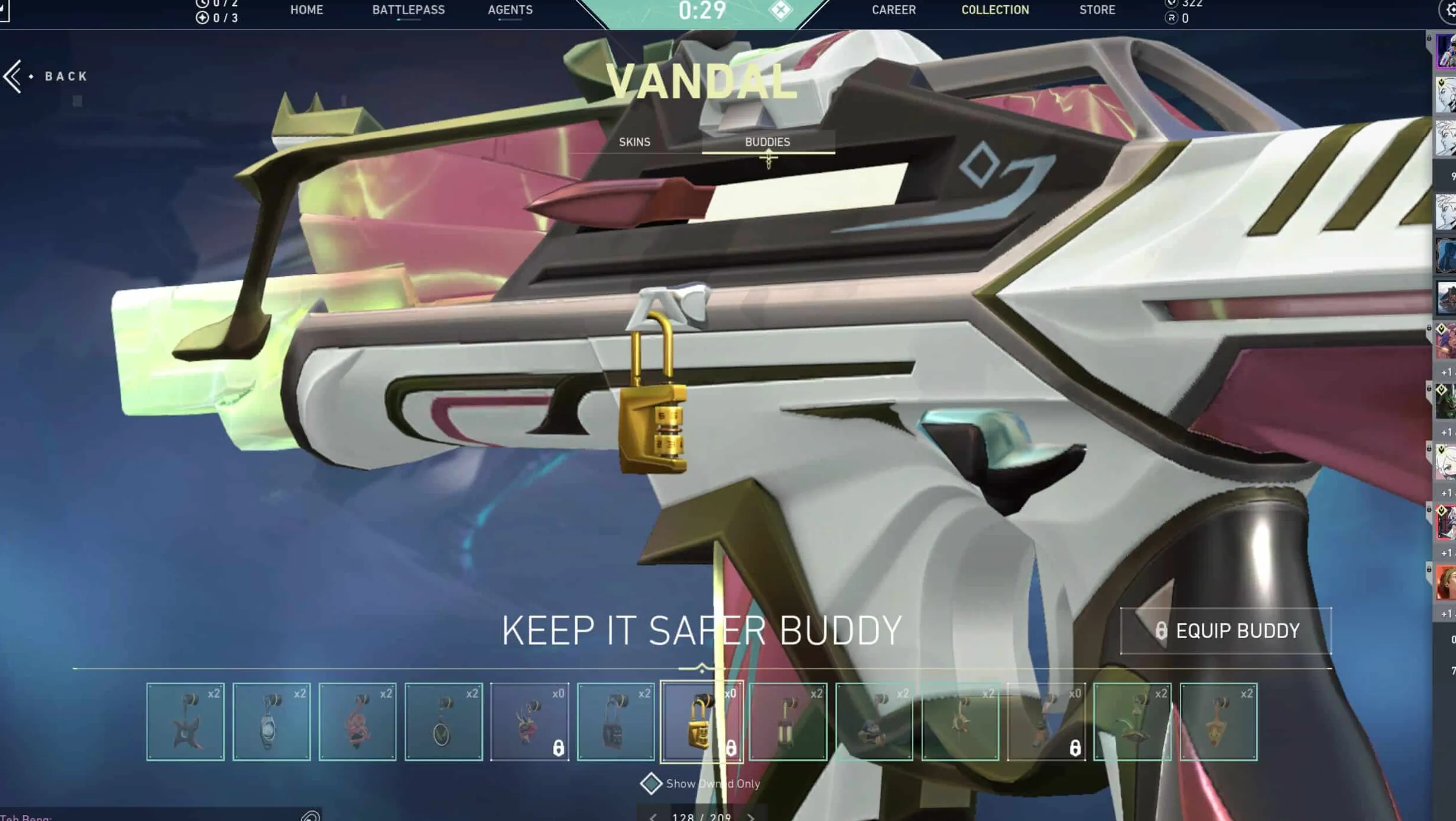
Turning on two-factor authentication in Valorant doesn’t just improve your account security, it also gives you a small in-game reward. Riot offers a free cosmetic to players who activate MFA through the Riot Mobile app.
Once you enable it, you’ll receive the “Keep It Safer” Gun Buddy, which is added directly to your account. There’s nothing extra you need to do after setting it up, the reward is granted automatically.
Keep in mind that this is a one-time reward. If you’ve already enabled 2FA in the past, the gun buddy should already be in your inventory.
While the cosmetic is a nice bonus, the real value comes from the added protection. Securing your account helps protect your skins, rank, and everything tied to your Riot account across all games.
Conclusion
Enabling two-factor authentication on your Valorant account is one of the easiest and most effective ways to keep it safe. It only takes a few minutes to set up, but it adds a strong layer of protection that can prevent unauthorized access and potential account loss.
With multiple verification options available, you can choose the method that fits you best while keeping your login process secure. On top of that, you also get a free in-game reward, which makes it even more worth doing.
At the end of the day, protecting your account should always be a priority. Turning on 2FA ensures your progress, skins, and personal information stay secure every time you log in.
Posted On: March 21st, 2026
Recent Articles


Our 1v9 support team is available 24/7 to help you with any questions or issues you may have.
support@1v9.gg

-a6d5b3e156bb.webp)





Loading...
1v9.gg is not endorsed or affiliated by any game developers or publishers.
2026 1v9, All Rights Reserved, Created By Ritesh (riteshsahoo.com)