- Home
Games
 League of Legends
 Valorant
-a6d5b3e156bb.webp) Fortnite
Fortnite Call of Duty
 Clash of Clans
 Counter-Strike 2
 Roblox
 Rainbow Six Siege
 Clash Royale
 Minecraft
 Rocket League
 Dota 2
 Genshin Impact
 Squad Busters
 Rust
Rust Apex Legends
 Pokemon Go
 XDefiant
 LoL: Wild Rift
 Hay Day
 Diablo 4
 FC 25
FC 25 Marvel Rivals
 World of Warcraft
 Destiny 2
 Deadlock
-9ede9dc6b01b.webp) PUBG Mobile
PUBG Mobile The Finals
 Growtopia
 Forza Horizon 5
 Honkai: Star Rail
 Warframe
 8 Ball Pool
 Zenless Zone Zero
 Path of Exile
 Runescape 3
 Raid: Shadow Legends
 Lost Ark
 WoW: Classic Era
 Summoners War
 WoW: Season of Discovery
 WoW Cataclysm
 WoW: Hardcore
 Throne and Liberty
 New World
 Mobile Legends
 Escape From Tarkov
 Path of Exile 2
 Blade Ball
 Fisch
Fisch Pet Simulator 99
 Pets Go
-d8bcef7708c7.webp) One Piece Bounty
One Piece Bounty Anime Adventures
 Blox Fruits
 Adopt Me
 Murder Mystery 2
 Fragpunk
 Wuthering Waves
 Teamfight Tactics
 Free Fire
 Albion Online
 Black Desert Online
 Honor of Kings
 Brawl Stars
 Arena of Valor
 Call of Duty: Mobile
 Rematch
 Steal a Brainrot
 Grow a Garden
 FC 26
FC 26 Old School Runescape
 Plants vs Brainrots
 Overwatch
 Battlefield
 Arc Raiders
 Dragon Ball Legends
 Fallout 76
 Jailbreak
 Type Soul
 GPO
GPO DonutSMP
 Escape Tsunami For Brainrots
 Watcher of Realms
 Roblox Rivals
 2XKO
2XKO Sailor Piece
 Forza Horizon 6
 GTA 5
GTA 5- Lootboxes
- Become Affiliate
- Blog
- Contact Us
- Sign In

How to Delete Your Rocket League Account: Step-by-Step Guide
Rocket League mixes fast-paced soccer with high-speed cars, and for many players it’s been a huge part of their gaming routine for years. Still, there are times when you might want to step away for good, whether that’s to start fresh, cut back on gaming, or permanently remove your data. Since Rocket League accounts are tied to your Epic Games account, deleting the game isn’t as simple as uninstalling it. In this guide, we’ll walk you through how to delete your Rocket League account step by step, explain what actually gets removed, and highlight a few important things you should know before making a final decision.
How to Delete Your Rocket League Account
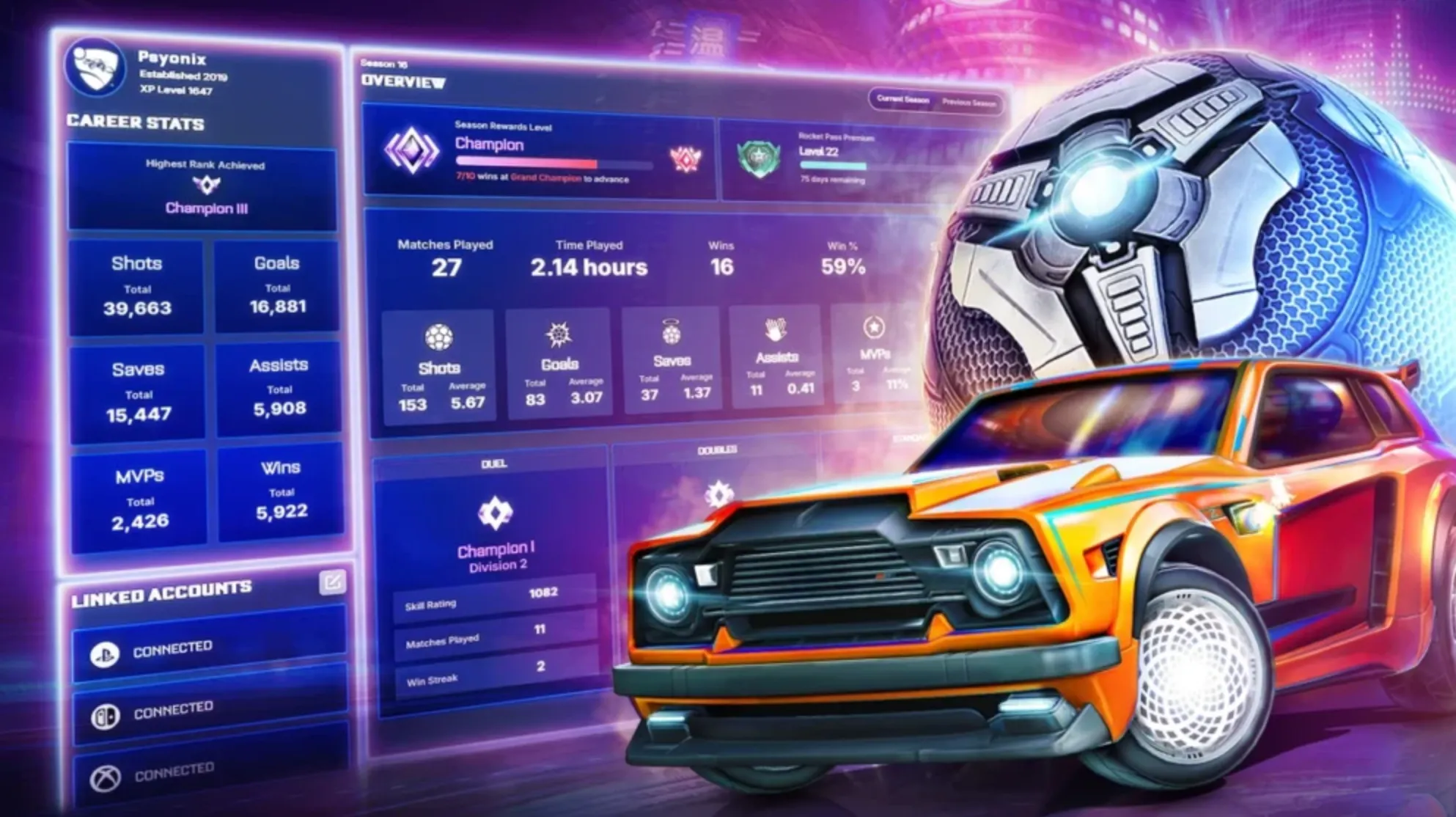
Step 1: Sign in to Epic Games
Visit the Epic Games website and log in using the Epic Games account linked to your Rocket League profile. This applies whether you play on PC, PlayStation, Xbox, or Nintendo Switch.
Step 2: Go to Account Settings
Click your profile icon in the top corner and open Account Settings. Stay on the main Account tab where your personal information is displayed.
Step 3: Start the Account Deletion Process
Scroll down until you find the Delete Account option. Select it to begin the deletion request. Epic Games will send a security code to your registered email address.
Step 4: Confirm Your Identity
Enter the verification code sent to your email and confirm the request. Your Epic Games account will now enter a pending deletion state.
Step 5: Wait for the Deletion Period
Epic Games applies a 14-day grace period. During this time, your account is disabled but not fully deleted. Logging back in before the 14 days are over will automatically cancel the deletion.
Things To Know Before Deleting Your Rocket League Account
Before deleting your Rocket League account, there are a few critical things you should understand, since this decision is permanent and affects more than just one game. Many players don’t realize how much data is tied to their account until it’s already gone.
First, Rocket League accounts are linked to Epic Games, not the game itself. Deleting your Rocket League account actually means deleting your entire Epic Games account, which removes access to all Epic titles connected to it, including Fortnite, Fall Guys, and any games you’ve purchased from the Epic Games Store.
Second, all progress is permanently erased. This includes your ranks, inventory, blueprints, credits, cosmetics, stats, and any cross-platform progression. Once the deletion is complete, none of this data can be recovered, even through Epic Games support.
Third, there is a 14-day grace period after requesting deletion. During this time, your account is disabled but not fully removed. If you log back in before the 14 days end, the deletion is automatically canceled. Once the timer finishes, the account is gone forever.
Fourth, linked console accounts will lose Rocket League access. If your Epic account is connected to PlayStation, Xbox, Nintendo Switch, or Steam, Rocket League progress on those platforms will also be wiped, even if you continue using the console account itself.
Finally, if your goal is simply to start fresh or take a break, deleting your account may not be the best option. You can unlink platforms, create a new Epic Games account, or just uninstall Rocket League without losing your original data.
Make sure you’re 100% certain before moving forward, because account deletion is one of the few actions in Rocket League that cannot be undone.
FAQs
Can I delete my Rocket League account permanently?
Yes. Deleting your Rocket League account permanently removes your game data and disconnects it from your Epic Games account.
Does deleting my Rocket League account delete my Epic Games account?
No. Rocket League is tied to your Epic Games account, but deleting Rocket League data does not automatically delete the entire Epic Games account unless you request that separately.
Can I recover my Rocket League account after deletion?
No. Once the deletion process is completed, your Rocket League progress, items, and stats cannot be restored.
Will I lose purchased items if I delete my Rocket League account?
Yes. All purchased items, credits, ranks, and inventory linked to your Rocket League profile will be permanently removed.
Conclusion
Deleting your Rocket League account is a serious and permanent decision, but the process itself is simple once you know exactly where to go and what to expect. Whether you’re quitting the game for good, starting fresh, or cleaning up unused accounts, following the correct steps ensures your data is removed safely and properly. Just remember that all progress, items, and purchases tied to your Rocket League profile will be lost, and recovery won’t be possible once the deletion is complete. If you’re fully sure about your choice, this step-by-step guide gives you everything you need to delete your Rocket League account with confidence and avoid any surprises along the way.
Posted On: January 26th, 2026
Recent Articles


Our 1v9 support team is available 24/7 to help you with any questions or issues you may have.
support@1v9.gg
Loading...
1v9.gg is not endorsed or affiliated by any game developers or publishers.
2026 1v9, All Rights Reserved, Created By Ritesh (riteshsahoo.com)