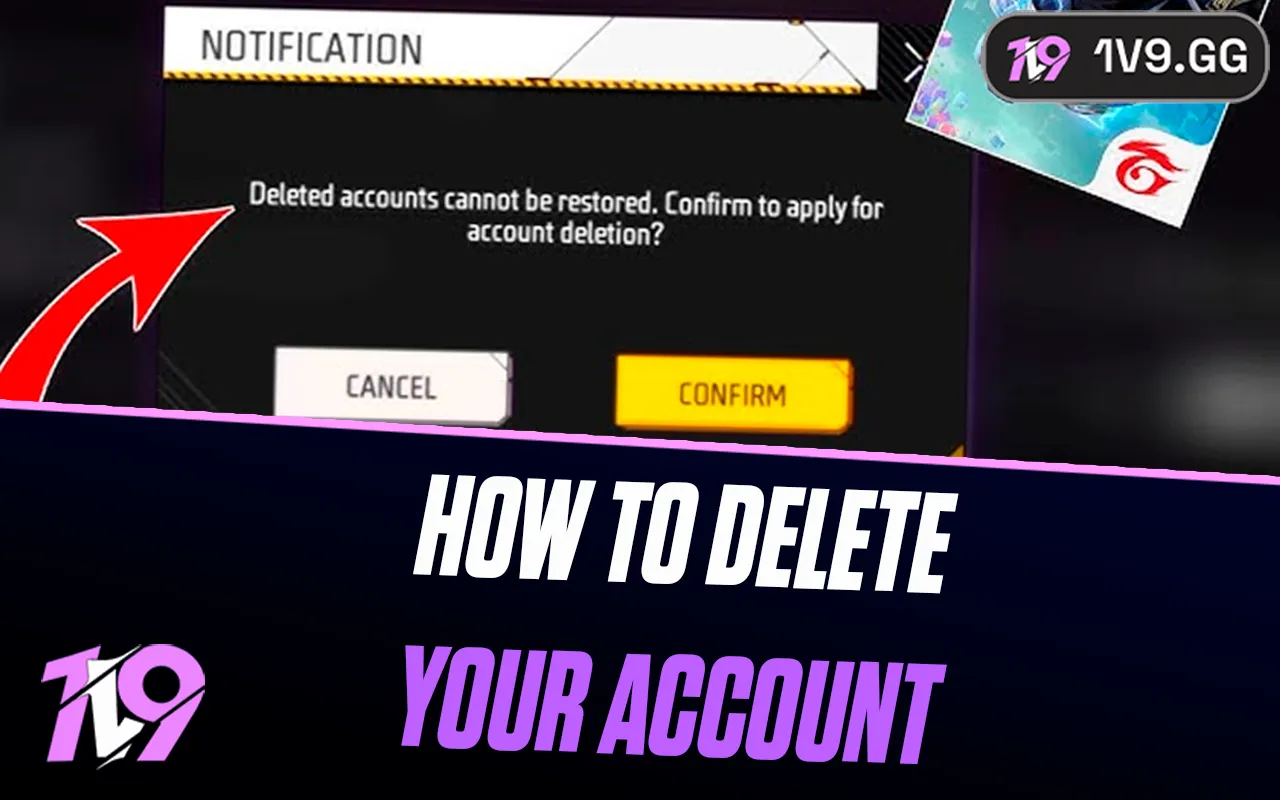


How to Delete Your Free Fire Account: Step-by-Step Guide
Free Fire is one of the most popular mobile battle royale games in the world, with millions of players logging in daily on Android and iOS. While many players stay active for years, others decide to delete their account due to privacy concerns, switching games, or simply taking a permanent break. Deleting a Free Fire account isn’t as simple as uninstalling the app, and the process depends on how your account is linked. In this guide, you’ll learn exactly how to delete your Free Fire account step by step, what happens after deletion, and the important things you should know before removing your account for good.
How to Delete Your Free Fire Account
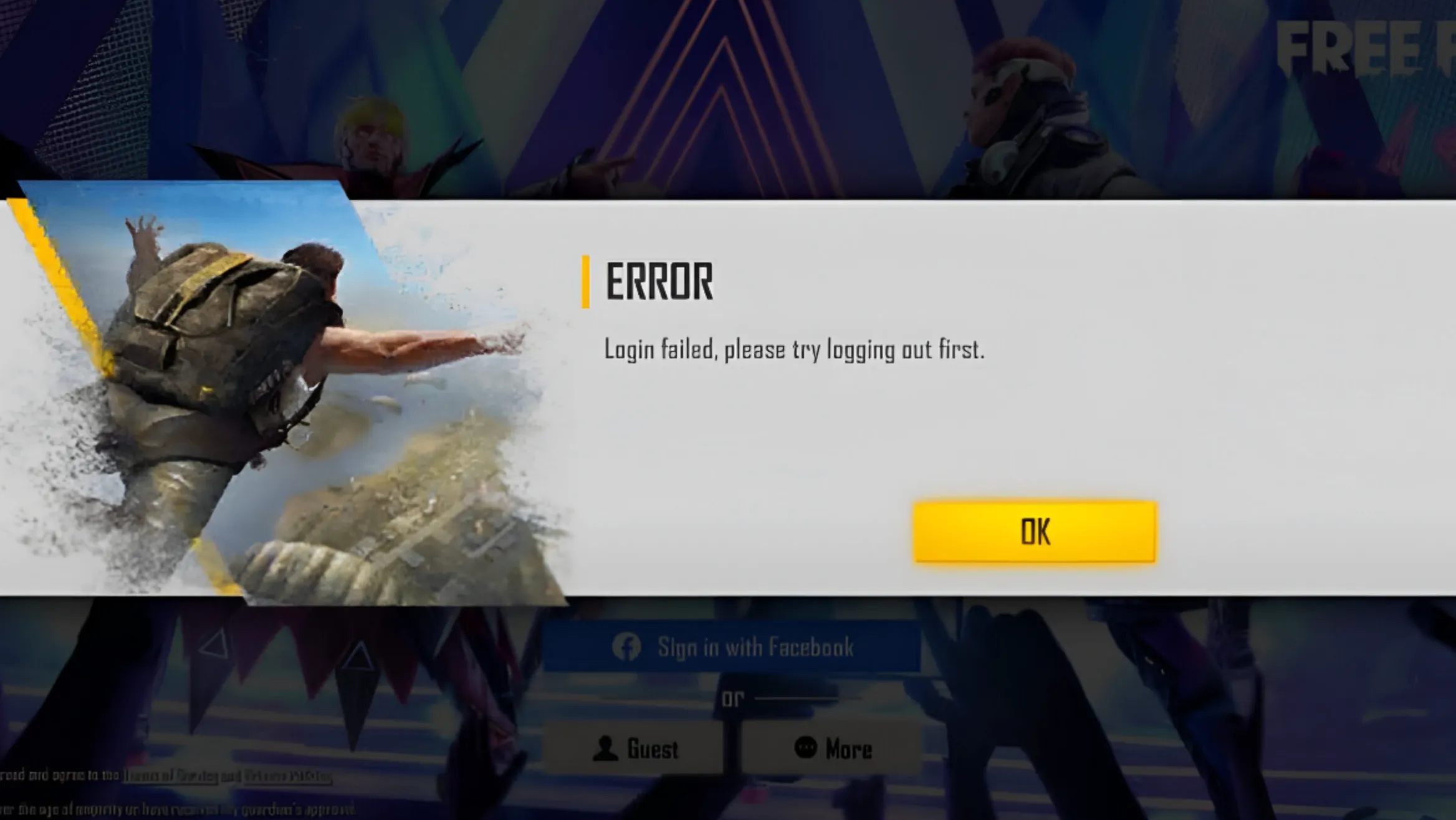
Deleting your Free Fire account is a permanent action that removes all your game progress, purchases, and linked data. The exact steps depend on how your Free Fire account is connected, since the game itself does not offer a direct in-game delete button. Below is the correct way to delete your Free Fire account based on the login method you used.
If your Free Fire account is linked to Facebook, you need to log in to your Facebook account, go to Settings → Apps and Websites, find Free Fire, and remove it. After removing access, you must contact Garena Support and request full account deletion, as unlinking alone does not always erase stored data.
If your account is linked to Google (Gmail), open your Google Account settings, navigate to Data & Privacy → Apps with access, remove Free Fire, and then submit a deletion request through Garena’s official support page. Make sure to clearly state that you want permanent account deletion.
If your account is linked to Apple ID, go to Settings → Apple ID → Sign-in & Security → Apps Using Apple ID, select Free Fire, and choose Stop Using Apple ID. After that, contact Garena Support to finalize the deletion process.
For guest accounts, there is no automatic delete option. You must contact Garena Support directly and request account removal. In some cases, guest accounts that remain inactive for a long time may be deleted automatically, but this is not guaranteed.
Once Garena confirms your request, your Free Fire account enters a deletion period. During this time, logging in again may cancel the process. After the waiting period ends, your account and all associated data are permanently erased and cannot be recovered.
Things To Know Before Deleting Your Free Fire Account
Before deleting your Free Fire account, there are several important things you should understand, since the process is permanent and cannot be undone once completed.
First, deleting your Free Fire account permanently removes all progress, including your level, characters, skins, emotes, diamonds, and any in-game purchases. Once the deletion is finalized, none of this data can be recovered, even by Garena support.
Second, unlinking Free Fire from Facebook, Google, or Apple ID does not instantly delete your account. In most cases, you must still contact Garena Support and request full account deletion. If you log back into the game during the review or waiting period, the deletion request may be canceled automatically.
Third, any real money spent on diamonds, passes, or bundles is non-refundable. Deleting your account does not qualify you for refunds, regardless of when the purchases were made.
Fourth, if your Free Fire account is linked to other Garena services or events, deleting it may also affect access to those rewards. Friends lists, clan memberships, and rankings will be erased as well.
Finally, if you are unsure about deleting your account permanently, consider simply logging out or taking a break instead. Once Garena completes the deletion process, there is no way to restore your account or reuse the same data later.
FAQs
Can I recover my Free Fire account after deleting it?
No. Once Garena completes the account deletion, all data is permanently removed and cannot be restored under any circumstances.
Does uninstalling Free Fire delete my account?
No. Uninstalling the game only removes it from your device. Your account and progress remain active unless you request deletion through Garena Support.
How long does it take for a Free Fire account to be deleted?
Account deletion is not instant. After submitting a request, Garena usually reviews it, and the process can take several days to be finalized.
Will deleting my Free Fire account refund my diamonds or purchases?
No. All in-game purchases, including diamonds and bundles, are non-refundable once the account is deleted.
Can I create a new Free Fire account after deletion?
Yes. You can start a new account using a different login method or email, but your old progress, skins, and items will not carry over.
Conclusion
Deleting your Free Fire account is a serious and permanent decision, and it’s important to understand exactly what happens before you go through with it. Once the request is approved, all your progress, purchases, and in-game data are erased for good and cannot be recovered. If you’re sure you no longer want to keep your account, following the correct steps through Garena Support ensures the process goes smoothly and without issues. For players who are only looking for a fresh start or a break from the game, creating a new account or taking time away may be a better option. Make sure you’re fully confident in your choice before submitting the deletion request, as this is the final step in closing your Free Fire account permanently.
Posted On: January 26th, 2026
Recent Articles


Our 1v9 support team is available 24/7 to help you with any questions or issues you may have.
support@1v9.gg


-a6d5b3e156bb.webp)





Loading...
1v9.gg is not endorsed or affiliated by any game developers or publishers.
2026 1v9, All Rights Reserved, Created By Ritesh (riteshsahoo.com)