


How to Create a Valorant Account: Complete Guide
Creating a Valorant account is the first step to joining one of the most popular tactical shooters in the world. Whether you’re a new player ready to experience Riot Games’ competitive FPS or a returning fan looking to start fresh, setting up your account is fast and simple. With just a few steps, you can create your Riot ID, download the game, and jump straight into the action. In this guide, we’ll walk you through exactly how to create a Valorant account so you can start playing in minutes.
Why create a new account in Valorant?
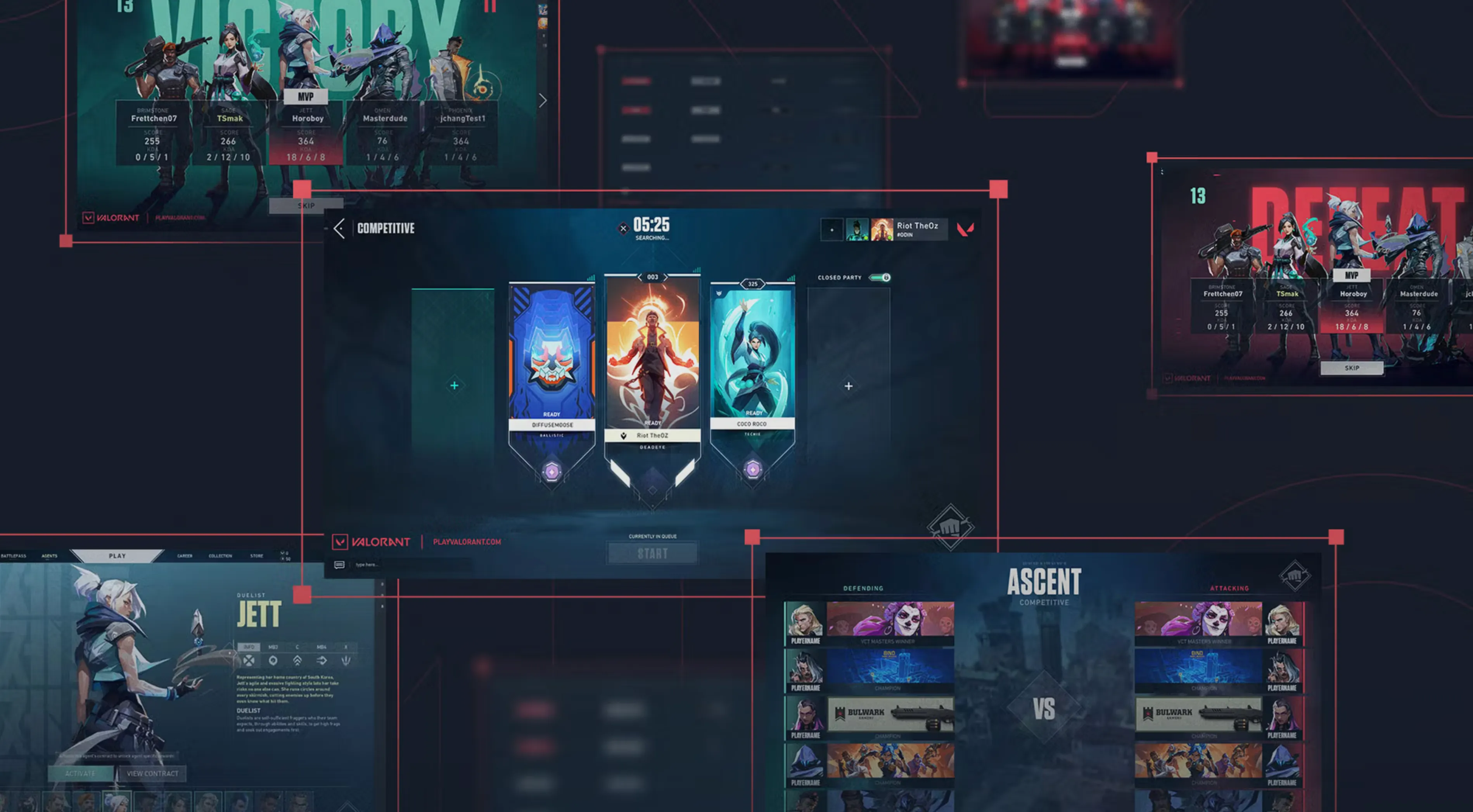
Creating a new Valorant account can be useful for several reasons. Many players make alternate accounts, often called “smurfs,” to practice new agents, improve specific skills, or play casually without affecting their main rank. Others might create a new account to start fresh in a different region or to experience early progression again. It’s also a great way to play with friends of lower ranks, test out new strategies, or enjoy a clean competitive slate. No matter the reason, having a second Valorant account gives you more flexibility and freedom in how you play.
How to Create a Valorant Account
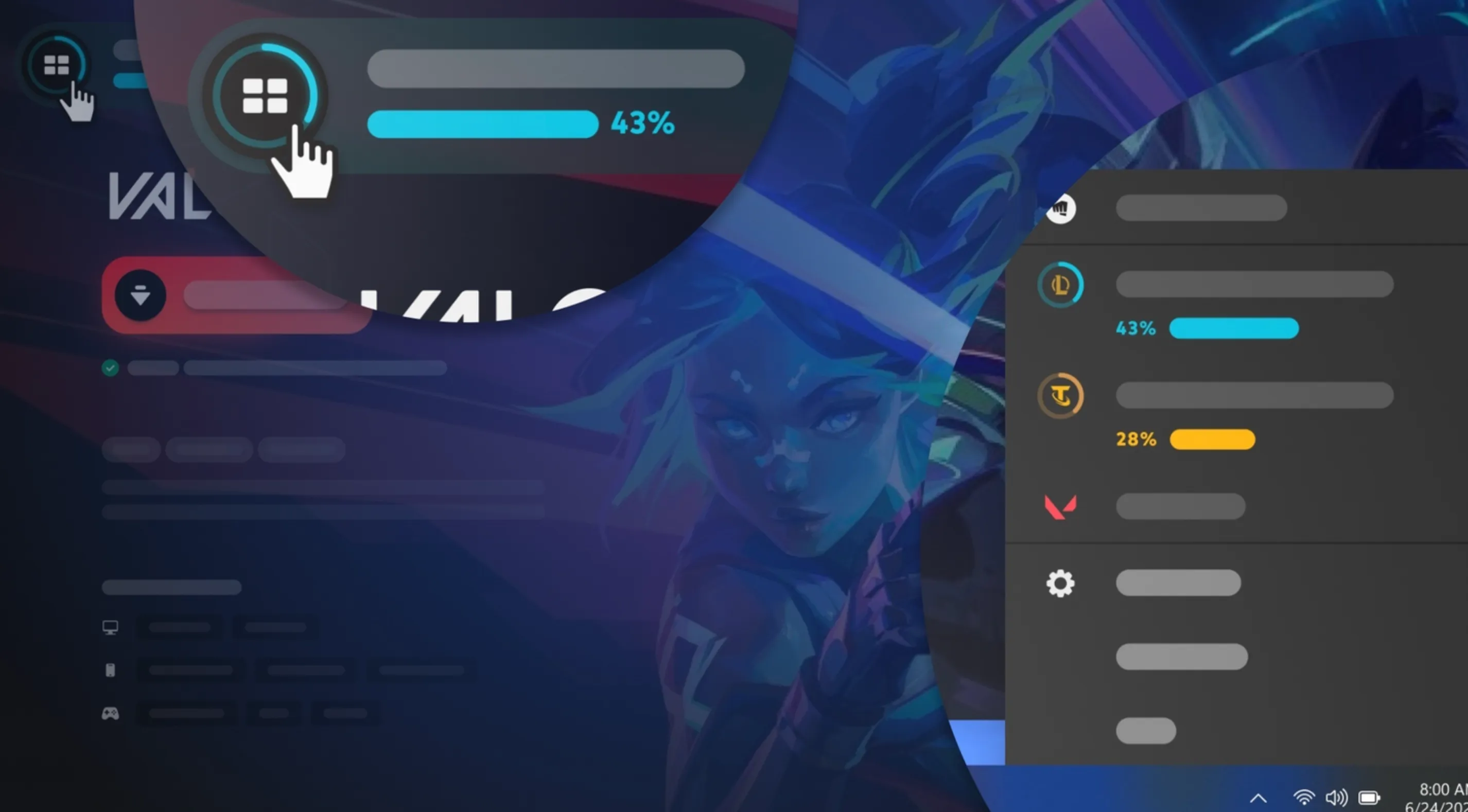
Here’s how to create a Valorant account and start playing right away:
Step 1: Visit the Official Valorant Website
Go to playvalorant.com. This is Riot Games’ official Valorant page where you can register and download the game safely.
Step 2: Click “Play Free”
On the homepage, click the “Play Free” button. This will redirect you to Riot Games’ account creation page.
Step 3: Sign Up or Log In with Riot Games
If you don’t have a Riot Games account, click “Create Account.” Enter your email address, date of birth, and a strong password. If you already have a Riot account (used for games like League of Legends or Teamfight Tactics), you can log in using the same credentials.
Step 4: Choose Your Riot ID
Pick your unique Riot ID — this will be your in-game name visible to other players. You can customize it later if you want to change your identity or tag.
Step 5: Download and Install Valorant
Once your account is ready, download the Valorant installer from the same site. Open the file, follow the installation steps, and let the Riot Client download the full game.
Step 6: Log In and Play
After installation, launch Valorant and log in using your new Riot Games account. You’re now ready to explore maps, agents, and ranked play in Valorant.
Creating a Valorant account is completely free and takes only a few minutes — perfect for both beginners and veterans looking to start fresh.
Conclusion
Creating a Valorant account is quick, free, and gives you instant access to one of the most competitive and exciting shooters in gaming. Whether you’re starting fresh, switching regions, or creating an alternate account to practice new agents, the process is simple and secure through Riot Games’ official website. Once your account is set up, you can dive right into matches, customize your settings, and begin your journey toward climbing the ranks. With your new Valorant account ready, it’s time to lock in your favorite agent and show off your skills on the battlefield.
Posted On: October 27th, 2025
Recent Articles


Our 1v9 support team is available 24/7 to help you with any questions or issues you may have.
support@1v9.gg

-a6d5b3e156bb.webp)





Loading...
1v9.gg is not endorsed or affiliated by any game developers or publishers.
2026 1v9, All Rights Reserved, Created By Ritesh (riteshsahoo.com)