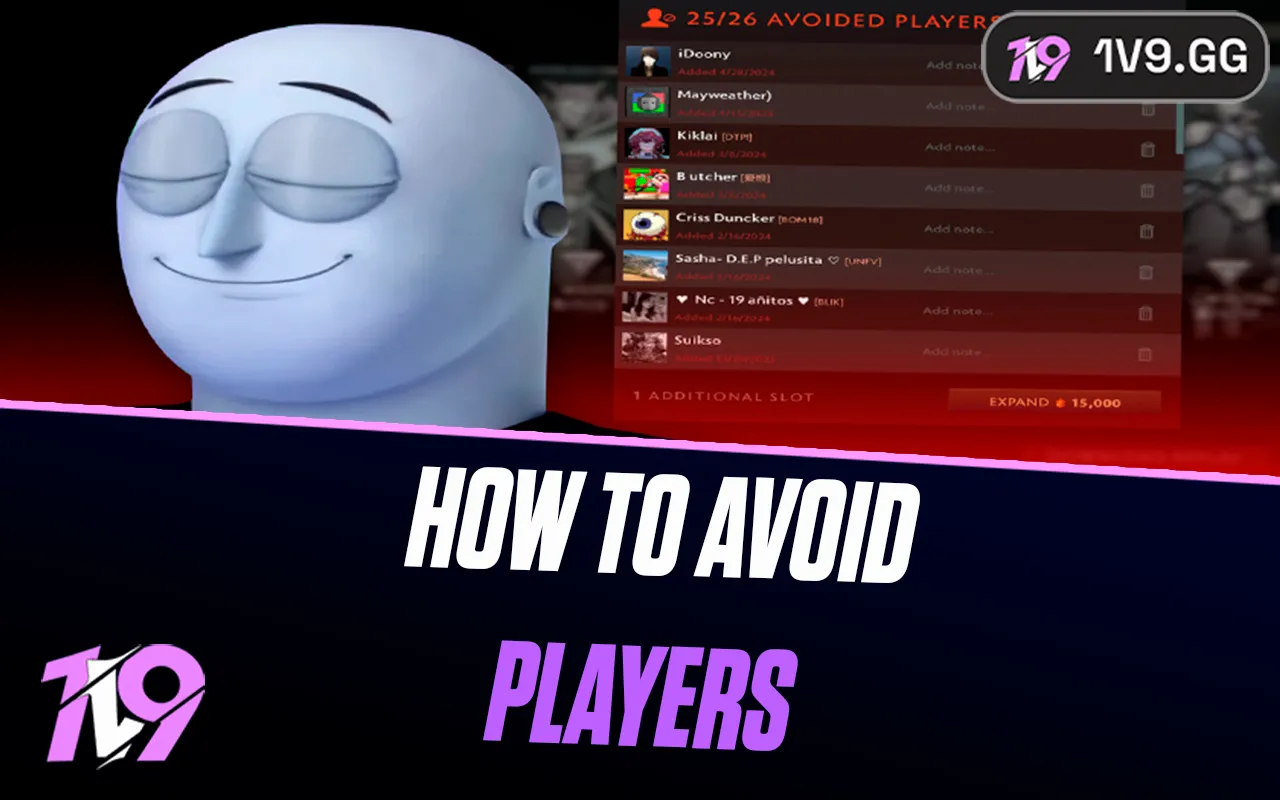


How To Avoid Players in Dota 2?
To avoid a player in Dota 2, you need an active Dota Plus subscription. After a match, open the interaction or report panel for a teammate and choose Avoid Player. The system is designed to keep that account off your future teams; it does not prevent the player from appearing as an opponent, punish them or replace a report for actual misconduct.
The current list provides 25 standard slots and can be expanded with Dota Plus Shards to a maximum of 50. Valve can move buttons during client updates, so use the post-game player interaction panel if the option is not visible directly on the scoreboard.
How to avoid a player in Dota 2
- Finish the match. Avoid Player is normally available from the post-game screen, not as a mid-match matchmaking action.
- Open the teammate's interaction panel. Hover or select the player, then open the red-flag report/interaction menu. The exact button position can differ between client layouts.
- Select Avoid Player. This is separate from the report reason. Do not file a false report just to access the panel.
- Add a note if your client offers it. A short reason such as “refused role” or “abusive comms” makes an old entry easier to review.
- Confirm the entry in Dota Plus. Open the Dota Plus dashboard and choose Manage Avoided Players to verify the account is on your list.

What Avoid Player actually does
Avoid Player is a team-assignment filter. An avoided account can still be placed in the same match as an opponent. The feature does not ban the account, lower its Behavior Score, hide its Steam profile, block friend requests or erase a completed match.
That distinction matters. Avoiding a teammate because your playstyles clash is a personal matchmaking choice; reporting them alleges conduct that fits a report category. Use the Dota 2 reporting process only for behavior the report system covers, such as griefing or abusive communication.
The feature is most useful in a short time window: high-MMR brackets, unusual queue times and less populated regions make an immediate rematch with the same small pool more likely. It is not a way to curate permanently easier teammates. Avoiding someone for an ordinary bad performance may remove a player who had one rough game while consuming a limited slot.
Avoid vs report, dislike, mute and Steam block
| Tool | Main purpose | Matchmaking effect | When to use it |
|---|---|---|---|
| Avoid Player | Keep a listed account off your team | Can still appear as an enemy | Repeated team conflict or a serious playstyle mismatch |
| Report | Send a suspected rule violation for review | Not a personal permanent filter | Griefing, cheating, smurfing or abusive communication when applicable |
| Dislike | Express a softer preference not to match again | Does not provide the same team exclusion as Avoid | Poor chemistry that does not justify a limited Avoid slot |
| Mute | Stop text or voice communication | None | Distracting or abusive communication during a match |
| Steam block | Limit Steam social contact | Does not substitute for Dota's avoid list | Unwanted profile, message or friend activity |
Behavior and communication systems are related to match quality but are not the same feature. The Dota 2 Communication Score guide explains how your own communication record affects available social features.
How to manage and expand your avoid list
Open the Dota Plus area from the main client and choose Manage Avoided Players. The standard list holds 25 accounts. Additional slots can be bought with Dota Plus Shards at escalating costs, beginning at 10,000 Shards, until the list reaches 50 slots. Check the client before spending because Valve can rebalance Shard prices.
A bigger list is not always a better list. Review the oldest entries when capacity is tight:
- Remove an account whose MMR or regular queue schedule has probably moved far from yours.
- Keep recent entries from the server, bracket and time window you still play.
- Use notes to separate deliberate griefing from one-off strategy disagreements.
- Do not remove a player merely to avoid someone else seconds before queuing unless you understand which conflict matters more.
The original article claimed the entire list is cleared when Dota Plus expires. Valve's public Dota Plus page does not document that behavior. Treat active Dota Plus as required for the feature, but do not rely on an undocumented promise that stored entries will always be retained or deleted after a lapse.
Limitations players should know
- It only addresses future teammate assignment. The same account may be on the enemy team.
- You normally avoid former teammates. The post-match option is not intended to blacklist an opponent because they played well.
- Immortal Draft works differently. The matchmaker can assemble a player pool before captains assign teams, so high-level draft behavior may not mirror ordinary matchmaking. Follow the current client notice for that bracket.
- Parties complicate preferences. Multiple party members can have different lists; the match coordinator still has to form a valid lobby.
- It does not fix your MMR. Match outcomes—not the number of names on the list—drive visible ranked progress. Read the current Dota 2 ranking-system guide for the separate MMR rules.
If the button is missing, first confirm Dota Plus is active, the player was your teammate, the match has completed and you are using the post-game interaction panel. Restart the client after an update before assuming the feature or subscription is broken.
Dota 2 Avoid Player FAQ
Do you need Dota Plus to avoid players?
Yes. Avoid Player is a Dota Plus matchmaking feature. Valve's official page listed the US monthly price as $3.99 when checked on August 26, 2026; regional pricing and longer-term discounts can differ.
How many players can you avoid?
The current standard list holds 25 accounts. Additional slots can be purchased with Dota Plus Shards up to a maximum of 50.
Can an avoided player be on the enemy team?
Yes. Avoid Player is intended to prevent the account from becoming your teammate, not to remove that person from your matches entirely.
Does avoiding someone report them?
No. Avoid and report serve different purposes. Submit a report separately only when the player's conduct fits a real report category.
Can the other player see that you avoided them?
Dota 2 does not send them a notice identifying who added them to a personal avoid list.
Sources and update policy
Subscription pricing and the current service were checked against Valve's official Dota Plus page. The feature's original post-game design was checked against Valve's official Avoid Player announcement. Current capacity, enemy-team behavior and Shard expansion were cross-checked against Liquipedia's maintained Dota Plus reference and current 2026 client reports. Client wording takes precedence if Valve changes the interface or matchmaking rules.
Posted On: January 28th, 2026
Recent Articles


Our 1v9 support team is available 24/7 to help you with any questions or issues you may have.
support@1v9.gg


-a6d5b3e156bb.webp)





Loading...
1v9.gg is not endorsed or affiliated by any game developers or publishers.
2026 1v9, All Rights Reserved, Created By Ritesh (riteshsahoo.com)