- Home
Games
 League of Legends
 Valorant
-a6d5b3e156bb.webp) Fortnite
Fortnite Call of Duty
 Clash of Clans
 Counter-Strike 2
 Roblox
 Rainbow Six Siege
 Clash Royale
 Minecraft
 Rocket League
 Dota 2
 Genshin Impact
 Squad Busters
 Rust
Rust Apex Legends
 Pokemon Go
 XDefiant
 LoL: Wild Rift
 Hay Day
 Diablo 4
 FC 25
FC 25 Marvel Rivals
 World of Warcraft
 Destiny 2
 Deadlock
-9ede9dc6b01b.webp) PUBG Mobile
PUBG Mobile The Finals
 Growtopia
 Forza Horizon 5
 Honkai: Star Rail
 Warframe
 8 Ball Pool
 Zenless Zone Zero
 Path of Exile
 Runescape 3
 Raid: Shadow Legends
 Lost Ark
 WoW: Classic Era
 Summoners War
 WoW: Season of Discovery
 WoW Cataclysm
 WoW: Hardcore
 Throne and Liberty
 New World
 Mobile Legends
 Escape From Tarkov
 Path of Exile 2
 Blade Ball
 Fisch
Fisch Pet Simulator 99
 Pets Go
-d8bcef7708c7.webp) One Piece Bounty
One Piece Bounty Anime Adventures
 Blox Fruits
 Adopt Me
 Murder Mystery 2
 Fragpunk
 Wuthering Waves
 Teamfight Tactics
 Free Fire
 Albion Online
 Black Desert Online
 Honor of Kings
 Brawl Stars
 Arena of Valor
 Call of Duty: Mobile
 Rematch
 Steal a Brainrot
 Grow a Garden
 FC 26
FC 26 Old School Runescape
 Plants vs Brainrots
 Overwatch
 Battlefield
 Arc Raiders
 Dragon Ball Legends
 Fallout 76
 Jailbreak
 Type Soul
 GPO
GPO DonutSMP
 Escape Tsunami For Brainrots
 Watcher of Realms
 Roblox Rivals
 2XKO
2XKO Sailor Piece
 Forza Horizon 6
 GTA 5
GTA 5- Lootboxes
- Become Affiliate
- Blog
- Contact Us
- Sign In

Fortnite: How To Turn On and Off Simple Build
Fortnite Chapter 7 comes with a ton of gameplay updates, including faster movement, smoother reloads, and a brand-new system built to help players who struggle with building. Epic has already tried to make classic Builds mode more accessible over the years with things like Simple Edit, but now they’ve introduced an even easier tool: Simple Build. This option lets you place pre-made structures instantly, giving newer players a chance to keep up without needing advanced mechanics. If you want to try it out — or turn it off and go back to full manual building — here’s a quick guide on how to enable or disable Simple Build in Fortnite.
What Is Simple Build in Fortnite?
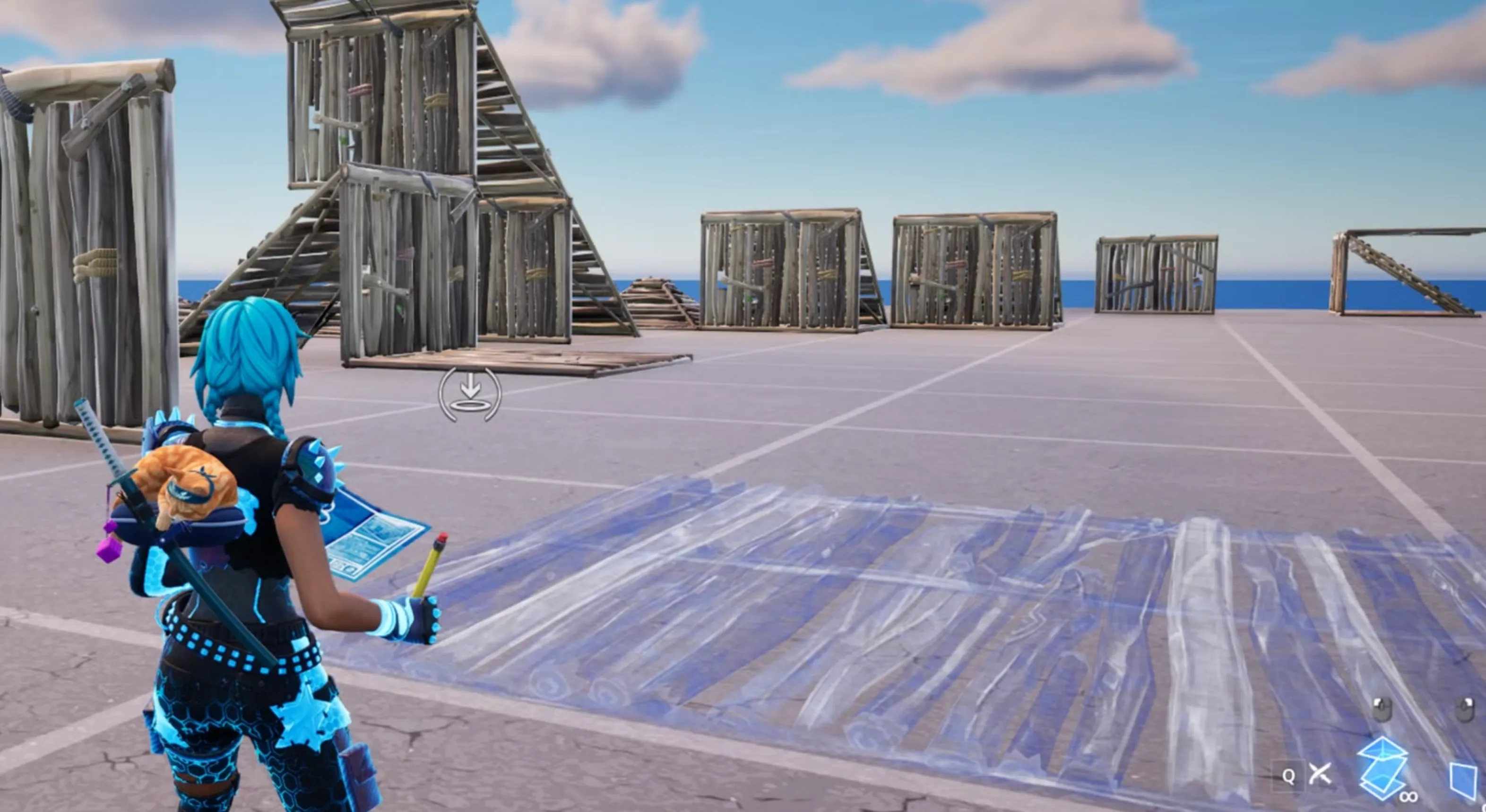
Simple Build is a new Fortnite Chapter 7 feature designed to help players build faster without needing advanced mechanics. Instead of placing walls and ramps one by one, this setting lets you instantly drop ready-made structures—like quick towers or boxed setups—using a single button and the direction you’re facing. It works similarly to Simple Edit, but instead of simplifying edits, it simplifies entire build placements. This makes it useful for newer or casual players who want to keep up in Build Mode without learning every advanced technique.
If you prefer the classic building style or you want full control over every piece you place, you may want to disable it. And if you’re curious about testing it out, you can toggle the feature on just as easily. Below is the simple way to turn Simple Build on or off whenever you need.
How To Turn On or Off Simple Edit

When you first launch Fortnite Chapter 7 Season 1, the game automatically enables Simple Edit and shows a quick pop-up explaining how the feature works. If you accidentally closed that message or you’re not sure whether it’s on or off, switching the setting is extremely easy.
To turn Simple Build on or off, follow these steps:
1. Open Fortnite and head to the main menu.
2. Click your profile icon in the top-right corner and select Settings from the left side.
3. Go to the Game tab — the one with the controller icon and a small cogwheel.
4. On the left side, open the Building category, or scroll until you see the building options.
5. At the very top, you’ll find Simple Build. Use the arrows to switch it ON or OFF, depending on what you want.
6. Press Apply to confirm your changes.
That’s all you need to do. Whether you want the game to handle fast pre-built structures for you or prefer sticking to traditional manual building, you can toggle Simple Build whenever you want.
How To Use Simple Build in Fortnite
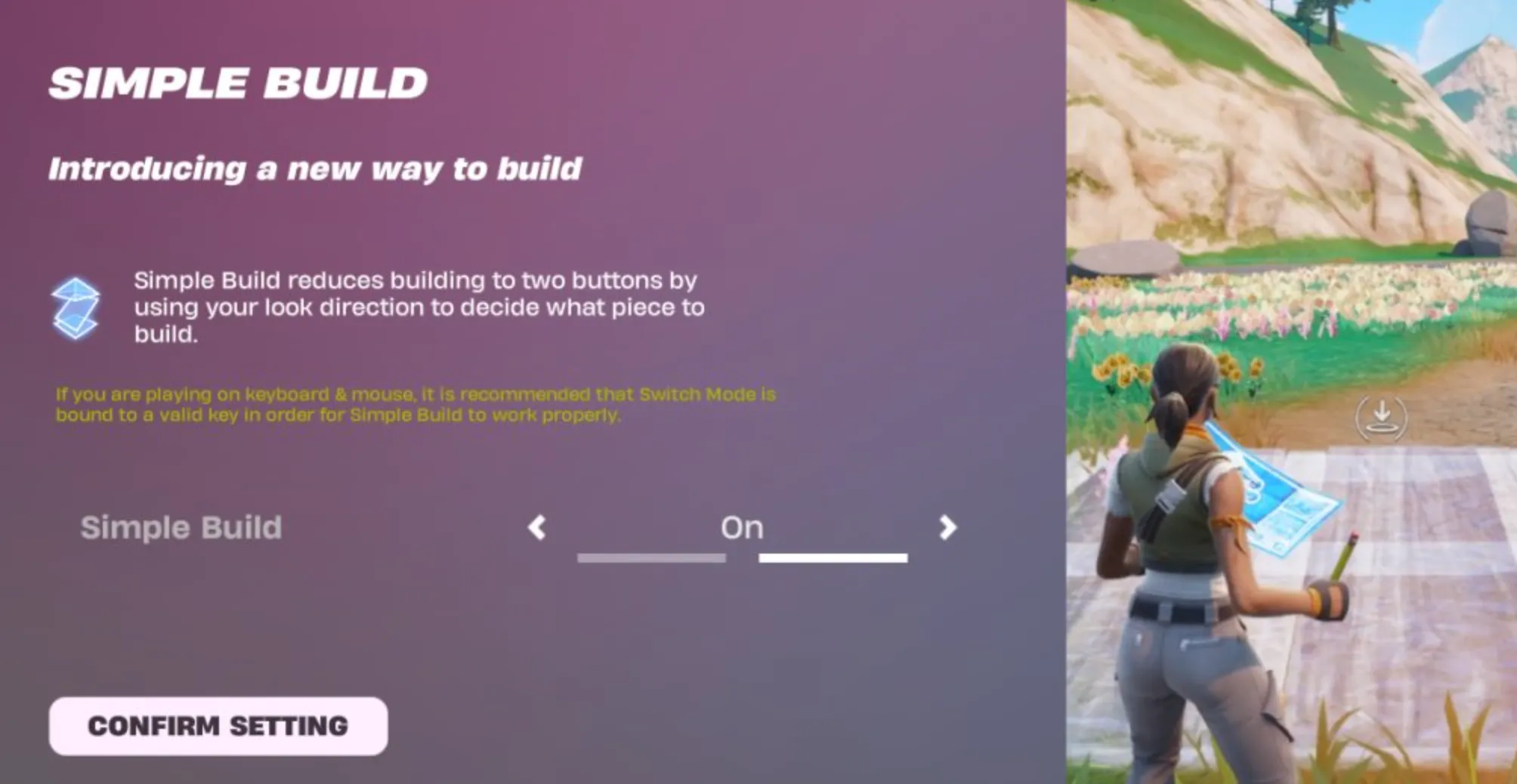
Simple Build is designed to take the pressure off players who still struggle with fast building during fights. Instead of placing every wall, ramp, or floor manually, the game builds a full structure based on where you’re looking. It’s basically a shortcut to help you pull off things like 90s, quick boxes, or cone tunnels without needing perfect mechanics.
To try it out, start by gathering a good amount of materials around the island. Once you’re ready, open your build menu using the regular Build button. Now look around and press right-click (or LT/L2 on controllers). Fortnite will automatically place the structure that matches the angle you’re facing. Look straight to put up a wall, look down for a floor, glance upward for a roof or cone, and tilt your aim around 45 degrees to place a ramp.
With enough mats, you can chain these movements together and build simple towers or defensive boxes in seconds. It still takes a bit of practice, and the feature isn’t as precise as classic building, but it’s a nice stepping stone if you’re learning. After testing it ourselves, the old-school manual building still gives more control once you understand your keybinds—yet Simple Build is handy for players who want easier, faster structures without mastering every input.
Conclusion
Simple Build is one of the biggest quality-of-life changes Fortnite has added in Chapter 7, and whether you keep it on or off depends entirely on how you prefer to play. If you’re still learning the basics, it can help you build faster with almost no effort. But if you already feel comfortable with classic building, turning it off gives you back full control and precision. Now that you know how to toggle the setting and how it actually works in-game, you can stick to the building style that feels the best for you.
Posted On: November 30th, 2025
Recent Articles


Our 1v9 support team is available 24/7 to help you with any questions or issues you may have.
support@1v9.gg
Loading...
1v9.gg is not endorsed or affiliated by any game developers or publishers.
2026 1v9, All Rights Reserved, Created By Ritesh (riteshsahoo.com)