 League of Legends
 Valorant
-a6d5b3e156bb.webp) Fortnite
Fortnite Call of Duty
 Clash of Clans
 Counter-Strike 2
 Roblox
 Rainbow Six Siege
 Clash Royale
 Minecraft
 Rocket League
 Dota 2
 Genshin Impact
 Squad Busters
 Rust
Rust Apex Legends
 Pokemon Go
 XDefiant
 LoL: Wild Rift
 Hay Day
 Diablo 4
 FC 25
FC 25 Marvel Rivals
 World of Warcraft
 Destiny 2
 Deadlock
-9ede9dc6b01b.webp) PUBG Mobile
PUBG Mobile The Finals
 Growtopia
 Forza Horizon 5
 Honkai: Star Rail
 Warframe
 8 Ball Pool
 Zenless Zone Zero
 Path of Exile
 Runescape 3
 Raid: Shadow Legends
 Lost Ark
 WoW: Classic Era
 Summoners War
 WoW: Season of Discovery
 WoW Cataclysm
 WoW: Hardcore
 Throne and Liberty
 New World
 Mobile Legends
 Escape From Tarkov
 Path of Exile 2
 Blade Ball
 Fisch
Fisch Pet Simulator 99
 Pets Go
-d8bcef7708c7.webp) One Piece Bounty
One Piece Bounty Anime Adventures
 Blox Fruits
 Adopt Me
 Murder Mystery 2
 Fragpunk
 Wuthering Waves
 Teamfight Tactics
 Free Fire
 Albion Online
 Black Desert Online
 Honor of Kings
 Brawl Stars
 Arena of Valor
 Call of Duty: Mobile
 Rematch
 Steal a Brainrot
 Grow a Garden
 FC 26
FC 26 Old School Runescape
 Plants vs Brainrots
 Overwatch
 Battlefield
 Arc Raiders
 Dragon Ball Legends
 Fallout 76
 Jailbreak
 Type Soul
 GPO
GPO DonutSMP
 Escape Tsunami For Brainrots
 Watcher of Realms
 Roblox Rivals
 2XKO
2XKO Sailor Piece
 Forza Horizon 6
 GTA 5
GTA 5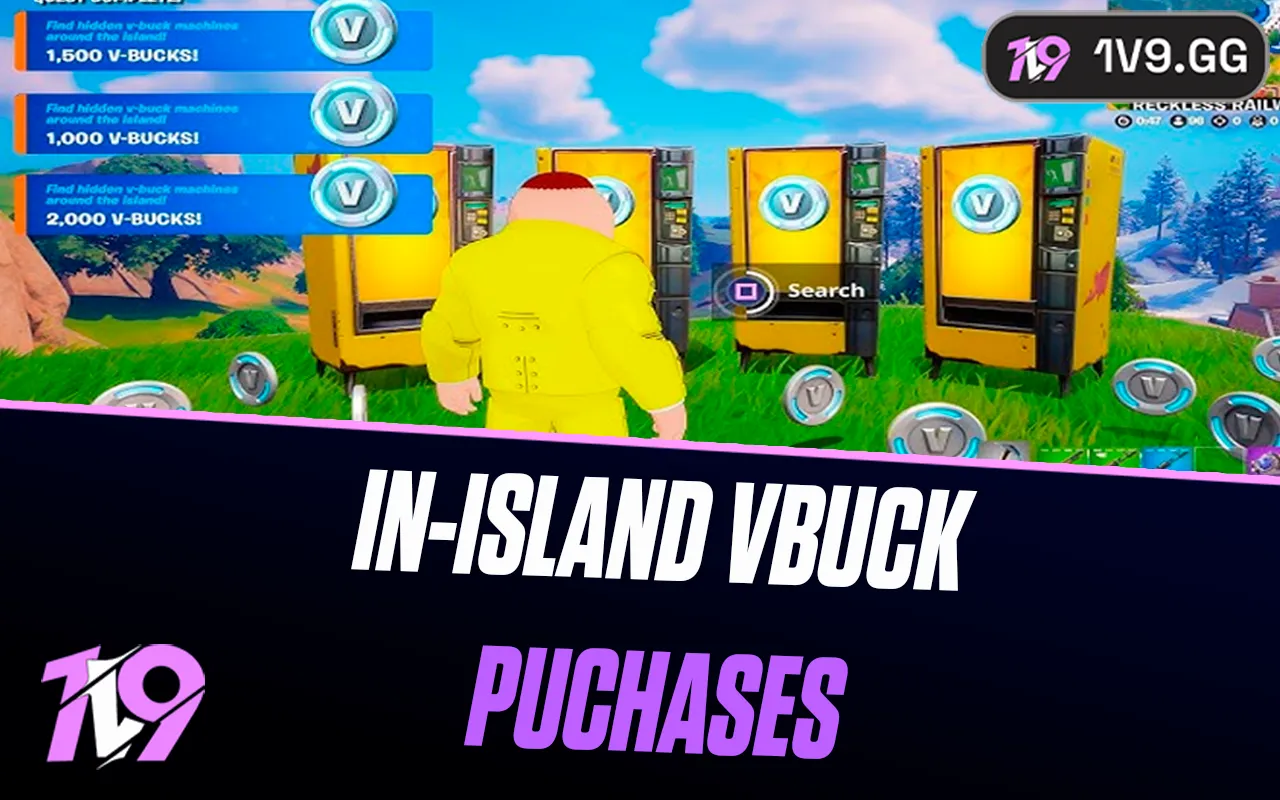

Only participating creator-made islands can sell in-island entitlements. Eligible offers cost 50–5,000 V-Bucks in increments of 50, are clearly disclosed before confirmation, and are separate from Fortnite Item Shop cosmetics.
Related 1v9 reading: best Fortnite Creative maps.
What islands can sell
Creators can define durable items, consumables, paid-area access and bundles. Offers that affect progression or power must be identified as consequential to gameplay. Paid random items require published odds and are blocked for some players or regions. Islands with purchases are labeled in Discover and on their detail pages.
Epic currently limits each offer or bundle to 50–5,000 V-Bucks in 50-V-Buck increments. The confirmation screen should show the item, price and relevant description before you approve it.
Persistence, transfers and refunds
An island entitlement belongs to the island’s system; it is not an Item Shop Outfit and does not automatically work in other islands. Creators define durable versus consumable behavior. Trading or reselling purchased entitlements is not supported. If an island disappears or an offer fails, use Epic’s in-island purchase support and transaction-history tools; refund eligibility depends on the purchase and Epic’s rules, so do not assume a Return Ticket applies.
Spending controls
- Use Epic parental controls and purchase PIN settings for child accounts.
- Read the consequential-gameplay label before buying a power or progression item.
- Confirm the island and creator; similarly named copies may not share purchases.
- Never enter Epic credentials on a creator’s external form to “restore” an entitlement.
Five checks before spending V-Bucks
- Confirm the island and creator name on the details page.
- Read whether the entitlement is durable, consumable or access to a paid area.
- Look for the Consequential to Gameplay disclosure and paid-random odds where applicable.
- Check the final V-Bucks price and account balance on Epic’s confirmation screen.
- Use Epic purchase history and support—not a creator’s direct messages—if delivery fails.
A creator cannot sell V-Bucks, real-world products or cross-island Item Shop cosmetics through this system. Buying an island entitlement does not improve your Epic account ownership or make the island permanent.
Refunds, parental controls and persistence
An island purchase follows the eligibility and refund rules shown by Epic at checkout and in its support flow; it is not automatically covered by the same return-token experience as an Item Shop Outfit. Parents can use Epic account controls and platform purchase controls to restrict spending. Review the account’s purchase history if the balance changes unexpectedly.
Durable entitlements should persist according to the island’s disclosure, while consumables are designed to be spent. Neither type is guaranteed to transfer to another creator’s island. If an island is removed or materially changed, use Epic Support and the transaction record rather than relying on a creator promise.
Sources and update policy
Primary verification: Epic: In-Island Transactions overview. Time-sensitive mechanics, availability and prices should be rechecked after major patches.


