

Best Mouse DPI Settings in Call of Duty: Sensitivity Guide
Finding the best mouse DPI settings in Call of Duty is one of the most important steps to improving your aim and overall performance. Call of Duty is a fast-paced shooter where tracking, quick flicks, and recoil control all matter, and your sensitivity setup directly affects how consistent you are in gunfights. Using the wrong DPI can make your aim feel shaky, slow, or completely out of control, even if your mechanics are solid.
In this guide, we’ll break down how mouse DPI works in Call of Duty, what most skilled players prefer, and how to find a sensitivity that feels smooth and reliable. Whether you play Multiplayer, Warzone, or Ranked modes, the goal is the same: build stable muscle memory, react quickly, and stay accurate in every fight. By the end, you’ll have a clear starting point for dialing in your DPI and in-game sensitivity the right way.
What is DPI in Call of Duty
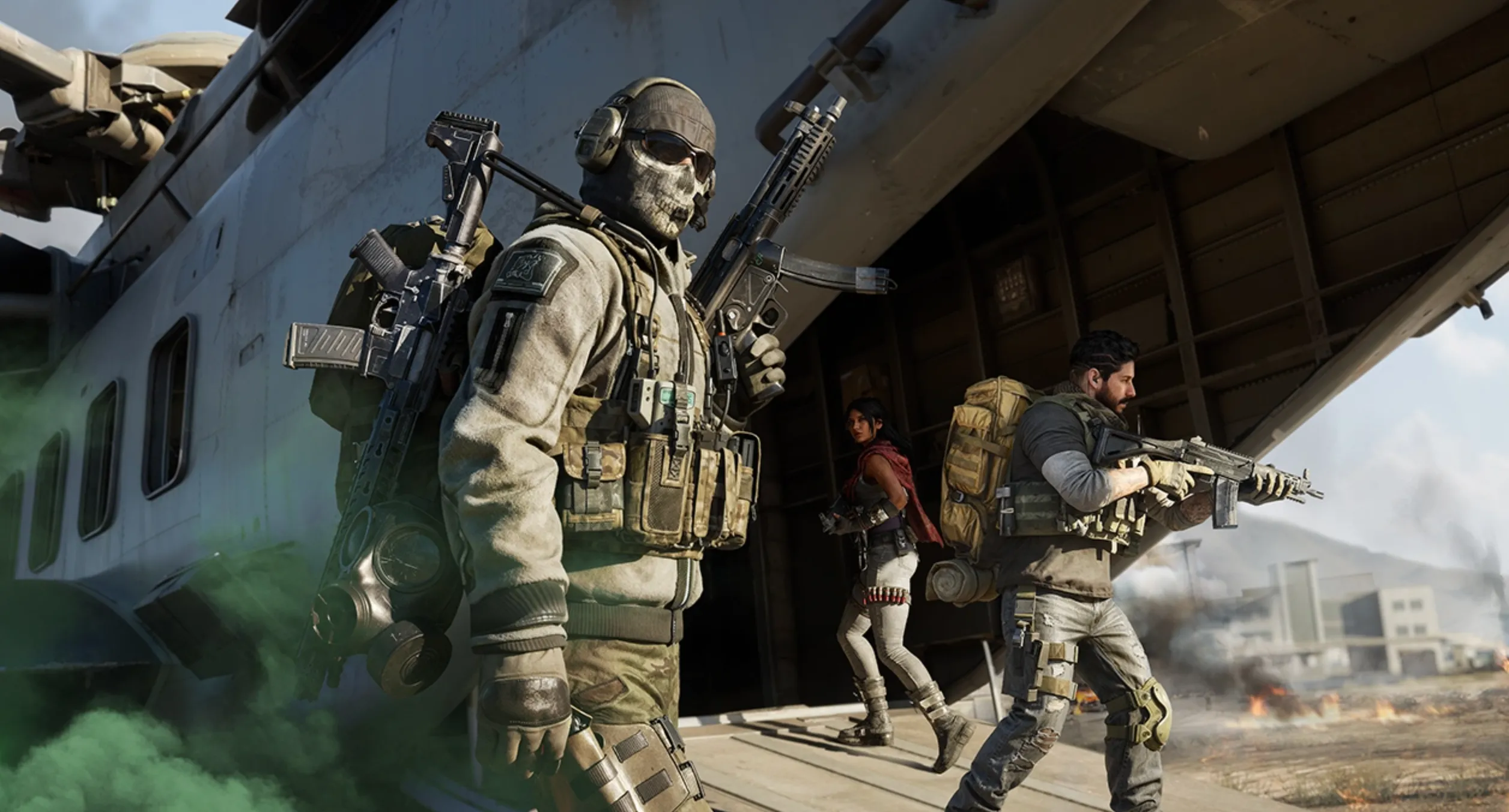
DPI in Call of Duty stands for Dots Per Inch, and it describes how sensitive your mouse is. In simple terms, DPI controls how far your crosshair moves on screen when you move your mouse. A higher DPI means your aim moves faster with smaller mouse movements, while a lower DPI requires more physical movement to turn or aim.
In Call of Duty, DPI works together with your in-game sensitivity to determine your overall aim speed. For example, two players can have the same in-game sensitivity but completely different aim feel if their DPI values are different. This combined value is often referred to as effective DPI (eDPI), which is what really defines how fast or slow your aim feels.
Using the right DPI in Call of Duty is important because the game relies heavily on tracking targets, controlling recoil, and making quick adjustments in close-range fights. Too high DPI can make your aim shaky and inconsistent, while too low DPI can make it hard to react quickly in fast gunfights. Finding a balanced DPI helps build muscle memory, improves accuracy, and makes your aim feel more controlled across Multiplayer, Warzone, and Ranked modes.
Best DPI Settings for Call of Duty
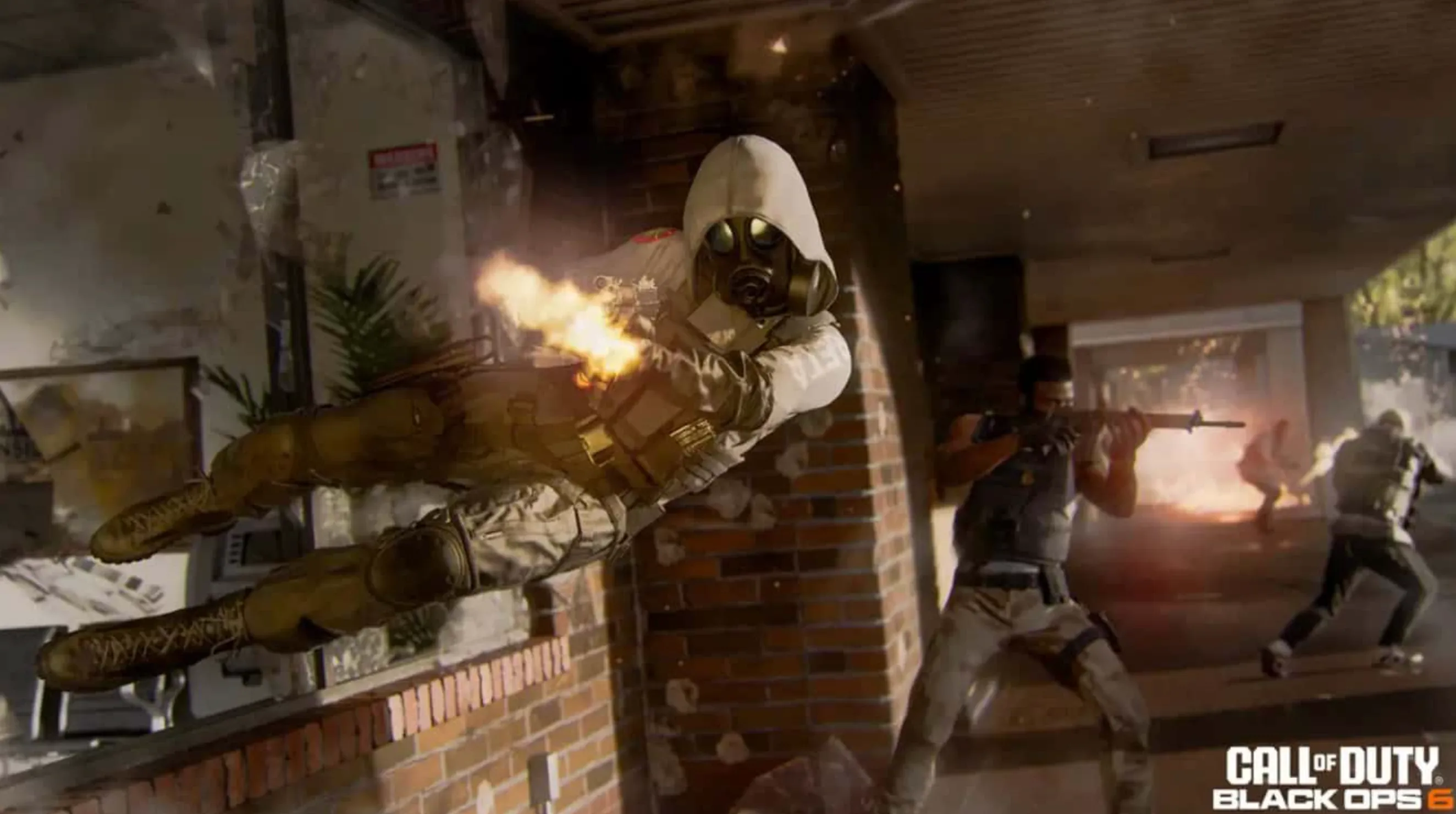
The best DPI settings for Call of Duty are all about balance. You want your aim to feel fast enough for close-range fights, but controlled enough to stay accurate when tracking enemies or controlling recoil. Most competitive and experienced players stick to lower DPI values because they offer better consistency and muscle memory.
For most players, the sweet spot is 800 DPI paired with a low in-game sensitivity. This setup gives you smooth tracking, better recoil control, and more precise flicks without making your aim feel sluggish. Some players prefer 400 DPI for even more control, especially if they have a large mousepad and play Warzone or Ranked modes where accuracy matters more than speed.
A common and reliable range looks like this:
• 400–800 DPI for the mouse
• 4–8 in-game sensitivity (adjust slightly based on comfort)
This puts your effective DPI (eDPI) in a zone that most pros and high-level players use. Higher DPI values like 1600 or above can work, but they often make aiming less stable unless your sensitivity is lowered significantly, which can feel awkward for many players.
The most important thing is consistency. Pick one DPI, stick with it, and fine-tune your in-game sensitivity instead of constantly changing both. Once your muscle memory locks in, your aim in Call of Duty will feel more natural, accurate, and reliable across Multiplayer, Warzone, and Ranked play.
Conclusion
Finding the right mouse DPI and sensitivity in Call of Duty can make a huge difference in how consistent and confident your aim feels. A well-balanced setup helps you track enemies smoothly, control recoil more easily, and win more close-range fights without sacrificing long-range accuracy. While there’s no single perfect setting for everyone, sticking to a lower, stable DPI and adjusting your in-game sensitivity is the approach most high-level and competitive players trust.
The key is to choose settings that feel natural and then stay consistent. Avoid constantly changing your DPI, give your muscle memory time to develop, and make small adjustments only when needed. Once your sensitivity feels locked in, your overall performance across Multiplayer, Warzone, and Ranked modes will improve, making every gunfight feel more controlled and reliable.
Posted On: January 4th, 2026
Recent Articles


Our 1v9 support team is available 24/7 to help you with any questions or issues you may have.
support@1v9.gg


-a6d5b3e156bb.webp)





Loading...
1v9.gg is not endorsed or affiliated by any game developers or publishers.
2026 1v9, All Rights Reserved, Created By Ritesh (riteshsahoo.com)