

Best The Punisher Crosshair And Reticle Code Settings
The Punisher is one of the most aim-dependent heroes in Marvel Rivals. Since his primary weapons are hitscan, every shot lands exactly where your crosshair is placed. That means your settings and reticle setup play a huge role in how consistent your damage feels, especially in mid- to long-range fights.
If your sensitivity is too high, you’ll struggle with tracking. If your crosshair is cluttered, you’ll lose focus during intense team fights. That’s why having a clean, optimized setup makes such a big difference with The Punisher.
In this guide, we’ll go over the best The Punisher settings, crosshair design, and full reticle code to help you improve your tracking, recoil control, and overall accuracy. Whether you’re holding angles or shredding targets in open fights, the right setup will make your aim feel smoother and far more reliable.
Best Punisher Crosshair in Marvel Rivals

The Punisher performs best with a clean and minimal crosshair. Since his assault rifle is fully hitscan, you don’t need complicated lead indicators or projectile guides. What matters most is having a clear reference point that supports precise tracking at all ranges.
This crosshair setup uses a small red center dot combined with a light outer circle, and each element serves a specific purpose.
Center Dot
The small red dot is your main focus when using the assault rifle. Because The Punisher’s bullets land instantly with no travel time or drop, you simply need to place the dot on your target. Whether the enemy is right in front of you or across the map, your shots will connect exactly where you aim.
A smaller dot improves precision, especially for headshots at mid and long range. It keeps your screen uncluttered and allows you to track strafing enemies more smoothly during sustained fights.
Outer Circle
The outer circle is primarily there for the shotgun. At close range — roughly around 10 to 12 meters — the circle visually reflects the shotgun’s effective spread area.
When an enemy’s body fills about half of that circle, you’re typically at an ideal distance to deal strong burst damage. It gives you a quick spacing reference without needing to guess whether you’re too close or slightly out of optimal range.
Why Red?
Red works well because it contrasts clearly against most environments and character outlines. It stays visible in bright maps and darker areas alike. That said, color is always personal preference. If another color feels clearer to you, adjust it — clarity and comfort matter more than sticking to one option.
Overall, this Punisher crosshair in Marvel Rivals is built for simplicity and consistency. A precise center dot for hitscan accuracy, paired with a subtle circle for shotgun spacing, gives you everything you need without cluttering your screen.
The Punisher Reticle Code in Marvel Rivals
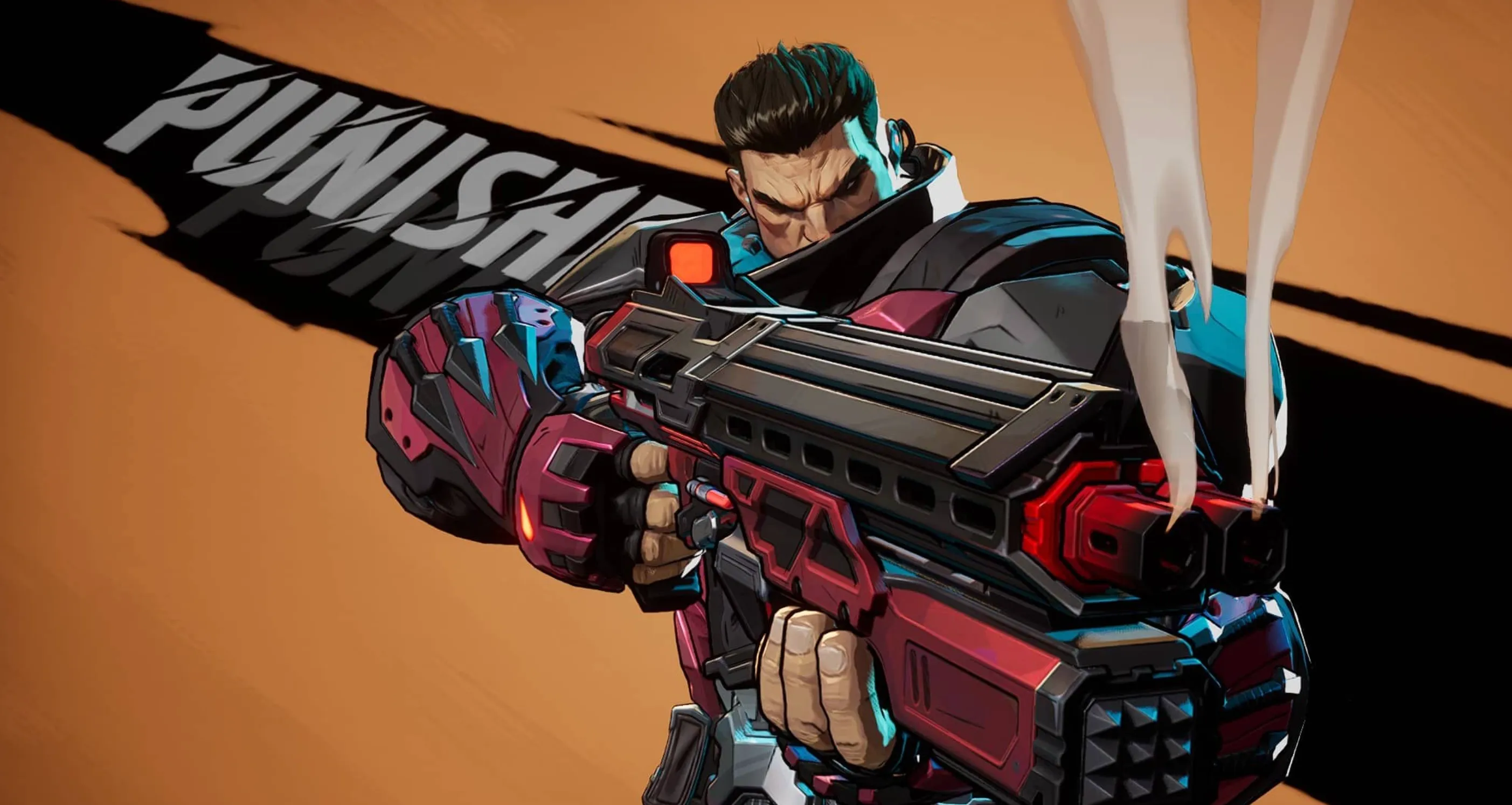
If you want to instantly apply this setup instead of adjusting each slider manually, you can paste the full Punisher reticle string directly into your crosshair settings.
The Punisher Crosshair Code:
4;0.0;10.0,18.0,39.0,30.0;100.0,85.0,52.0,100.0;50.0,30.0,10.0,60.0;36.0,36.0,36.0,36.0;0.0,0.0,0.0,0.0;33.0,0.0,63.0,33.0;20.0;100.0,85.0,52.0,100.0;0.0;5,5,2,1;1.0,1.0,1.0;
This Punisher reticle in Marvel Rivals is designed to stay clean and precise for assault rifle tracking while still giving you a subtle visual reference for shotgun range. The small center focus keeps your hitscan aim accurate at any distance, and the outer spacing element helps you judge close-range engagements more confidently.
After importing the code, you can still tweak minor details like color or opacity to match your preference, but the overall structure is built specifically for consistent tracking and recoil control with The Punisher.
The Punisher Crosshair Settings in Marvel Rivals
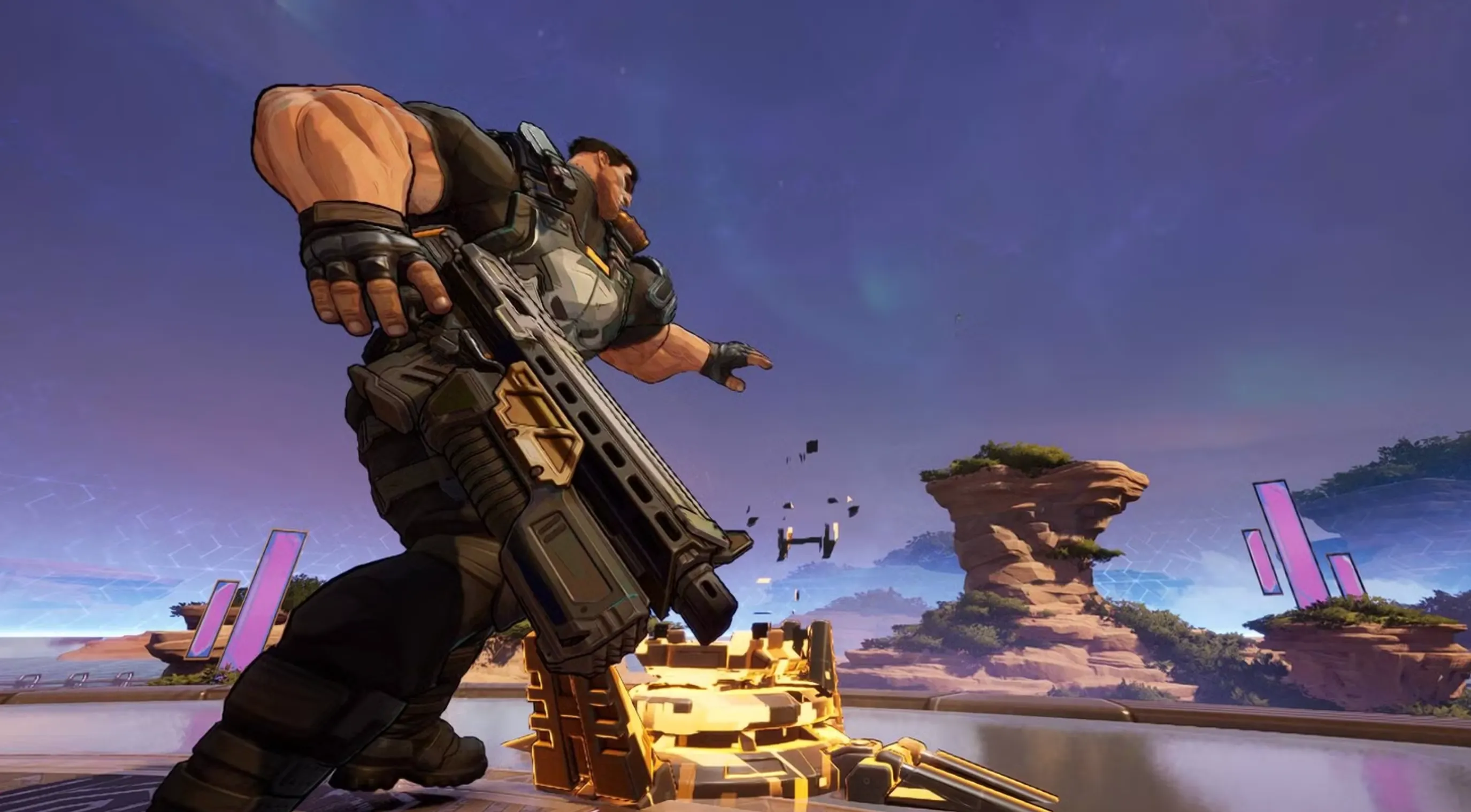
If you’d rather fine-tune everything yourself instead of importing the reticle code, here’s how to set up this Punisher crosshair manually and what each value is meant to achieve.
Start by choosing Circle and Crosshair as your reticle type and disable Reticle Animation. Keeping the reticle static helps with consistent tracking, especially during sustained assault rifle spray.
For the center dot, set the Dot Width to 30 and keep Dot Opacity at 100 so it remains clearly visible in every fight. Increase the Dot Outline Width to 60 to make the center stand out strongly against bright maps or ability effects. Keep Dot Blur at 0 for a sharp and precise aiming point.
For the crosshair lines, use a Crosshair Width of 18 and set Crosshair Length to 20. This gives you light visual framing without overwhelming the center dot. Set Crosshair Opacity to 85 and Crosshair Outline Width to 30 to keep the lines noticeable but not distracting. Leave blur at 0 for clarity.
The outer circle should have a Circle Width of 39 and Circle Radius of 63. This spacing works well as a shotgun range reference. Keep Circle Opacity around 52 so it stays semi-transparent, and use a Circle Outline Width of 10 for subtle definition without cluttering your screen.
All blur values (dot, crosshair, circle) should remain at 0 to maintain crisp edges and maximum readability.
For colors, this setup uses a Red center dot for precise hitscan aiming, White crosshair lines for clean visual balance, and a Yellow outer circle to separate shotgun range from your primary aim point. The color contrast helps you quickly distinguish each element during fast fights.
This Punisher crosshair configuration in Marvel Rivals keeps the focus on accurate assault rifle tracking while giving you a clear spacing guide for close-range shotgun damage. It’s clean, readable, and built specifically for consistent hitscan performance.
Best Punisher Hero Settings in Marvel Rivals
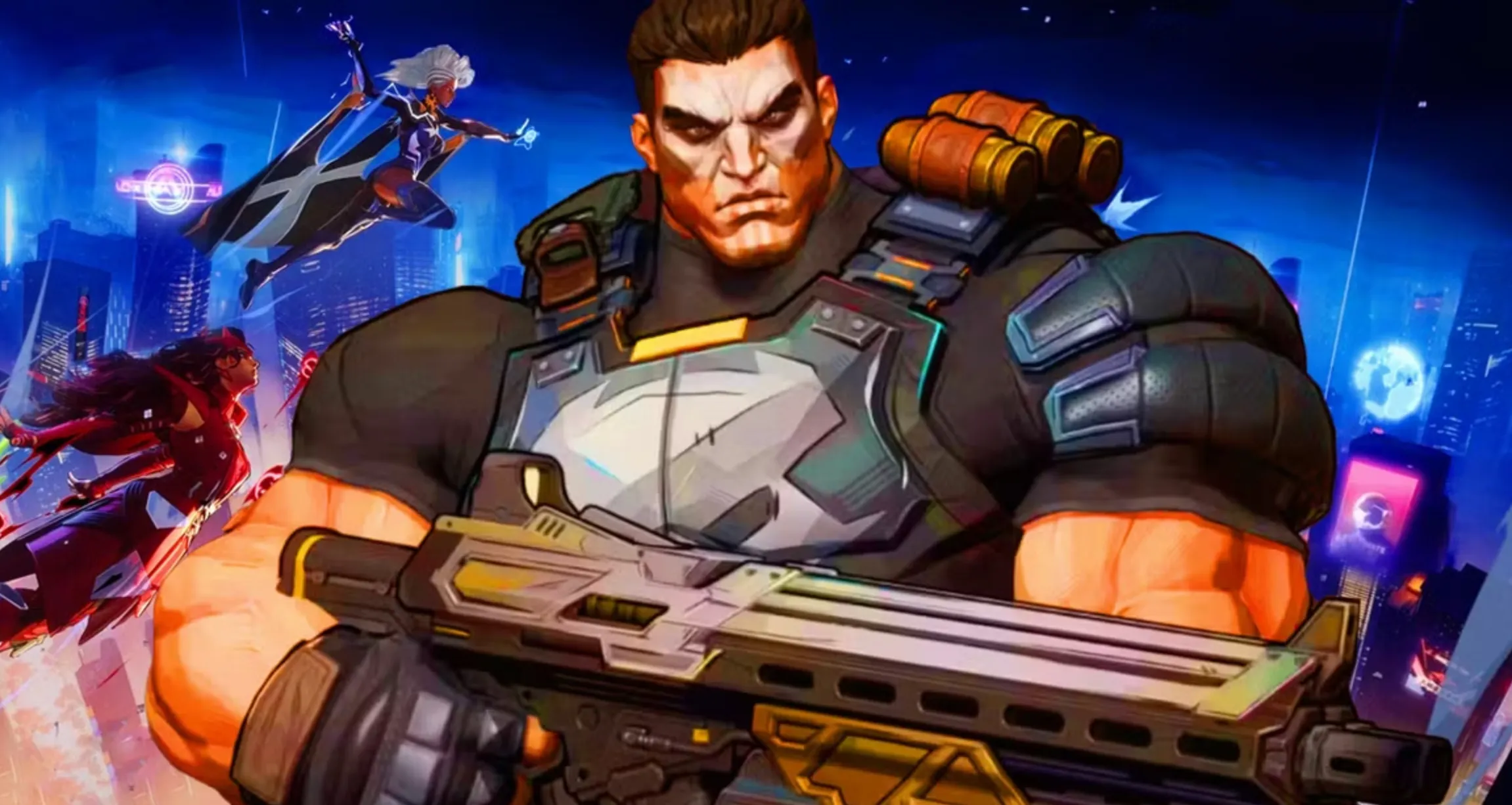
Since The Punisher is a pure hitscan hero, your settings should focus on clean tracking and stable recoil control. Small adjustments here can make a big difference in how consistent your aim feels during longer fights.
For general sensitivity, keep both Mouse Horizontal and Mouse Vertical Sensitivity between 2 and 4. This lower range helps with steady tracking, especially when holding angles or controlling spray at mid to long range. If you prefer tighter precision, stay closer to 2. If you want slightly faster turns for close fights, move toward 4.
Make sure Invert Horizontal Look and Invert Vertical Look are disabled, unless you personally play inverted. Standard orientation works best for most players.
Turn Mouse Smoothing and Mouse Acceleration off. These options can make your aim feel inconsistent, especially when micro-adjusting for headshots. Disabling them keeps your input direct and predictable.
Keep Allied Health Bars enabled. Even though Punisher is primarily damage-focused, awareness of teammate health helps you decide when to hold your position, commit to pressure, or fall back.
For ability-specific settings, set Cable Targeting Sensitivity around 40. This provides a balanced feel — responsive enough to adjust quickly, but controlled enough to avoid overshooting targets.
When using turret mode, slightly lower sensitivity works better for stability. Set both Turret State Horizontal and Vertical Sensitivity between 2 and 3. This helps maintain smooth tracking while you’re locked into position, preventing overcorrection during sustained fire.
These Punisher hero settings in Marvel Rivals are built for consistency and control. With lower sensitivity, no acceleration, and stable turret adjustments, you’ll find it much easier to track targets, control recoil, and maximize your hitscan damage output.
Conclusion
Dialing in the best The Punisher settings, crosshair, and reticle code in Marvel Rivals is all about consistency. Since he’s a hitscan hero, every missed shot comes down to aim control rather than projectile timing. That’s why a clean center dot, a subtle outer circle for shotgun range, and properly tuned sensitivity make such a big difference.
With lower, stable sensitivity and mouse acceleration turned off, your tracking becomes smoother and more predictable. Pair that with a clear crosshair design and you remove unnecessary distractions, letting you focus purely on landing shots and controlling recoil.
At the end of the day, The Punisher rewards precision and discipline. With the optimized setup in this guide, you’ll hold angles more confidently, track targets more cleanly, and deal more consistent damage in every fight.
Posted On: March 10th, 2026
Recent Articles


Our 1v9 support team is available 24/7 to help you with any questions or issues you may have.
support@1v9.gg


-a6d5b3e156bb.webp)





Loading...
1v9.gg is not endorsed or affiliated by any game developers or publishers.
2026 1v9, All Rights Reserved, Created By Ritesh (riteshsahoo.com)