

Arc Raiders: How To Reset Skill Tree
Arc Raiders puts a lot more weight on your character build than most extraction shooters. It’s not just about what weapon you bring in — the skills you unlock shape how fast you move, how well you survive, and how efficiently you loot and fight. As you play more, it’s normal for your preferred playstyle to change, whether you start leaning more into solo runs, PvP, or resource farming. When that happens, being stuck with the wrong skill choices can hold you back. This guide breaks down how to reset your skill tree in Arc Raiders, so you can rework your build and adapt without starting over from scratch.
Arc Raiders Skill Tree Overview
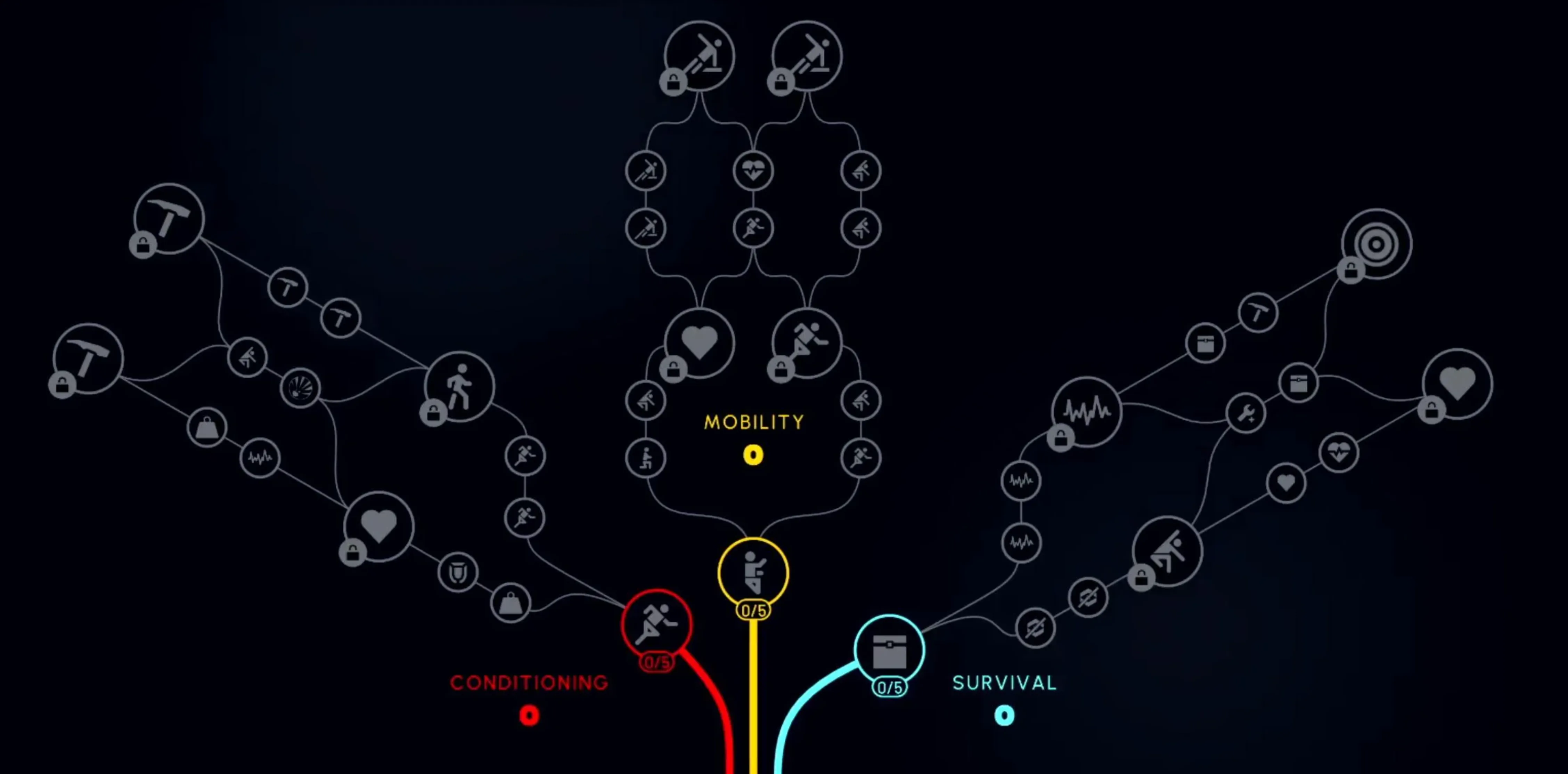
The skill tree in Arc Raiders has a huge impact on how your raider actually performs once you’re in a match. Your skills affect everything from how quietly you move to how long you can sprint, loot, and survive under pressure, and in many runs they matter just as much as your weapons. As you earn experience, you spend skill points inside a large progression tree that slowly shapes your overall playstyle over time. It’s a system built around commitment and planning, not quick or throwaway upgrades.
Arc Raiders splits its skill tree into three main paths: Conditioning, Mobility, and Survival. Each one focuses on a different strength, whether that’s stamina efficiency, movement speed, noise reduction, or general survivability while looting and fighting. Progression isn’t free-form either — you must unlock skills in order, starting from the bottom and working your way up before stronger upgrades become available. Because of that structure, early choices can have a real impact on how smooth your raids feel. The good news is that if you reset your Arc Raiders skill tree later on, all spent skill points are refunded, letting you rebuild your setup without losing progress.
How To Reset Skill Tree in Arc Raiders
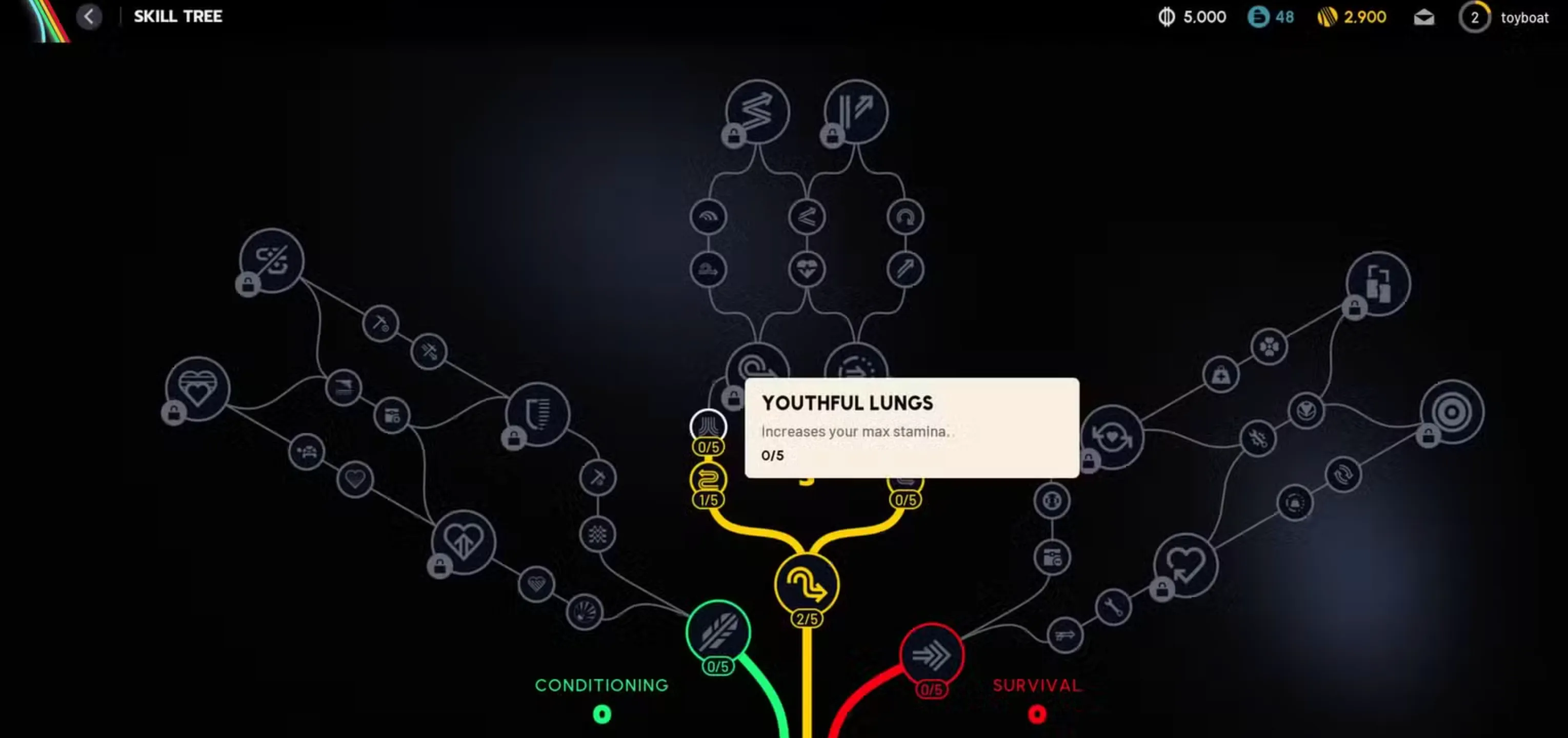
Resetting your skill tree in Arc Raiders isn’t something you can do instantly, and it does come with a few requirements. First, you’ll need to complete the Project Expedition, as this unlocks the option to respec your skills. Once that’s done, resetting the skill tree will cost coins, and the exact amount depends on how many skill points you’ve already invested. The more upgrades you’ve unlocked, the higher the reset cost will be, so it’s worth planning ahead.
When you’re ready to reset, open your Profile or head into the Raiders tab from the main menu. From there, select the Skill Tree option. You’ll see a reset prompt—either press the R key or click the Reset button on screen. Confirm the action by selecting Confirm and Reset, and the game will refund all your spent skill points. After the reset is complete, you’re free to reassign those points however you like, letting you adjust your build to match a new playstyle, loadout, or strategy without starting over from scratch.
How To Gain Extra Skill Points in Arc Raiders
Before you wrap up the Project Expedition, it’s a good idea to save up as many coins as you can. Any coins you have at that point are converted into bonus skill points, which can give you a real head start later on. The conversion rate is simple: every 1,000,000 coins earned turns into one extra skill point, with a cap at 5,000,000 coins for a total of five bonus points.
When you combine those extra points with the standard level cap of 75, you can carry up to 80 skill points forward. That added flexibility makes it much easier to invest across multiple branches of the skill tree instead of being locked into a single path, giving you a noticeable edge as you push deeper into Arc Raiders.
Conclusion
Resetting your skill tree in Arc Raiders gives you the freedom to adapt as your playstyle changes. Whether you want to focus more on survival, movement, or efficiency, knowing how the reset system works lets you fix early mistakes and optimize your build without starting over. As long as you complete Project Expedition and have enough coins saved, respecing your skills is straightforward and flexible. Taking advantage of this system, especially alongside bonus skill points from saved coins, can make a big difference in how strong and versatile your raider feels in future raids.
Posted On: December 17th, 2025
Recent Articles


Our 1v9 support team is available 24/7 to help you with any questions or issues you may have.
support@1v9.gg


-a6d5b3e156bb.webp)





Loading...
1v9.gg is not endorsed or affiliated by any game developers or publishers.
2026 1v9, All Rights Reserved, Created By Ritesh (riteshsahoo.com)