


Best Mouse DPI Settings in Apex Legends
Apex Legends is a fast, movement-heavy shooter where aim consistency matters just as much as raw mechanics. From tracking enemies while sliding to controlling recoil in close-range fights, your mouse DPI and sensitivity settings play a huge role in how well you perform. In this guide, we’ll break down the best mouse DPI settings for Apex Legends, explain how sensitivity works in-game, and help you find a setup that feels smooth, precise, and reliable. Whether you’re a casual player or grinding ranked, dialing in the right DPI and sensitivity can make aiming feel more natural and give you better control in every gunfight.
What is DPI in Apex Legends
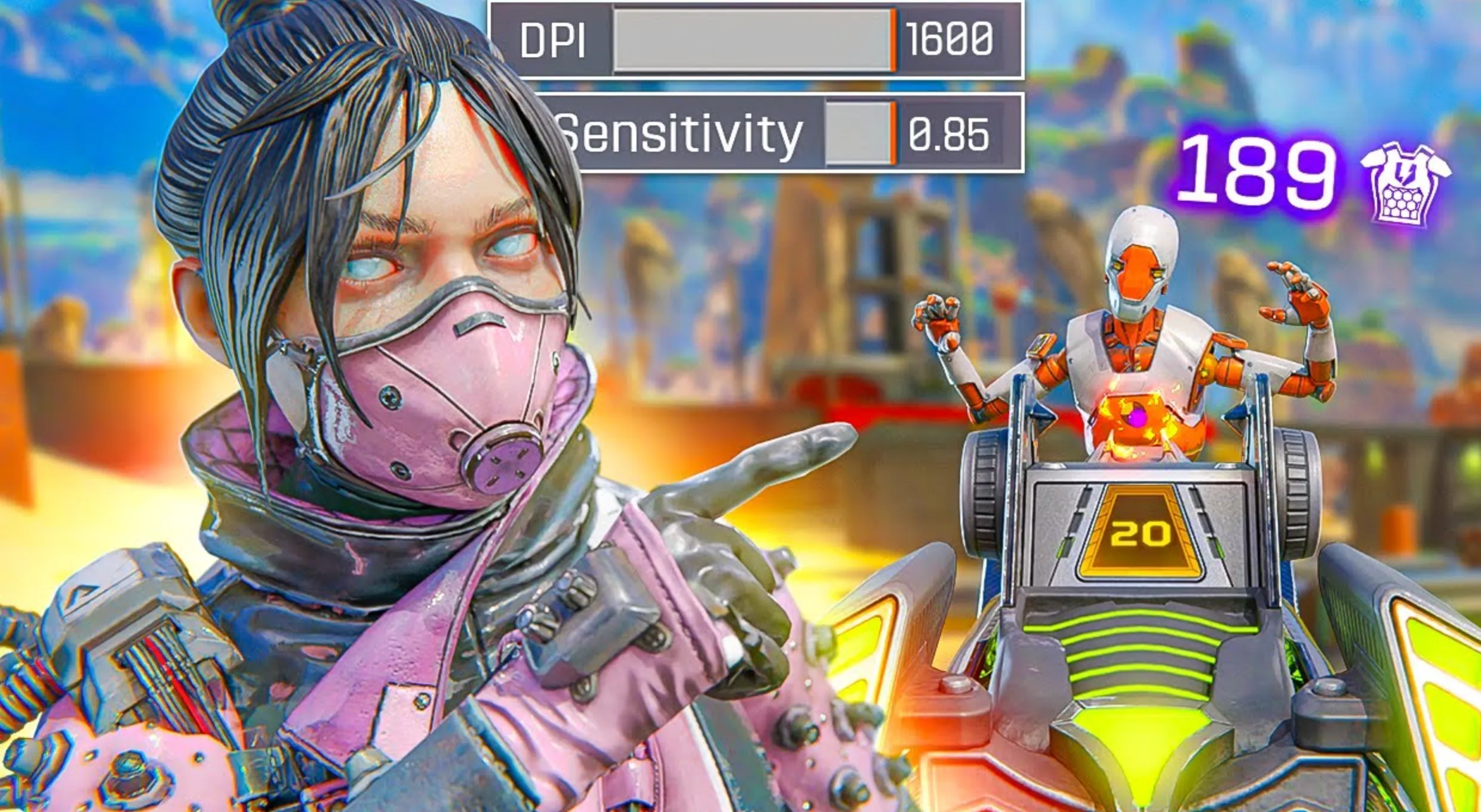
DPI in Apex Legends stands for Dots Per Inch, and it refers to how sensitive your mouse is. In simple terms, DPI controls how far your cursor moves on screen when you move your mouse physically. A higher DPI means your crosshair moves faster with less hand movement, while a lower DPI means slower, more controlled movement.
In Apex Legends, DPI works together with your in-game sensitivity to create your final aim speed. This combined value is often called eDPI (effective DPI). For example, if you use 800 DPI on your mouse and 1.5 in-game sensitivity, your aim will feel much faster than someone using 800 DPI with 1.0 sensitivity.
Most Apex Legends players prefer low to medium DPI because it offers better recoil control, smoother tracking, and more precise flicks, especially during fast gunfights. DPI itself doesn’t improve aim on its own, but choosing the right DPI makes it much easier to build consistent muscle memory and land shots reliably.
Best DPI Settings for Apex Legends

The best DPI settings for Apex Legends focus on control, consistency, and smooth tracking, since the game relies heavily on fast movement, recoil control, and close-to-mid range gunfights. Most players, including high-level and professional players, prefer low to medium DPI paired with low in-game sensitivity to keep their aim stable during intense fights.
A very common and reliable setup is 800 DPI with an in-game sensitivity between 1.2 and 1.6. This puts your effective DPI (eDPI) in a comfortable range that allows precise tracking while still being fast enough to react during close-quarters combat. Another popular option is 400 DPI with slightly higher in-game sensitivity, usually around 2.5 to 3.0, which offers even more control for players who prefer larger mouse movements.
In general, most Apex Legends players fall into an eDPI range of roughly 1000–1600. Staying within this range makes recoil easier to manage and helps build consistent muscle memory over time. Higher DPI settings can feel flashy at first, but they often make tracking targets harder and lead to shaky aim under pressure. The best approach is to start with 800 DPI, adjust your in-game sensitivity slowly, and stick with one setup long enough for your aim to fully adapt.
Conclusion
Finding the best mouse DPI settings in Apex Legends comes down to balance and consistency. A lower DPI combined with a controlled in-game sensitivity gives you smoother tracking, better recoil control, and more reliable aim in both close-range fights and long-distance engagements. While popular setups like 800 DPI remain a solid starting point, the most important factor is choosing a sensitivity that feels natural and sticking with it long enough to build muscle memory. Small adjustments over time will always outperform constant changes. With the right DPI and sensitivity combination, your aim becomes more stable, your reactions more confident, and your overall performance in Apex Legends noticeably stronger.
Posted On: January 3rd, 2026
Recent Articles


Our 1v9 support team is available 24/7 to help you with any questions or issues you may have.
support@1v9.gg


-a6d5b3e156bb.webp)





Loading...
1v9.gg is not endorsed or affiliated by any game developers or publishers.
2026 1v9, All Rights Reserved, Created By Ritesh (riteshsahoo.com)