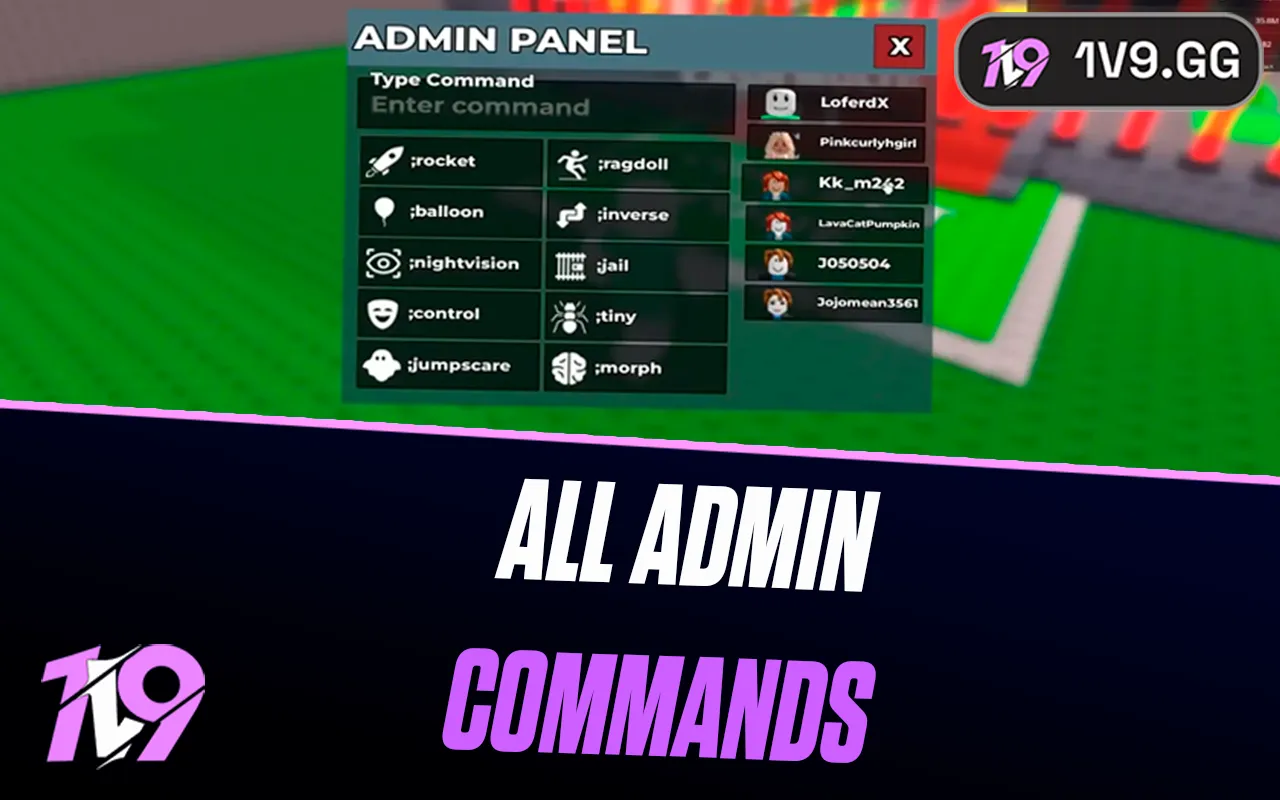


All Admin Commands in Steal a Brainrot
Admin commands are a huge part of the chaos and fun in Steal a Brainrot. They’re the reason random events appear out of nowhere, rare brainrots suddenly flood your conveyor belt, and the entire server can flip upside down in seconds. Whether you’re trying to understand how admins trigger special events, how certain units spawn, or you’re just curious about every command the game uses behind the scenes, this guide breaks down every known admin command in Steal a Brainrot and what each one does. If you’ve ever wondered how the devs create those wild moments during updates or abuse events, this list will give you a clear look at how the system works and why these commands shape the game’s entire meta.
Every Admin Console Command in Steal a Brainrot
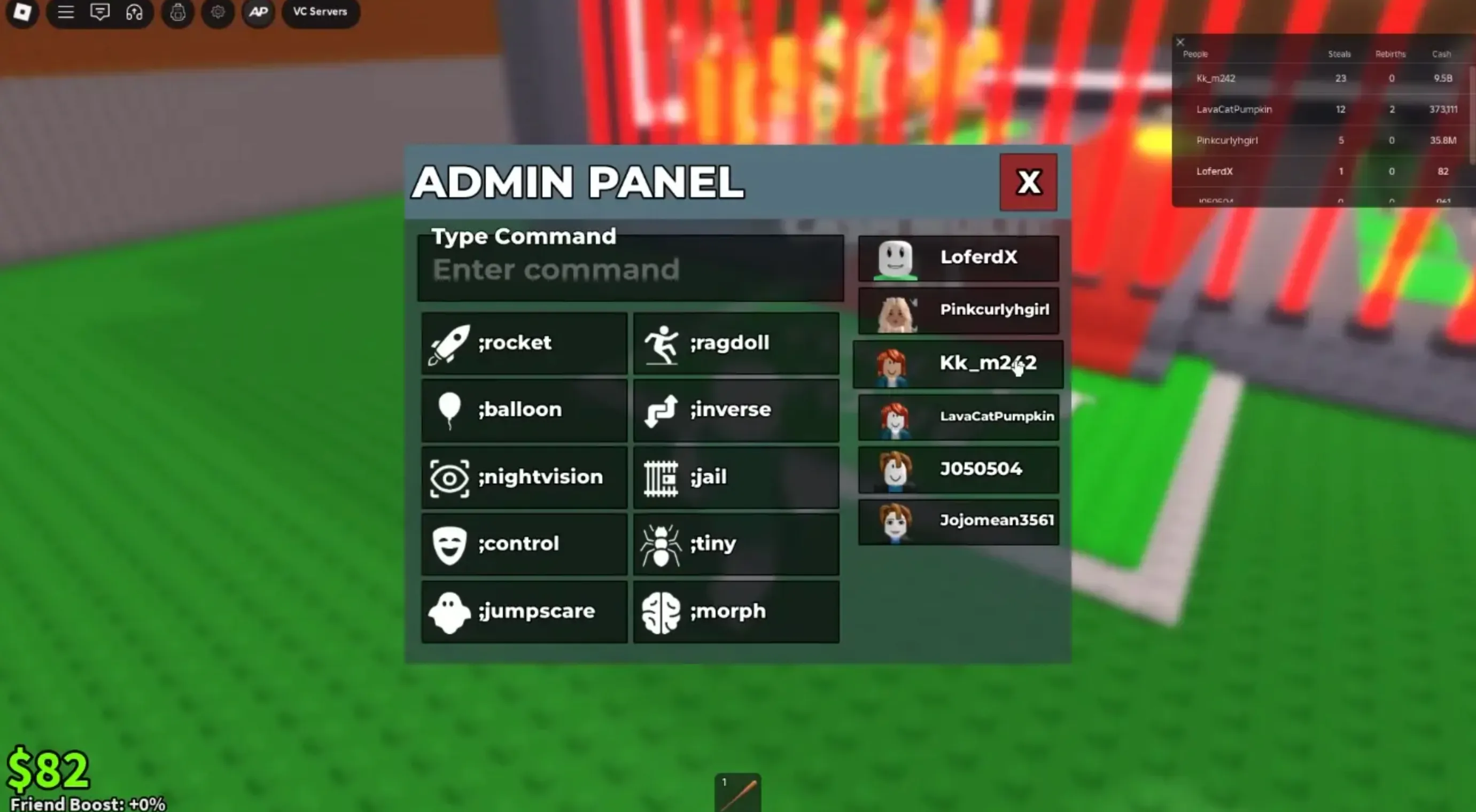
Using the admin console in Steal a Brainrot can be a fun way to mess around with different effects, especially since the game doesn’t offer any redeemable codes. These commands don’t let you summon events or spawn new brainrots, but they do give you a bunch of tools to troll players or test random interactions. Below is a full breakdown of what each command actually does so you know exactly what you’re activating when you open the console:
Admin Command — Effect
;rocket — Shoots the player straight up like a rocket for a short burst.
;ragdoll — Drops the target into full ragdoll mode and knocks them to the ground.
;balloon — Turns a player’s head into a floating balloon and lifts them for about 15 seconds.
;inverse — Flips their movement controls for 10 seconds, making everything harder to navigate.
;nightvision — Gives the player night vision for one minute.
;jail — Traps the player inside a small cell for 10 seconds.
;control — Lets you take control of another player for 10 seconds.
;jumpscare — Spawns a Brainrot jumpscare on the target.
;tiny — Shrinks the player down to a tiny size.
;morph — Randomly transforms the player into a different brainrot.
These commands are mainly for trolling, messing around with friends, or running fun server events. None of them allow you to force-spawn powerful units or trigger weather effects, so use them knowing they’re purely for entertainment and don’t affect progression.
How to Unlock Admin Panel in Steal a Brainrot
If you want access to console commands in Steal a Brainrot, you’ll need the Admin Panel gamepass, which is the only way players can use these tools. The price changes often depending on discounts, so don’t be surprised if you see it listed anywhere from 1,999 Robux up to the original 9,999 Robux—different players sometimes see different prices. Getting it is simple: open Steal a Brainrot, hit the Shop button on the left side, switch to the Gamepasses section, and find the Admin Panel. Once you purchase it through the Robux button, the gamepass unlocks instantly, giving you full access to all admin features in your server.
How to Use Admin Commands in Steal a Brainrot
After unlocking the Admin Panel, using commands in Steal a Brainrot is very simple. All admin tools are managed directly through the in-game chat or the panel menu. If you want a quick list of every available command, just type ;cmds in the chat and the full command list will appear instantly. You can also open the panel manually by clicking the AP button at the top left of your screen. From there, choose any command you want to use, then select the player you want to target. Whether you prefer typing commands or clicking through the panel, both methods work the same—the admin system will apply the effect immediately. This setup makes it easy to test commands, troll friends, or experiment with different effects without digging through menus.
Conclusion
Learning all the admin commands in Steal a Brainrot makes the game way more entertaining, especially if you enjoy trolling friends or experimenting with different effects. Even though the admin panel doesn’t let you spawn brainrots or trigger events, the tools you do get still offer plenty of fun ways to mess around with players and change how the game feels for a moment. As long as you’ve purchased the Admin Panel gamepass, you can access every command instantly and switch between them whenever you want. Use them responsibly, avoid ruining other players’ experience, and enjoy the extra layer of chaos that comes with having full admin control.
Posted On: December 5th, 2025
Recent Articles


Our 1v9 support team is available 24/7 to help you with any questions or issues you may have.
support@1v9.gg


-a6d5b3e156bb.webp)





Loading...
1v9.gg is not endorsed or affiliated by any game developers or publishers.
2026 1v9, All Rights Reserved, Created By Ritesh (riteshsahoo.com)