

Best Mouse DPI Settings in Rainbow Six Siege
Finding the best mouse DPI settings in Rainbow Six Siege is essential if you want consistent aim and precise control in one of the most tactical FPS games out there. Unlike fast-paced shooters, Siege rewards accuracy, crosshair placement, and muscle memory far more than raw speed. A poorly tuned DPI or sensitivity can lead to overflicking, missed headshots, and shaky tracking in close fights. In this sensitivity guide, we’ll break down how DPI works in Rainbow Six Siege, what settings most high-level players use, and how you can dial in a setup that feels natural and reliable for your playstyle, whether you’re holding tight angles or clearing rooms aggressively.
What is DPI in Rainbow Six Siege
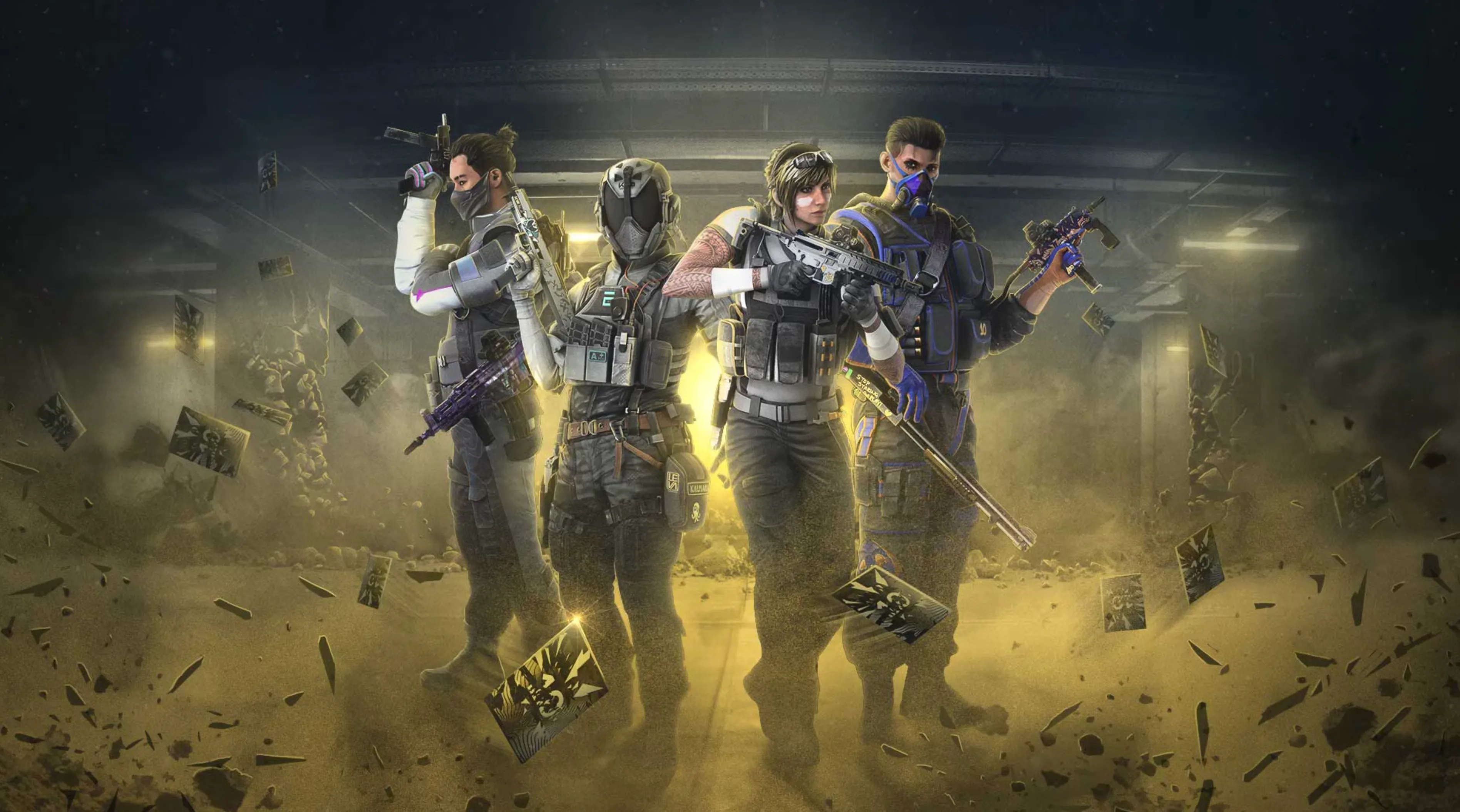
DPI in Rainbow Six Siege stands for “dots per inch” and describes how sensitive your mouse sensor is. In simple terms, DPI controls how far your cursor or crosshair moves on screen based on how much you move your mouse physically. A higher DPI means your aim moves faster with less hand movement, while a lower DPI means slower, more controlled movement that requires larger mouse swipes. In Rainbow Six Siege, DPI works together with your in-game sensitivity to determine your overall aim feel, which is why most players talk about “effective sensitivity” rather than DPI alone. Because Siege is a tactical shooter focused on holding angles, landing headshots, and making small, precise adjustments, many players prefer lower DPI settings paired with low in-game sensitivity. This setup helps improve consistency, reduces overflicking, and makes tracking enemies through tight doorways and pixel angles much easier.
Best DPI Settings for Rainbow Six Siege
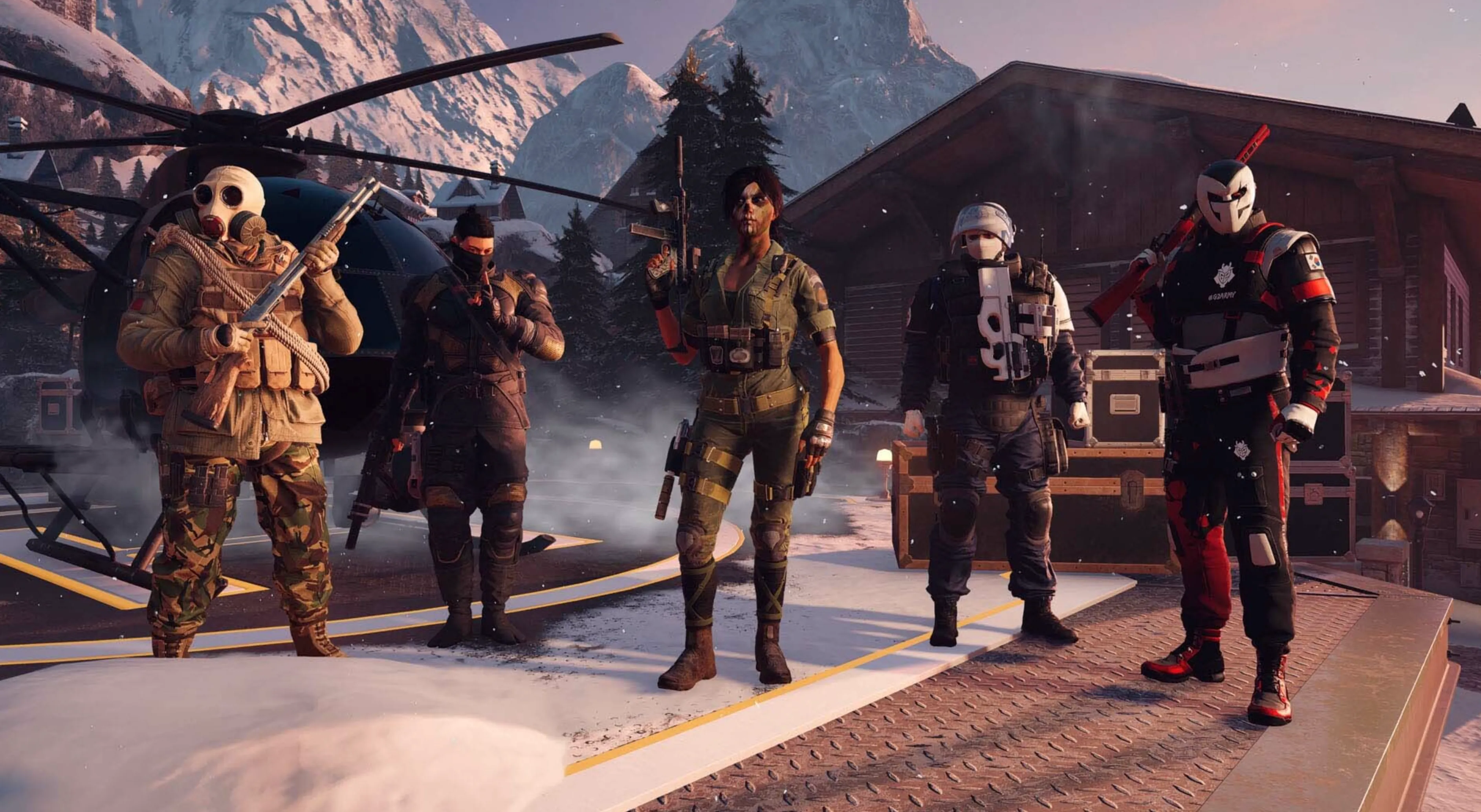
The best DPI settings for Rainbow Six Siege focus on precision, control, and consistency rather than speed. Because Siege is a tactical shooter built around holding tight angles, pre-aiming, and landing clean headshots, most experienced players use a low DPI paired with low in-game sensitivity. The most common and reliable setup is 800 DPI with an in-game horizontal and vertical sensitivity between 6 and 12, which gives you smooth micro-adjustments without feeling sluggish. Some players prefer 400 DPI for even finer control, especially if they have a large mousepad, while others go up to 1600 DPI but lower their in-game sensitivity to keep the overall feel slow and stable. What matters most is your effective sensitivity, not just the DPI number itself. Lower effective sensitivity helps reduce shaky aim, improves recoil control, and makes it easier to track enemies through narrow doorways and pixel angles. If you want consistency, stick to one DPI value, disable mouse acceleration in Windows, and fine-tune your in-game sensitivity gradually until your aim feels steady and repeatable in real matches.
Conclusion
Finding the best mouse DPI settings in Rainbow Six Siege comes down to prioritizing control and consistency over raw speed. Siege rewards players who can hold angles, make tiny adjustments, and win gunfights with clean headshots, which is why lower DPI and sensitivity setups are favored across all skill levels. While there is no single perfect setting for everyone, sticking to a stable DPI like 400 or 800 and carefully tuning your in-game sensitivity will give you far better results than constantly changing values. Once you find a setup that feels comfortable, the most important step is to commit to it and build muscle memory through regular play. With the right DPI settings and enough practice, your aim will feel more reliable, your reactions more confident, and your overall performance in Rainbow Six Siege will steadily improve.
Posted On: January 3rd, 2026
Recent Articles


Our 1v9 support team is available 24/7 to help you with any questions or issues you may have.
support@1v9.gg


-a6d5b3e156bb.webp)





Loading...
1v9.gg is not endorsed or affiliated by any game developers or publishers.
2026 1v9, All Rights Reserved, Created By Ritesh (riteshsahoo.com)