


How To Get Unbanned From Pokemon Go: Ban Appeal Guide
Getting banned from Pokémon Go can be frustrating, especially when you lose access to your account, progress, and the rare Pokémon you’ve spent months collecting. Niantic’s anti-cheat system is strict and automated, which means bans can happen for a variety of reasons—from GPS issues and flagged activity to genuine mistakes or unexpected account behavior. The good news is that most bans can be appealed if you understand how Niantic’s system works and follow the proper steps. This guide breaks down every type of Pokémon Go ban, the most common reasons players get flagged, and exactly how to submit a strong appeal so you have the best chance of recovering your account as quickly as possible.
Pokemon Go Ban Types
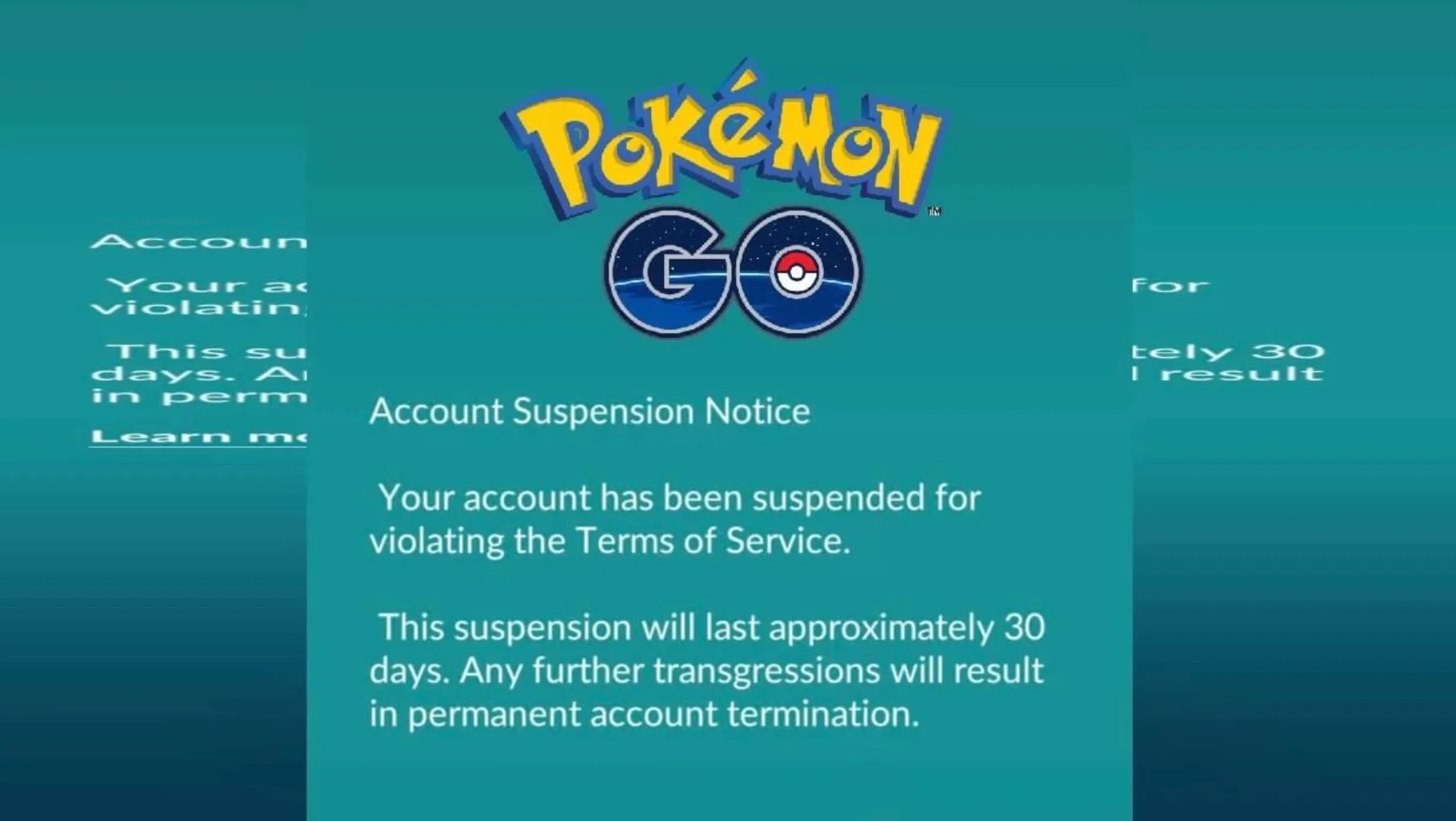
Pokémon Go uses several levels of penalties to keep the game fair and prevent cheating, and each type of ban affects your account in a different way. The lightest form of punishment is a soft ban, which temporarily stops you from catching Pokémon, spinning PokéStops, or joining raids for a short period. These usually happen when the system detects suspicious movement, such as teleporting between locations too quickly. More serious violations can lead to a shadow ban, where rare Pokémon completely stop appearing on your map, limiting your ability to progress in the game. If the system flags your activity as the use of third-party tools or spoofing apps, you may receive a temporary suspension, locking you out of your account for several days. The harshest outcome is a permanent ban, which fully blocks login access and removes your ability to play on that account forever. Niantic enforces a “three-strike policy,” but depending on the severity of the violation, bans can escalate quickly. Understanding these ban categories is essential before starting the appeal process and gives you a clear idea of what type of punishment you’re dealing with.
Why You Got Banned in Pokemon Go: Common Reasons
Most Pokémon Go bans happen when the system detects behavior that violates Niantic’s rules, and many of these actions are tied to spoofing, cheating tools, or unsafe account practices. Players often get banned for using GPS spoofing apps, modified clients, bot software, or any third-party tool that automates gameplay or fakes location data. Sharing accounts, buying or selling accounts, or using unauthorized services to boost progress can also trigger fast bans. Toxic behavior, harassment, or inappropriate usernames may lead to strikes as well. In some cases, bans occur because an account was compromised and used for cheating without the owner’s knowledge. Niantic’s system heavily relies on automated detection, so even small inconsistencies—like impossible movement speeds or suspicious login patterns—can trigger a penalty. Understanding these common causes makes it easier to correct issues, protect your account, and prepare a stronger appeal if you believe the ban was issued in error.
How to Appeal a Ban and Get Unbanned From Pokemon Go
If your Pokémon Go account gets banned, the only way to reverse it is by submitting an official appeal through Niantic’s support system. Since Niantic reviews each case manually, you need to follow the correct process to have any chance of getting your account back. Start by visiting the Niantic Help Center, selecting Pokémon Go, and choosing the “Ban Appeal” option. From there, you’ll fill out a form that requires your Trainer Name, the email linked to your account, and a clear explanation of why you believe the ban was incorrect. Keep your appeal short, factual, and respectful—Niantic ignores aggressive or emotional messages. If your ban resulted from a misunderstanding, GPS drift, a third-party app you removed, or unauthorized access to your account, explain the situation honestly and mention what security steps you’ve taken since. Niantic only gives one appeal per ban, so make it count by staying detailed and straightforward. For device or shadowbans, appeals may not be accepted, but account-related bans can sometimes be overturned if you provide a valid reason. Once submitted, wait for Niantic’s response; sending multiple appeals won’t speed up the process and may lower your chances of success.
Writing a Strong Appeal to Get Unbanned from Pokemon Go
When you submit an appeal to reverse a Pokémon Go ban, the goal is to clearly explain what happened and show that you understand Niantic’s rules. Keep your message calm, honest, and straightforward. If you made a mistake, acknowledge it instead of trying to deny it, because Niantic can verify account activity on their end. If your account was compromised or banned due to an automated error, explain the situation clearly and mention any steps you took afterward, such as resetting your password, removing third-party access, or enabling stronger security. Avoid emotional language or long rants—support teams respond better to concise explanations that focus only on the violation and why the ban should be reconsidered. If you have proof that supports your case, like login records or evidence that you were not using unauthorized software, include it in your appeal. Don’t threaten to quit, don’t brag about money spent, and don’t blame moderators. The strongest appeals show responsibility, respect for the rules, and a willingness to comply with Niantic’s policies going forward.
How Long Until Pokemon Go Unbans Your Account?
The time it takes for Niantic to lift a ban in Pokemon Go depends entirely on the type of punishment you received and whether your appeal is approved. Soft bans usually last a few hours and automatically lift once the timer expires, while shadow bans typically remain for 7–14 days. Temporary suspensions can last anywhere from 30 days to several weeks depending on the severity of the violation. Permanent bans, however, do not expire at all — the only way to overturn one is through a successful appeal, and Niantic rarely reverses them unless the punishment was issued incorrectly or your account was compromised. Once you submit an appeal, responses generally take a few days, but in some cases, support may take up to a week or longer depending on workload. In short, the unban timeline fully depends on your ban category and whether Niantic decides your case deserves reinstatement.
Preventing Future Bans on Pokemon Go
Staying unbanned in Pokémon Go comes down to playing within Niantic’s rules and avoiding anything that might flag your account as suspicious. The biggest step is to play legitimately at all times—don’t use GPS spoofers, modified apps, unauthorized trackers, or anything that manipulates your location or gameplay data. Niantic’s system automatically detects unusual movement patterns, impossible travel speeds, or interactions that don’t match real-world play, so keeping your actions consistent with normal gameplay is essential. Make sure only you have access to your account, use strong passwords, and avoid logging in from untrusted devices to prevent security issues that could trigger sanctions. Stick to official Pokémon Go features, avoid third-party automation tools, and don’t share accounts, as Niantic treats account-sharing as a violation. If you ever receive a warning, treat it seriously, adjust your gameplay immediately, and keep your activity clean going forward. Following these simple habits reduces the risk of further moderation actions and helps keep your account safe for the long term.
Conclusion
Getting banned in Pokémon Go can feel devastating, especially when you’ve spent years building your account, collecting rare Pokémon, and grinding events. But in many cases, bans can be lifted if you understand why it happened, follow Niantic’s official appeal process correctly, and show that you’re committed to playing fairly. This guide walked you through every step—from identifying the type of ban you received, to writing a strong and respectful appeal, to avoiding future violations so your account stays safe long-term. While not every ban gets overturned, a clear and honest appeal gives you the best possible chance. Focus on building secure habits, stick to the official rules, and you’ll be able to enjoy Pokémon Go without risking another suspension.
Posted On: December 3rd, 2025
Recent Articles


Our 1v9 support team is available 24/7 to help you with any questions or issues you may have.
support@1v9.gg


-a6d5b3e156bb.webp)





Loading...
1v9.gg is not endorsed or affiliated by any game developers or publishers.
2026 1v9, All Rights Reserved, Created By Ritesh (riteshsahoo.com)