

How to Play Raid Shadow Legends on PC Complete Guide 2026
Raid Shadow Legends was originally built for mobile, but it’s now fully playable on PC, and for a lot of players, it’s actually the better way to experience the game. Playing on desktop gives you a bigger screen, smoother performance, and more control compared to a phone.
Over time, the game has grown massively across both mobile and PC, and Plarium has made it easier than ever to switch between devices without losing your progress.
In this guide, we’ll go over all the ways you can play Raid Shadow Legends on PC, the differences between each method, and what you should use depending on how you like to play.
Where to Download Raid Shadow Legends on PC
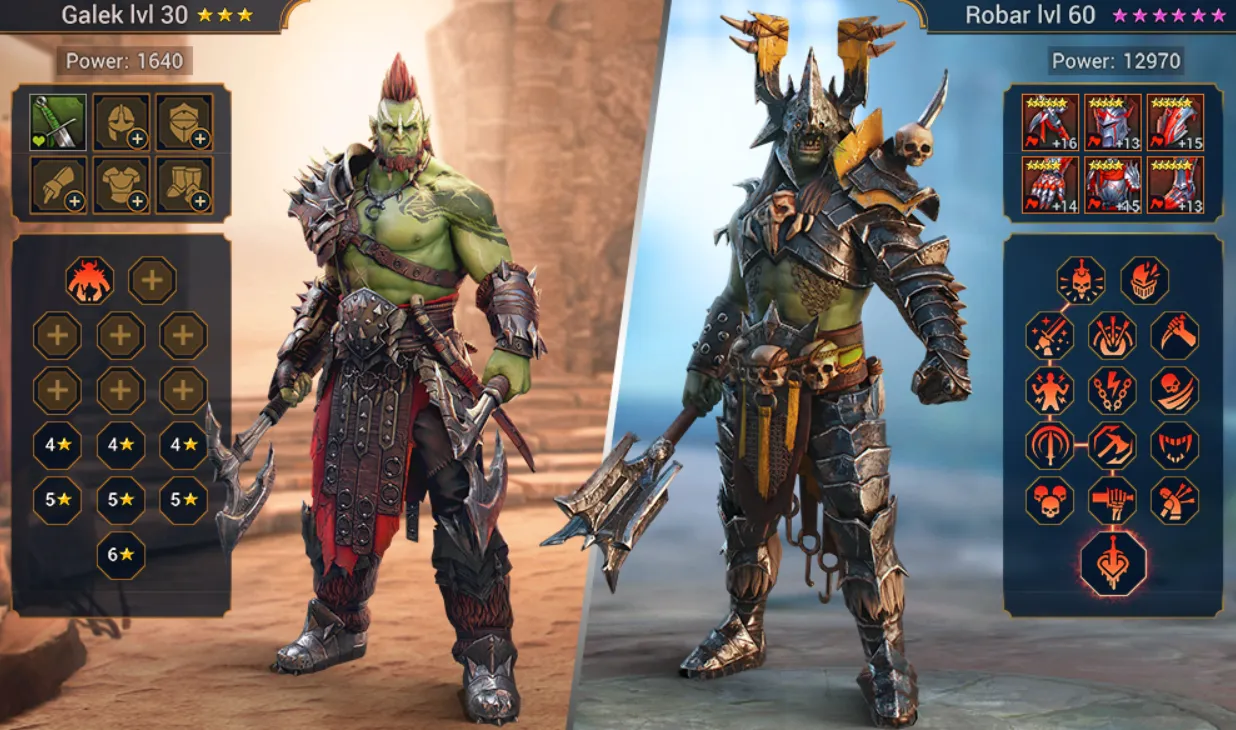
If you’re looking to play Raid Shadow Legends on PC, you’ve got a few solid options to choose from, and the good part is they all connect to the same account through your Plarium ID, so your progress carries over no matter where you play.
The main way most players install the game is through Plarium Play, which is the official launcher made specifically for Raid. It usually runs the smoothest, gives you access to extra rewards like Plarium Points, and works well with tools like the Raid Optimizer if you’re trying to min-max your builds.
If you already use other launchers, you can also download Raid through Steam or the Epic Games Store. Both versions work fine and feel familiar if you already have a game library there. There’s also a version on the Microsoft Store, which is probably the quickest way to install if you just want to get the game running without setting up another launcher.
In terms of requirements, the game isn’t too demanding. You’ll need a relatively recent version of Windows (Windows 10 or newer), around 4 GB of RAM at minimum, and about 5 GB of free space. That said, having 8 GB of RAM makes a noticeable difference, especially if you like running the game in the background while doing other things.
Overall, no matter which version you pick, the experience is very similar, so it really comes down to which launcher you prefer using.
How to Play Raid Shadow Legends on PC Using an Emulator
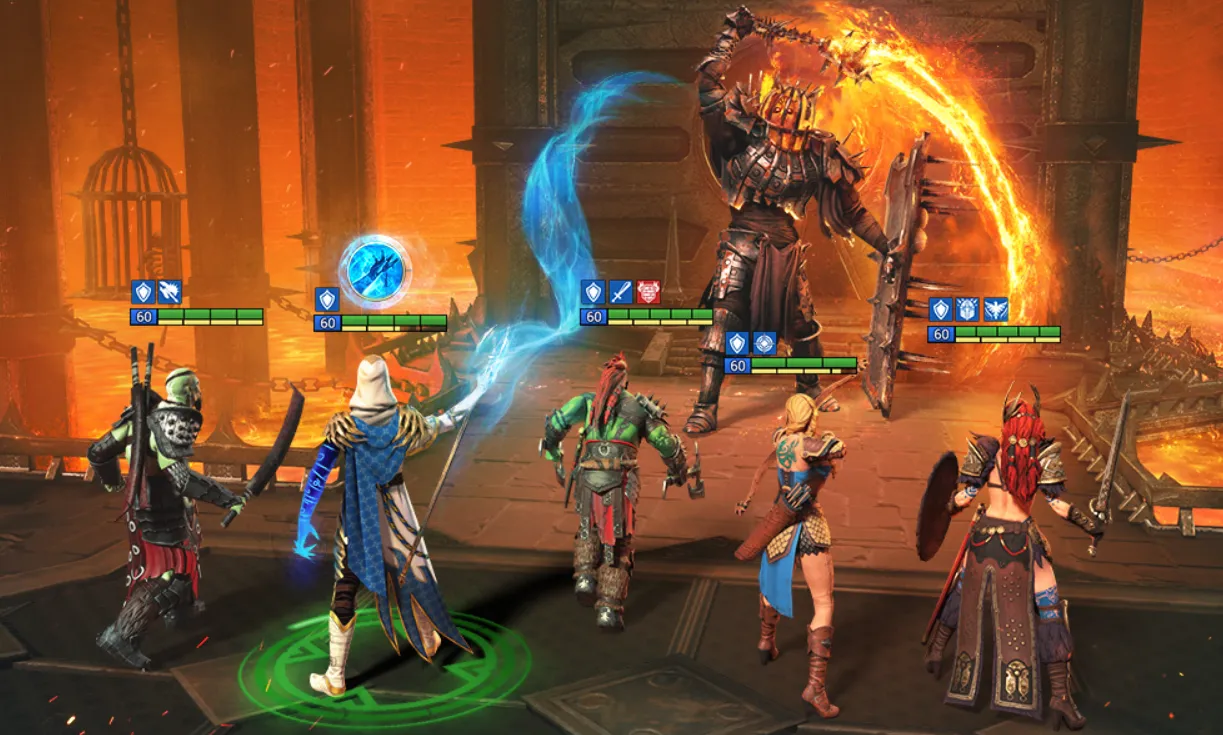
If you don’t want to use the official PC version, running Raid Shadow Legends through an Android emulator is another really popular option. A lot of players go this route because it gives more control over automation and multi-account gameplay.
Two of the most commonly used emulators for Raid are BlueStacks and LDPlayer. Both work in a very similar way, so once you understand one, you’ll have no issues with the other.
To get started with BlueStacks, first download it from the official BlueStacks website and install it like any normal program. Once it’s installed, open it up and log into your Google account so you can access the Play Store. From there, just search for Raid Shadow Legends, install it, and launch the game. After that, log in using your Plarium ID and all your progress will sync instantly.
LDPlayer follows almost the exact same setup process, so you can pick whichever one you prefer.
The main reason players choose emulators over the standard PC client comes down to flexibility. You can set up macros to automate farming runs, repeat battles without manual input, and even run multiple accounts at the same time on one PC. That’s something you won’t get with the official launcher, which is why emulators are still widely used, especially by more grind-focused players.
Official PC Version vs Emulator: Which One Is Better?
Both the official PC client and emulators let you play Raid Shadow Legends on desktop, but they’re built for completely different playstyles, so the “best” option really depends on how you like to play.
The official version through Plarium Play is the smoothest overall experience. The game looks better, runs more stable, and you get access to extra features like Plarium Points and full compatibility with tools like Raid Optimizer. If you just want to log in, play comfortably, and enjoy the game without dealing with extra setup, this is easily the better choice.
Emulators, on the other hand, are all about flexibility. While the graphics aren’t always as clean unless you tweak the settings, they make up for it with features you won’t get on the official client. You can set up macros to farm automatically, repeat runs without touching your keyboard, and even run multiple accounts at the same time. That’s a huge advantage if you’re grinding a lot or managing more than one profile.
There are some trade-offs though. Emulators can be less stable depending on your setup, and crashes or performance drops aren’t uncommon if your PC isn’t optimized for it.
In simple terms, if you care about performance, visuals, and a clean experience, go with the official PC version. If you’re more focused on efficiency, farming, or running multiple accounts, an emulator gives you way more control.
Conclusion
Playing Raid Shadow Legends on PC is easily the best way to experience the game once you know your options. Whether you go with the official Plarium Play client for smoother performance and better visuals, or choose an emulator for extra control and automation, both methods let you enjoy the game without being stuck on a small screen.
The right choice really comes down to how you play. If you just want a clean, stable setup, the official version does everything you need. But if you’re grinding a lot, managing multiple accounts, or looking to optimize your time, emulators give you that extra edge.
At the end of the day, moving to PC makes everything more comfortable, faster, and easier to manage, especially as your account grows.
Posted On: March 23rd, 2026
Recent Articles


Our 1v9 support team is available 24/7 to help you with any questions or issues you may have.
support@1v9.gg


-a6d5b3e156bb.webp)





Loading...
1v9.gg is not endorsed or affiliated by any game developers or publishers.
2026 1v9, All Rights Reserved, Created By Ritesh (riteshsahoo.com)