-9ede9dc6b01b.webp)

How to Play PUBG Mobile on Mac: Step-by-Step Guide
PUBG Mobile is one of the most popular battle royale games on mobile, known for its fast matches, competitive gunplay, and constant updates. While it’s officially made for Android and iOS, many players prefer playing on a Mac for the bigger screen, smoother controls, and overall comfort. The problem is that there’s no native macOS version of PUBG Mobile, which often leaves Mac users confused about their options. The good news is that there are safe and reliable ways to play PUBG Mobile on a Mac without breaking any rules or losing progress. In this guide, we’ll walk through the best methods step by step, explain what you need to get started, and help you choose the option that works best for your setup.
1. Android Emulators
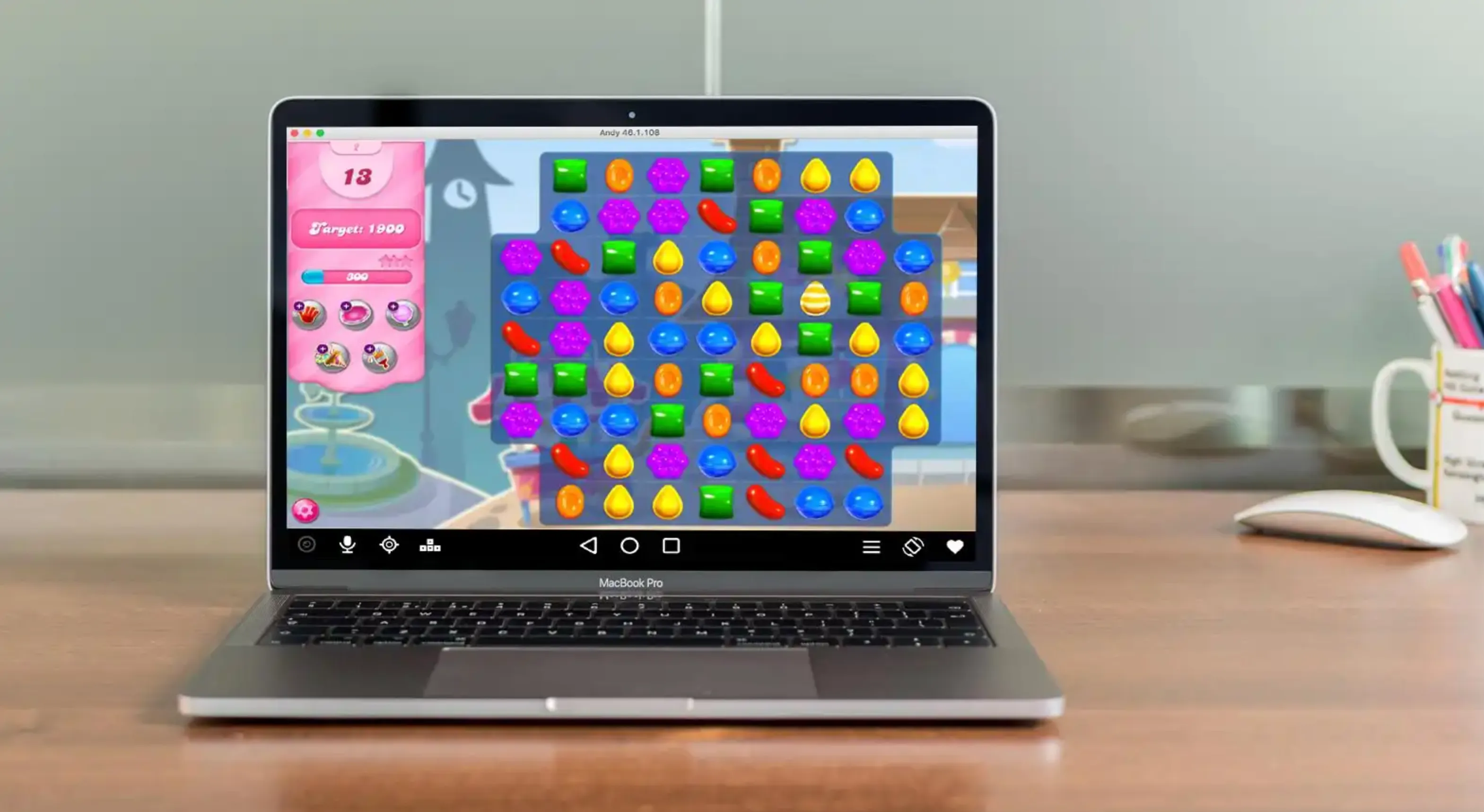
Android emulators are one of the most common ways to play mobile games on a Mac. They basically simulate an Android phone on your computer, letting you install apps and games just like you would on a real device. With an emulator, you can download PUBG Mobile straight from the Google Play Store and play it using your keyboard and mouse, which many players find more comfortable and precise than touch controls.
Some of the most popular Android emulators available on macOS include BlueStacks, MuMuPlayer Pro, and LDPlayer. Once installed, you sign in with your Google account, download PUBG Mobile, and you’re ready to jump into matches.
Pros
• Lets you play PUBG Mobile on a much larger screen
• Keyboard and mouse support for tighter aiming and movement
• Access to the full Google Play Store
• Free to use in most cases
• Easy to log into your existing PUBG Mobile account
Cons
• Can be demanding on system resources, especially on older Macs
• Initial setup takes longer compared to other methods
• Ads may appear unless you upgrade to a paid version
• Performance depends heavily on your Mac’s hardware
• Running other heavy apps at the same time can cause slowdowns
2. Screen Mirroring Apps
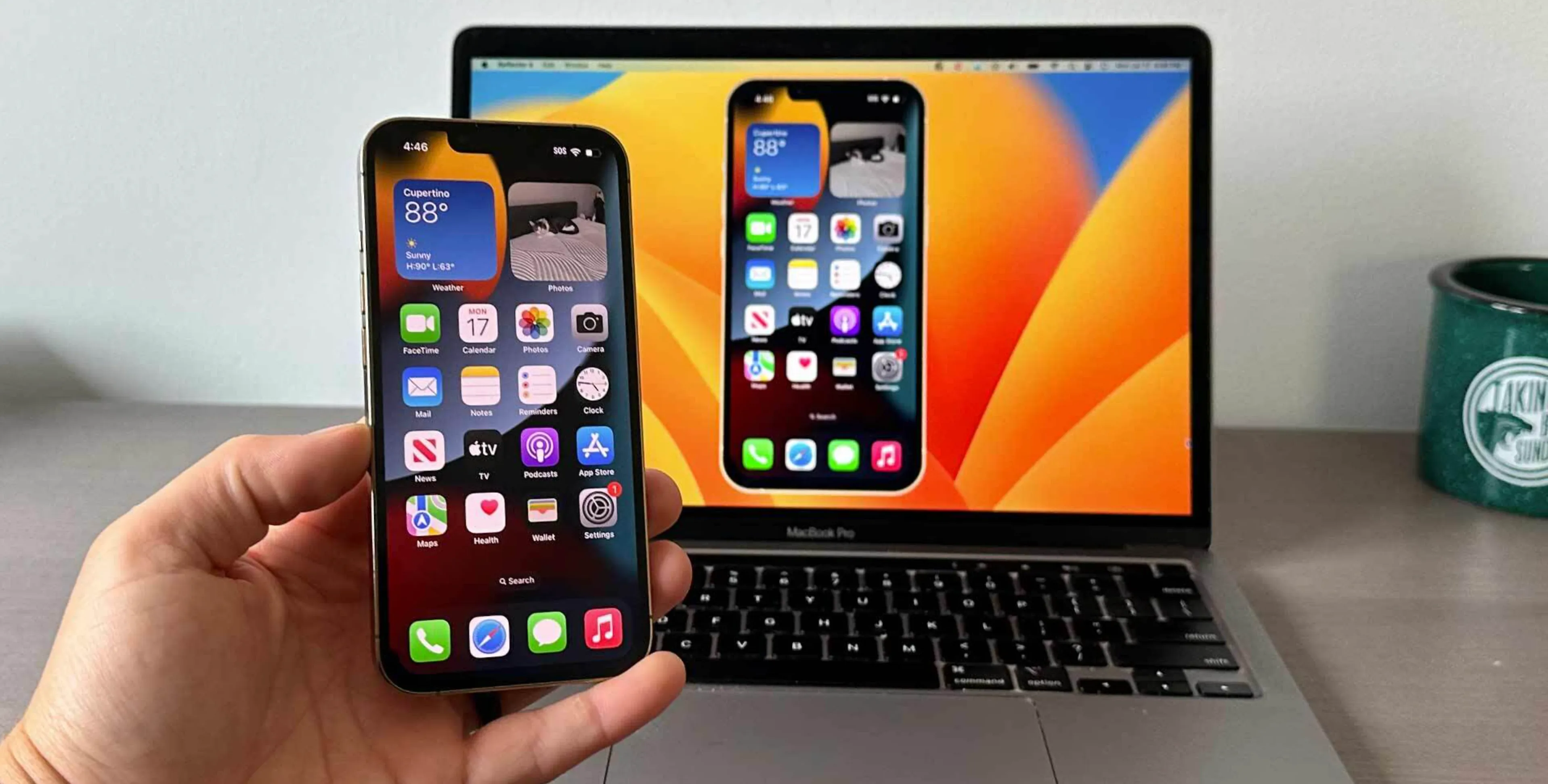
Screen mirroring is another solid way to play PUBG Mobile on a Mac without installing the game directly on your computer. Instead of emulating Android, these apps mirror your iPhone or iPad screen onto your Mac, letting you control the game from a bigger display while it continues running on your mobile device. It’s a similar idea to tools like Microsoft Phone Link on Windows, but built specifically for macOS.
Well-known screen mirroring options for Mac include Apple’s built-in iPhone Mirroring, ApowerMirror, and AirDroid Cast. Once connected, your PUBG Mobile screen appears in a window on your Mac, and you can play using your trackpad, mouse, or keyboard depending on the app’s features. This method keeps everything synced since the game is still running on your actual phone or tablet.
Pros
• Very quick setup compared to emulators
• Light on system resources, even on older Macs
• No need to install PUBG Mobile separately on macOS
• Your account, progress, and settings stay on your mobile device
• Works well if your Mac struggles with heavy emulators
• Lets you record gameplay directly from your Mac
Cons
• Requires your iPhone or iPad to stay connected and active
• Input delay can happen if your connection isn’t stable
• Performance depends entirely on your mobile device
• Battery drains faster during long PUBG Mobile sessions
Conclusion
Playing PUBG Mobile on a Mac is completely doable, even without an official desktop version. Whether you prefer using an Android emulator for full control and customizable settings or screen mirroring for a more natural mobile experience, both options let you enjoy the game on a larger screen with better visibility. The right choice mainly depends on your Mac’s performance, your preferred control setup, and how much effort you want to put into the initial setup. No matter which method you choose, you can comfortably drop into matches, manage your account, and enjoy PUBG Mobile on macOS without missing out on the core experience.
Posted On: January 23rd, 2026
Recent Articles


Our 1v9 support team is available 24/7 to help you with any questions or issues you may have.
support@1v9.gg


-a6d5b3e156bb.webp)





Loading...
1v9.gg is not endorsed or affiliated by any game developers or publishers.
2026 1v9, All Rights Reserved, Created By Ritesh (riteshsahoo.com)