

How To Play Brawl Stars on Mac: Step-by-Step Guide
Brawl Stars is a fast-paced multiplayer action game created by Supercell, the studio behind hits like Clash of Clans and Clash Royale. Since its global release in late 2018, the game has built a massive player base thanks to its quick matches, competitive modes, and constantly updated content. It was originally built for iOS and Android, but many players prefer playing it on a bigger screen for clearer visuals and longer sessions without draining a phone battery.
If you’re on macOS, there are still reliable ways to enjoy Brawl Stars even though it doesn’t have an official Mac version. In this guide, we’ll walk through the best methods to play Brawl Stars on a Mac, explain how each one works step by step, and break down the advantages and downsides so you can choose what fits you best.
Can You Play Brawl Stars on Mac?
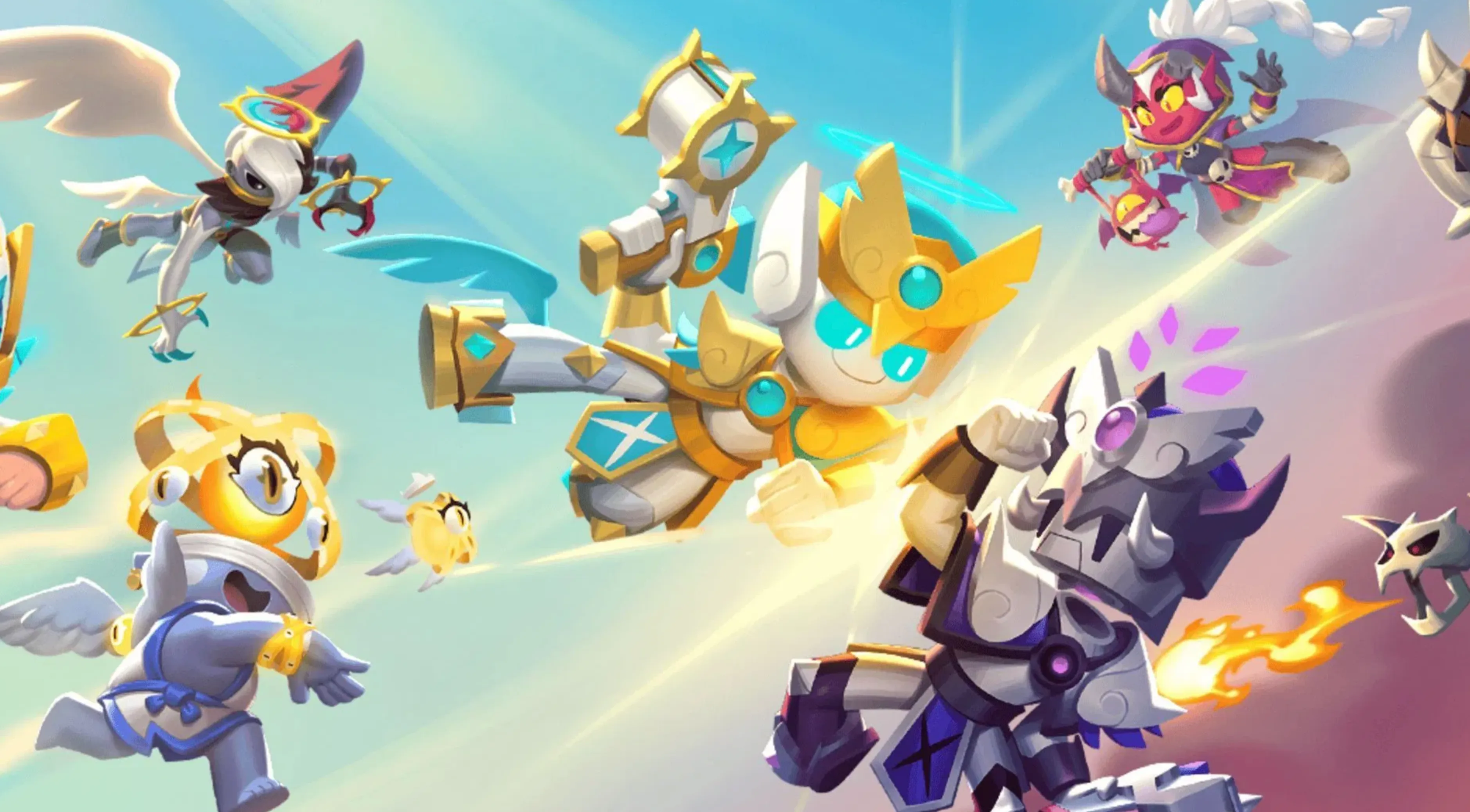
Yes, it’s possible to play Brawl Stars on a Mac, but not through an official app. Supercell never released a macOS version since the game was built specifically for mobile platforms. That means you won’t find Brawl Stars available to download directly from the Mac App Store.
Instead, Mac users rely on third-party solutions to run the game. The two most common options are using an Android emulator or mirroring the game from a mobile device to your Mac screen. Each method works in a different way and comes with its own trade-offs in terms of performance, controls, and setup difficulty. In the sections below, we’ll go through both options in detail so you can decide which one makes the most sense for your setup and playstyle.
1. Android Emulators
Android emulators let your Mac behave like an Android device, which makes it possible to install and play mobile games directly on your computer. Once an emulator is set up, you can download Brawl Stars from the Google Play Store and play it using your keyboard and mouse instead of touch controls.
Some of the most commonly used Android emulators on macOS are BlueStacks, MuMuPlayer Pro, and LDPlayer. Each of them offers slightly different features, but they all serve the same core purpose.
Why use an emulator?
• You can tweak graphics and performance settings to match your Mac
• Keyboard and mouse mapping gives you more accurate control during matches
• Most emulators support running multiple accounts at the same time
• Gameplay is usually smooth on newer Macs with enough RAM
• Installing games is easy thanks to built-in Google Play Store access
Downsides to keep in mind
• Emulators can be heavy on system resources
• Initial setup takes longer compared to other methods
• Older or low-end Macs may struggle with performance
• Running an emulator alongside other apps can slow your system
Overall, Android emulators are the best option if you want full control and a more PC-like experience, as long as your Mac is powerful enough to handle it.
2. Screen Mirroring Apps
Screen mirroring tools let you project your iPhone or iPad screen directly onto your Mac, so you can play Brawl Stars on a larger display without installing the game on macOS. The game still runs on your mobile device, while your Mac simply shows what’s happening in real time. This is similar to how phone-linking apps work on Windows systems.
Some popular screen mirroring options for Mac include iPhone Mirroring, ApowerMirror, and AirDroid Cast. These apps are designed for ease of use and don’t require heavy system resources.
Why choose screen mirroring?
• Much faster and simpler setup than emulators
• Very light on Mac performance, even on older models
• No need to install or configure Android software
• All progress stays on your phone or tablet
• Great option if your Mac struggles with emulation
• Easy way to capture or record gameplay from your screen
Things to consider
• Your phone or tablet must stay connected and running the game
• Input delay can happen, depending on Wi-Fi or cable quality
• Performance depends entirely on your mobile device
• Long play sessions can drain your phone’s battery quickly
Screen mirroring is ideal if you want a bigger screen with minimal setup, especially on older Macs, as long as you don’t mind relying on your mobile device for performance.
FAQs
Is there an official Brawl Stars app for Mac?
No. Brawl Stars is only officially available on iOS and Android. There is no native macOS version.
Is using an Android emulator safe for Brawl Stars?
Yes, using well-known emulators like BlueStacks or MuMuPlayer Pro is generally safe, as long as you download them from their official websites.
Will I get banned for playing Brawl Stars on an emulator?
Supercell does not officially support emulators, but bans are extremely rare for casual play. Competitive or exploitative behavior is what usually triggers action.
Which method is better: emulator or screen mirroring?
Emulators are better if you want keyboard and mouse controls and higher flexibility. Screen mirroring is better if you want a quick setup and smoother performance on weaker Macs.
Can I use my existing Supercell ID on Mac?
Yes. Whether you use an emulator or screen mirroring, you can log in with your Supercell ID and keep all your progress, brawlers, and purchases.
Conclusion
Playing Brawl Stars on a Mac is absolutely possible, even without an official macOS version. Whether you choose an Android emulator for full control and customizable inputs or a screen mirroring app for a fast and lightweight setup, each method lets you enjoy the game on a bigger screen while keeping your progress intact. The best option depends on your Mac’s performance and how you prefer to play, but both approaches make it easy to move beyond a small mobile display. With the right setup, you can jump into matches, level up your brawlers, and enjoy Brawl Stars on Mac without missing out on any core features.
Posted On: February 1st, 2026
Recent Articles


Our 1v9 support team is available 24/7 to help you with any questions or issues you may have.
support@1v9.gg


-a6d5b3e156bb.webp)





Loading...
1v9.gg is not endorsed or affiliated by any game developers or publishers.
2026 1v9, All Rights Reserved, Created By Ritesh (riteshsahoo.com)