- Home
Games
 League of Legends
 Valorant
-a6d5b3e156bb.webp) Fortnite
Fortnite Call of Duty
 Clash of Clans
 Counter-Strike 2
 Roblox
 Rainbow Six Siege
 Clash Royale
 Minecraft
 Rocket League
 Dota 2
 Genshin Impact
 Squad Busters
 Rust
Rust Apex Legends
 Pokemon Go
 XDefiant
 LoL: Wild Rift
 Hay Day
 Diablo 4
 FC 25
FC 25 Marvel Rivals
 World of Warcraft
 Destiny 2
 Deadlock
-9ede9dc6b01b.webp) PUBG Mobile
PUBG Mobile The Finals
 Growtopia
 Forza Horizon 5
 Honkai: Star Rail
 Warframe
 8 Ball Pool
 Zenless Zone Zero
 Path of Exile
 Runescape 3
 Raid: Shadow Legends
 Lost Ark
 WoW: Classic Era
 Summoners War
 WoW: Season of Discovery
 WoW Cataclysm
 WoW: Hardcore
 Throne and Liberty
 New World
 Mobile Legends
 Escape From Tarkov
 Path of Exile 2
 Blade Ball
 Fisch
Fisch Pet Simulator 99
 Pets Go
-d8bcef7708c7.webp) One Piece Bounty
One Piece Bounty Anime Adventures
 Blox Fruits
 Adopt Me
 Murder Mystery 2
 Fragpunk
 Wuthering Waves
 Teamfight Tactics
 Free Fire
 Albion Online
 Black Desert Online
 Honor of Kings
 Brawl Stars
 Arena of Valor
 Call of Duty: Mobile
 Rematch
 Steal a Brainrot
 Grow a Garden
 FC 26
FC 26 Old School Runescape
 Plants vs Brainrots
 Overwatch
 Battlefield
 Arc Raiders
 Dragon Ball Legends
 Fallout 76
 Jailbreak
 Type Soul
 GPO
GPO DonutSMP
 Escape Tsunami For Brainrots
 Watcher of Realms
 Roblox Rivals
 2XKO
2XKO Sailor Piece
 Forza Horizon 6
 GTA 5
GTA 5- Lootboxes
- Become Affiliate
- Blog
- Contact Us
- Sign In
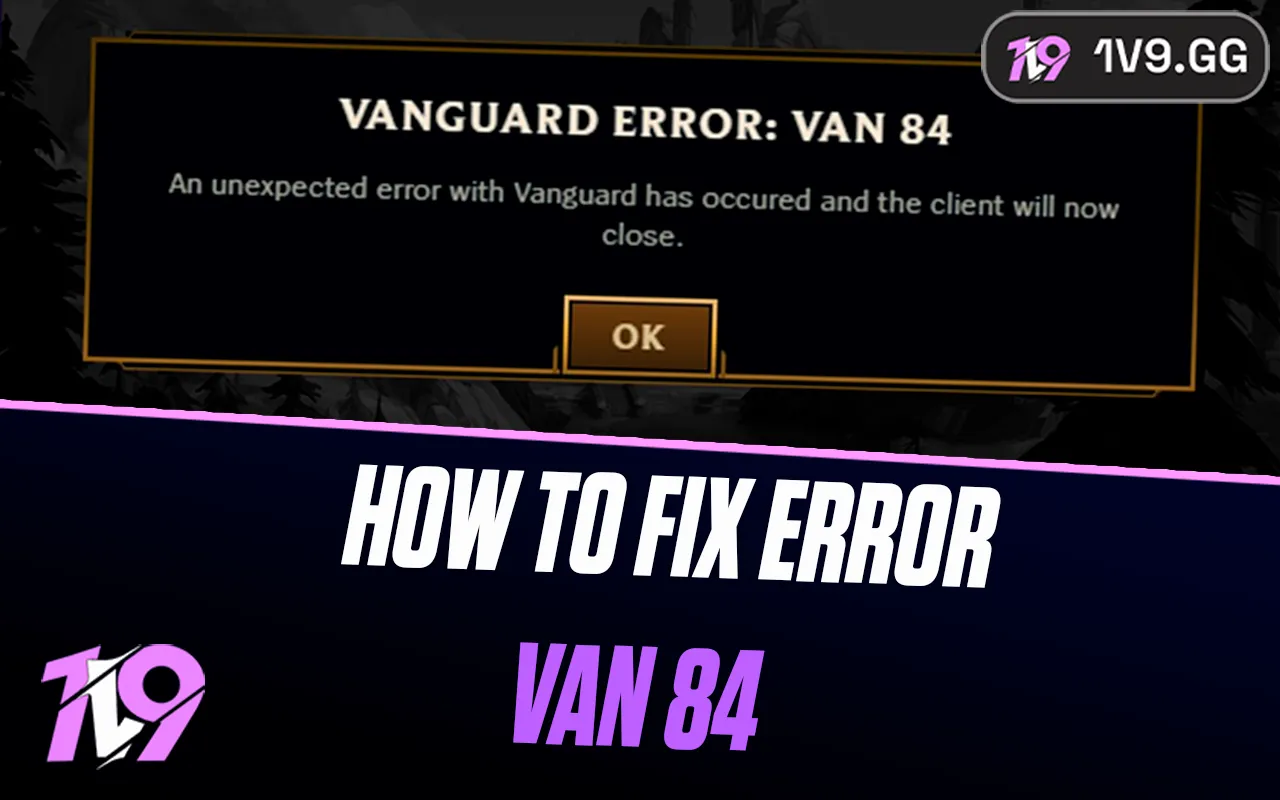

How To Fix Error VAN 84 In League of Legends
League of Legends error VAN 84 is one of those issues that usually appears out of nowhere and prevents you from logging into the game or staying connected to Riot’s servers. It’s commonly linked to connection problems, Vanguard issues, or temporary server-side disruptions, which can make it frustrating when everything else on your PC seems fine. Whether the error shows up during launch or mid-session, understanding why VAN 84 happens is the first step to fixing it quickly. In this guide, we’ll walk through what error VAN 84 means, what typically causes it, and the most effective ways to resolve it so you can get back into League of Legends without constant interruptions.
What Causes Error VAN 84 in League of Legends?
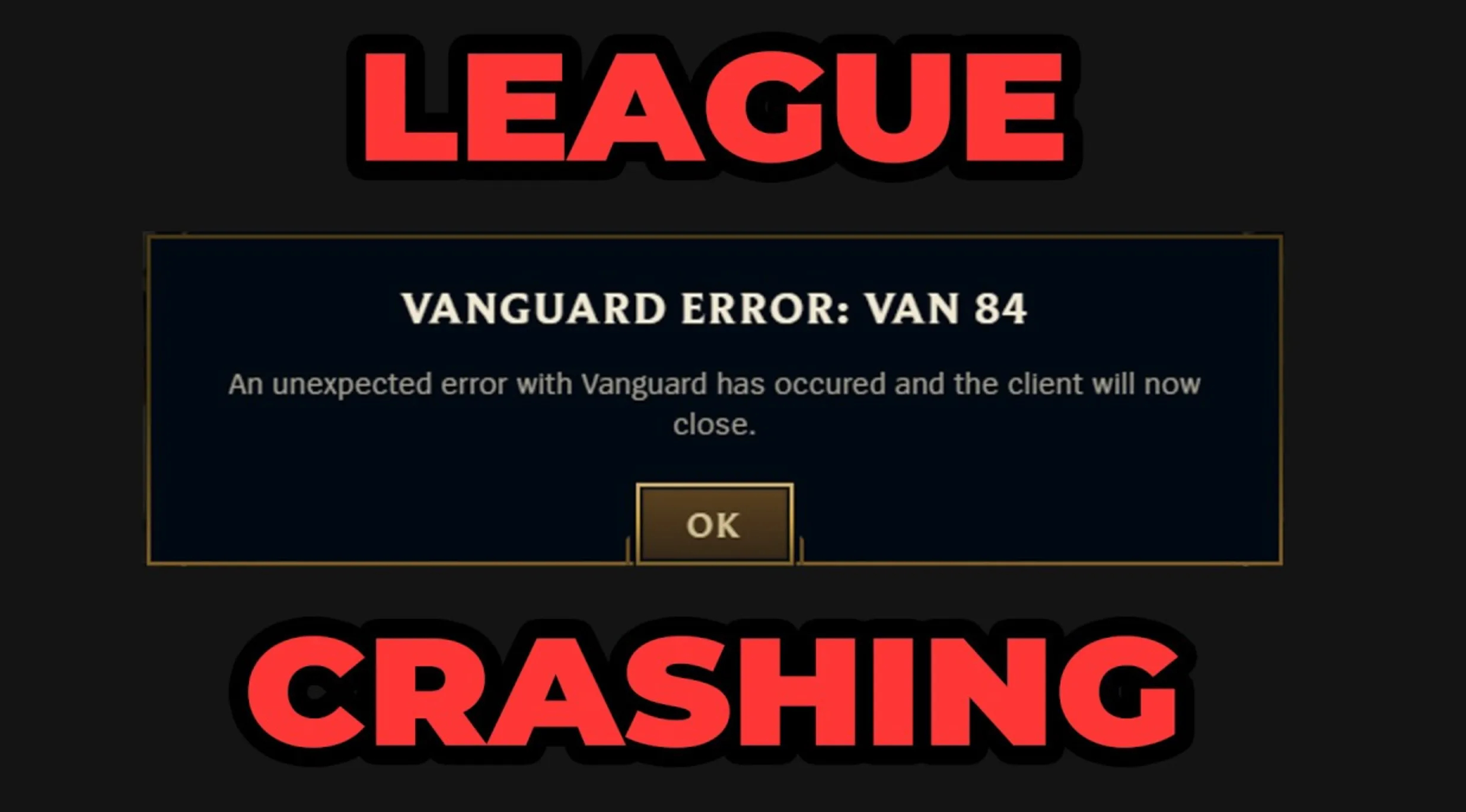
Error VAN 84 in League of Legends usually points to a communication problem between your game client and Riot’s servers. One of the most common causes is a temporary server issue or maintenance on Riot’s side, which can block connections even if your internet is working normally. Network instability on your end, such as packet loss, high latency, or brief connection drops, can also trigger VAN 84 because the client fails to maintain a stable link. In some cases, Riot Vanguard may not be running correctly or is being restricted by your firewall or antivirus, preventing proper authentication. Outdated system files, Windows network settings, or background applications that interfere with Vanguard and the Riot Client can also contribute, especially if the error keeps appearing consistently instead of going away on its own.
How to Fix League of Legends Error VAN 84
League of Legends Error VAN 84 is usually temporary, but if it keeps showing up, there are a few proven fixes that can get you back into the game.
Start with the basics. Fully close League of Legends and the Riot Client, then restart your PC. This clears small connection or Vanguard sync issues that often cause VAN 84. After rebooting, launch the Riot Client as an administrator to make sure it has full permissions.
Next, check Riot’s server status. If there’s ongoing maintenance or server instability on Riot Games’ side, VAN 84 can appear even when nothing is wrong on your system. If servers are down, the only fix is to wait.
If servers are online, look at your internet connection. Restart your router, switch to a wired connection if possible, and avoid VPNs or proxies. VPNs are a very common cause of VAN errors because they interfere with Vanguard’s connection checks.
Then, make sure Riot Vanguard is running properly. Press Windows + R, type services.msc, and look for vgc. If it’s stopped, set it to Automatic and start the service. If it won’t start or keeps failing, uninstall Riot Vanguard, restart your PC, and reopen League of Legends so Vanguard reinstalls automatically.
Also check your firewall and antivirus settings. Add exceptions for the Riot Client, League of Legends, and Riot Vanguard. Overly aggressive security software can block Vanguard’s connection and trigger VAN 84.
Finally, ensure Windows is fully up to date. Outdated network or system files can cause communication issues with Riot services. Install all pending updates, restart your PC, and try launching the game again.
If VAN 84 still appears after all these steps, submitting a ticket to Riot Support is the best option, as they can check account-side or regional issues that aren’t visible from your end.
FAQs
What does Error VAN 84 mean in League of Legends?
Error VAN 84 usually points to a connection issue between your game client and Riot’s servers. It often appears during server instability, maintenance, or when Riot Vanguard fails to communicate properly.
Is Error VAN 84 caused by my internet connection?
It can be. Unstable connections, VPNs, proxies, or router issues may trigger VAN 84. Restarting your router and using a wired connection can help reduce the chances of this error.
Can Riot Vanguard cause VAN 84?
Yes. If Riot Vanguard is not running correctly, is blocked by firewall software, or fails to start on boot, VAN 84 may appear. Reinstalling Vanguard often fixes the issue.
Will reinstalling League of Legends fix VAN 84?
In most cases, a full reinstall isn’t necessary. Restarting the PC, checking Vanguard services, and updating Windows usually resolve the problem without reinstalling the entire game.
What should I do if VAN 84 keeps happening?
If the error persists after trying all fixes, it’s best to check Riot’s server status and submit a support ticket. Persistent VAN 84 errors can sometimes be related to account or regional server issues.
Conclusion
Error VAN 84 in League of Legends can be frustrating, especially when it stops you from getting into a game, but in most cases it’s caused by temporary connection issues, Riot Vanguard problems, or server-side interruptions. By restarting your system, checking your internet connection, making sure Vanguard is running correctly, and keeping Windows fully updated, you can usually fix the issue quickly without needing to reinstall the game. If the error keeps showing up even after trying all the common fixes, checking Riot’s server status or contacting Riot Support is the best next step. With the right troubleshooting, VAN 84 is almost always a short-term problem rather than a permanent one.
Posted On: February 4th, 2026
Recent Articles


Our 1v9 support team is available 24/7 to help you with any questions or issues you may have.
support@1v9.gg
Loading...
1v9.gg is not endorsed or affiliated by any game developers or publishers.
2026 1v9, All Rights Reserved, Created By Ritesh (riteshsahoo.com)