- Home
Games
 League of Legends
 Valorant
-a6d5b3e156bb.webp) Fortnite
Fortnite Call of Duty
 Clash of Clans
 Counter-Strike 2
 Roblox
 Rainbow Six Siege
 Clash Royale
 Minecraft
 Rocket League
 Dota 2
 Genshin Impact
 Squad Busters
 Rust
Rust Apex Legends
 Pokemon Go
 XDefiant
 LoL: Wild Rift
 Hay Day
 Diablo 4
 FC 25
FC 25 Marvel Rivals
 World of Warcraft
 Destiny 2
 Deadlock
-9ede9dc6b01b.webp) PUBG Mobile
PUBG Mobile The Finals
 Growtopia
 Forza Horizon 5
 Honkai: Star Rail
 Warframe
 8 Ball Pool
 Zenless Zone Zero
 Path of Exile
 Runescape 3
 Raid: Shadow Legends
 Lost Ark
 WoW: Classic Era
 Summoners War
 WoW: Season of Discovery
 WoW Cataclysm
 WoW: Hardcore
 Throne and Liberty
 New World
 Mobile Legends
 Escape From Tarkov
 Path of Exile 2
 Blade Ball
 Fisch
Fisch Pet Simulator 99
 Pets Go
-d8bcef7708c7.webp) One Piece Bounty
One Piece Bounty Anime Adventures
 Blox Fruits
 Adopt Me
 Murder Mystery 2
 Fragpunk
 Wuthering Waves
 Teamfight Tactics
 Free Fire
 Albion Online
 Black Desert Online
 Honor of Kings
 Brawl Stars
 Arena of Valor
 Call of Duty: Mobile
 Rematch
 Steal a Brainrot
 Grow a Garden
 FC 26
FC 26 Old School Runescape
 Plants vs Brainrots
 Overwatch
 Battlefield
 Arc Raiders
 Dragon Ball Legends
 Fallout 76
 Jailbreak
 Type Soul
 GPO
GPO DonutSMP
 Escape Tsunami For Brainrots
 Watcher of Realms
 Roblox Rivals
 2XKO
2XKO Sailor Piece
 Forza Horizon 6
 GTA 5
GTA 5- Lootboxes
- Become Affiliate
- Blog
- Contact Us
- Sign In

How to Disable Zooming In and Out in League of Legends
Many League of Legends players prefer playing fully zoomed out because it gives a much better view of fights, map positioning, skillshots, and overall team movement. Accidentally zooming in during fights can become extremely annoying, especially during intense ranked games where visibility matters a lot.
The zoom feature itself can still be useful for some players, but for most competitive players, constantly zooming in and out usually causes more problems than benefits. A zoomed-in camera can block important information on the screen, reduce awareness during teamfights, and make it harder to track enemies properly.
Thankfully, there is a simple way to permanently disable zooming in and out in League of Legends so you no longer accidentally change your camera distance during matches.
Even if you are not experienced with game files or settings, the process is fairly easy and only takes a couple of minutes to set up correctly.
In this guide, we’ll show you exactly how to disable camera zooming in League of Legends step-by-step so you can keep your screen fully zoomed out at all times while playing.
How to Disable the Zoom In/Out Feature in League of Legends
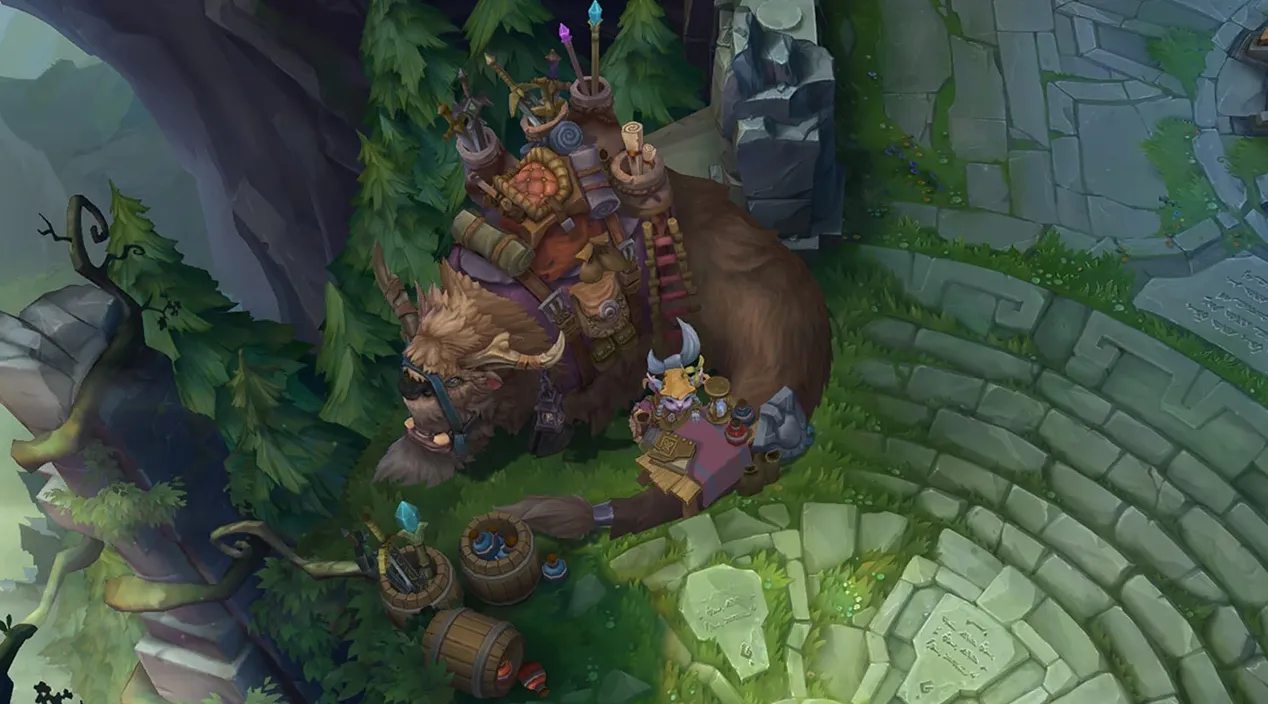
If you accidentally zoom in during fights in League of Legends, you are definitely not alone. Many players prefer keeping the game fully zoomed out at all times because it gives better visibility during teamfights, improves map awareness, and makes it easier to track enemy movement.
Luckily, there is a simple way to permanently disable camera zooming in League of Legends so your mouse wheel no longer changes the camera distance during matches.
Before starting, open a custom game or Practice Tool and set your camera zoom exactly how you want it. Most players prefer staying fully zoomed out for the best competitive experience.
Once your camera is set correctly, completely close League of Legends.
Now head to your League of Legends installation folder. For most players, the default location looks like this:
C:\Riot Games\League of Legends
Inside this folder, open the Config folder.
Here, you should find two important files:
- input.ini
- PersistedSettings.json
Before editing anything, it is a good idea to make backup copies of both files and save them somewhere safe in case you want to restore your settings later.
After backing up the files, delete the PersistedSettings.json file.
This file stores many of your League settings and can sometimes overwrite manual changes made inside other configuration files. Removing it helps ensure your zoom settings stay applied correctly.
Next, open the input.ini file using Notepad or any text editor.
Scroll all the way to the bottom of the file and add this exactly as written:
[MouseSettings]
RollerButtonSpeed=0
This command completely disables mouse wheel zooming in League of Legends. Once the value is set to 0, scrolling your mouse wheel will no longer zoom the camera in or out during games.
After adding the text:
- Save the input.ini file
- Close the text editor
- Launch League of Legends again
Your camera zoom should now remain locked permanently unless you manually change the settings again later.
This method mainly works for PC players, but Mac and Linux users can usually follow very similar steps if they locate the same configuration files inside their League of Legends folders.
Should You Disable the Zoom In/Out Feature in League of Legends?
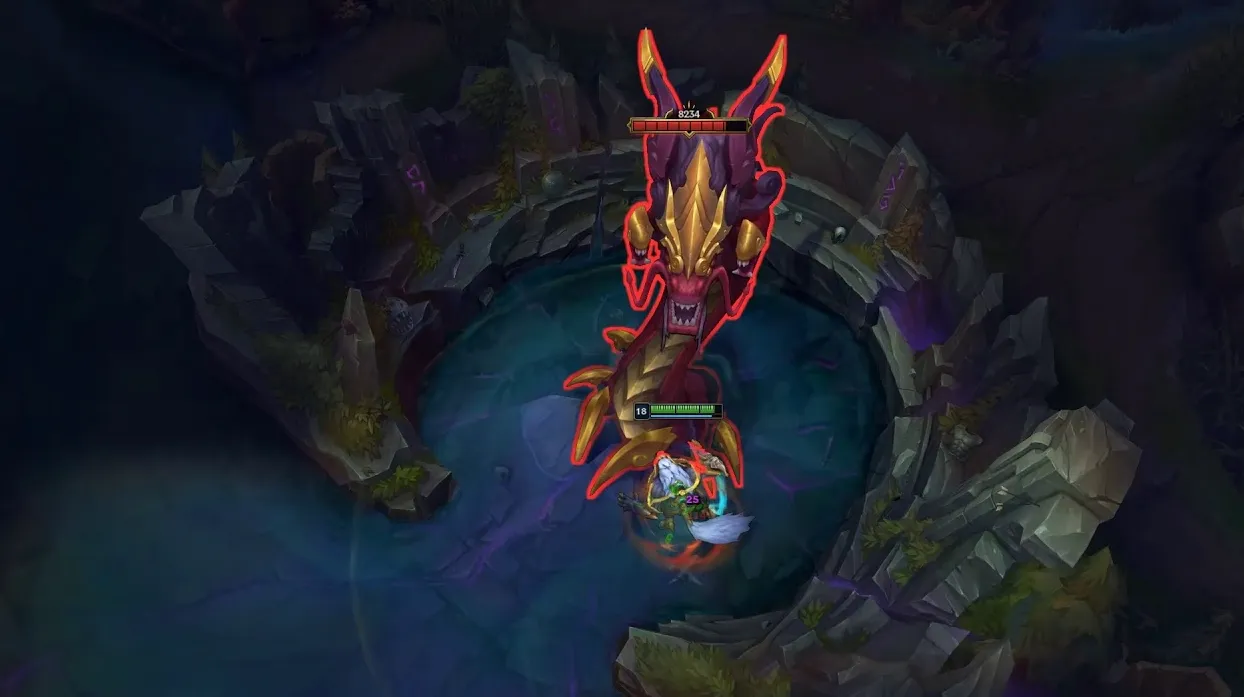
For most League of Legends players, disabling the zoom in/out feature is usually a good idea, especially if you accidentally zoom during fights or important moments in ranked games.
Keeping the camera fully zoomed out gives you much better visibility of:
- Teamfights
- Enemy positioning
- Skillshots
- Jungle entrances
- Objective fights
- Overall map awareness
A zoomed-in camera can make fights feel more cluttered and reduce the amount of information visible on your screen. During fast teamfights, accidentally scrolling your mouse wheel can also completely throw off your positioning and mechanics.
This is one of the reasons many experienced and competitive League of Legends players choose to disable camera zoom entirely.
However, some players still prefer keeping the zoom feature enabled. Certain players use zooming occasionally to:
- Focus on skillshots
- View skins and animations
- Take screenshots
- Improve immersion during casual matches
At the end of the day, it mostly comes down to personal preference.
If your goal is improving gameplay consistency, avoiding accidental camera movement, and maximizing screen visibility during ranked matches, disabling zoom in League of Legends is usually the better option.
FAQs
How do I disable zooming in and out in League of Legends?
You can disable zooming by editing the input.ini configuration file and setting the mouse wheel zoom speed to zero.
Why does League of Legends keep zooming in and out?
The issue usually happens because the mouse wheel is still bound to the zoom function or because of accidental scrolling during gameplay.
Can I disable mouse wheel zoom in League of Legends permanently?
Yes, editing the configuration settings correctly can permanently disable the zoom in and zoom out feature until you change it again manually.
Is disabling zoom useful in League of Legends?
Many players prefer disabling zoom because it prevents accidental camera changes during fights and helps maintain better map awareness.
Does disabling zoom affect gameplay performance?
No, disabling zoom does not affect FPS or game performance. It only removes the ability to zoom the camera in and out using the mouse wheel.
Conclusion
Disabling camera zoom in League of Legends is one of the simplest ways to make your gameplay feel more consistent and less distracting during matches. Accidentally zooming in during fights can easily ruin positioning, reduce visibility, and make important moments much harder to play correctly.
By disabling the zoom in/out feature, you can keep your camera fully zoomed out at all times, giving yourself better map awareness, cleaner teamfight visibility, and a more stable gameplay experience overall.
The process only takes a few minutes and can permanently solve one of the most annoying camera issues many League players deal with regularly.
Whether you are playing casual games or grinding ranked, having a consistent camera setup can make a surprisingly big difference in how comfortable and focused you feel during matches.
Posted On: May 21st, 2026
Recent Articles


Our 1v9 support team is available 24/7 to help you with any questions or issues you may have.
support@1v9.gg
Loading...
1v9.gg is not endorsed or affiliated by any game developers or publishers.
2026 1v9, All Rights Reserved, Created By Ritesh (riteshsahoo.com)