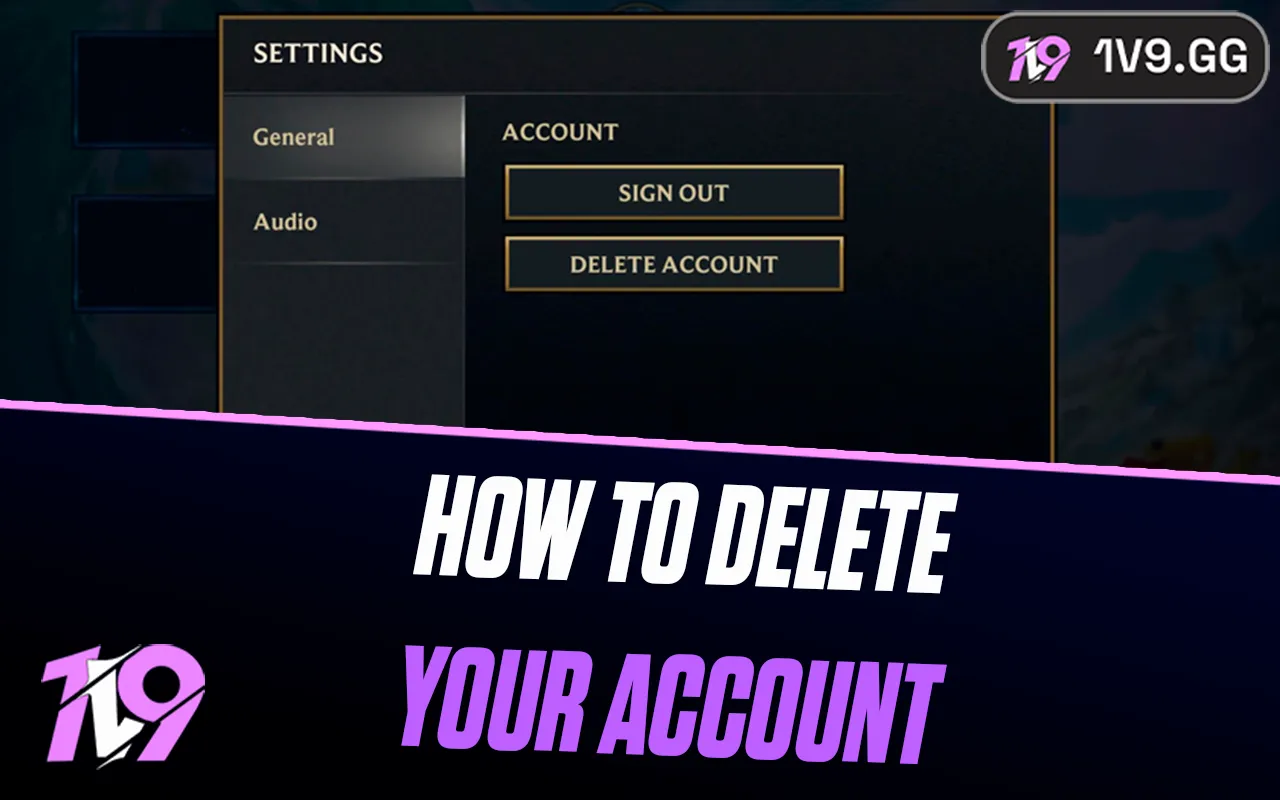


How to Delete Your Wild Rift Account: Step-by-Step Guide
Deleting your League of Legends: Wild Rift account is a big decision, whether you’re stepping away from the game for good, taking a long break, or simply cleaning up old accounts you no longer use. Since Wild Rift is tied directly to your Riot Games account, the deletion process isn’t something you can do instantly inside the app, and it comes with permanent consequences. Once your account is removed, all progress, champions, skins, and purchases are gone for good. In this step-by-step guide, you’ll learn exactly how to delete your Wild Rift account, what information Riot requires to verify ownership, how long the process takes, and the most important things you should consider before confirming the deletion.
How To Delete Your Wild Rift Account
To delete your League of Legends: Wild Rift account, you’ll need to go through Riot Games support, since there’s no in-game button to remove your account instantly. Start by visiting the Riot Games Support website and logging in with the Riot account you use for Wild Rift. From there, open the Support section and submit a ticket under Account Management, Data Requests, or Deletion. In your request, clearly state that you want your Wild Rift account permanently deleted and use a subject like “Account Deletion Request” to avoid delays. Riot will then ask you to verify ownership of the account by providing details such as your Riot ID, the region you play on, account creation information, and the email originally used to register. Once your request is approved, a 30-day deletion period begins. During this time, you won’t be able to access the account, but you can still cancel the request by contacting support again. After the 30 days pass, the deletion becomes permanent, and all Wild Rift progress, champions, skins, and purchases will be erased with no way to recover them.
Things To Know Before Deleting Your Wild Rift Account
Before you go through with deleting your Wild Rift account, there are a few important things you should fully understand, because this decision is permanent and can’t be undone later. Once the deletion process is completed, all of your progress is erased forever, including unlocked champions, skins, ranked history, event rewards, and any Wild Cores or purchases you’ve made. Riot Games does not offer account recovery after deletion, so even support won’t be able to restore it. After submitting a deletion request, your account enters a 30-day pending period where you won’t be able to play on it. This window exists in case you change your mind, and you can cancel the request by contacting Riot support again and re-verifying ownership. If the 30 days pass without cancellation, the account is permanently removed. It’s also important to know that deleting your Riot account affects all Riot games linked to it, not just Wild Rift, so League of Legends, VALORANT, and any other connected titles may also be impacted depending on your request. If your goal is simply to start fresh, consider creating a new Riot account instead of deleting your existing one, as this lets you keep your original progress intact while still beginning a new journey.
FAQs
Can I delete my Wild Rift account without deleting my Riot account?
No. Wild Rift is linked to your Riot account, so deleting it will also remove access to other Riot Games titles tied to the same account, including League of Legends and VALORANT.
Is Wild Rift account deletion permanent?
Yes. Once the deletion process is completed, all progress, champions, skins, and purchases are permanently erased and cannot be recovered.
Is there a waiting period after requesting deletion?
Yes. Riot applies a waiting period (usually around 30 days) after you submit the deletion request. During this time, you won’t be able to play, but you can contact support to cancel the request if you change your mind.
Can I start a new Wild Rift account after deleting my old one?
Yes. After your account is fully deleted, you can create a brand-new Riot account and start fresh in Wild Rift, but none of your old data or purchases will carry over.
Conclusion
Deleting your Wild Rift account is a serious decision, and it’s important to understand exactly what you’re committing to before going through with it. Once the deletion process is complete, all progress, purchases, skins, and account data tied to your Riot account will be permanently removed and cannot be recovered. If your goal is to take a break or start fresh, consider alternatives like logging out or creating a new account instead. However, if you’re fully certain, following the correct steps through Riot support ensures the process goes smoothly. Take your time, double-check your choice, and make sure account deletion is truly what you want before moving forward.
Posted On: January 25th, 2026
Recent Articles


Our 1v9 support team is available 24/7 to help you with any questions or issues you may have.
support@1v9.gg


-a6d5b3e156bb.webp)





Loading...
1v9.gg is not endorsed or affiliated by any game developers or publishers.
2026 1v9, All Rights Reserved, Created By Ritesh (riteshsahoo.com)