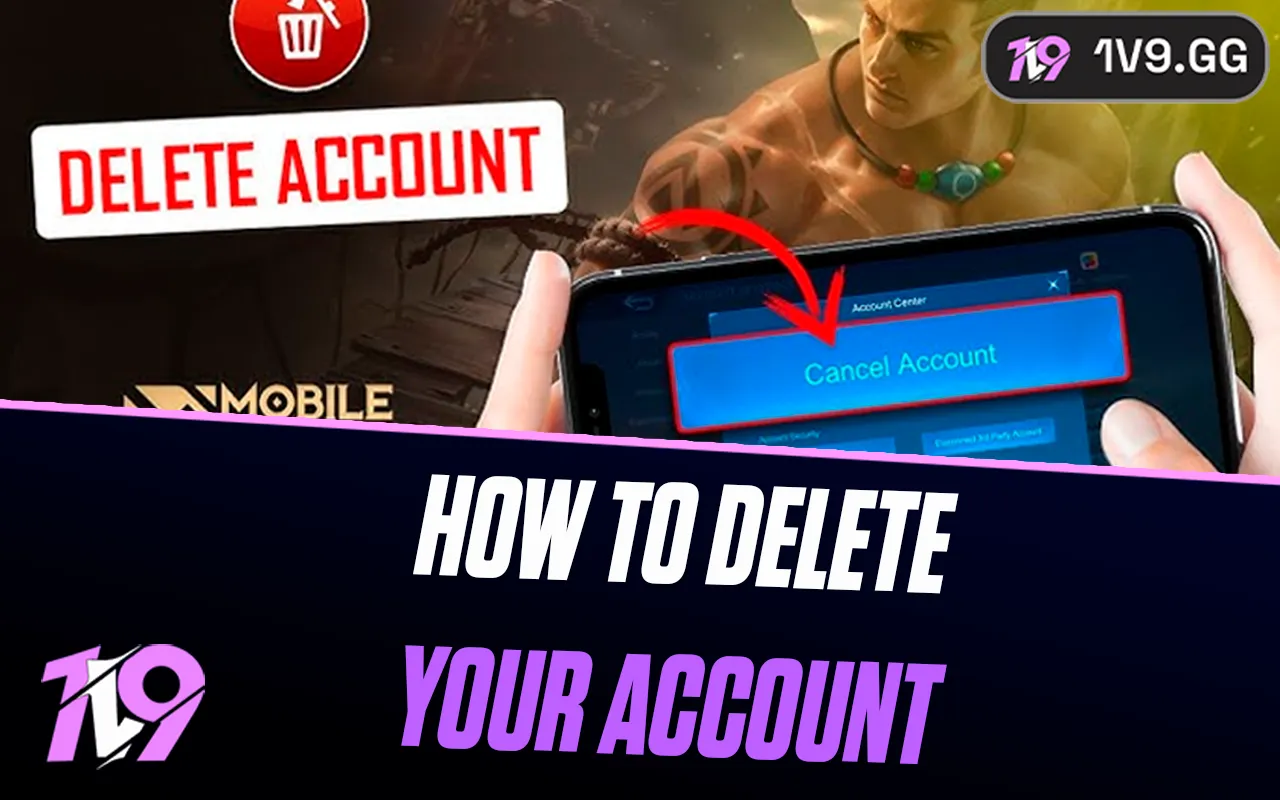


How To Delete Your Mobile Legends Account?
Mobile Legends is one of the most popular MOBA games on mobile, with millions of players competing daily across ranked, classic, and special game modes. While many players stick with the game long term, others decide to delete their Mobile Legends account for different reasons, such as quitting the game, starting fresh, or managing multiple accounts. Unlike simply uninstalling the app, deleting your account permanently removes your game data, heroes, skins, and progress. In this guide, you’ll learn exactly how to delete your Mobile Legends account step by step, what the process involves, and what you should consider before making a final decision.
How To Delete Your Mobile Legends Account
Deleting your Mobile Legends account is a permanent action, so it’s important to follow the correct process and understand what happens next. Mobile Legends accounts are managed through Moonton, and account removal must be requested directly through their support system rather than from inside the game settings alone.
To delete your Mobile Legends account, open the game and go to your Profile, then tap Account Settings. From there, select Customer Service and look for the option related to Account Deletion or Account Issues. You’ll be asked to submit a request explaining that you want your account permanently removed. In most cases, Moonton will require you to verify ownership by providing details such as your Player ID, server ID, account creation info, and the login method you used (Moonton account, Facebook, Google, etc.).
After submitting the request, Moonton may place your account into a waiting or review period. During this time, you may lose access to the account while the deletion is processed. Once the request is approved and finalized, all progress, heroes, skins, diamonds, and purchases linked to the account will be permanently erased and cannot be recovered.
Before proceeding, make sure you are fully certain, as deleting your Mobile Legends account cannot be undone once completed.
Things to Know Before Deleting Your Mobile Legends Account
Before deleting your Mobile Legends account, there are several important things you should be aware of, as this process is permanent and comes with long-term consequences. Once your account is removed, all progress tied to it is erased, including heroes, skins, ranks, battle stats, achievements, diamonds, and any real-money purchases you’ve made. None of this data can be restored after deletion.
Account deletion is not instant. Moonton usually places your account into a review or waiting period after you submit the request. During this time, you may temporarily lose access to the account while the deletion is being processed. If you change your mind, you must contact customer support before the process is completed, otherwise the account will be permanently removed.
You will also need to verify ownership of the account before deletion is approved. This often includes providing your Player ID, server ID, login method, and other account details. If you cannot prove ownership, the request may be denied or delayed.
If your Mobile Legends account is linked to a Moonton account, Facebook, Google, or another platform, deleting the game alone will not delete your account data. The deletion must be handled through official support. Additionally, deleting your account does not automatically unlink third-party accounts unless specified during the process.
If you’re unsure about permanently deleting your account, consider taking a break or creating a new account instead. This allows you to start fresh without losing years of progress on your original Mobile Legends account.
FAQs
Can I recover my Mobile Legends account after deleting it?
No. Once your Mobile Legends account is permanently deleted, it cannot be recovered under any circumstances. All progress, purchases, and data are erased for good.
How long does it take to delete a Mobile Legends account?
Account deletion is not instant. After submitting a request, Moonton usually places the account under a waiting or review period. The full deletion can take several days or longer depending on verification.
Do I lose my skins and diamonds if I delete my account?
Yes. Deleting your account removes everything tied to it, including heroes, skins, diamonds, ranks, achievements, and any paid items.
Does uninstalling Mobile Legends delete my account?
No. Uninstalling the game only removes it from your device. Your account remains active unless you request deletion through Mobile Legends customer support.
What information do I need to delete my Mobile Legends account?
You’ll need to prove ownership by providing details like your Player ID, server number, login method, and possibly purchase history. Without this information, the deletion request may be rejected.
Conclusion
Deleting your Mobile Legends account is a serious decision that shouldn’t be taken lightly. The process is permanent, meaning all progress, heroes, skins, and purchases will be lost forever once the deletion is completed. Whether you’re quitting the game for good or simply stepping away, it’s important to understand the steps involved, the waiting period, and the requirements needed to verify account ownership. If you’re absolutely certain about your choice, following the correct deletion process ensures everything is handled safely and properly. For players who are unsure, considering alternatives like taking a break or creating a new account may be a better option before making a final decision.
Posted On: January 26th, 2026
Recent Articles


Our 1v9 support team is available 24/7 to help you with any questions or issues you may have.
support@1v9.gg


-a6d5b3e156bb.webp)





Loading...
1v9.gg is not endorsed or affiliated by any game developers or publishers.
2026 1v9, All Rights Reserved, Created By Ritesh (riteshsahoo.com)