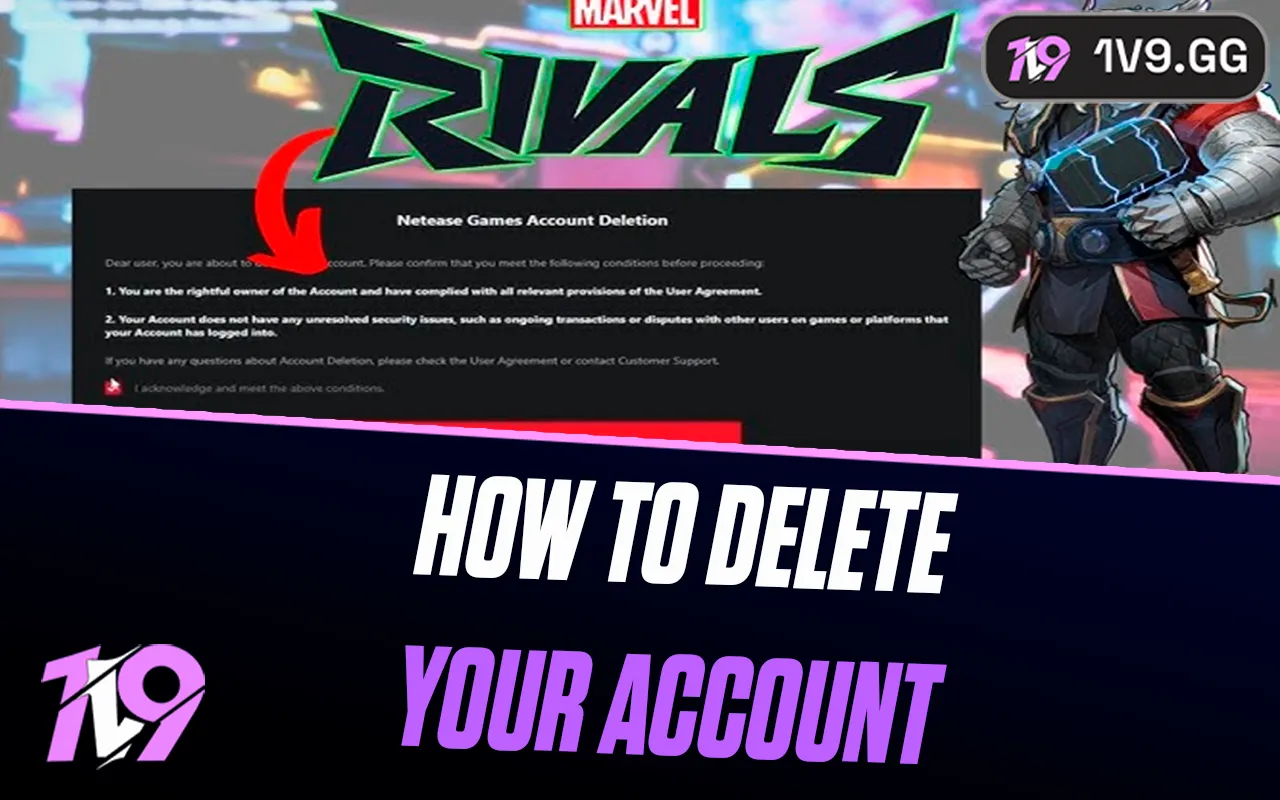


How to Delete Your Marvel Rivals Account?
Marvel Rivals is a fast-paced team shooter that has quickly built a dedicated player base thanks to its Marvel heroes, competitive gameplay, and constant updates. However, some players eventually decide to walk away, whether it’s to take a long break, start fresh, or permanently leave the game. If you’re in that position, it’s important to understand how account deletion works and what it actually means for your data. In this guide, we’ll explain how to delete your Marvel Rivals account step by step, what happens after you submit a deletion request, and the key things you should know before making a permanent decision.
How To Delete Your Marvel Rivals Account
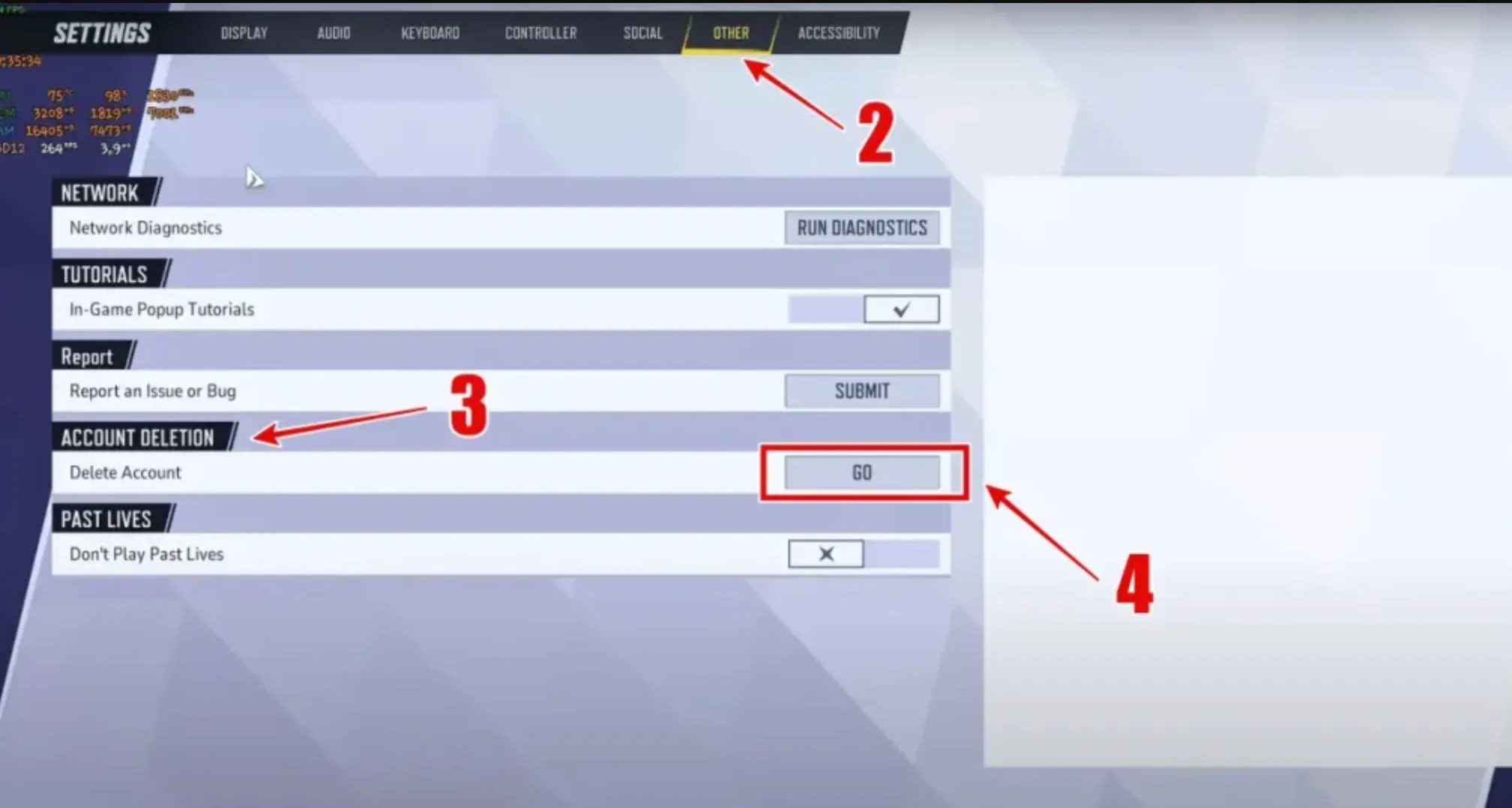
Deleting your Marvel Rivals account is a permanent process, and it’s handled through the game’s official account system rather than directly inside the client. If you’re sure you want to remove your account, follow the steps below carefully to avoid mistakes or delays.
First, log in to the official Marvel Rivals account or support website using the same email and login method you used to create your account. Once logged in, navigate to the support or account management section. From there, look for an option related to account data, privacy, or account deletion. You’ll need to submit a support request clearly stating that you want to permanently delete your Marvel Rivals account.
When submitting the request, make sure you include accurate account details so ownership can be verified. This usually includes your account username or ID, the email address linked to the account, and sometimes your in-game name or region. After submitting the ticket, support may contact you to confirm your identity or ask you to verify the request before proceeding.
Once your request is approved, your account will enter a deletion process. During this time, you may temporarily lose access to the game. After the deletion period is complete, your Marvel Rivals account, including all progress, unlocked characters, cosmetics, and purchases, will be permanently removed and cannot be recovered. If you change your mind, you’ll need to contact support before the process finishes, as recovery is not possible after deletion is finalized.
Things To Know Before Deleting Your Marvel Rivals Account
Before you delete your Marvel Rivals account, there are a few important things you should understand, as the process is permanent and cannot be undone once completed. Taking a moment to review these points can help you avoid losing something you might regret later.
First, deleting your Marvel Rivals account permanently removes all progress tied to it. This includes unlocked heroes, skins, cosmetics, ranked progress, achievements, and any in-game purchases. Once the deletion is finalized, none of this data can be restored, even by support.
Second, account deletion usually comes with a waiting or confirmation period. During this time, your account may be locked and you won’t be able to play. This window exists to prevent accidental deletions, but once it expires, the account is gone for good. If you change your mind, you must contact support before the deletion process finishes.
Third, if your Marvel Rivals account is linked to other services or platforms, deleting it may affect those connections. In some cases, linked progress or shared data across platforms can also be lost, so it’s worth checking any connected accounts beforehand.
Finally, deleting your account is not the same as uninstalling the game. Uninstalling only removes the game from your device, while your account and progress remain intact. If you just need a break, consider logging out or uninstalling instead of permanently deleting your Marvel Rivals account.
FAQs
Can I recover my Marvel Rivals account after deleting it?
No. Once your Marvel Rivals account deletion is completed, it is permanent. All progress, cosmetics, and account data are removed and cannot be restored.
Does deleting my Marvel Rivals account remove all my purchases?
Yes. Any skins, battle passes, currencies, or other paid content linked to the account will be permanently lost after deletion.
Is uninstalling Marvel Rivals the same as deleting my account?
No. Uninstalling the game only removes it from your device. Your account and all progress remain active unless you request full account deletion.
How long does it take for a Marvel Rivals account to be deleted?
Account deletion is not instant. After submitting a request, there is usually a waiting or verification period before the account is fully removed.
Can I create a new Marvel Rivals account after deleting one?
Yes. After your old account is deleted, you can create a new Marvel Rivals account using a different or the same platform login, but none of your previous progress will carry over.
Conclusion
Deleting your Marvel Rivals account is a serious decision that should be made with full awareness of the consequences. As this guide explains, the process involves more than just a quick click, since all progress, cosmetics, and purchases tied to your account will be permanently removed. Whether you’re quitting the game for good or simply starting fresh, following the correct steps and understanding the waiting period helps avoid mistakes. If you’re still unsure, it’s often better to take a break or uninstall the game instead of deleting your account entirely. But if you’re confident in your choice, this step-by-step guide ensures you know exactly what to expect and how to complete the process safely.
Posted On: January 26th, 2026
Recent Articles


Our 1v9 support team is available 24/7 to help you with any questions or issues you may have.
support@1v9.gg


-a6d5b3e156bb.webp)





Loading...
1v9.gg is not endorsed or affiliated by any game developers or publishers.
2026 1v9, All Rights Reserved, Created By Ritesh (riteshsahoo.com)