

How To Delete Your Dota 2 Account: Step-by-Step Guide
Dota 2 is one of the most popular competitive games on Steam, with millions of players and years of progress tied to a single account. However, some players eventually decide they want to step away for good, start fresh, or remove their data entirely. Because Dota 2 is linked directly to your Steam account, deleting it works a bit differently compared to standalone games. In this guide, you’ll learn exactly how to delete your Dota 2 account, what the process involves, and what happens to your items, stats, and purchases once the deletion is complete, so you can make an informed decision before moving forward.
How To Delete Your Dota 2 Account
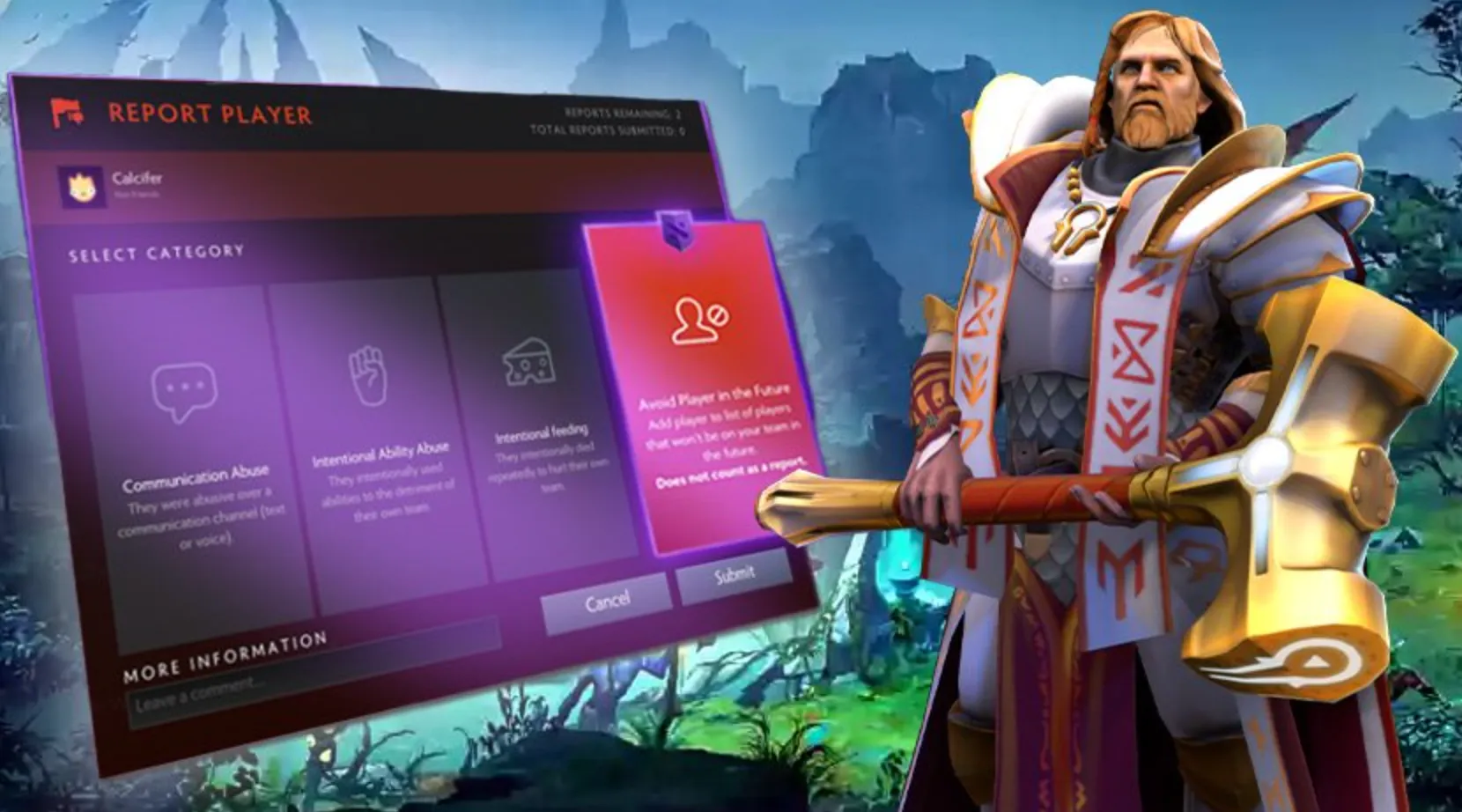
Deleting your Dota 2 account isn’t done inside the game itself, because Dota 2 is permanently tied to your Steam account. To fully remove access to Dota 2, you need to delete or permanently close your Steam account. To do this, log in to Steam and go to Help → Steam Support → My Account → Manage Account Details, then choose Delete my Steam account. Steam will ask you to verify ownership by confirming your email and account details. After submitting the request, Steam applies a waiting period before final deletion. Once the process is completed, Dota 2 will be removed along with all related data, including inventory items, match history, ranks, and purchases. There is no way to delete only Dota 2 while keeping the rest of your Steam account active, so make sure you’re fully certain before proceeding.
Things To Know Before Deleting Your Dota 2 Account
Before deleting your Dota 2 account, there are a few important things you should fully understand. Dota 2 is permanently linked to your Steam account, which means you cannot remove only Dota 2 by itself. Deleting Dota 2 requires closing your entire Steam account, and that action removes access to all Steam games, not just Dota 2. Once the deletion process is completed, all Dota 2 data is permanently erased, including heroes, cosmetics, Arcana and Immortal items, match history, MMR, Battle Pass rewards, and any purchased content. The deletion process includes a waiting period, giving you time to cancel if you change your mind, but once that window expires, recovery is not possible. Any remaining Steam Wallet balance is also lost, and your account cannot be reused or restored. If you only want a break from Dota 2, uninstalling the game or creating a new Steam account is a safer option than deleting your main account permanently.
FAQs
Can I delete only my Dota 2 account without deleting Steam?
No. Dota 2 is tied directly to your Steam account, so deleting Dota 2 means permanently closing your entire Steam account.
Will I lose all my Dota 2 items if I delete my account?
Yes. All heroes, cosmetics, Arcanas, Immortals, Battle Pass rewards, MMR, and match history are permanently removed and cannot be recovered.
Is there a waiting period before the deletion is final?
Yes. Steam applies a cooldown period after you request account deletion. During this time, you can still cancel the request if you change your mind.
What happens to my Steam Wallet balance after deletion?
Any remaining Steam Wallet funds are lost once the account is permanently deleted. They cannot be transferred or refunded.
What’s a safer alternative if I just want to stop playing Dota 2?
If you only want a break, uninstalling Dota 2 or creating a separate Steam account is a better option. This lets you keep your main Steam account and all purchased games intact.
Conclusion
Deleting your Dota 2 account is a serious decision because it’s permanently tied to your Steam account and can’t be undone once finalized. Whether you’re stepping away from the game for good or cleaning up your online presence, following the correct steps ensures the process goes smoothly and without surprises. Before confirming the deletion, it’s important to double-check your Steam Wallet balance, understand that all Dota 2 progress and items will be lost, and consider alternatives like uninstalling the game if you might return in the future. If you’re fully certain, completing the account deletion properly will give you a clean break and peace of mind moving forward.
Posted On: January 27th, 2026
Recent Articles


Our 1v9 support team is available 24/7 to help you with any questions or issues you may have.
support@1v9.gg


-a6d5b3e156bb.webp)





Loading...
1v9.gg is not endorsed or affiliated by any game developers or publishers.
2026 1v9, All Rights Reserved, Created By Ritesh (riteshsahoo.com)