

How to Delete Your Clash Royale Account: Step-by-Step Guide
Clash Royale is a fast-paced mobile strategy game that blends card collecting, tower defense, and real-time PvP battles, and it’s been a staple for mobile gamers for years. Still, there are plenty of reasons why players decide to walk away, whether it’s wanting a clean slate, cutting back on screen time, or fully quitting the game. Since Clash Royale accounts are tied to your Supercell ID, deleting one isn’t as simple as uninstalling the app, and the process is permanent once completed. In this guide, you’ll learn exactly how to delete your Clash Royale account step by step, what happens during the deletion period, and the important things you should know before making a final decision.
How To Delete Your Clash Royale Account
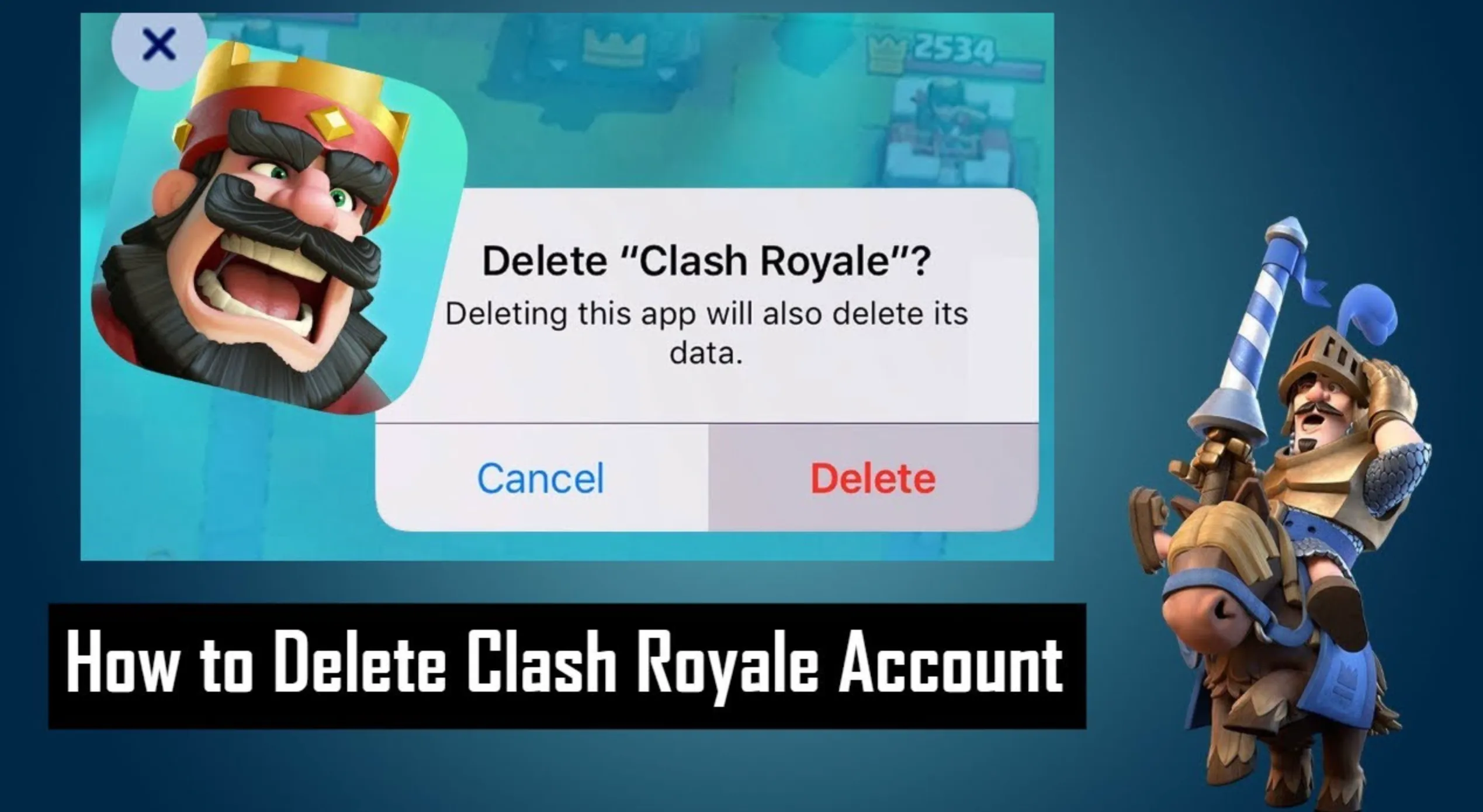
Deleting your Clash Royale account is done through Supercell’s support system and permanently removes all progress tied to your Supercell ID. Follow these steps carefully to start the deletion process:
First, open Clash Royale on your device and tap the Settings icon. From there, select Help and Support to access Supercell’s support menu. Scroll through the options and choose Account, then tap Delete My Account or Request Account Deletion. This will open a support chat where you’ll be asked to confirm that you want to permanently delete your account.
Next, Supercell will require you to verify ownership of the account. You’ll usually need to confirm details such as your player tag, account name, and the email linked to your Supercell ID. Once verification is complete, Supercell will start the deletion process.
After confirmation, your account enters a 30-day deletion period. During this time, you won’t be able to access Clash Royale using that account, but the deletion can still be canceled by contacting support. Once the 30 days are over, your Clash Royale account, including all cards, progress, purchases, and data, is permanently erased and cannot be recovered.
If you’re unsure, consider switching to a new Supercell ID instead. This lets you start fresh without losing your existing account forever.
Things To Know Before Deleting Your Clash Royale Account
Before you delete your Clash Royale account, there are a few important things you should fully understand. Account deletion is permanent, and once it’s completed, there’s no way to undo it or recover your progress.
First, all progress will be erased. This includes your card collection, trophies, emotes, gold, gems, tower skins, and any purchases you’ve ever made. Both free and paid content are deleted permanently once the process finishes.
Second, your account is tied to your Supercell ID. Deleting your Clash Royale account also affects how that Supercell ID can be used. If the same Supercell ID is linked to other Supercell games, you should double-check what data will be removed before confirming deletion.
Third, there is a 30-day waiting period after you request deletion. During this time, you won’t be able to play Clash Royale on that account. However, you can still cancel the deletion by contacting Supercell support before the countdown ends. Once the 30 days pass, the deletion becomes final.
Finally, if your goal is simply to start over, deleting your account may not be necessary. Clash Royale allows multiple accounts using different Supercell IDs, so you can create a new account and keep your original one as a backup instead of losing everything.
Make sure you’re completely certain before proceeding, because once the deletion is complete, there is no recovery option.
FAQs
Can I delete my Clash Royale account permanently?
Yes. You can permanently delete your Clash Royale account by submitting a data deletion request through Supercell support.
How long does Clash Royale account deletion take?
After requesting deletion, there is a 30-day waiting period. During this time, the account is locked and then permanently removed once the countdown ends.
Can I cancel the deletion after requesting it?
Yes, but only during the 30-day waiting period. You must contact Supercell support before the timer expires to stop the deletion.
Will I lose all progress and purchases if I delete my account?
Yes. Deleting your account permanently removes your cards, progress, gems, purchases, and Supercell ID data, and none of it can be recovered afterward.
Conclusion
Deleting your Clash Royale account is a serious decision, and this guide walks through the process so there are no surprises along the way. Once the deletion request is submitted, everything tied to the account is permanently removed after the waiting period, including progress, cards, and purchases. If the goal is a clean break from the game, following the official steps through Supercell support is the safest and only reliable option. Before confirming, it’s always worth double-checking that you won’t want the account back later, since recovery isn’t possible once the deletion is complete.
Posted On: January 25th, 2026
Recent Articles


Our 1v9 support team is available 24/7 to help you with any questions or issues you may have.
support@1v9.gg


-a6d5b3e156bb.webp)





Loading...
1v9.gg is not endorsed or affiliated by any game developers or publishers.
2026 1v9, All Rights Reserved, Created By Ritesh (riteshsahoo.com)