


Apex Legends: How To Delete Your Account
Apex Legends is one of the most popular battle royale games, known for its fast movement, competitive ranked system, and constant seasonal updates. While many players stick with the game long term, some eventually decide to step away, start fresh, or permanently remove their account for personal reasons. Deleting an Apex Legends account isn’t something you can do inside the game itself, and the process can be confusing if you don’t know where to look. In this guide, we’ll walk through how Apex Legends account deletion works, what platform accounts are affected, and the key things you should understand before making a permanent decision.
How to Delete Your Apex Legends Account
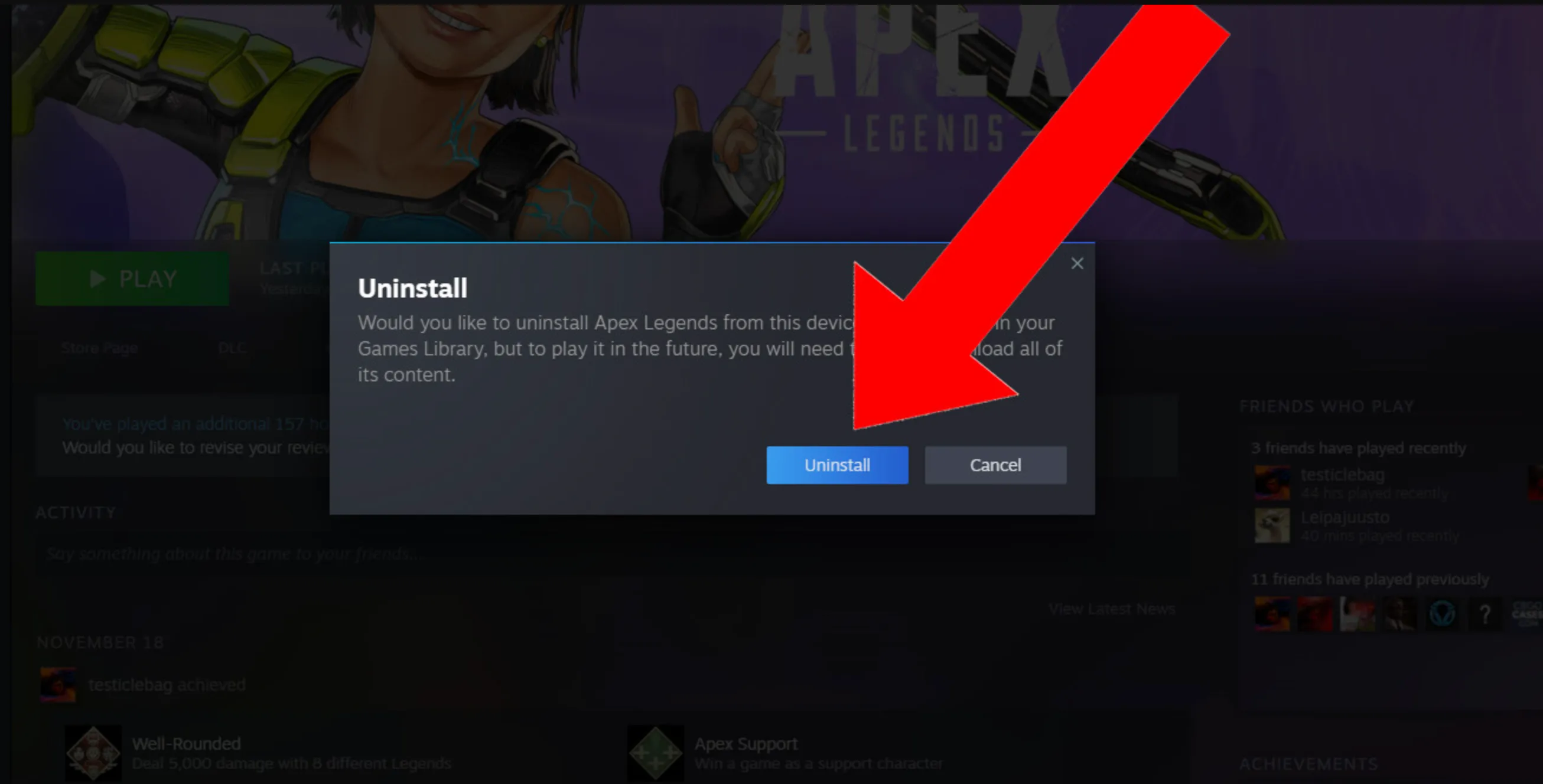
Deleting your Apex Legends account is not done directly inside the game. Since Apex Legends is tied to your EA account, removing access to the game requires deleting or modifying your EA account itself. Below is the correct and official way to delete your Apex Legends account safely.
First, visit the EA Help website and sign in using the EA account linked to your Apex Legends profile. Once logged in, head to the Help section and choose Account Management. From there, select the option related to account data or account deletion. You will need to submit a request stating that you want your EA account deleted, which also removes access to Apex Legends and all other EA games connected to that account.
EA will then ask you to verify ownership. This usually includes confirming your email address, EA ID, platform ID (PlayStation, Xbox, Steam, or Origin), and recent activity on the account. After verification, EA places your account into a deletion review period. During this time, your account is disabled and cannot be accessed. Once the process is complete, your Apex Legends progress, cosmetics, stats, and purchases are permanently removed.
It’s important to note that deleting your EA account deletes everything linked to it, not just Apex Legends. If you only want to stop playing Apex Legends without losing other EA games, you should avoid full account deletion and instead unlink the game from your platform or simply uninstall it.
Once the deletion is finalized, it cannot be reversed. All legends unlocked, heirlooms, skins, battle pass progress, and ranked history will be lost permanently.
Things to Know Before Deleting Your Apex Legends Account
Before deleting your Apex Legends account, there are a few important things you should understand, as this process is permanent and affects more than just one game. Apex Legends is linked directly to your EA account, so deleting it does not only remove Apex progress, it impacts everything tied to that EA profile.
First, all Apex Legends data will be permanently erased. This includes your account level, unlocked legends, skins, heirlooms, battle pass progress, ranked history, stats, and any in-game purchases. Once the deletion is completed, none of this can be restored under any circumstances.
Second, deleting your Apex Legends account means deleting your entire EA account. This also removes access to other EA games such as FIFA, Battlefield, The Sims, and any EA titles linked to the same account. If you play multiple EA games, this is a major factor to consider before moving forward.
Third, there is usually a short review or cooldown period after submitting the deletion request. During this time, your account is locked and cannot be used. In some cases, you may be able to cancel the request by contacting EA Support before the process is finalized, but once completed, the deletion cannot be reversed.
Another thing to keep in mind is platform unlinking. If your Apex Legends account is connected to PlayStation, Xbox, Steam, or Origin, deleting the EA account will also remove those links. You won’t be able to reconnect the same progress to a new EA account later.
If your goal is simply to take a break from Apex Legends, avoid deleting your account. Uninstalling the game or unlinking platforms is a much safer option and allows you to return later without losing years of progress.
FAQs
Can I delete only my Apex Legends account without deleting my EA account?
No. Apex Legends is tied to your EA account, so deleting it will remove access to Apex and other EA games linked to that account.
Is Apex Legends account deletion permanent?
Yes. Once the deletion process is completed, your progress, skins, purchases, and stats cannot be recovered.
How long does it take to delete an Apex Legends account?
EA usually processes account deletion requests within a few days, but it can take up to 30 days depending on verification.
Will I lose my Apex Legends purchases if I delete my account?
Yes. All in-game purchases, cosmetics, and progress will be permanently removed along with the account.
Conclusion
Deleting your Apex Legends account is a serious decision, as it permanently removes all progress, cosmetics, and purchases tied to your EA account. Whether you’re stepping away from the game for good or just cleaning up unused accounts, it’s important to understand the process and consequences before submitting a deletion request. Once the account is removed, there’s no way to recover your data, so double-checking everything beforehand can save you from regret later. If you’re fully sure, following the correct steps through EA support ensures your Apex Legends account is deleted safely and properly.
Posted On: January 26th, 2026
Recent Articles


Our 1v9 support team is available 24/7 to help you with any questions or issues you may have.
support@1v9.gg


-a6d5b3e156bb.webp)





Loading...
1v9.gg is not endorsed or affiliated by any game developers or publishers.
2026 1v9, All Rights Reserved, Created By Ritesh (riteshsahoo.com)