

How to Delete Your Clash of Clans Account: Step-by-Step Guide
Clash of Clans has been one of the biggest mobile games on both Android and iOS for well over a decade, pulling in millions of players around the world. Even today, it remains incredibly active, with constant updates, events, and new content keeping the game alive. Still, not everyone wants to keep their account forever. Some players choose to quit, others want a clean restart, and a few simply no longer feel connected to their village. Whatever the reason, Supercell does allow you to permanently delete your Clash of Clans account, but it’s not something you should rush into. The process is final, irreversible, and comes with a few important conditions that many players overlook. In this guide, we’ll walk you through exactly how to delete your Clash of Clans account step by step, explain what happens after deletion, and highlight the key things you should consider before making a permanent decision.
How to Delete Your Clash of Clans Account
If you’ve decided to permanently remove your Clash of Clans account, Supercell lets you do it directly from inside the game. The process doesn’t take long, but it’s important to follow each step carefully since the decision can’t be undone once it’s finalized.
Start by opening Clash of Clans and tapping the Settings icon (the gear in the corner of the screen). From there, head into Help and Support, then open the Account section. Inside this menu, choose Access/Delete Your Data and continue by selecting the option to request deletion of your personal data. After scrolling down, tap Delete My Data, which will open a support chat. In the chat flow, confirm that you want to delete the game and accept the final confirmation to proceed with the account removal.
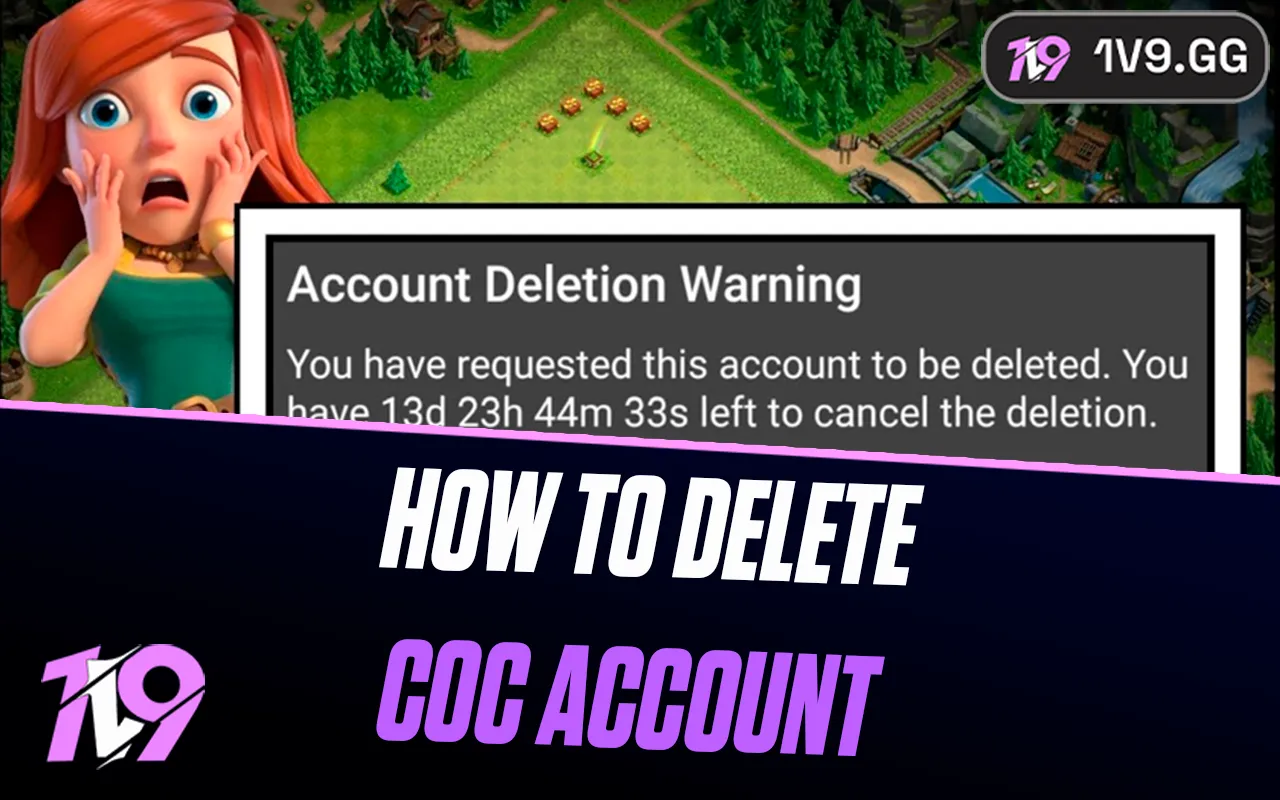
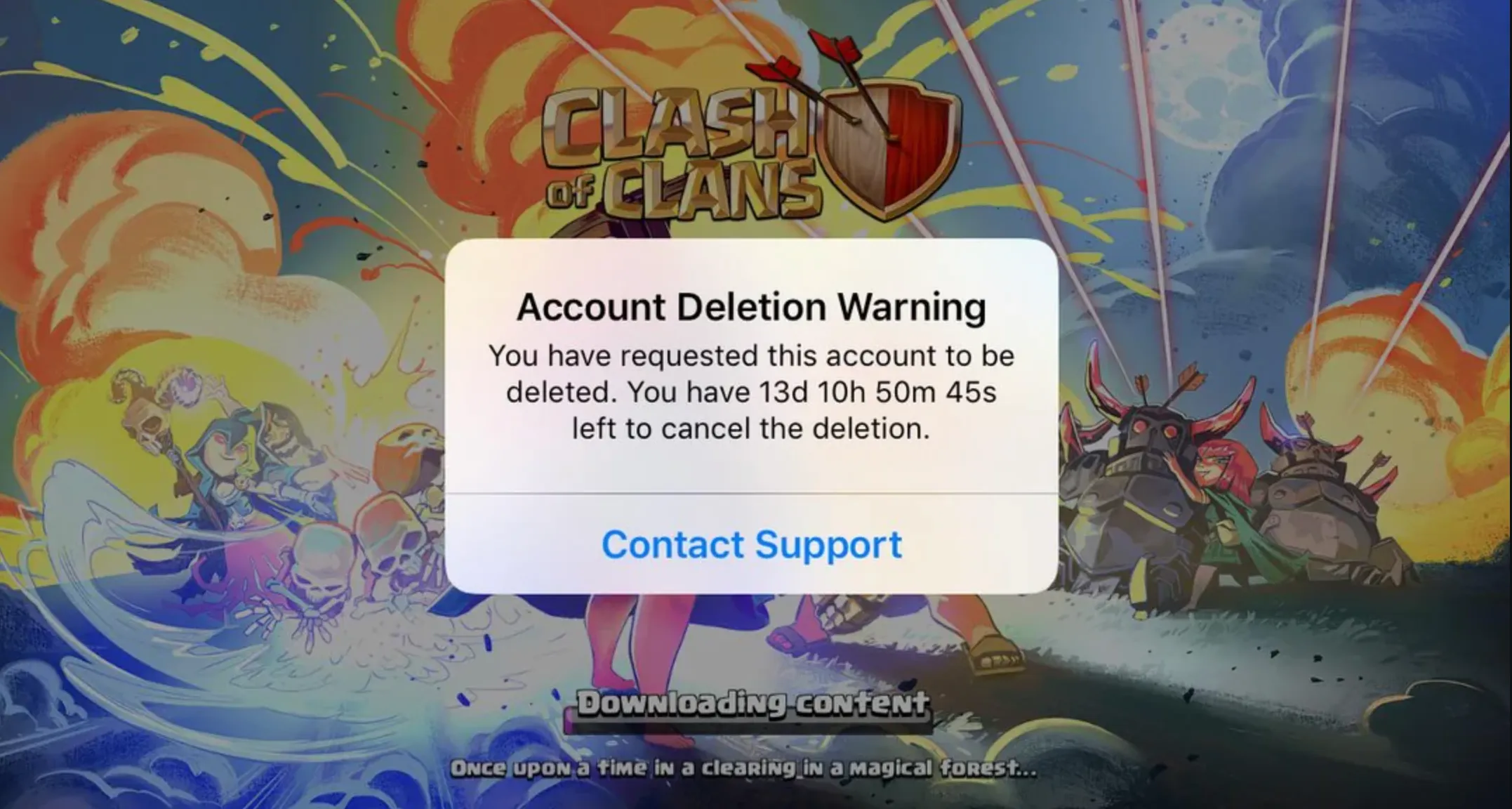
After confirming, Supercell places your account into a 30-day deletion period. During this time, you won’t be able to play Clash of Clans on the same device, and your account will be locked. This waiting window exists in case you change your mind. If you don’t cancel the request within those 30 days, your village, progress, purchases, and all linked data will be permanently erased from Supercell’s servers with no way to recover them.
Important Things to Know Before Deleting Your CoC Account
Before you go through with deleting your Clash of Clans account, it’s important to understand exactly what you’re giving up. Account deletion wipes everything tied to your village. Your progress, base design, clan membership, achievements, and all resources—whether earned or purchased—are removed for good. Once the process is finished, there’s no way to get any of it back.
After you confirm the deletion request, your account enters a 30-day lock period. During this time, you won’t be able to play Clash of Clans on the same device used to request the deletion. If you’re fully committed to removing the account but still want to play meanwhile, you can use a different device to log into another account during that waiting window.
If you change your mind before the 30 days are over, the deletion can still be stopped. You’ll need to contact Supercell support before the countdown ends and ask them to cancel the request. As long as the timer hasn’t expired, they can restore your access and keep your account intact.
If you’re mainly looking for a clean slate, deleting your account may not be necessary at all. Clash of Clans supports multiple accounts through Supercell ID, allowing you to start a brand-new village on the same device without losing your original one. This option gives you a fresh experience while keeping your old progress safe, just in case you want to return later.
FAQs
Can I recover my Clash of Clans account after deleting it?
No. Once the 30-day deletion period ends, your account and all data are permanently removed and cannot be restored.
Is there a waiting period after requesting account deletion?
Yes. After confirming deletion, there is a 30-day grace period before the account is fully erased.
Can I cancel the deletion request?
Yes. You can stop the deletion during the 30-day waiting period by contacting Supercell support before the timer expires.
Is deleting my account the only way to start fresh?
No. You can create a new village using a different Supercell ID without deleting your original account.
Conclusion
Deleting your Clash of Clans account is a serious and permanent decision, and it’s important to understand exactly what you’re committing to before moving forward. Whether you’re quitting the game for good or considering a fresh start, this guide walked you through the full deletion process, the 30-day waiting period, and the consequences of removing your data. If you’re unsure, using a new Supercell ID to start over can be a safer option than erasing everything forever. Take your time, double-check your choice, and make sure deleting your account is truly the right move for you.
Posted On: January 24th, 2026
Recent Articles


Our 1v9 support team is available 24/7 to help you with any questions or issues you may have.
support@1v9.gg


-a6d5b3e156bb.webp)





Loading...
1v9.gg is not endorsed or affiliated by any game developers or publishers.
2026 1v9, All Rights Reserved, Created By Ritesh (riteshsahoo.com)