- Home
Games
 League of Legends
 Valorant
-a6d5b3e156bb.webp) Fortnite
Fortnite Call of Duty
 Clash of Clans
 Counter-Strike 2
 Roblox
 Rainbow Six Siege
 Clash Royale
 Minecraft
 Rocket League
 Dota 2
 Genshin Impact
 Squad Busters
 Rust
Rust Apex Legends
 Pokemon Go
 XDefiant
 LoL: Wild Rift
 Hay Day
 Diablo 4
 FC 25
FC 25 Marvel Rivals
 World of Warcraft
 Destiny 2
 Deadlock
-9ede9dc6b01b.webp) PUBG Mobile
PUBG Mobile The Finals
 Growtopia
 Forza Horizon 5
 Honkai: Star Rail
 Warframe
 8 Ball Pool
 Zenless Zone Zero
 Path of Exile
 Runescape 3
 Raid: Shadow Legends
 Lost Ark
 WoW: Classic Era
 Summoners War
 WoW: Season of Discovery
 WoW Cataclysm
 WoW: Hardcore
 Throne and Liberty
 New World
 Mobile Legends
 Escape From Tarkov
 Path of Exile 2
 Blade Ball
 Fisch
Fisch Pet Simulator 99
 Pets Go
-d8bcef7708c7.webp) One Piece Bounty
One Piece Bounty Anime Adventures
 Blox Fruits
 Adopt Me
 Murder Mystery 2
 Fragpunk
 Wuthering Waves
 Teamfight Tactics
 Free Fire
 Albion Online
 Black Desert Online
 Honor of Kings
 Brawl Stars
 Arena of Valor
 Call of Duty: Mobile
 Rematch
 Steal a Brainrot
 Grow a Garden
 FC 26
FC 26 Old School Runescape
 Plants vs Brainrots
 Overwatch
 Battlefield
 Arc Raiders
 Dragon Ball Legends
 Fallout 76
 Jailbreak
 Type Soul
 GPO
GPO DonutSMP
 Escape Tsunami For Brainrots
 Watcher of Realms
 Roblox Rivals
 2XKO
2XKO Sailor Piece
 Forza Horizon 6
 GTA 5
GTA 5- Lootboxes
- Become Affiliate
- Blog
- Contact Us
- Sign In
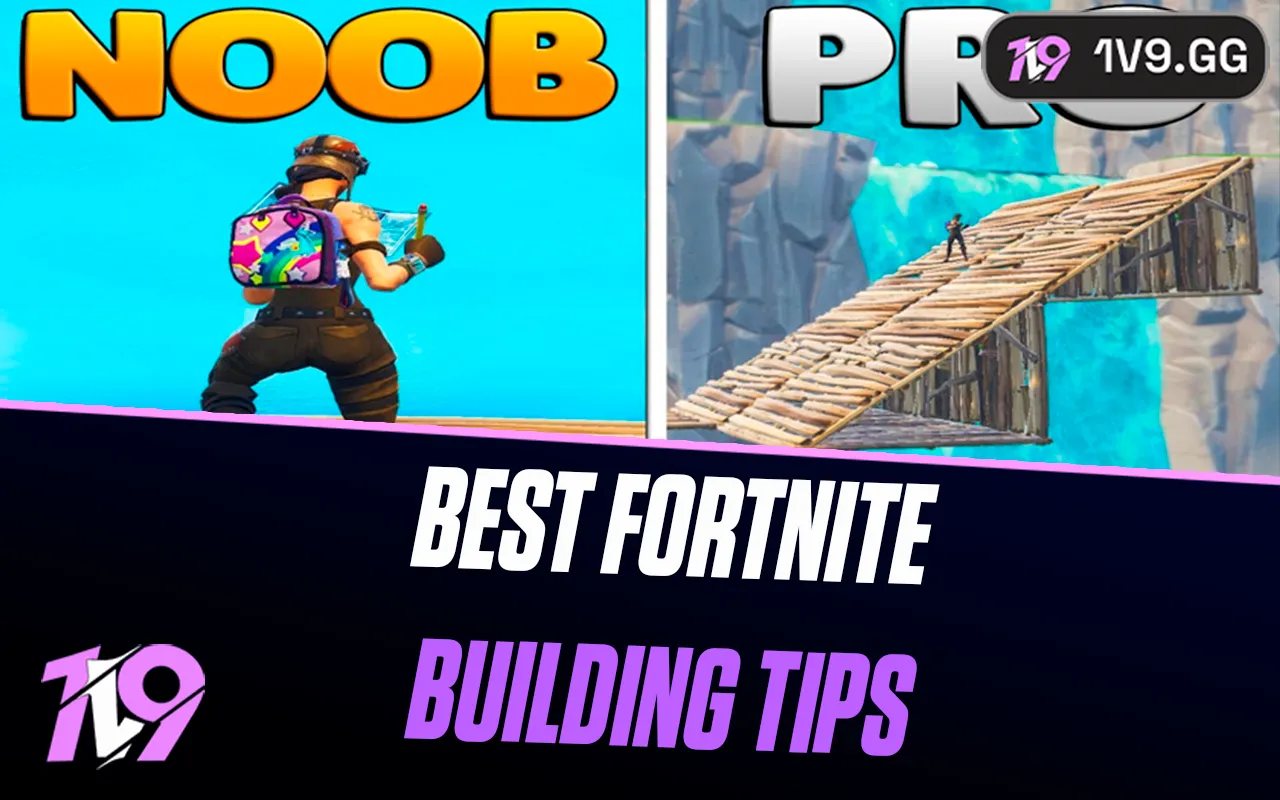

Best Fortnite Building Tips for Beginners on Controller
Building is one of the biggest skill gaps in Fortnite, and for beginners playing on controller, it can feel overwhelming at first. Unlike keyboard and mouse, controller players rely on smart binds, timing, and muscle memory to build quickly and stay alive during fights. The good news is that you don’t need flashy edits or pro-level speed to improve fast. With the right settings, simple build patterns, and a few practical habits, controller players can become confident builders without stressing every fight. In this guide, we’ll break down the best Fortnite building tips and tricks specifically for beginners on controller, focusing on easy techniques that actually help you survive longer and win more fights.
Basic Fortnite Building Techniques
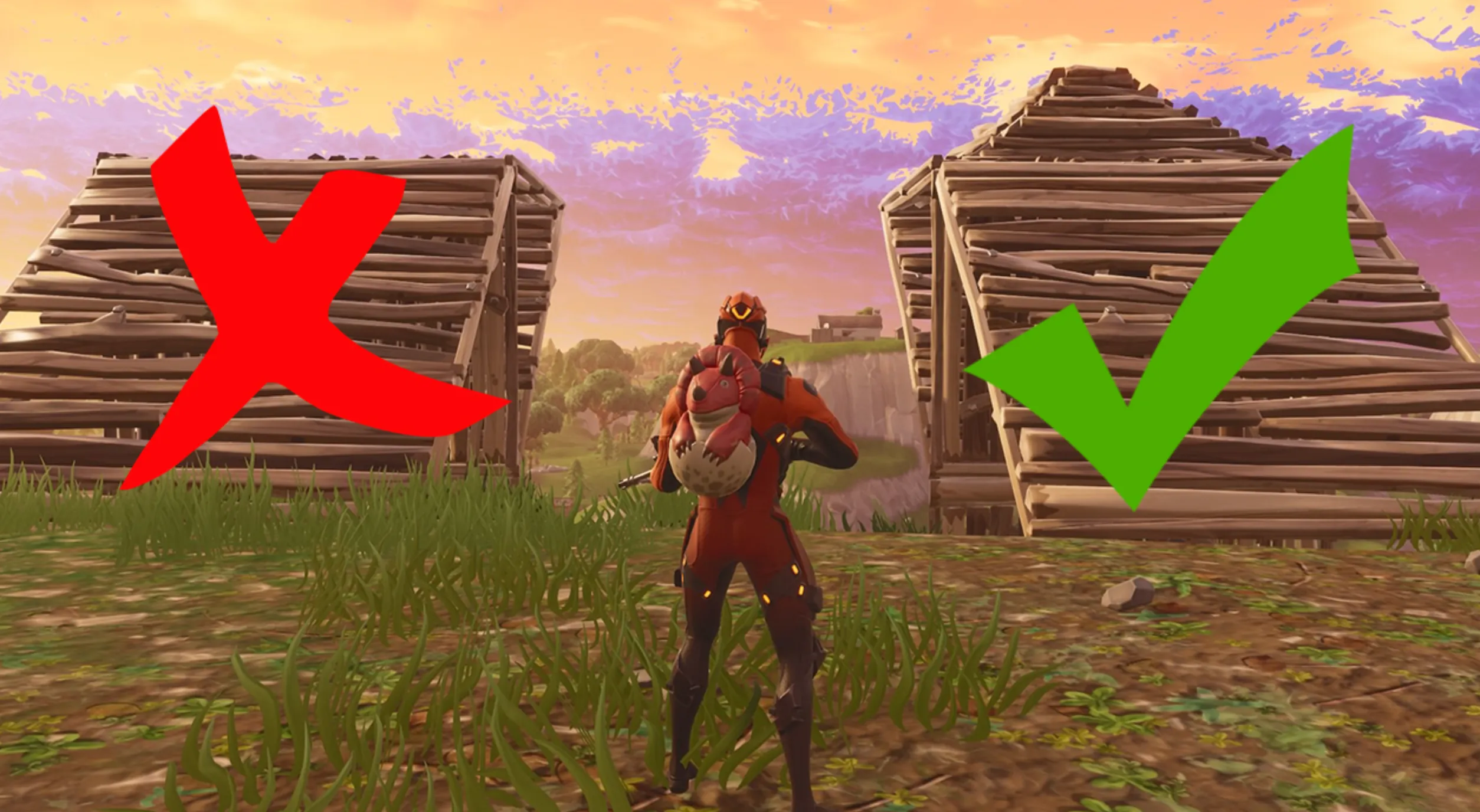
Basic building is the foundation of getting better in Fortnite, especially on controller. Before worrying about fast edits or flashy moves, you need to feel comfortable placing builds smoothly and reacting under pressure. The most important habit to learn first is placing a wall the moment you take damage. This simple reaction alone will save you more than any advanced technique. As soon as you’re shot, drop a wall, then decide your next move instead of panicking.
Next comes ramping. Placing a ramp in front of you while moving forward lets you gain height, block shots, and push enemies safely. A basic ramp-and-wall combo is perfect for beginners: place a ramp, then a wall in front or behind it to protect yourself while climbing. This is much easier on controller than complex retakes and works in almost every fight.
Another key technique is boxing up. When you’re low on health or getting pressured, quickly place four walls, a floor, and a roof around yourself. You don’t need to edit instantly, just focus on getting covered. Boxing gives you time to heal, reload, or plan your next move, and it’s one of the most important survival skills for controller players.
Finally, practice floor placement while moving. Floors stop enemies from dropping on you and help you move across uneven ground without getting stuck. Even simple builds like walls, ramps, floors, and basic boxes will massively improve your gameplay once they become second nature. Master these basics first, and everything else will feel much easier later.
Fortnite Building Tips and Strategies For Controller
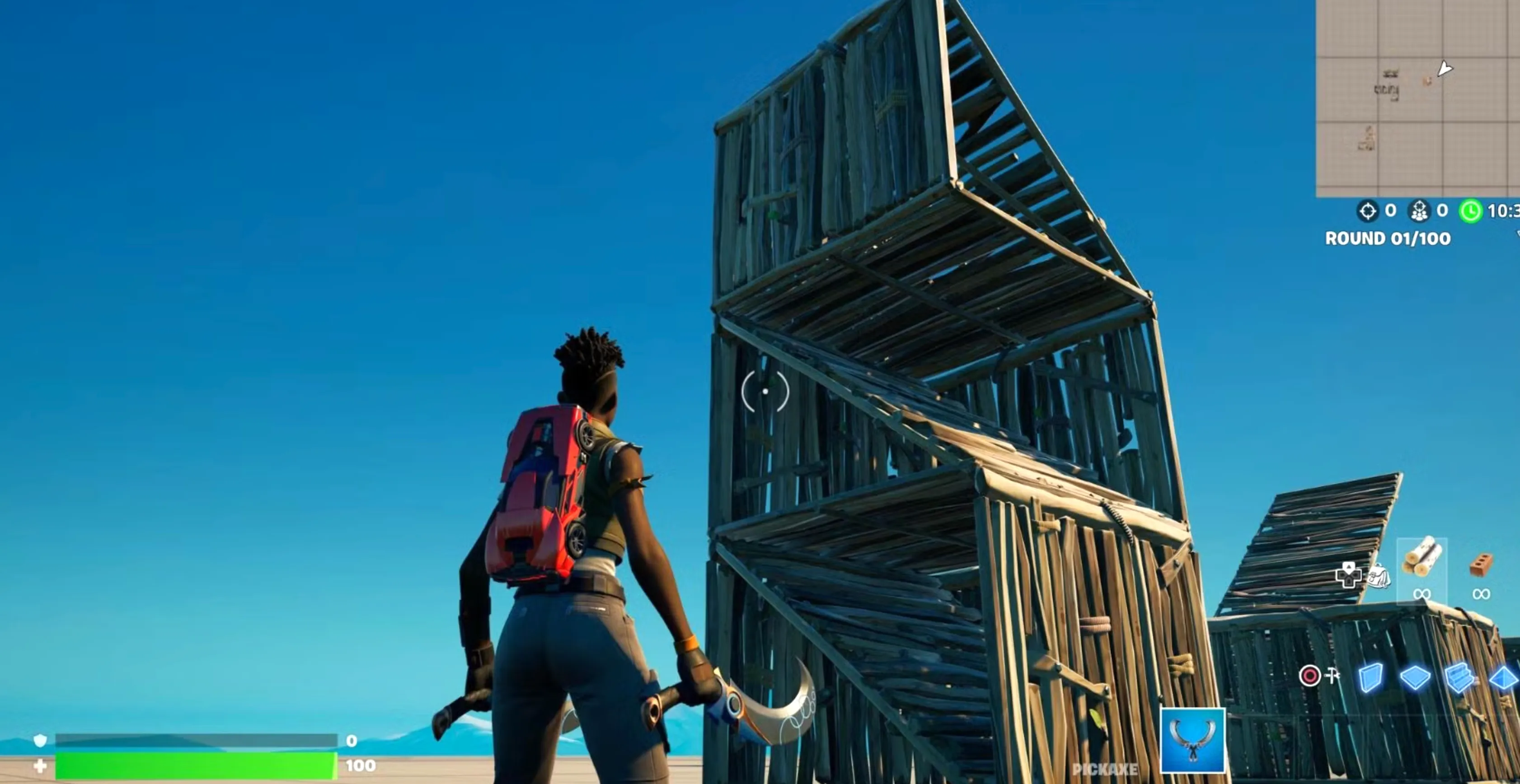
Once you’re comfortable with the basics, advanced building is what really separates casual players from confident fighters in Fortnite. These techniques help you stay alive longer, win more build fights, and feel in control during chaotic situations, even on controller.
Tunneling for Safe Movement
Tunneling is one of the most important late-game skills to learn. It lets you move through open areas without getting sprayed from every angle. The idea is simple: place a floor, then walls on both sides, and a roof above you, all while moving forward. Once that feels natural, you can start doing diagonal tunnels by angling your walls and roof as you move. This is especially useful when the storm is closing in and there’s nowhere to hide.
Piece Control and Smart Edits
Good piece control means owning the fight before your opponent can react. Instead of just shooting, you place walls, floors, or cones around the enemy to limit their movement. Trapping someone in a box or blocking their escape gives you a massive advantage. Combine this with clean edits like windows or right-hand peeks so you can deal damage without exposing your whole body. Fast, simple edits are better than flashy ones.
Winning Build Battles Efficiently
Build battles don’t have to be chaotic. Start with ramping toward your opponent to take space and height. Always protect yourself by placing walls behind or beside your ramps so you don’t get shot down. When you need height fast, learn basic 90s. Place a ramp, build two walls in an L-shape, turn, and repeat. Don’t spam jumps too much, though, since jump fatigue can slow you down. Mixing in walking up ramps keeps your movement smooth.
Using Angles, Cones, and High Walls
As you build upward, always block the side your enemy is on. Angled protection matters more than speed. Cones are also incredibly powerful; placing them above or inside enemy builds can stop them from climbing or force them into awkward positions. High walls placed above normal walls can surprise opponents and help you take control of the fight.
Defensive Boxing and Healing Safely
When things get overwhelming, boxing up is still the safest option. A simple 1x1 with four walls, a floor, and a roof gives you time to heal, reload, or reset mentally. From there, you can edit for peeks or escape through a different side if pressure builds.
Practicing the Right Way in Creative
Creative mode is where real improvement happens. Instead of randomly building, focus on specific goals like clean tunneling, controlled 90s, or boxing under pressure. Practice reacting to imaginary shots, editing quickly, and rebuilding after mistakes. Purposeful practice always beats mindless building.
Controller Shortcuts and Settings That Matter
Using Builder Pro is almost mandatory on controller since each structure has its own button. This removes delay and makes building feel instant. Adjust your binds so you can jump, build, and edit without lifting your thumbs too much. Many controller players use paddles or claw grip for better control. Increasing build sensitivity, turning off vibration, and using linear input can also make building feel smoother and more responsive.
Advanced building isn’t about being flashy. It’s about staying protected, controlling space, and making smart decisions under pressure. Once these habits click, you’ll notice fights slowing down for you, and that’s when Fortnite really starts to feel different.
FAQs
Is building harder on controller than on keyboard and mouse?
Building on controller can feel harder at first, mainly because aiming and editing share the same thumb, but with the right layout like Builder Pro and good sensitivity settings, controller players can build extremely fast and consistently.
What is the most important building skill to learn first in Fortnite?
Boxing up is the most important early skill. Being able to quickly place four walls, a floor, and a roof can save you in almost every fight and gives you time to heal or plan your next move.
Do I need to learn advanced builds like 90s as a beginner?
Not right away. Focus on basic ramps, walls, and simple edits first. Once those feel natural, learning 90s will help you take high ground faster in build fights.
Which controller settings help with faster building?
Using Builder Pro, increasing build sensitivity, turning off vibration, and using linear input can all make building smoother and faster. These settings reduce delay and improve control during fights.
How can I practice building without getting eliminated constantly?
Creative mode is the best place to practice. You can work on tunneling, ramp rushes, edits, and boxing without pressure, helping you build muscle memory before jumping into real matches.
Conclusion
Building in Fortnite on controller can feel overwhelming at first, but with the right approach, it quickly becomes one of your biggest strengths. By learning simple structures, practicing clean edits, and using smart controller settings like Builder Pro, you can build faster, protect yourself better, and win more fights. Advanced techniques such as tunneling, piece control, and 90s will come naturally over time as your confidence grows. The key is consistency, spend time in Creative mode, focus on good habits, and don’t panic under pressure. With enough practice, building on controller can be just as powerful and reliable as any other playstyle, giving you the tools you need to compete and improve in every match.
Posted On: February 22nd, 2026
Recent Articles


Our 1v9 support team is available 24/7 to help you with any questions or issues you may have.
support@1v9.gg
Loading...
1v9.gg is not endorsed or affiliated by any game developers or publishers.
2026 1v9, All Rights Reserved, Created By Ritesh (riteshsahoo.com)