

Clash Royale QR rewards are simply official voucher or Supercell Store links encoded as a scannable image. The safest way to claim them is to open the direct Supercell or link.clashroyale.com destination on the device where the game is installed.
As of August 14, several long-running emote and banner voucher links still resolve to Clash Royale, while the Supercell Store rotates free Friday offers. A link can still open after its reward expires, so the in-game confirmation is the final authority.
Do not confuse rewards with Supercell creator codes: creator codes support a creator during eligible purchases and do not give the player free loot.
Last checked: August 14, 2026
Reward links: 10 official destinations to try
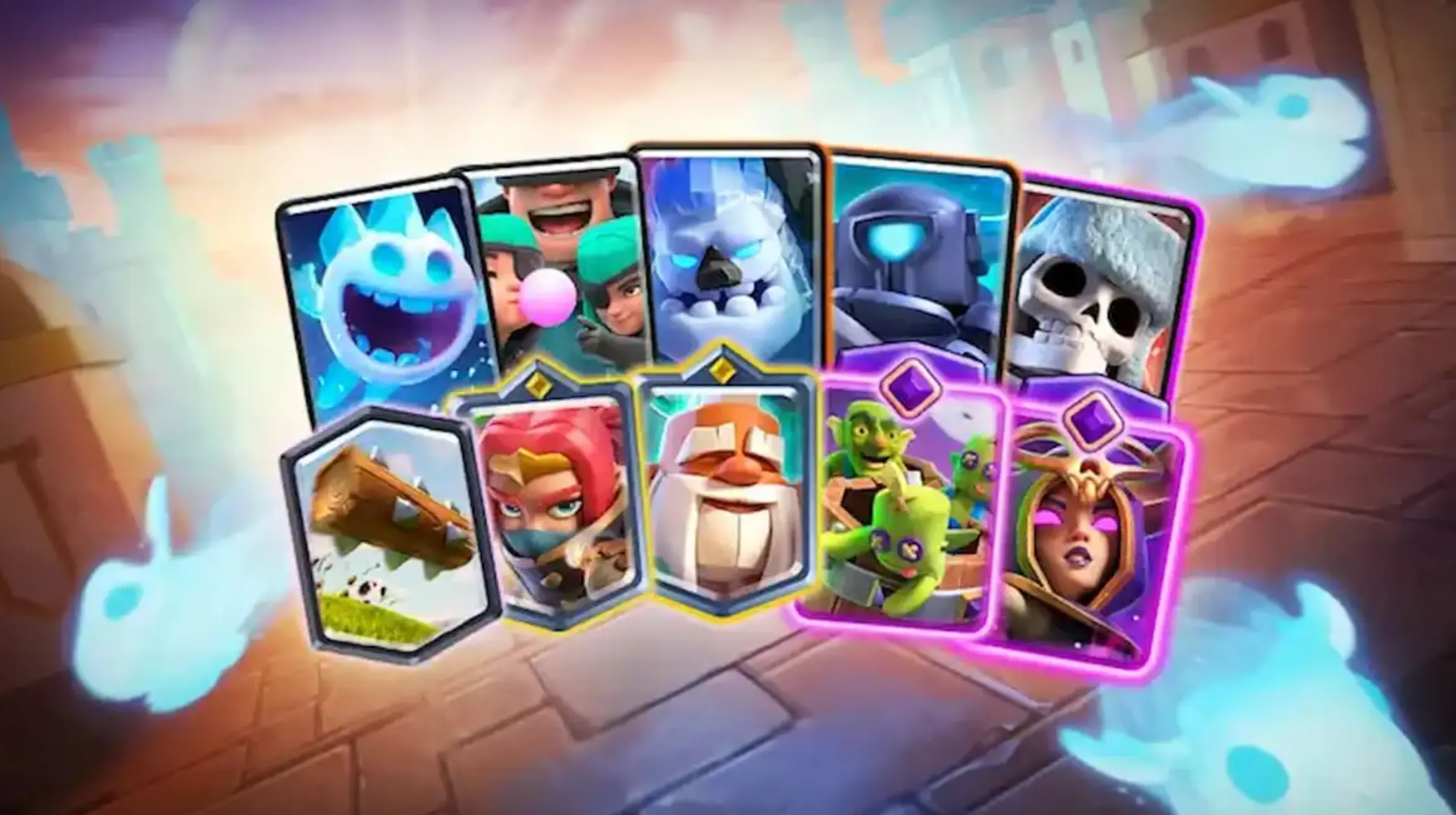
Working Clash Royale QR codes and links
Tap these only on a device with Clash Royale installed. Availability can vary by account, region, prior claim, and campaign end date.
| Reward | Official destination | Type |
|---|---|---|
| 50,000 Gold | Open Supercell gift | Gift/store offer |
| Hog Rider Cake Emote | Open voucher | In-game voucher |
| Boo Emote | Open voucher | In-game voucher |
| Princess Evolution Emote | Open voucher | In-game voucher |
| Skeleton Shield Bang Emote | Open voucher | In-game voucher |
| Fly Hog Banner Frame | Open voucher | In-game voucher |
| Fly Hog Banner Decoration | Open voucher | In-game voucher |
| Clash Animals Banner | Open voucher | In-game voucher |
| Jojo Musketeer Banner | Open voucher | In-game voucher |
| World Cup Banner Set | Open voucher | In-game voucher |
Current Supercell Store reward codes
Sign into the official Clash Royale Store before entering a store code. If the campaign ended, the store will not add the item.
| Code | Reported reward | Official page |
|---|---|---|
MINIONHORDE! | Minion Horde Trio Emote | Open Store |
PRINCESSEVO! | Princess Evolution Banner Set | Open Store |
FIREANDICE!! | Fire and Ice Banner | Open Store |
How to redeem a Clash Royale QR code
- Open the phone camera or QR scanner and point it at the complete code.
- Check that the destination is link.clashroyale.com, supercell.com, or store.supercell.com.
- Open the destination and allow it to launch Clash Royale.
- Confirm the reward on the in-game voucher screen.
- If it is a store offer, sign in with the Supercell ID attached to the intended Clash Royale account.
Why is my Clash Royale reward link not working?
- You already claimed it. Voucher rewards are normally one per account.
- The campaign ended. An old QR image can remain online after the gift expires.
- The game is missing or outdated. Install/update Clash Royale and reopen the link.
- The account or region is ineligible. Store gifts can vary by market.
- The scanner cropped the QR code. Use the direct official link instead.
- The hostname is wrong. Close lookalike pages and never submit a Supercell ID code to a stranger.
Reward links vs. creator codes
Reward links grant the listed cosmetic, currency, or chest when a campaign is active. Creator codes do not grant a player reward; they attribute part of an eligible purchase to the selected creator for a limited support window.
A page promising free Gems for entering a creator code is misrepresenting the system. Gems are not generated by QR scanners, account verifiers, or survey sites.
Clash Royale QR codes FAQ
Are Clash Royale QR codes safe?
They are safe when the resolved hostname is an official Supercell or Clash Royale link.
Can I use a direct link instead of scanning?
Yes. The QR image merely stores the same URL.
Why did the link open but give no reward?
You may have claimed it already, the campaign may have ended, or the account may be ineligible.
Do creator codes give free rewards?
No. They support a creator during eligible purchases.
Sources and verification
- Official Clash Royale Store — store offers and Supercell ID claims
- RoyaleAPI community link index — direct official voucher destinations
- Supercell March 2026 update — official explanation of QR links for social and Quickplay features
Clash Royale is developed by Supercell. 1v9 is not affiliated with or endorsed by Supercell.


-a6d5b3e156bb.webp)





