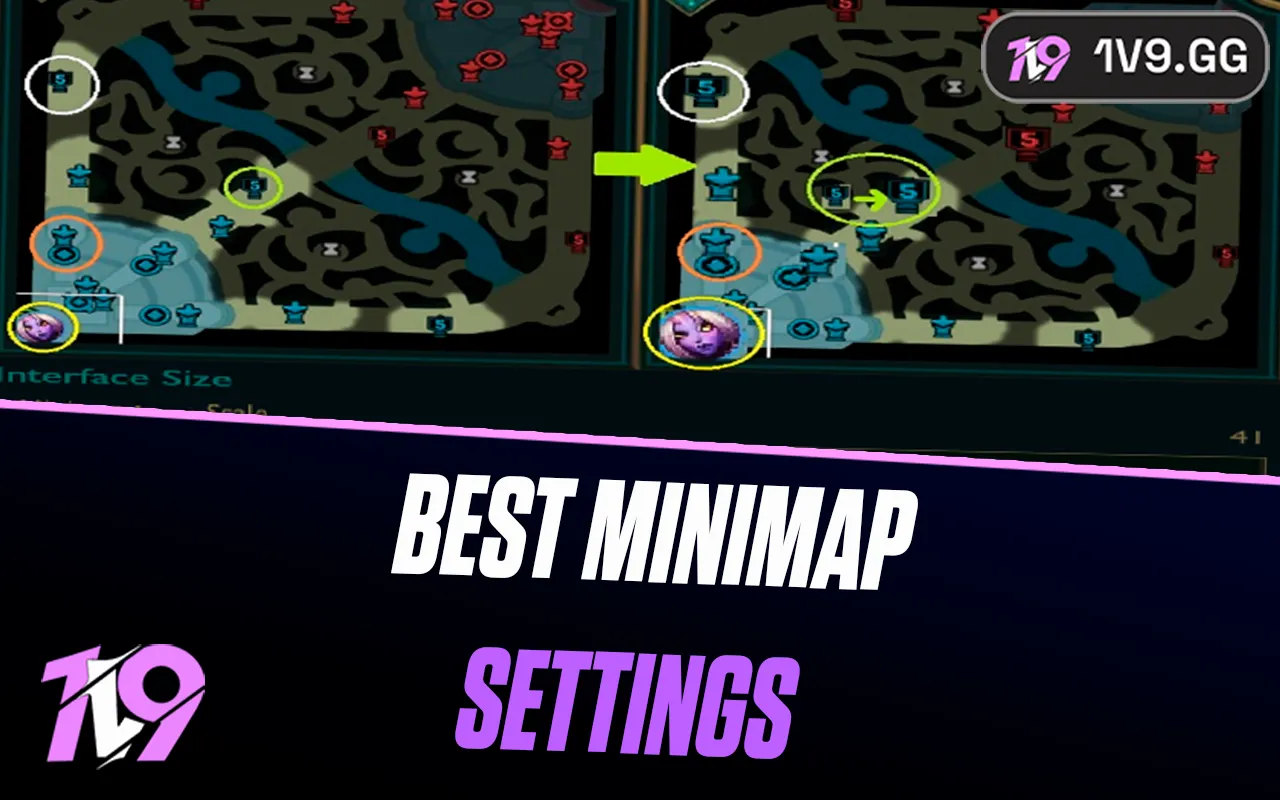


Best Minimap Settings in League of Legends
In League of Legends, mechanics and champion knowledge are important, but map awareness is what often separates average players from high-ranked ones. A lot of fights, rotations, and objectives are decided before they even happen simply because one team noticed information on the minimap earlier.
The minimap constantly shows valuable details like enemy movement, missing champions, jungle pressure, ward coverage, and teammate positioning. Players who barely look at it usually react too late to ganks, roams, and objective setups, while strong players use the minimap to predict plays before they happen.
That’s why minimap settings matter much more than many people realize. A minimap that is too small or difficult to read can make it harder to track important information during fast fights and chaotic teamfights.
Many professional and high-Elo players use larger minimap sizes and cleaner settings because it helps them process information faster without taking attention away from gameplay.
In this guide, we’ll cover the best minimap settings in League of Legends, explain how to improve map awareness, and show how better minimap habits can help you climb ranked more consistently.
How to Change Map Settings in League of Legends
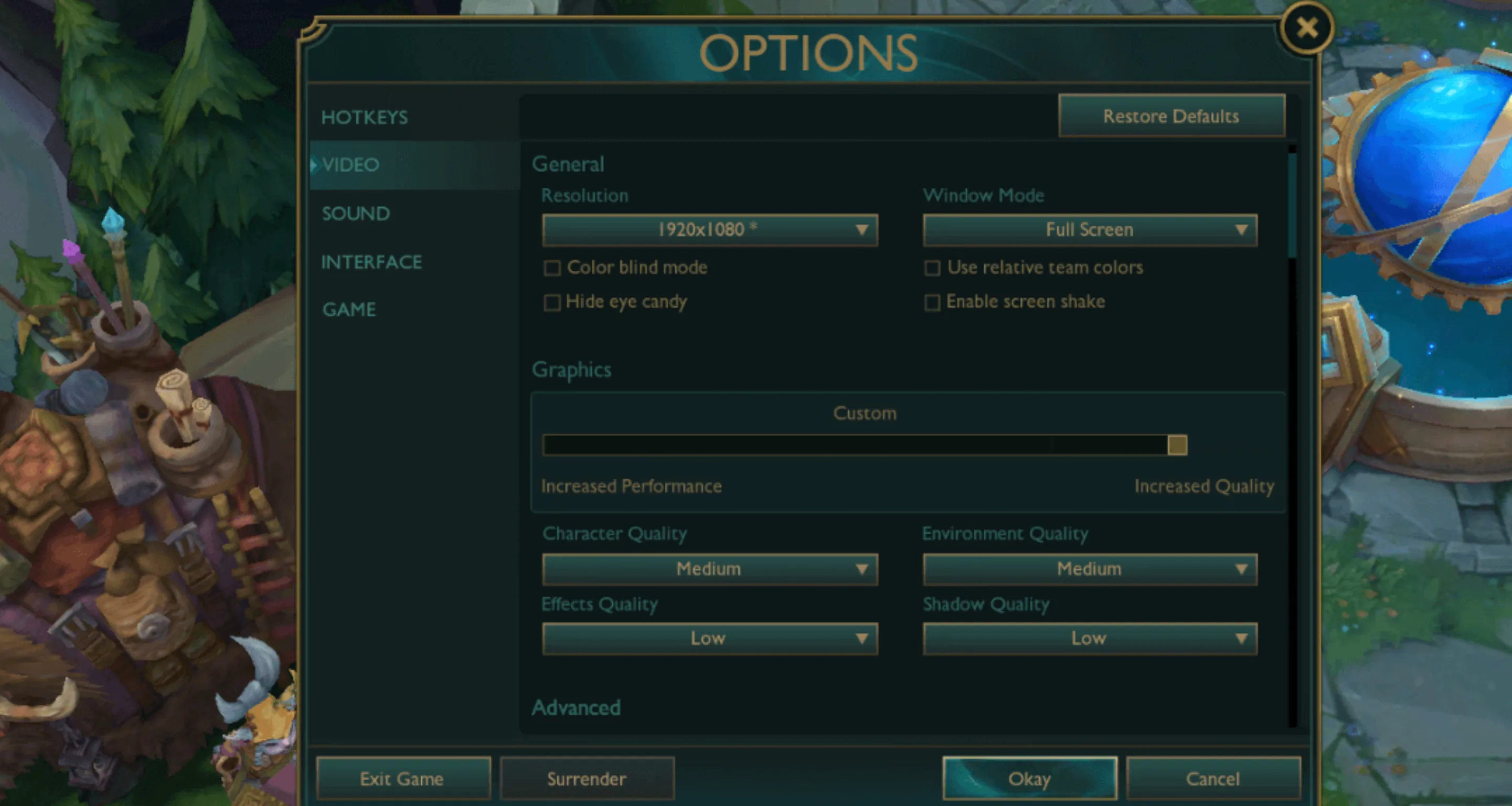
Changing minimap settings in League of Legends is very simple and can immediately improve map awareness during matches. Riot Games allows players to customize several minimap options, including size, scale, movement settings, and visual clarity.
To change your minimap settings in League of Legends:
- Open the game client or enter a match
- Press the Esc key to open the settings menu
- Go to the Interface section
- Scroll down until you find the minimap settings area
From there, you can adjust multiple options related to visibility and map readability.
Best Minimap Settings in LoL
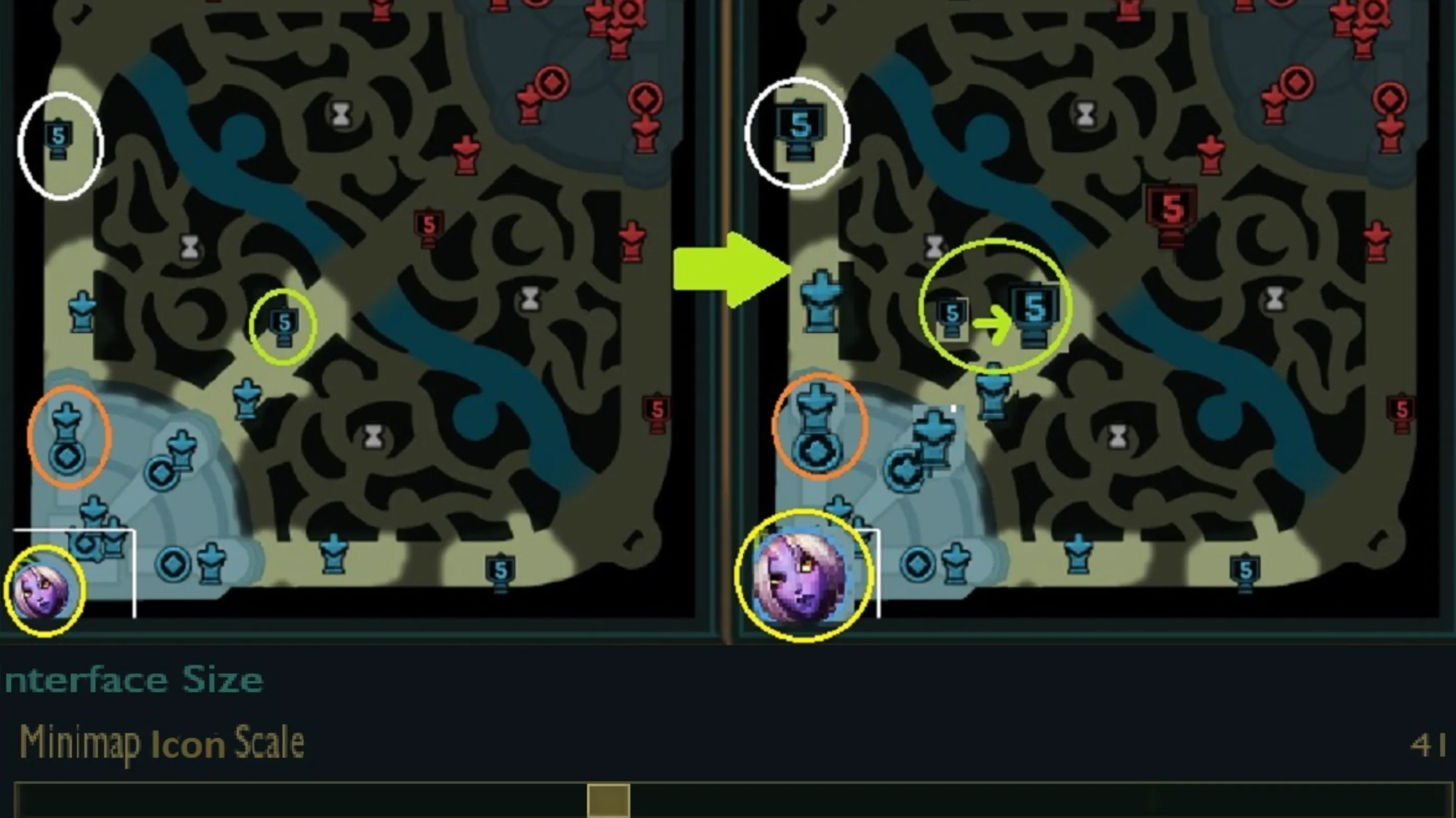
Using the best minimap settings in League of Legends can massively improve map awareness, reaction speed, and overall ranked performance. Many players focus only on mechanics and champion matchups, but strong minimap settings often make a bigger difference than people realize, especially during fast fights and rotations.
The minimap constantly provides important information about enemy movement, missing champions, jungle pressure, objectives, ward coverage, and teammate positioning. If your minimap is too small or difficult to read, reacting quickly to that information becomes much harder.
That’s why most high-Elo and professional League of Legends players use larger and cleaner minimap settings designed for visibility instead of aesthetics.
A strong League of Legends minimap setup usually includes:
- Larger minimap scale
- Lower HUD clutter
- Clear ping visibility
- Easy-to-read icons
- Comfortable screen balance
One of the most important League of Legends settings is Minimap Scale. The default minimap size is often too small for competitive play, especially during chaotic teamfights where multiple things happen at once.
Most experienced players use:
- 70 – 90 Minimap Scale
This minimap size range makes it much easier to track:
- Enemy roams
- Missing laners
- Jungle pathing
- Dragon and Baron setups
- Teammate rotations
- Incoming ganks
- Split push pressure
Players with larger monitors or higher resolutions sometimes increase minimap scale even further to improve readability.
Another important setting is HUD Scale. Many ranked players lower overall HUD size slightly while keeping the minimap larger. This creates a cleaner screen while still making map information easy to process during fights.
Ping visibility is also extremely important for ranked games. Clear pings and visible ally indicators help players react faster during engages, objective fights, and rotations around the map.
The best minimap settings in League of Legends are the ones that help you gather information instantly without distracting you from gameplay. Strong map visibility allows players to make faster decisions, avoid unnecessary deaths, and improve overall game sense consistently.
At higher ranks, good minimap awareness becomes one of the biggest differences between average players and strong players. Having optimized League of Legends map settings can make climbing ranked significantly easier over time.
FAQs About Minimap Settings in League of Legends
Q: What are the best minimap settings in League of Legends?
A: Most high-ranked League of Legends players prefer larger minimap scales between 70 and 90 because it makes enemy movement, roams, and objectives much easier to track during matches.
Q: Does a bigger minimap help in League of Legends?
A: Yes, a larger minimap improves map awareness by making pings, champion icons, and rotations easier to notice quickly, especially during chaotic teamfights and ranked games.
Q: How do I change minimap size in League of Legends?
A: Open the settings menu by pressing Esc, go to the Interface tab, and adjust the Minimap Scale slider until the map feels comfortable and easy to read.
Q: Do pro players use large minimaps in League of Legends?
A: Many professional and Challenger players use larger minimap settings because better visibility helps them react faster to ganks, objectives, and enemy rotations.
Q: Why is minimap awareness important in League of Legends?
A: Strong minimap awareness helps players avoid ganks, track jungle movement, react to roams faster, and make smarter macro decisions throughout the game.
Conclusion
Using the best minimap settings in League of Legends can make a huge difference when it comes to map awareness, reaction speed, and overall ranked performance. While mechanics and champion mastery are important, many games are won simply because players react to information faster than their opponents.
A larger and easier-to-read minimap helps players track enemy roams, jungle pressure, objectives, and teammate positioning much more consistently throughout matches. Over time, this leads to better decision-making, fewer unnecessary deaths, and stronger macro gameplay overall.
The best League of Legends map settings are ultimately the ones that help you gather information quickly without distracting you during fights. Finding the right balance between minimap size, HUD clarity, and visibility can massively improve how comfortably you process the game.
Whether you are a casual player or trying to climb ranked seriously, improving minimap settings and building stronger map awareness habits is one of the easiest ways to become a smarter and more consistent League of Legends player.
Posted On: May 11th, 2026
Recent Articles


Our 1v9 support team is available 24/7 to help you with any questions or issues you may have.
support@1v9.gg

-a6d5b3e156bb.webp)





Loading...
1v9.gg is not endorsed or affiliated by any game developers or publishers.
2026 1v9, All Rights Reserved, Created By Ritesh (riteshsahoo.com)