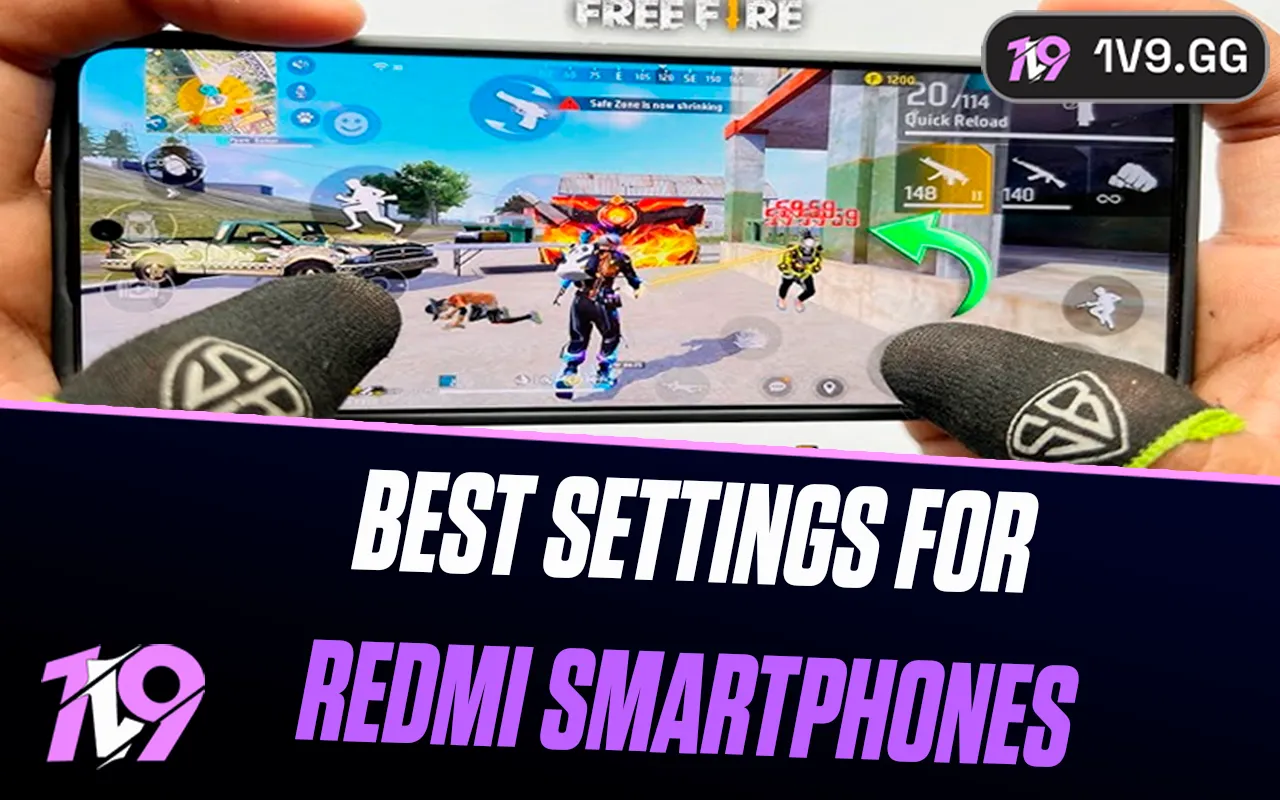


Best Free Fire Sensitivity Settings for Redmi Smartphones
Free Fire sensitivity can feel completely different depending on the phone you’re using. Things like touch response, screen smoothness, and overall performance all play a big role in how easy it is to land clean headshots. Redmi phones are especially popular among Free Fire players, which is why getting the right sensitivity settings for these devices really matters. With the right setup, aiming feels smoother, drag shots become easier, and one-taps feel way more consistent. In this guide, we’ve put together the best Free Fire sensitivity settings specifically for Redmi smartphones, based on what actually works in real matches, so you can get straight into improving your gameplay.
Best Free Fire Sensitivity for Redmi A5

Because the Redmi A5 sits on the lower end in terms of performance, Free Fire can feel a bit sluggish if your sensitivity is too low. The screen response and touch sensor aren’t as fast as higher-end phones, so increasing sensitivity helps make aiming smoother and turning faster, especially when enemies rush or appear behind you. With higher values, drag shots feel more responsive and you won’t feel stuck trying to move your crosshair. Below are sensitivity settings that work well on the Redmi A5 and help compensate for the device’s limitations while still keeping your aim controllable and consistent.
Recommended Free Fire Sensitivity for Redmi A5
General: 185
Red Dot: 165
2x Scope: 150
4x Scope: 130
Sniper Scope: 200
Free Look: 100
These settings are a strong starting point for Redmi A5 players. You can make small adjustments based on your playstyle, but keeping sensitivity high on this device is key to landing faster headshots and reacting in close fights.
Best Free Fire Sensitivity for Redmi 10C
The Redmi 10C offers smoother gameplay than entry-level models thanks to its Snapdragon 680, but Free Fire still feels best when sensitivity is kept on the higher side. Higher sensitivity helps you snap onto targets faster, win close-range fights, and land cleaner headshots without fighting against slow camera movement. The goal here is to keep aiming quick while still feeling controlled during scope shots and sprays.
These settings are tuned specifically for the Redmi 10C to give you fast reactions, smooth drags, and reliable headshot consistency without overdoing it.
Recommended Free Fire Sensitivity for Redmi 10C
General: 195
Red Dot: 186
2x Scope: 153
4x Scope: 156
Sniper Scope: 160
Free Look: 171
If aiming feels slightly too fast at first, lower each value by 5–10 until it feels comfortable. With a bit of practice, these settings can seriously improve your one-tap accuracy on the Redmi 10C.
Best Free Fire Sensitivity for Redmi 12C
The Redmi 12C handles Free Fire smoothly enough that you don’t need extreme sensitivity values. Instead, the focus here is comfort and control, especially when going for consistent headshots. After testing these settings in the training ground, this setup felt the most balanced for quick flicks, clean drag shots, and stable scope control without over-aiming.
These values work well for both close fights and medium-range battles, while still keeping sniper shots accurate and predictable.
Recommended Free Fire Sensitivity for Redmi 12C
General: 195
Red Dot: 150
2x Scope: 140
4x Scope: 120
Sniper Scope: 150
Free Look: 84
If your aim feels shaky at first, lower the Red Dot or 2x Scope slightly and adjust from there. With a bit of practice, these sensitivity settings can help you land more one-tap headshots on the Redmi 12C without sacrificing control.
Best Free Fire Sensitivity for Redmi Note 10 5G / 10S
The Redmi Note 10 5G and Redmi Note 10S both run Free Fire smoothly, especially at the start of a session. However, after longer playtime, slight frame drops can happen due to heat buildup. To keep your aim feeling responsive even when performance dips, higher sensitivity values work best on these devices. This setup helps you react faster, drag for headshots more easily, and stay consistent during intense fights.
These settings are tuned to feel smooth during normal gameplay while still holding up when FPS drops kick in, so your muscle memory doesn’t get thrown off mid-match.
Recommended Free Fire Sensitivity for Redmi Note 10 5G / 10S
General: 200
Red Dot: 200
2x Scope: 200
4x Scope: 188
Sniper Scope: 120
Free Look: 51
If the aim feels too fast at first, slightly lower the Red Dot or 2x Scope by 5–10 points and adjust from there. With a bit of practice, these sensitivity settings can help you land cleaner one-tap headshots and stay accurate even during longer gaming sessions.
Best Free Fire Sensitivity for Redmi 12 5G
The Redmi 12 5G offers solid performance for Free Fire, especially for a budget-friendly device. To get the most out of it, your sensitivity needs to support fast reactions while still keeping your aim stable during close and mid-range fights. These settings are designed to make drag shots smoother, improve one-tap headshots, and help you track enemies without overcorrecting your aim.
Higher scope sensitivity works well on the Redmi 12 5G, allowing quicker adjustments when enemies strafe or suddenly appear, while a slightly lower general sensitivity keeps overall movement controlled. This balance makes the game feel responsive without becoming shaky.
Recommended Free Fire Sensitivity for Redmi 12 5G
General: 160
Red Dot: 190
2x Scope: 180
4x Scope: 180
Sniper Scope: 200
Free Look: 200
If the aim feels too fast at long range, try lowering the Sniper Scope by 10–15 points. With a bit of practice, these settings can noticeably improve your accuracy and make one-tap headshots much more consistent on the Redmi 12 5G.
Best Free Fire Sensitivity for Redmi Note 13 5G
The Redmi Note 13 5G runs Free Fire very smoothly, which gives you a big advantage when it comes to aiming and reaction time. Since the device handles stable FPS and fast touch response, you don’t need extreme sensitivity values. Instead, the goal is clean control, smooth drag shots, and reliable one-tap headshots without overflicking your aim.
These settings are tuned to take advantage of the phone’s smooth display. High General and Red Dot sensitivity help you snap onto enemies quickly, while lower scope values give you better control at medium and long range. This setup works especially well for players who rely on fast peeks, precise headshots, and consistent tracking.
Recommended Free Fire Sensitivity for Redmi Note 13 5G
General: 200
Red Dot: 200
2x Scope: 147
4x Scope: 115
Sniper Scope: 108
Free Look: 77
If you feel your aim is slightly shaky at long range, lower the 4x or Sniper Scope by 5–10 points. With a bit of practice, these settings can noticeably improve headshot consistency and overall aim on the Redmi Note 13 5G.
Best Free Fire Sensitivity for Redmi Note 14 5G
Even though the Redmi Note 14 5G is a newer device, Free Fire doesn’t always run perfectly smooth on it, and small frame drops can still happen during intense fights. Because of that, dialing in the right sensitivity is key if you want clean aim and consistent headshots without fighting your screen. These settings are meant to balance control and speed, so your aim stays reliable even when performance dips.
The idea here is to keep General and Red Dot sensitivity comfortable for fast reactions, while pushing the 2x Scope higher to help with quick drag shots. At the same time, lower 4x and Sniper values prevent overflicking, which is especially important when lag kicks in. This setup works well for both close-range sprays and steady mid-to-long range fights.
Recommended Free Fire Sensitivity for Redmi Note 14 5G
General: 158
Red Dot: 141
2x Scope: 200
4x Scope: 90
Sniper Scope: 75
Free Look: 80
If your aim feels a bit shaky during long-range fights, slightly lowering the 2x or 4x Scope can help. With some practice, these settings should make aiming smoother and headshots more consistent on the Redmi Note 14 5G.
Conclusion
Finding the right Free Fire sensitivity for Redmi smartphones can make a huge difference in how you aim, react, and win fights. Since Redmi devices vary a lot in performance, there’s no single “perfect” setup that works for everyone, which is why adjusting your sensitivity based on your exact model is so important. With the settings shared in this guide, you can reduce aim shake, improve drag shots, and land more consistent headshots whether you’re playing on a budget Redmi or a newer 5G model. Take these values as a strong starting point, spend some time in the training ground, and fine-tune them to match your playstyle. Once your sensitivity feels right, Free Fire becomes smoother, more controlled, and way more enjoyable on any Redmi smartphone.
Posted On: December 23rd, 2025
Recent Articles


Our 1v9 support team is available 24/7 to help you with any questions or issues you may have.
support@1v9.gg


-a6d5b3e156bb.webp)





Loading...
1v9.gg is not endorsed or affiliated by any game developers or publishers.
2026 1v9, All Rights Reserved, Created By Ritesh (riteshsahoo.com)