


How To Split Stacks in Arc Raiders
Splitting stacks in Arc Raiders is something every player should know, especially when you’re trying to share ammo, meds, or random loot with teammates during a run. Space is always tight, and sometimes the quickest way to help a friend—or free up your own bag—is handing over part of a stack instead of dropping everything on the ground. The good news is that Arc Raiders makes this pretty simple, but the exact method changes depending on what platform you’re playing on.
On PC, you’ll be using a quick shortcut with your mouse and keyboard to divide items. On console, the process works through your inventory menu by selecting the item and moving it into an empty slot. Either way, once you know the steps, splitting becomes second nature and saves you a ton of time during hectic runs.
If you’re trying to figure out exactly how to split your stacks in Arc Raiders, this guide breaks down everything clearly so you can share loot smoothly and keep your squad stocked up. Let’s jump right in.
How to Split Stacks in Arc Raiders on Console
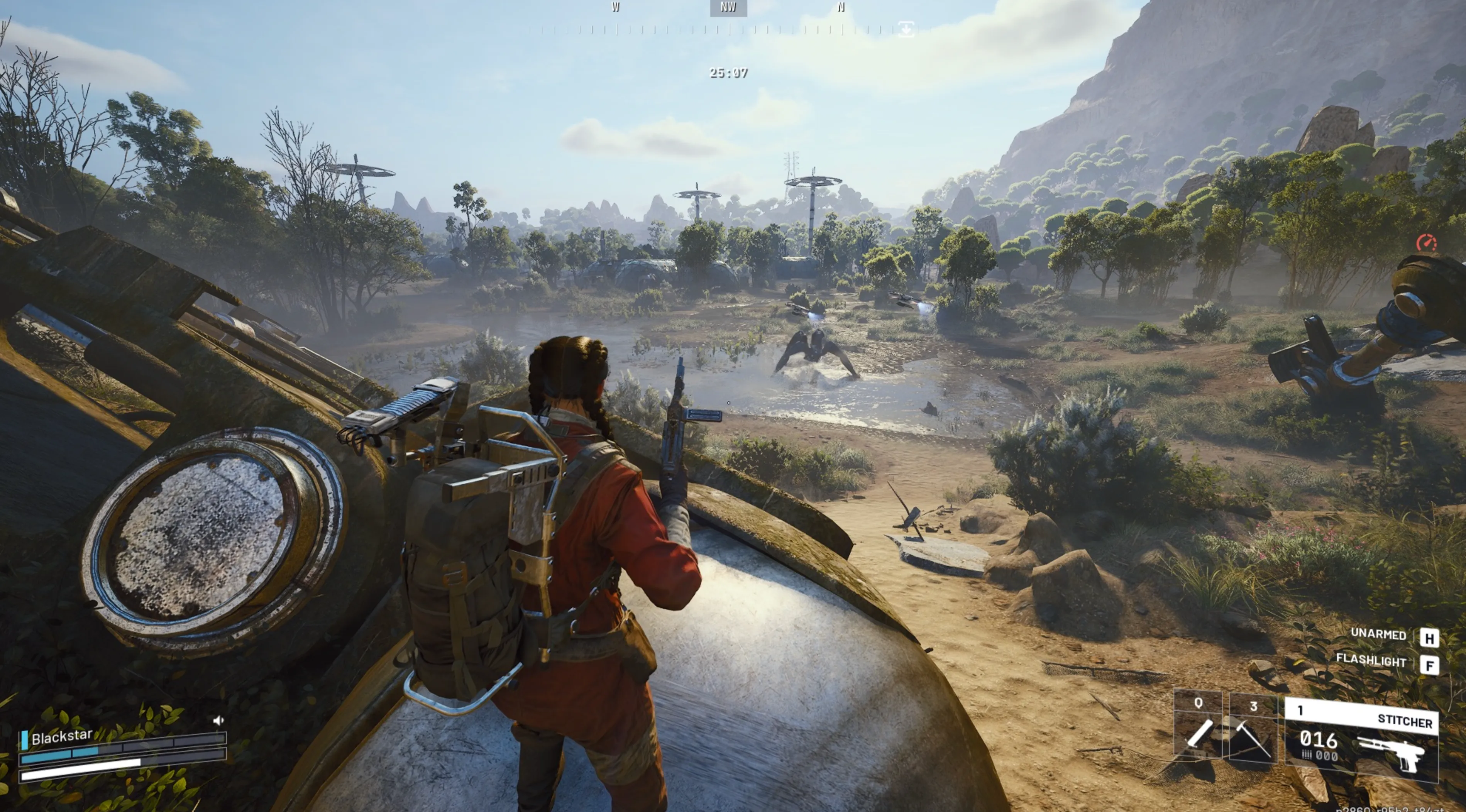
If you’re playing Arc Raiders on PlayStation or Xbox, dividing your stacks only takes a couple of button presses. Everything happens inside your inventory screen, and once you learn the flow, it becomes second nature during runs.
Start by highlighting the item you want to split.
• PlayStation: press X to pick up the stack, move your cursor to an empty slot, then tap Square to drop half of it there.
• Xbox: press A to select the stack, slide to an empty space, and press X to place half of the items.
You’ll instantly see the stack split into two, making it easy to share ammo, meds, or resources with your squad or free up space before heading topside. This small trick makes team play smoother and keeps your inventory clean and organized.
How to Split Stacks in Arc Raiders on PC
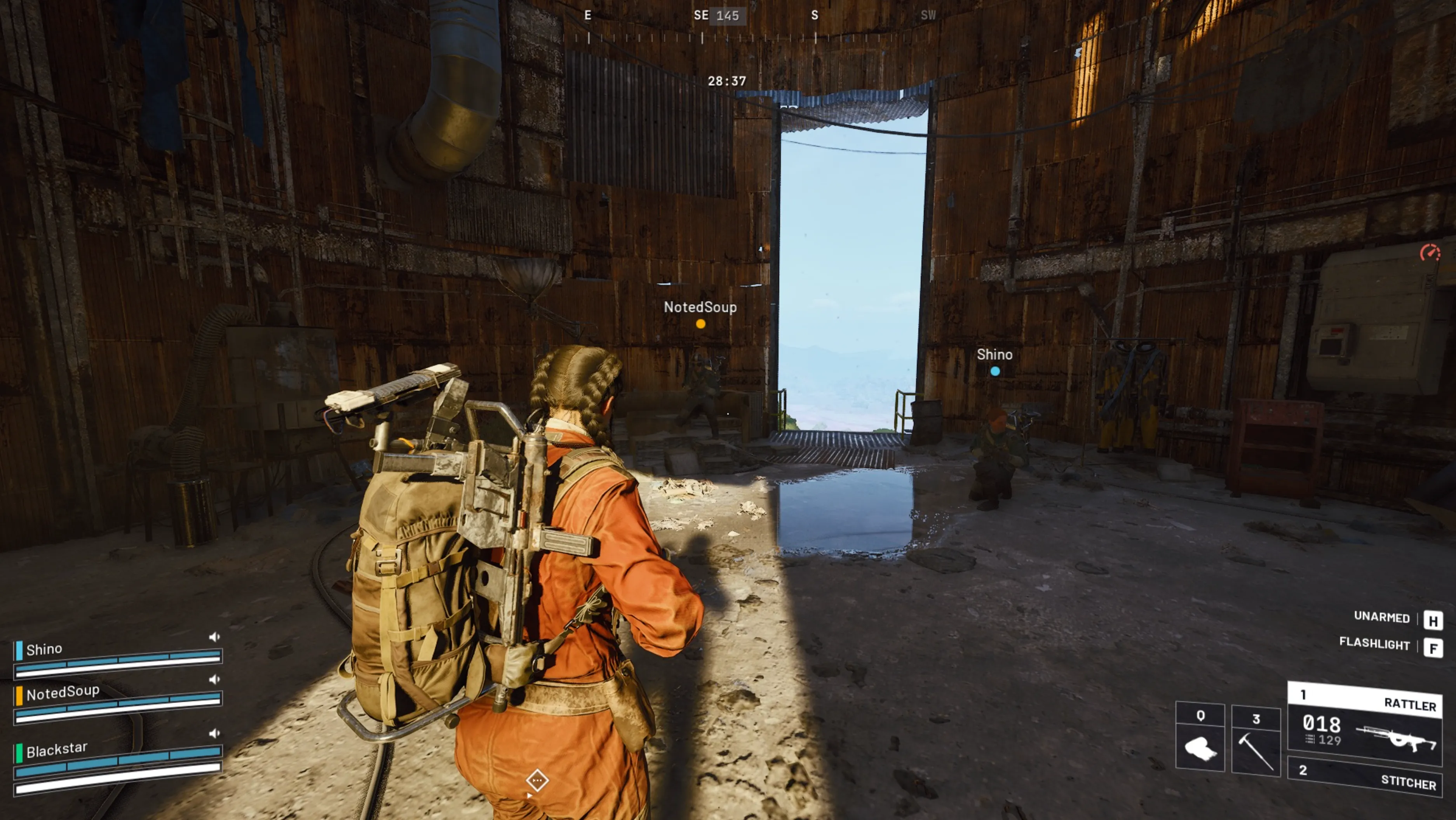
If you’re playing Arc Raiders on PC, splitting stacks is even smoother than on console. All you need to do is hold Shift and drag the item into an empty space in your inventory. The game will automatically divide it into two even stacks without any extra menus or prompts. It’s quick, clean, and perfect for sorting your loadout, sharing supplies with teammates, or organizing materials before heading topside. This simple shortcut makes PC inventory management feel effortless, especially when you’re trying to gear up fast for the next run.
Why You Should Split Stacks in Arc Raiders
Splitting stacks in Arc Raiders isn’t just a tiny quality-of-life trick — it’s something that genuinely improves how you survive, prepare, and manage your resources. Keeping everything in one big pile might feel simple, but it also means you’re risking everything if a run goes sideways. When you divide your items, you can keep a portion safely stored at your base, giving yourself a backup stash for future raids instead of losing everything at once.
It also gives you way more control over your loadouts. Not every mission needs a full stack of ammo or healing items, and splitting lets you carry only what makes sense for your build, your squad, or the difficulty of the run. The lighter you travel, the better your movement feels, which is a big deal when you’re trying to stay alive topside.
Sharing supplies is another huge reason to split stacks. Your teammates might run out of ammo or meds mid-fight, and handing over a smaller portion is much easier when you already have your inventory broken down. Smooth teamwork usually means smoother extracts, and splitting stacks keeps everyone prepared.
Lastly, splitting helps keep your overall storage organized. Smaller stacks are easier to sort, sell, craft with, or move around, especially when you’re juggling tons of loot after a long session. It keeps your stash cleaner and saves you time every time you prep for another raid.
Conclusion
Splitting stacks in Arc Raiders is one of those simple tricks that makes your runs smoother and your survival chances a lot higher. Whether you’re dropping supplies for teammates, preparing safer loadouts, or organizing your stash after a long raid, knowing how to split items properly saves time and prevents unnecessary losses. Once you get used to breaking down your stacks on console or PC, managing your resources becomes way easier, and every raid feels more controlled and efficient.
Posted On: November 23rd, 2025
Recent Articles


Our 1v9 support team is available 24/7 to help you with any questions or issues you may have.
support@1v9.gg


-a6d5b3e156bb.webp)





Loading...
1v9.gg is not endorsed or affiliated by any game developers or publishers.
2026 1v9, All Rights Reserved, Created By Ritesh (riteshsahoo.com)