

Best Mouse DPI Settings For Arc Raiders
Finding the right mouse DPI and sensitivity in Arc Raiders can make a huge difference in how the game feels, especially during intense firefights where tracking and quick reactions matter. Arc Raiders blends fast movement with precise gunplay, so having settings that feel consistent and comfortable is key to staying accurate under pressure. In this guide, we’ll break down how DPI and in-game sensitivity work in Arc Raiders, why most experienced players lean toward lower, more controlled settings, and how you can fine-tune your setup to match your playstyle. Whether you’re focused on clean tracking, better recoil control, or smoother camera movement, dialing in the right DPI is one of the easiest ways to instantly improve your performance.
What Is DPI in Arc Raiders
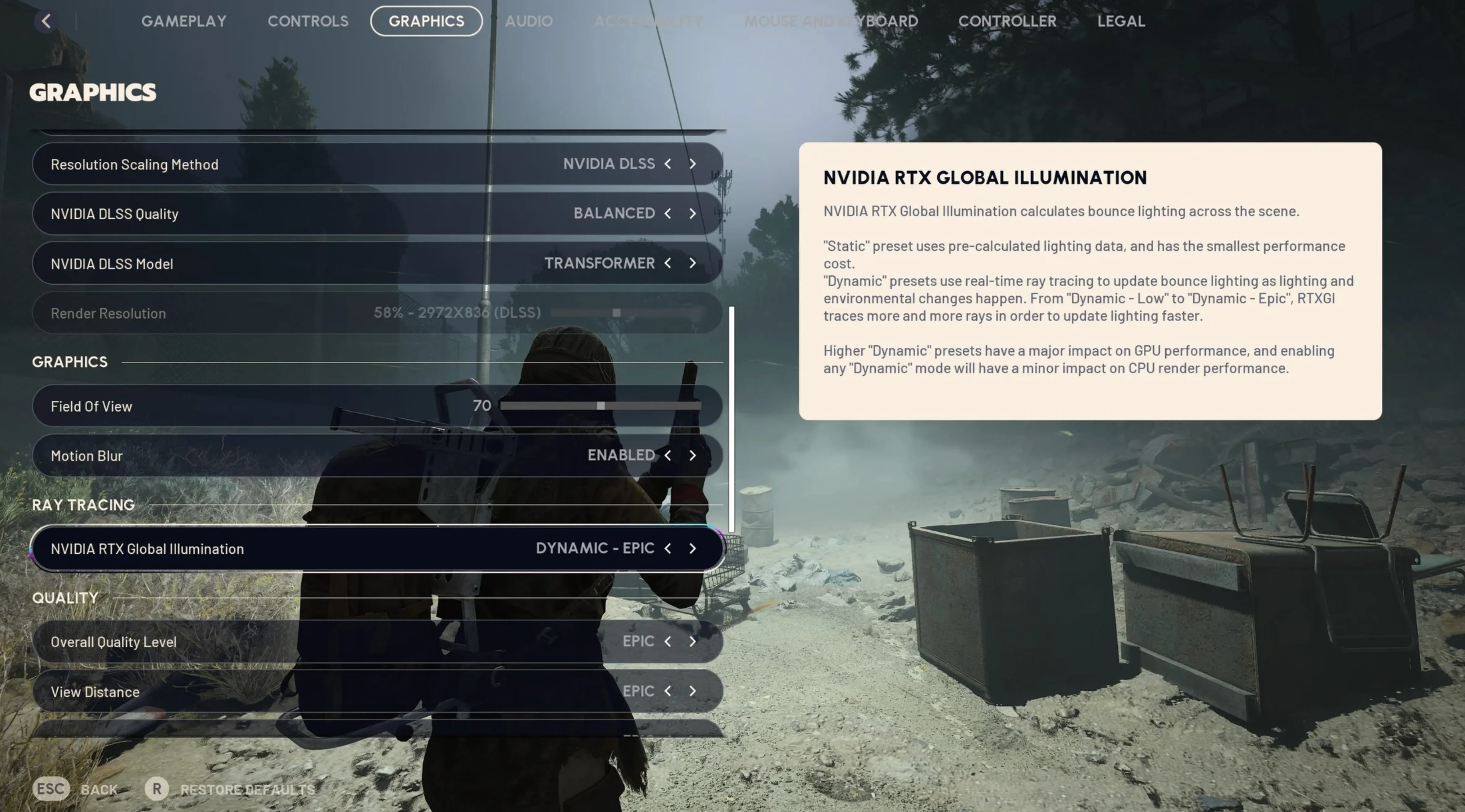
DPI in Arc Raiders refers to your mouse’s sensitivity at a hardware level. It stands for dots per inch, and it controls how far your cursor or crosshair moves on screen when you move your mouse. A higher DPI means your aim moves faster with smaller hand movements, while a lower DPI means slower, more controlled movement.
In Arc Raiders, DPI works together with your in-game sensitivity to determine how precise your aim feels. If your DPI is too high, your crosshair can feel shaky and hard to control during gunfights. If it’s too low, turning and tracking fast-moving enemies can feel slow and uncomfortable. That’s why most players use a moderate DPI and fine-tune the rest using in-game sensitivity, aiming for smooth tracking and consistent control rather than raw speed.
The goal isn’t to copy a single “perfect” number, but to find a DPI that feels natural for your mouse grip, desk space, and playstyle, then adjust Arc Raiders’ sensitivity settings around it for accuracy and comfort.
Best DPI Settings for Arc Raiders
The best DPI settings for Arc Raiders are all about control, not speed. Since Arc Raiders rewards clean tracking, steady aim, and precise flicks during tense PvE and PvP moments, most players perform better with a low to medium DPI setup rather than anything high or twitchy.
For most players, 800 DPI is the sweet spot. It gives you smooth control without feeling sluggish, and it works well with Arc Raiders’ aiming mechanics. Pair that with a low in-game sensitivity and you’ll get consistent tracking on moving enemies while still being able to turn comfortably in close fights. If you prefer even more precision and have plenty of mousepad space, 400 DPI is also a strong option, especially for players coming from tactical shooters.
Here’s a simple guideline that works for almost everyone:
• 400 DPI – maximum precision, slower turns, best for large mousepads
• 800 DPI – balanced and most recommended for Arc Raiders
• 1600 DPI – usable, but only if you lower in-game sensitivity a lot
Avoid extremely high DPI values like 3200 or higher. They tend to make your aim feel unstable and inconsistent, especially during long tracking fights where Arc Raiders really tests your accuracy.
The best approach is to pick 400 or 800 DPI, then fine-tune your in-game sensitivity until you can track targets smoothly without overcorrecting. Comfort and consistency matter far more than raw speed in Arc Raiders.
Conclusion
Finding the right mouse DPI in Arc Raiders comes down to consistency, comfort, and control. There’s no single perfect setting for everyone, but sticking to a low or mid-range DPI like 400 or 800 gives most players the best balance between smooth tracking and precise aim. Once your DPI is set, fine-tuning your in-game sensitivity is what really locks everything in and helps your aim feel natural in every fight. Arc Raiders rewards steady mechanics more than fast flicks, so prioritizing control over speed will always pay off. Take the time to test small adjustments, trust what feels comfortable, and you’ll end up with settings that make aiming feel reliable instead of forced.
Posted On: January 3rd, 2026
Recent Articles


Our 1v9 support team is available 24/7 to help you with any questions or issues you may have.
support@1v9.gg


-a6d5b3e156bb.webp)





Loading...
1v9.gg is not endorsed or affiliated by any game developers or publishers.
2026 1v9, All Rights Reserved, Created By Ritesh (riteshsahoo.com)