

How to Enable Controller Support in League of Legends
For years, League of Legends was built entirely around mouse and keyboard controls, with no official way to use a controller. Players who wanted that setup had to rely on third-party tools to remap inputs, which worked to some extent but never felt smooth or fully reliable.
That changed in 2026 when Riot introduced native controller support alongside the WASD movement update. The feature wasn’t heavily announced at first, but it quickly gained attention after being shared by the community, and more players started testing it out.
Controller support now gives players a new way to experience League of Legends, especially for those who prefer movement-based controls or come from console-style gameplay.
In this guide, you’ll learn how controller support works in League of Legends, how to set it up properly, and what limitations you should expect before using it in real matches.
What Is League of Legends Controller Support
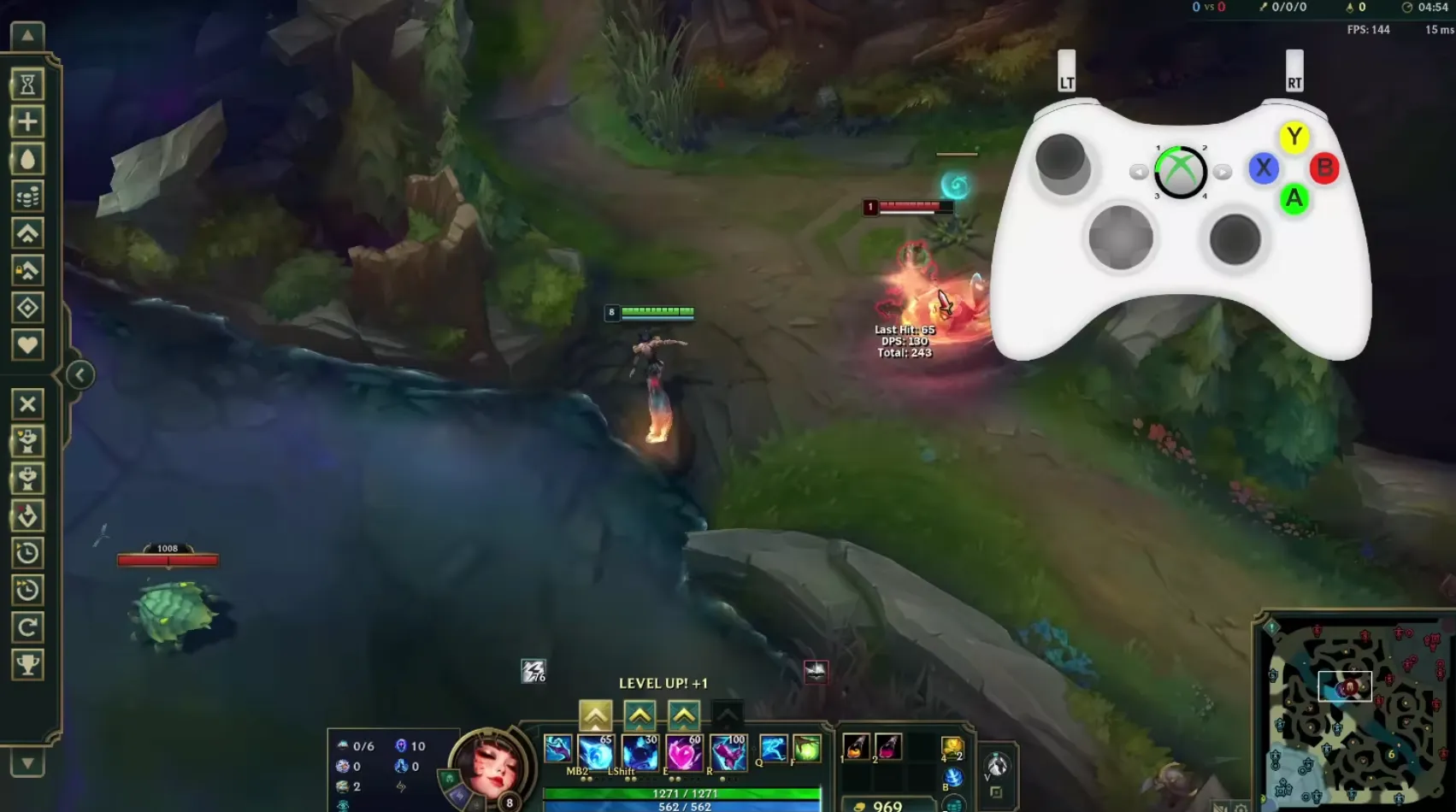
Controller support in League of Legends was introduced mainly as an accessibility option rather than a full alternative control system. Riot designed it to help players who prefer or need different input methods, including devices like adaptive controllers.
Instead of adding a completely separate controller system, the feature is tied directly to the WASD movement setup. When you enable WASD controls, the game allows controller inputs to mirror those same actions. This means your controller is essentially mapped to the keyboard movement system rather than working as a fully independent control scheme.
There is no dedicated controller menu or advanced settings inside the client. Everything works through the existing movement and keybind system, so controller functionality depends on how WASD mode is configured.
In simple terms, controller support in League of Legends is a remapped input method built around accessibility, not a fully optimized console-style experience.
How to Enable Controller Support in LoL
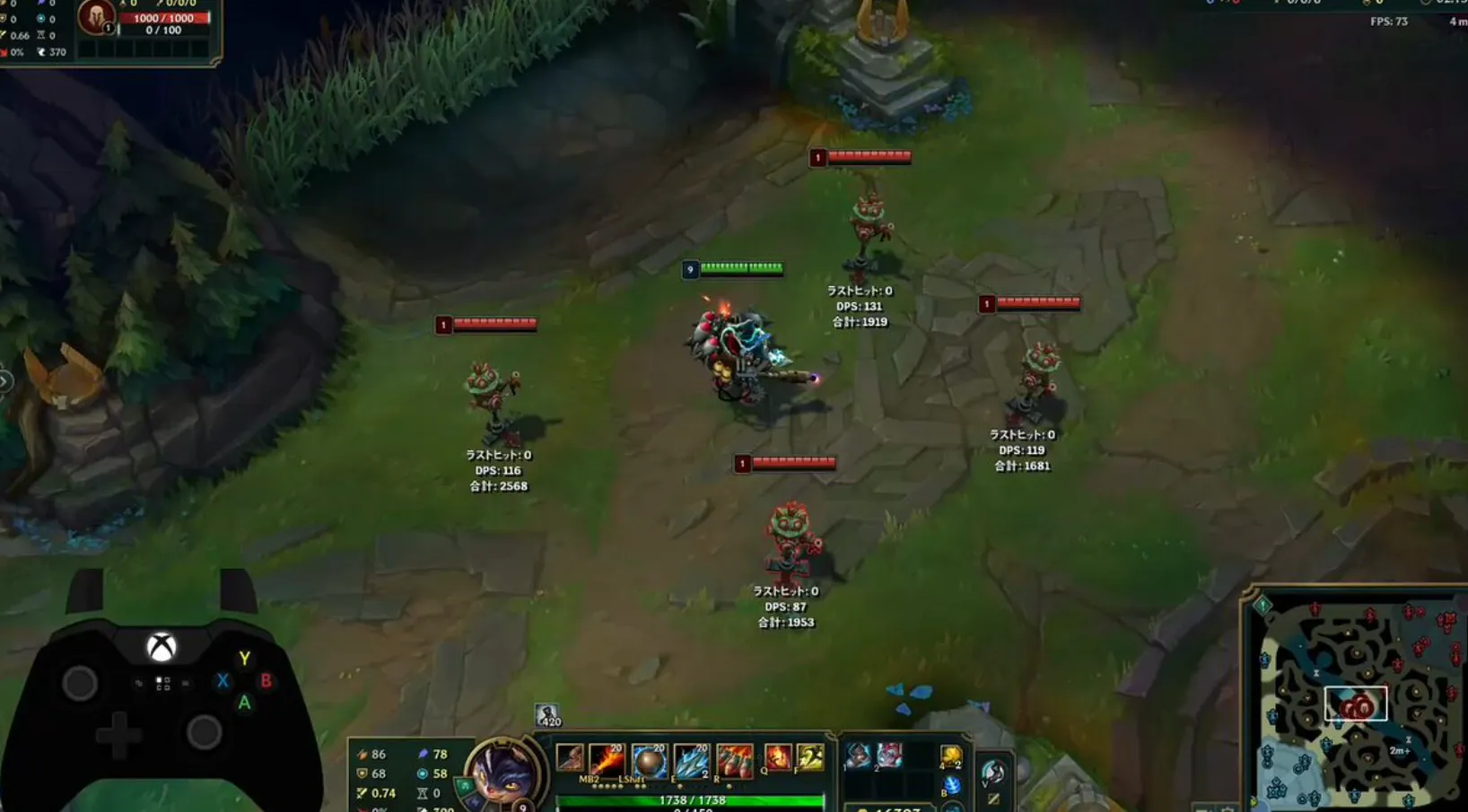
Setting up controller support in League of Legends is quick and doesn’t require any extra software. The feature works through WASD movement, so once that is enabled, your controller will work automatically.
Start by connecting your controller before opening the game. Then launch League of Legends and load into a match or the Practice Tool. Open the settings menu by pressing Esc, then look for the input option at the top. Switch it to Keyboard (WASD).
As soon as WASD movement is active, the game will recognize your controller and map its inputs to the same controls. There’s no separate controller menu, so everything runs through this system.
When you enable WASD for the first time, the game will also turn on Dynamic Camera so your champion stays centered. If you don’t like that, you can change it back in the camera settings at any time.
Once this is set up, you’re ready to play League of Legends with a controller.
How Controller Support Works in League of Legends
Once you enable WASD movement, controller support in League of Legends becomes active automatically. The layout is designed to mirror keyboard inputs, giving you basic control without needing extra setup.
The left stick handles your champion’s movement, letting you move around the map smoothly. The right stick controls your cursor, which you’ll use to aim abilities, interact with the shop, and navigate menus.
Here’s how the default Xbox controller layout works:
- LT is bound to Q
- LB is bound to W
- RB is bound to E
- RT is bound to R
- X activates your first summoner spell
- Y activates your second summoner spell
- A is used for auto attacks
- D-Pad Down is used for your trinket
Both quick cast and normal cast settings work the same way as they do on keyboard, so you can keep your preferred setup. You can also change some of these bindings in the keybind menu, although customization is more limited compared to keyboard and mouse controls.
Overall, the system is simple and functional, giving you a controller-friendly way to play while still relying on the core mechanics of League of Legends.
Current Limitations of Controller Support in League of Legends
Controller support in League of Legends works, but it’s still very basic and not fully optimized. There’s no dedicated controller menu or advanced settings in the client right now, so everything runs through the WASD keybind system, which was originally built for keyboard players.
Because of that, the experience can feel limited. You don’t get the same level of customization or precision that mouse and keyboard players have, especially when it comes to targeting and fast reactions.
Performance-wise, traditional point-and-click controls still have a slight advantage. Riot has mentioned that this gap may shrink as players get more used to WASD and controller inputs, but for now, keyboard and mouse remain the more reliable option.
It’s also important to understand that this feature is treated as an accessibility option, not a full controller mode. There’s no confirmation of a complete controller-focused system with its own interface or deeper settings.
At the moment, controller support is usable and interesting to try, but players expecting a fully polished console-style experience will notice its limitations.
Does This Mean League of Legends Could Come to Console?
Right now, a console version of League of Legends doesn’t seem likely, at least in the near future. Riot has explored the idea before with Wild Rift, but those plans were dropped so the team could focus fully on mobile instead of splitting development across platforms.
The main League of Legends client has always stayed on PC, and there hasn’t been any clear signal that this is changing. The controller support added in 2026 was introduced as an accessibility feature, not as a step toward a console release.
That said, the situation is a bit different now compared to the past. With native controller input working inside the game, Riot has already taken a step toward supporting alternative ways to play. It doesn’t mean a console version is coming, but it does show that the groundwork for different input methods is starting to exist.
Even so, bringing League of Legends to consoles would require much more than controller support. The entire interface, controls, and overall experience would need to be redesigned, along with meeting platform requirements for PlayStation and Xbox.
For now, everything points to League of Legends staying a PC-focused game. Controller support is there to help accessibility, not to signal a full move to consoles.
Conclusion
Controller support in League of Legends is a small but interesting change that opens the door to new ways of playing the game. While it’s mainly designed for accessibility, it still gives players the option to try a different control style without relying on third-party tools.
That said, it’s not a full replacement for mouse and keyboard. The current system is tied to WASD movement, has limited customization, and still feels less precise in real matches. For most players, traditional controls will remain the better option, especially in competitive play.
Even so, this update shows that Riot is willing to experiment with new input methods. Whether it stays as a simple accessibility feature or evolves into something bigger in the future, controller support is a step in a new direction for League of Legends.
Posted On: April 22nd, 2026
Recent Articles


Our 1v9 support team is available 24/7 to help you with any questions or issues you may have.
support@1v9.gg

-a6d5b3e156bb.webp)





Loading...
1v9.gg is not endorsed or affiliated by any game developers or publishers.
2026 1v9, All Rights Reserved, Created By Ritesh (riteshsahoo.com)