 League of Legends
 Valorant
-a6d5b3e156bb.webp) Fortnite
Fortnite Call of Duty
 Clash of Clans
 Counter-Strike 2
 Roblox
 Rainbow Six Siege
 Clash Royale
 Minecraft
 Rocket League
 Dota 2
 Genshin Impact
 Squad Busters
 Rust
Rust Apex Legends
 Pokemon Go
 XDefiant
 LoL: Wild Rift
 Hay Day
 Diablo 4
 FC 25
FC 25 Marvel Rivals
 World of Warcraft
 Destiny 2
 Deadlock
-9ede9dc6b01b.webp) PUBG Mobile
PUBG Mobile The Finals
 Growtopia
 Forza Horizon 5
 Honkai: Star Rail
 Warframe
 8 Ball Pool
 Zenless Zone Zero
 Path of Exile
 Runescape 3
 Raid: Shadow Legends
 Lost Ark
 WoW: Classic Era
 Summoners War
 WoW: Season of Discovery
 WoW Cataclysm
 WoW: Hardcore
 Throne and Liberty
 New World
 Mobile Legends
 Escape From Tarkov
 Path of Exile 2
 Blade Ball
 Fisch
Fisch Pet Simulator 99
 Pets Go
-d8bcef7708c7.webp) One Piece Bounty
One Piece Bounty Anime Adventures
 Blox Fruits
 Adopt Me
 Murder Mystery 2
 Fragpunk
 Wuthering Waves
 Teamfight Tactics
 Free Fire
 Albion Online
 Black Desert Online
 Honor of Kings
 Brawl Stars
 Arena of Valor
 Call of Duty: Mobile
 Rematch
 Steal a Brainrot
 Grow a Garden
 FC 26
FC 26 Old School Runescape
 Plants vs Brainrots
 Overwatch
 Battlefield
 Arc Raiders
 Dragon Ball Legends
 Fallout 76
 Jailbreak
 Type Soul
 GPO
GPO DonutSMP
 Escape Tsunami For Brainrots
 Watcher of Realms
 Roblox Rivals
 2XKO
2XKO Sailor Piece
 Forza Horizon 6
 GTA 5
GTA 5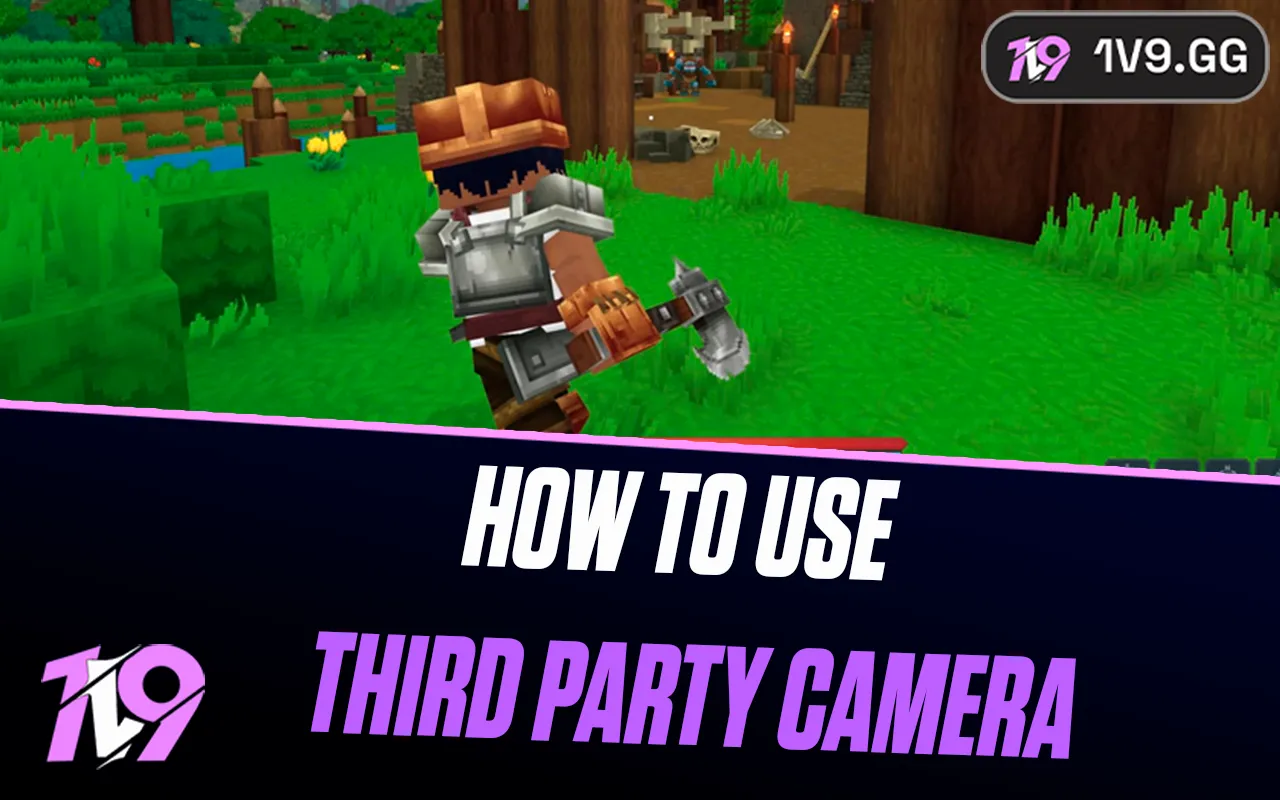

Hytale Early Access supports first- and third-person camera views. The default community-documented toggle is V, but confirm it under Settings > Controls because updates, imported profiles and servers can change or lock camera behavior.
Switch camera view
Press the camera-toggle bind—commonly V in the current Early Access build—to cycle between first- and third-person. If nothing happens, open Settings > Controls, search for camera or view, and check the assigned key. Rebind it instead of assuming a copied key list matches your profile.
Hytale officially lists a first/third-person camera toggle as an accessibility feature. Early Access patches continue changing camera behavior, so the settings menu is the authority for your installed build.
Why third person may be unavailable
- A server or game mode can lock the camera for combat, cinematics or minigames.
- A scoped weapon or interaction can temporarily force first person.
- Imported keybinds may leave the toggle unbound or conflicting.
- Mods can alter the camera; reproduce the issue without them before reporting a bug.
Comfort and visibility
Adjust first- and third-person FOV separately if those sliders are exposed. A wider view improves awareness but can make distant targets look smaller. If the camera clips into terrain, move into open space, switch views twice, and reconnect before changing files.
Camera troubleshooting in Early Access
Reset only the camera bind if two actions share V. Test a new local world without mods, then a second server. If the view works locally but not on one server, that server or mode is controlling it. If neither view works, update to the current stable build before trying the pre-release channel.
Third person changes what you can see around your avatar, but it does not remove line-of-sight or server rules. Treat free-camera and spectator controls as separate features; they can have different permissions and binds.
When each camera works best
First person gives a precise view for interiors, mining and aiming through narrow gaps. Third person shows more of the avatar and nearby terrain, which can feel better for exploration, building and checking character cosmetics. The over-the-shoulder camera can collide with walls in tight spaces, so switch back instead of forcing an extreme FOV.
Server creators can design encounters around a specific perspective. Respect a locked view rather than installing a client mod to defeat it; camera restrictions may be part of the intended puzzle, combat balance or cinematic presentation.
Sources and update policy
Primary verification: Hytale accessibility features. Time-sensitive mechanics, availability and prices should be rechecked after major patches.


