- Home
Games
 League of Legends
 Valorant
-a6d5b3e156bb.webp) Fortnite
Fortnite Call of Duty
 Clash of Clans
 Counter-Strike 2
 Roblox
 Rainbow Six Siege
 Clash Royale
 Minecraft
 Rocket League
 Dota 2
 Genshin Impact
 Squad Busters
 Rust
Rust Apex Legends
 Pokemon Go
 XDefiant
 LoL: Wild Rift
 Hay Day
 Diablo 4
 FC 25
FC 25 Marvel Rivals
 World of Warcraft
 Destiny 2
 Deadlock
-9ede9dc6b01b.webp) PUBG Mobile
PUBG Mobile The Finals
 Growtopia
 Forza Horizon 5
 Honkai: Star Rail
 Warframe
 8 Ball Pool
 Zenless Zone Zero
 Path of Exile
 Runescape 3
 Raid: Shadow Legends
 Lost Ark
 WoW: Classic Era
 Summoners War
 WoW: Season of Discovery
 WoW Cataclysm
 WoW: Hardcore
 Throne and Liberty
 New World
 Mobile Legends
 Escape From Tarkov
 Path of Exile 2
 Blade Ball
 Fisch
Fisch Pet Simulator 99
 Pets Go
-d8bcef7708c7.webp) One Piece Bounty
One Piece Bounty Anime Adventures
 Blox Fruits
 Adopt Me
 Murder Mystery 2
 Fragpunk
 Wuthering Waves
 Teamfight Tactics
 Free Fire
 Albion Online
 Black Desert Online
 Honor of Kings
 Brawl Stars
 Arena of Valor
 Call of Duty: Mobile
 Rematch
 Steal a Brainrot
 Grow a Garden
 FC 26
FC 26 Old School Runescape
 Plants vs Brainrots
 Overwatch
 Battlefield
 Arc Raiders
 Dragon Ball Legends
 Fallout 76
 Jailbreak
 Type Soul
 GPO
GPO DonutSMP
 Escape Tsunami For Brainrots
 Watcher of Realms
 Roblox Rivals
 2XKO
2XKO Sailor Piece
 Forza Horizon 6
 GTA 5
GTA 5- Lootboxes
- Become Affiliate
- Blog
- Contact Us
- Sign In
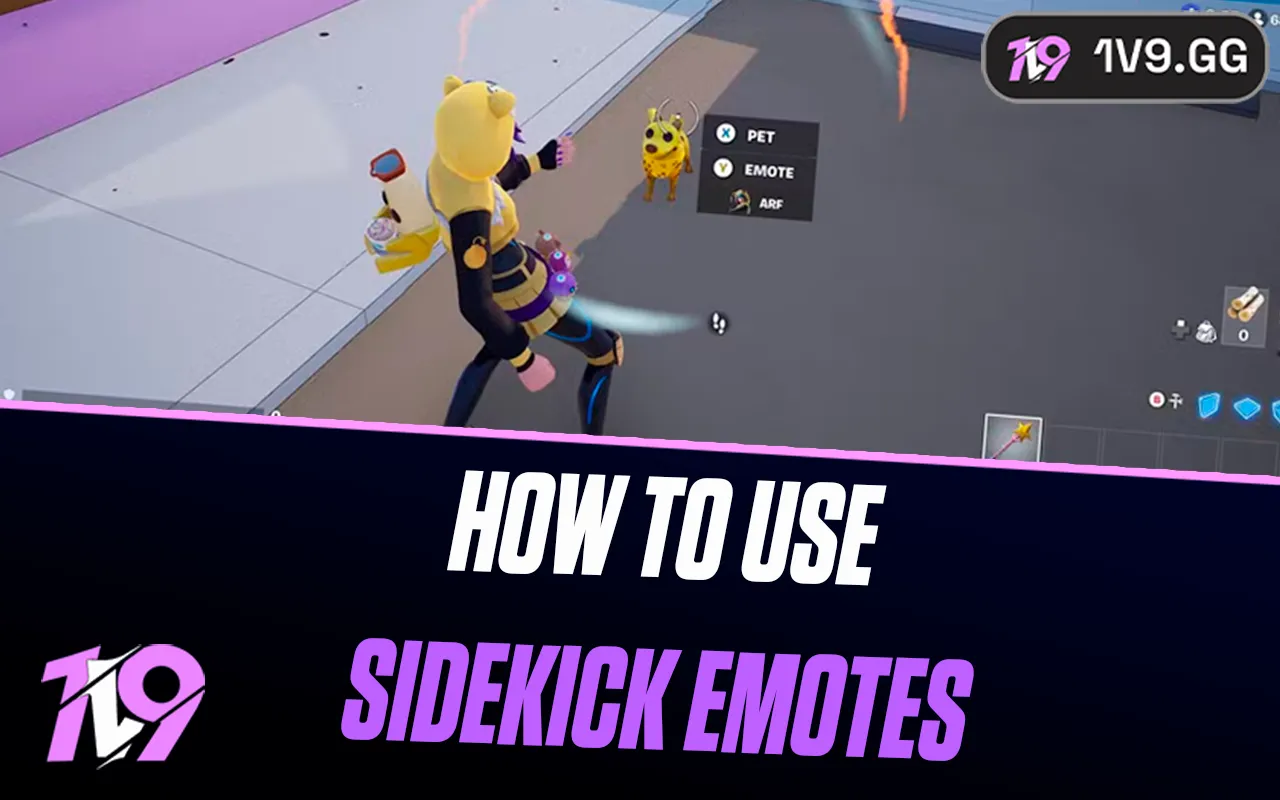

How to Use Sidekick Emotes in Fortnite: Complete Guide
Sidekicks in Fortnite are cosmetic companions that trail behind your character during matches, adding flair without changing gameplay or giving any competitive advantage. You can use them across modes like Battle Royale, LEGO Fortnite, and Fortnite Festival, where they act more like expressive pets than gameplay tools. Sidekicks also come with their own progression system, letting you earn Sidekick Points just by playing while one is equipped, which then unlocks extra cosmetics such as styles, animations, and emotes for your companion. One of the most fun parts of this system is Sidekick emotes, which trigger unique reactions and animations from your Sidekick while you’re in-game. In this guide, you’ll learn exactly how to equip and use Sidekick emotes in Fortnite, plus how to unlock more of them as you level up your Sidekick.
How to Use Sidekick Emotes in Fortnite
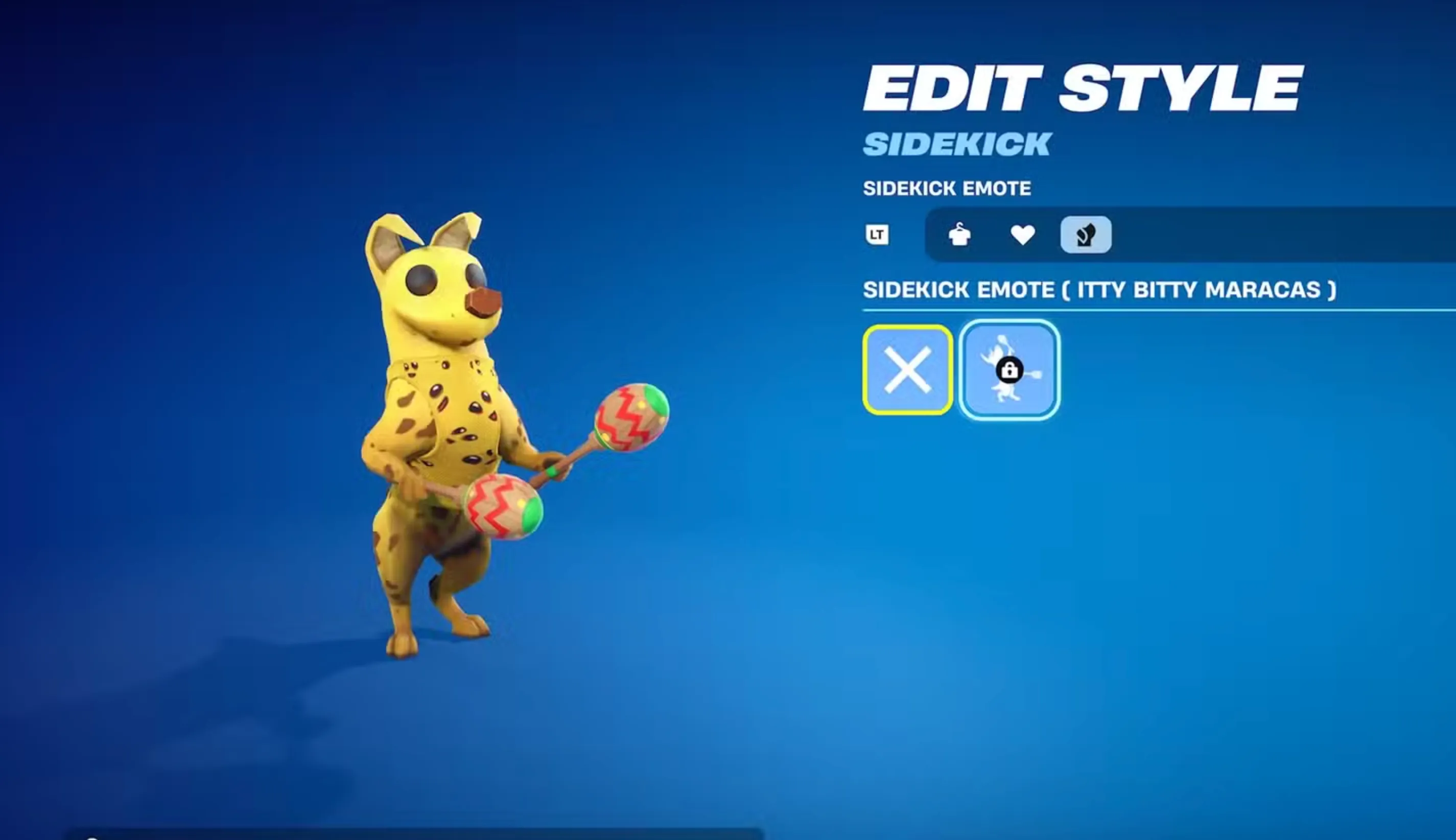
Sidekick emotes don’t work like normal Fortnite emotes and won’t show up in your emote wheel. To trigger them, you have to interact with your Sidekick directly in-game. Start by opening your Locker from the main menu, then head to the Sidekicks section and select the Sidekick you’re currently using. From there, enter the customization screen, open the Emotes category, and equip any Sidekick emotes you’ve already unlocked. Once that’s done, jump into a match with your Sidekick active. During the game, walk up close to your Sidekick and face it until an interaction prompt appears, then press the interact button. Your Sidekick will immediately perform its special animation. After it starts emoting, you can use your own character emotes to dance or react alongside it. These interactions are purely visual and meant for fun, adding extra personality to your matches without changing gameplay or giving any advantage.
How to Get More Sidekick Emotes in Fortnite
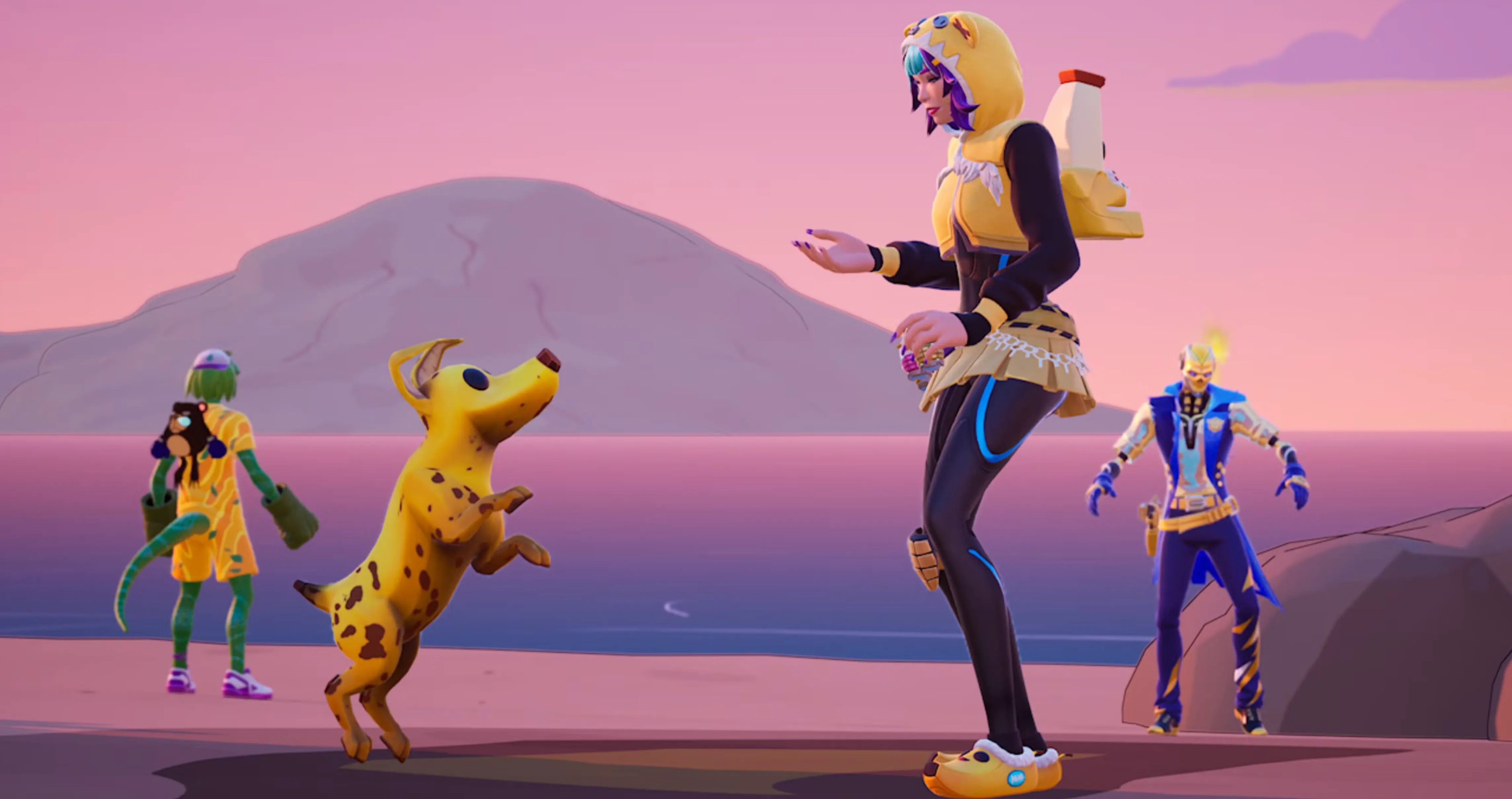
Unlocking additional Sidekick emotes in Fortnite is all about playing the game with your companion equipped and letting the progression system do the work. Every Sidekick comes with its own reward path that includes cosmetic items like outfits, accessories, reactions, and a unique emote at the end of the track. There are no special missions or side quests required. Simply equip your Sidekick in the Locker before you queue into a match, then play normally to earn Sidekick Points in the background. You can track how close you are to the next reward by opening the Quests menu and scrolling down to the Sidekicks section, where your current progress is displayed. Once you’ve earned enough points, claim the emote reward and head back to the Sidekicks tab in your Locker to equip it. Sidekick Points build up faster the longer you stay alive in matches, the more XP you earn, and the more accolades or eliminations you get, making consistent play the quickest way to unlock every emote.
FAQs
Can Sidekick emotes be used in all Fortnite modes?
Yes, Sidekick emotes work anywhere Sidekicks are supported, including Battle Royale, LEGO Fortnite, and Fortnite Festival, as long as your Sidekick is equipped before the match.
Why can’t I use Sidekick emotes from the emote wheel?
Sidekick emotes are triggered through interaction, not the emote wheel. You need to walk up to your Sidekick in-game and use the interact prompt for the emote to activate.
Do Sidekick emotes affect gameplay or give advantages?
No, Sidekick emotes are purely cosmetic. They don’t impact movement, combat, visibility, or XP gains in any way.
Are Sidekick emotes shared between different Sidekicks?
No, each Sidekick has its own progression track and unique emote. Unlocking an emote for one Sidekick won’t make it available for others.
Conclusion
Using Sidekick emotes in Fortnite is a simple but fun way to add more personality to your matches once you know how the system works. By equipping your Sidekick, unlocking emotes through Sidekick Points, and interacting with your companion in-game, you can trigger unique animations that make your gameplay feel more alive without affecting performance. Since emotes are tied to progression rather than challenges or purchases, they reward consistent play and exploration across different modes. Whether you’re dancing alongside your Sidekick in Battle Royale or showing off in LEGO Fortnite, Sidekick emotes are a small feature that adds a lot of charm to the overall Fortnite experience.
Posted On: January 31st, 2026
Recent Articles


Our 1v9 support team is available 24/7 to help you with any questions or issues you may have.
support@1v9.gg
Loading...
1v9.gg is not endorsed or affiliated by any game developers or publishers.
2026 1v9, All Rights Reserved, Created By Ritesh (riteshsahoo.com)