- Home
Games
 League of Legends
 Valorant
-a6d5b3e156bb.webp) Fortnite
Fortnite Call of Duty
 Clash of Clans
 Counter-Strike 2
 Roblox
 Rainbow Six Siege
 Clash Royale
 Minecraft
 Rocket League
 Dota 2
 Genshin Impact
 Squad Busters
 Rust
Rust Apex Legends
 Pokemon Go
 XDefiant
 LoL: Wild Rift
 Hay Day
 Diablo 4
 FC 25
FC 25 Marvel Rivals
 World of Warcraft
 Destiny 2
 Deadlock
-9ede9dc6b01b.webp) PUBG Mobile
PUBG Mobile The Finals
 Growtopia
 Forza Horizon 5
 Honkai: Star Rail
 Warframe
 8 Ball Pool
 Zenless Zone Zero
 Path of Exile
 Runescape 3
 Raid: Shadow Legends
 Lost Ark
 WoW: Classic Era
 Summoners War
 WoW: Season of Discovery
 WoW Cataclysm
 WoW: Hardcore
 Throne and Liberty
 New World
 Mobile Legends
 Escape From Tarkov
 Path of Exile 2
 Blade Ball
 Fisch
Fisch Pet Simulator 99
 Pets Go
-d8bcef7708c7.webp) One Piece Bounty
One Piece Bounty Anime Adventures
 Blox Fruits
 Adopt Me
 Murder Mystery 2
 Fragpunk
 Wuthering Waves
 Teamfight Tactics
 Free Fire
 Albion Online
 Black Desert Online
 Honor of Kings
 Brawl Stars
 Arena of Valor
 Call of Duty: Mobile
 Rematch
 Steal a Brainrot
 Grow a Garden
 FC 26
FC 26 Old School Runescape
 Plants vs Brainrots
 Overwatch
 Battlefield
 Arc Raiders
 Dragon Ball Legends
 Fallout 76
 Jailbreak
 Type Soul
 GPO
GPO DonutSMP
 Escape Tsunami For Brainrots
 Watcher of Realms
 Roblox Rivals
 2XKO
2XKO Sailor Piece
 Forza Horizon 6
 GTA 5
GTA 5- Lootboxes
- Become Affiliate
- Blog
- Contact Us
- Sign In

How to Fix Fortnite Matchmaking Error #1 (2026)
Matchmaking Error #1 is a frustrating issue in Fortnite that usually appears when you’re trying to join a game. Instead of loading into a match, you get an error message saying the connection failed, without giving a clear reason why.
This error can happen for different reasons, including server problems, connection issues, or small bugs on your device. The problem is that the message itself doesn’t explain what’s wrong, so most players are left guessing what to do next.
In this guide, we’ll go through all the working fixes for Fortnite Matchmaking Error #1, so you can quickly identify the issue and get back into games without wasting time.
What Causes Fortnite Matchmaking Error #1?
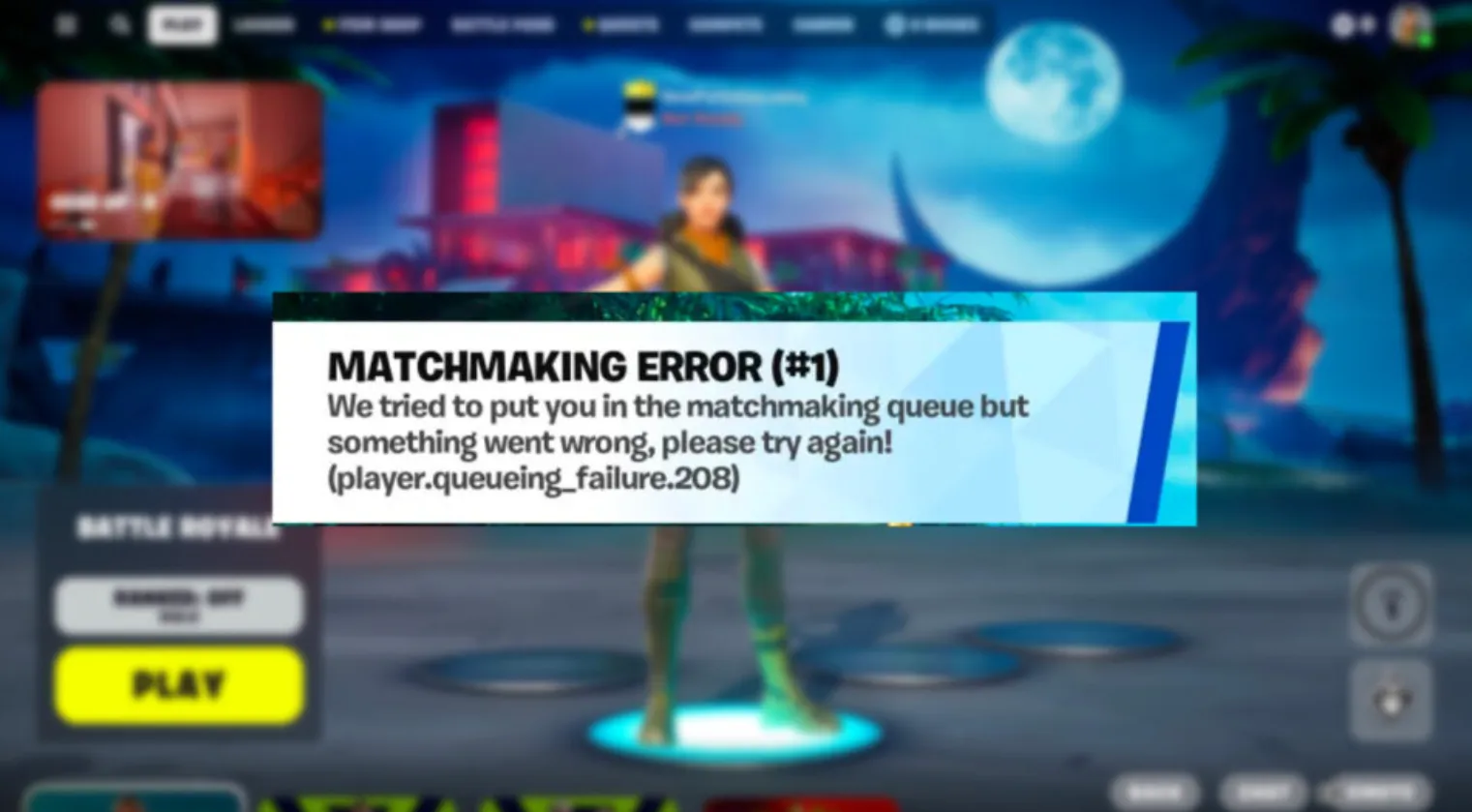
Matchmaking Error #1 in Fortnite doesn’t come from just one issue, which is why it can be hard to figure out right away. There are several common reasons why this error shows up when you try to queue into a game.
One of the main causes is server problems. If Epic Games’ servers are down, under maintenance, or overloaded after a big update, matchmaking can fail completely.
Another common reason is high player traffic. Right after new seasons or updates, servers can struggle to handle the number of players trying to join games at the same time.
Your internet connection also plays a big role. If your connection is unstable or slow, the game may not be able to connect you to a match properly.
In some cases, the issue comes from your game files. Missing or corrupted files can cause matchmaking to fail, especially after updates or crashes.
There are also settings-related issues, like having cross-play turned off. This can limit matchmaking and make it harder for the game to find a lobby.
Finally, running an outdated version of Fortnite can cause connection problems if your game doesn’t match the current server version.
Since there are multiple possible causes, fixing this error usually means trying a few different solutions until you find what’s causing it.
How to Fix Fortnite Matchmaking Error #1
Before changing anything on your side, the first thing you should do is check if the issue is coming from Epic’s servers. If matchmaking is down or under maintenance, none of the fixes will work, so it’s better to wait until everything is back online.
If the servers are working fine, start going through these fixes one by one:
First, fully close Fortnite and launch it again. This sounds simple, but it can fix small bugs that happen when the game has been running for a while.
Next, restart your internet. Turn off your router and modem, wait a few seconds, then turn them back on. Once your connection is stable again, open Fortnite and try matchmaking.
If the issue continues, check your game files. Open the launcher, find Fortnite in your library, and use the verify/repair option to fix any missing or broken files.
Another thing to try is changing your matchmaking region. Go into your settings and switch to a nearby server. Sometimes your default region can cause connection issues, especially during high traffic times.
You should also make sure cross-play is enabled. If it’s turned off, matchmaking becomes more limited, which can lead to errors when the game struggles to find a lobby.
Don’t forget to check for updates. Running an outdated version of Fortnite can cause connection problems, so make sure your game is fully up to date.
If none of these fixes work, the last option is to uninstall and reinstall Fortnite. This resets everything and can solve deeper issues that other methods don’t fix.
How To Fix Fortnite Matchmaking Error #1 on Console
Fortnite Matchmaking Error #1 can also appear on consoles like PlayStation 5, Xbox, and Nintendo Switch. In many cases, this issue is not only related to Fortnite servers but can also be caused by problems with your console’s online services.
The first thing you should do is check if PlayStation Network (PSN) or Xbox Live is having outages. If these services are down or unstable, Fortnite matchmaking will not work properly, even if the game itself is running fine.
If your platform services are working, follow these steps to fix Fortnite Matchmaking Error #1 on console:
Start by fully closing Fortnite. Go to your home screen, highlight the game, press the options or menu button, and select close application. Make sure the game is not running in the background.
Next, restart your console completely. A full restart helps clear temporary issues and reconnects your system to Fortnite servers.
After that, restart your internet connection. Turn off your router and modem, wait a few seconds, then turn them back on. Once your connection is stable, launch Fortnite again and try matchmaking.
Go into your settings, open Account and Privacy, and make sure cross-platform play is enabled. If this setting is turned off, matchmaking becomes more limited and can cause errors when the game cannot find enough players.
You should also try changing your matchmaking region. Open your game settings and switch to a nearby server. This can help if your current region is overloaded or having connection problems.
If the issue still continues, the final step is to uninstall Fortnite and install it again on your console. This can fix deeper issues such as corrupted game files that prevent matchmaking from working.
By following these steps, you can fix Fortnite Matchmaking Error #1 on PS5, Xbox, and Nintendo Switch and get back into matches without delays.
Conclusion
Fixing Fortnite Matchmaking Error #1 can seem frustrating at first, especially since the error doesn’t clearly explain what’s wrong. However, in most cases, the issue comes down to server problems, connection issues, or simple settings that can be fixed in a few minutes.
By checking server status first and then going through the basic fixes like restarting your game, verifying files, enabling cross-play, and adjusting your matchmaking region, you can usually solve the problem quickly. Even on console, the same approach works with a few small adjustments.
At the end of the day, this error is common and rarely permanent. If you follow the right steps, you’ll be able to get back into matches without wasting time or getting stuck in endless queues.
Posted On: April 4th, 2026
Recent Articles


Our 1v9 support team is available 24/7 to help you with any questions or issues you may have.
support@1v9.gg
Loading...
1v9.gg is not endorsed or affiliated by any game developers or publishers.
2026 1v9, All Rights Reserved, Created By Ritesh (riteshsahoo.com)