- Home
Games
 League of Legends
 Valorant
-a6d5b3e156bb.webp) Fortnite
Fortnite Call of Duty
 Clash of Clans
 Counter-Strike 2
 Roblox
 Rainbow Six Siege
 Clash Royale
 Minecraft
 Rocket League
 Dota 2
 Genshin Impact
 Squad Busters
 Rust
Rust Apex Legends
 Pokemon Go
 XDefiant
 LoL: Wild Rift
 Hay Day
 Diablo 4
 FC 25
FC 25 Marvel Rivals
 World of Warcraft
 Destiny 2
 Deadlock
-9ede9dc6b01b.webp) PUBG Mobile
PUBG Mobile The Finals
 Growtopia
 Forza Horizon 5
 Honkai: Star Rail
 Warframe
 8 Ball Pool
 Zenless Zone Zero
 Path of Exile
 Runescape 3
 Raid: Shadow Legends
 Lost Ark
 WoW: Classic Era
 Summoners War
 WoW: Season of Discovery
 WoW Cataclysm
 WoW: Hardcore
 Throne and Liberty
 New World
 Mobile Legends
 Escape From Tarkov
 Path of Exile 2
 Blade Ball
 Fisch
Fisch Pet Simulator 99
 Pets Go
-d8bcef7708c7.webp) One Piece Bounty
One Piece Bounty Anime Adventures
 Blox Fruits
 Adopt Me
 Murder Mystery 2
 Fragpunk
 Wuthering Waves
 Teamfight Tactics
 Free Fire
 Albion Online
 Black Desert Online
 Honor of Kings
 Brawl Stars
 Arena of Valor
 Call of Duty: Mobile
 Rematch
 Steal a Brainrot
 Grow a Garden
 FC 26
FC 26 Old School Runescape
 Plants vs Brainrots
 Overwatch
 Battlefield
 Arc Raiders
 Dragon Ball Legends
 Fallout 76
 Jailbreak
 Type Soul
 GPO
GPO DonutSMP
 Escape Tsunami For Brainrots
 Watcher of Realms
 Roblox Rivals
 2XKO
2XKO Sailor Piece
 Forza Horizon 6
 GTA 5
GTA 5- Lootboxes
- Become Affiliate
- Blog
- Contact Us
- Sign In

How to Emote in Fortnite: Guide for PC, Console, and Mobile
Fortnite emotes are purely cosmetic animations that let you show personality during matches, whether that’s dancing after a clutch win, reacting to a funny moment, or just messing around with friends. They range from simple gestures to full music-based dances and special interactive emotes that have become a big part of Fortnite’s identity over the years.
Emotes are activated through a dedicated menu or keybinds depending on your platform, and using one briefly pauses your character so the animation can play. In this guide, we’ll break down exactly how to emote in Fortnite on every platform and explain the main ways you can unlock new emotes to grow your collection.
How to Use Emote in Fortnite
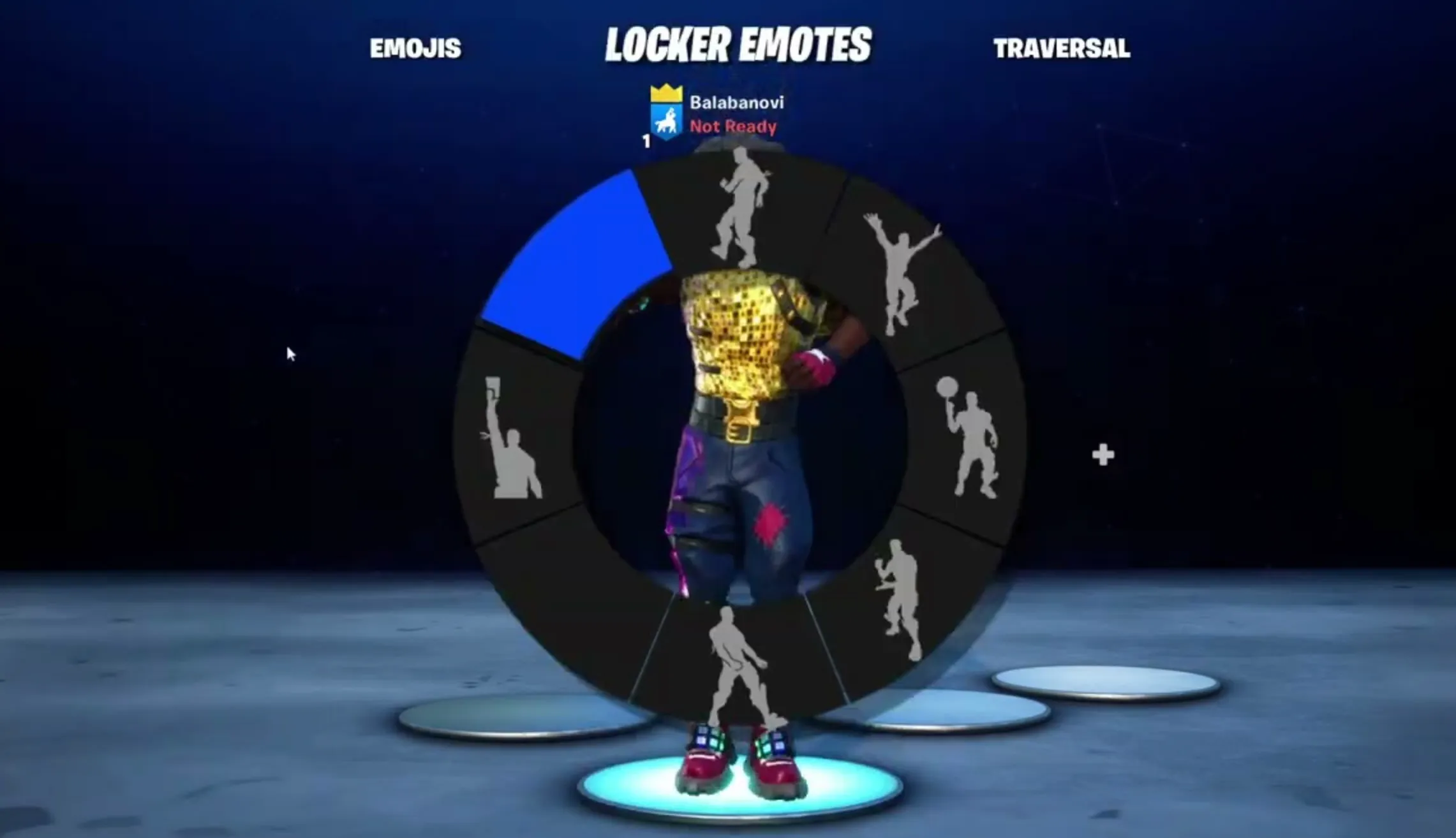
Using emotes in Fortnite is quick once you know where to look, and the process is nearly identical across platforms. Emotes are accessed through a radial menu that shows a selection of your currently equipped animations, letting you trigger them at any point during a match.
On PC, hold the B key to bring up the emote wheel, then move your mouse over the emote you want and either click it or release the key to activate it. On consoles like PlayStation, Xbox, or Nintendo Switch, hold Down on the D-Pad to open the wheel, use the right stick to highlight an emote, and let go of the D-Pad to play it. For mobile players, tap and hold the emote icon on your screen, then select the animation you want from the menu that appears.
Once activated, your character pauses and performs the full animation. Most emotes can be stopped instantly by moving, jumping, or taking another action. Some special emotes work a bit differently: traversal emotes allow you to move while emoting, and join-in emotes let nearby players jump into the same animation, making them perfect for squad moments or post-win celebrations.
How to Get Emotes in Fortnite
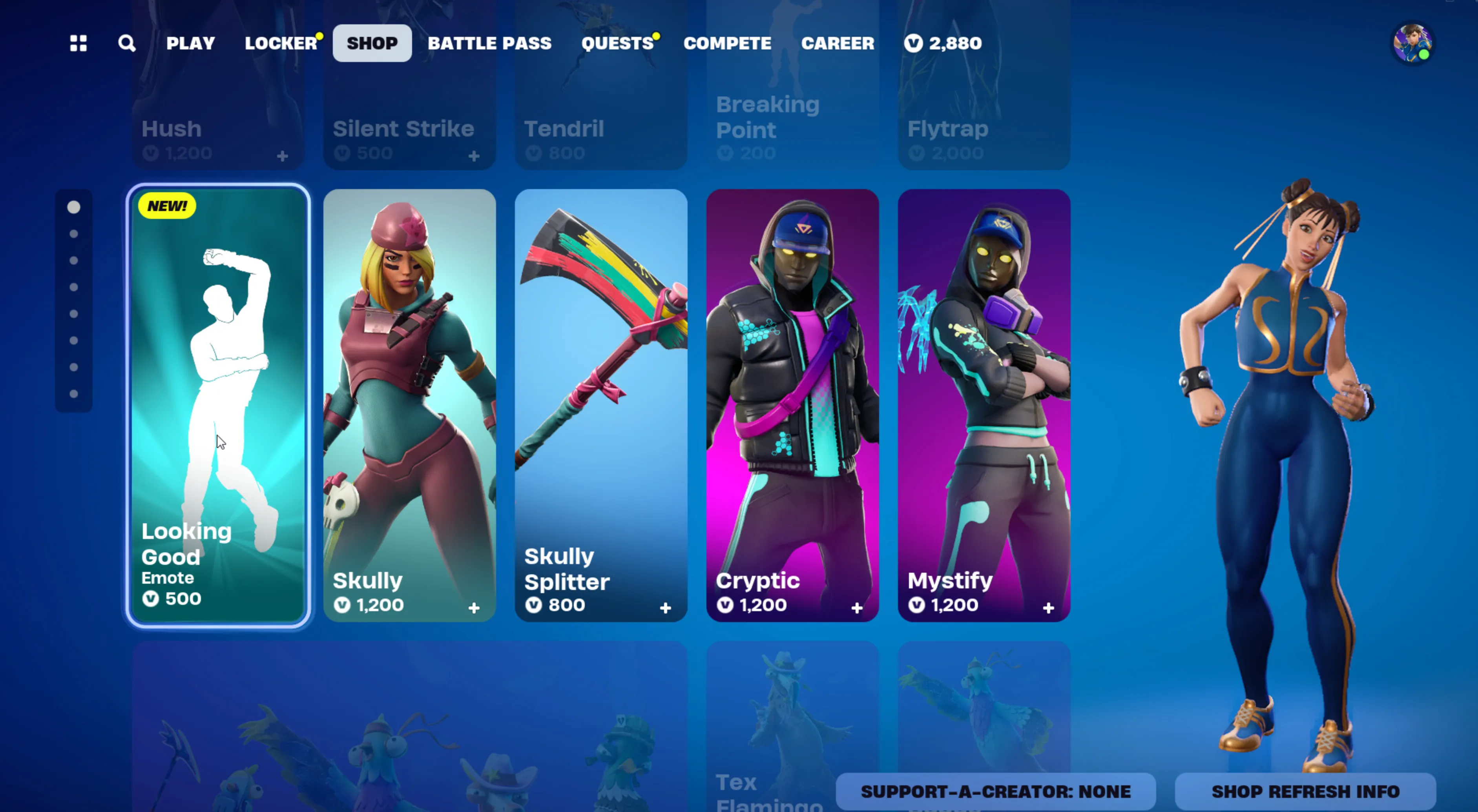
Getting new emotes in Fortnite isn’t limited to just buying them outright, and over time you can build a huge collection without spending much. Epic offers several different ways to unlock emotes, depending on how you play and which passes you own.
Here are the main ways players unlock emotes in Fortnite:
• Seasonal Battle Pass rewards earned by leveling up during the season
• Item Shop emotes that rotate daily and can be purchased with V-Bucks
• LEGO Pass, OG Pass, and Music Pass emotes included with a Fortnite Crew subscription
• Limited-time event passes tied to special crossovers or seasonal events
• Free quests and challenges that occasionally reward emotes
• Gifted emotes sent by friends through the gifting system
• Built-in emotes that come automatically with certain skins and don’t need to be equipped separately
For most players, the Battle Pass offers the best value, packing multiple emotes into a single season for one purchase. The Item Shop is ideal if you’re hunting for a specific emote, with prices usually ranging from 200 to 800 V-Bucks depending on rarity and animation type. Over time, mixing these methods lets you grow your emote library without relying on just one source.
FAQs
How do you emote in Fortnite during a match?
You emote by opening the emote wheel in-game and selecting an emote. On PC, hold the B key, on console hold Down on the D-Pad, and on mobile tap the emote icon, then choose the animation you want.
Can you cancel an emote in Fortnite?
Yes. Most emotes can be canceled instantly by moving, jumping, or performing another action. Some traversal emotes allow movement while playing.
Are Fortnite emotes pay-to-win?
No. Emotes are purely cosmetic and do not provide any gameplay advantage during matches.
What are joinable emotes in Fortnite?
Joinable emotes let nearby players interact and perform the same animation together, even if they don’t own the emote themselves.
Can you get free emotes in Fortnite?
Yes. Free emotes are sometimes available through Battle Pass tiers, limited-time events, seasonal challenges, or special promotions.
Conclusion
Emoting in Fortnite is a simple but fun way to add personality to every match, whether you’re celebrating a win, teaming up with friends, or just having fun in the lobby. Once you understand how the emote wheel works on your platform and where emotes come from, using them becomes second nature. With options ranging from classic dances to joinable and traversal emotes, Fortnite gives players plenty of ways to express themselves without affecting gameplay. As Epic continues to add new passes, events, and collaborations, your emote collection can keep growing, making every match feel a little more personal and entertaining.
Posted On: January 31st, 2026
Recent Articles


Our 1v9 support team is available 24/7 to help you with any questions or issues you may have.
support@1v9.gg
Loading...
1v9.gg is not endorsed or affiliated by any game developers or publishers.
2026 1v9, All Rights Reserved, Created By Ritesh (riteshsahoo.com)