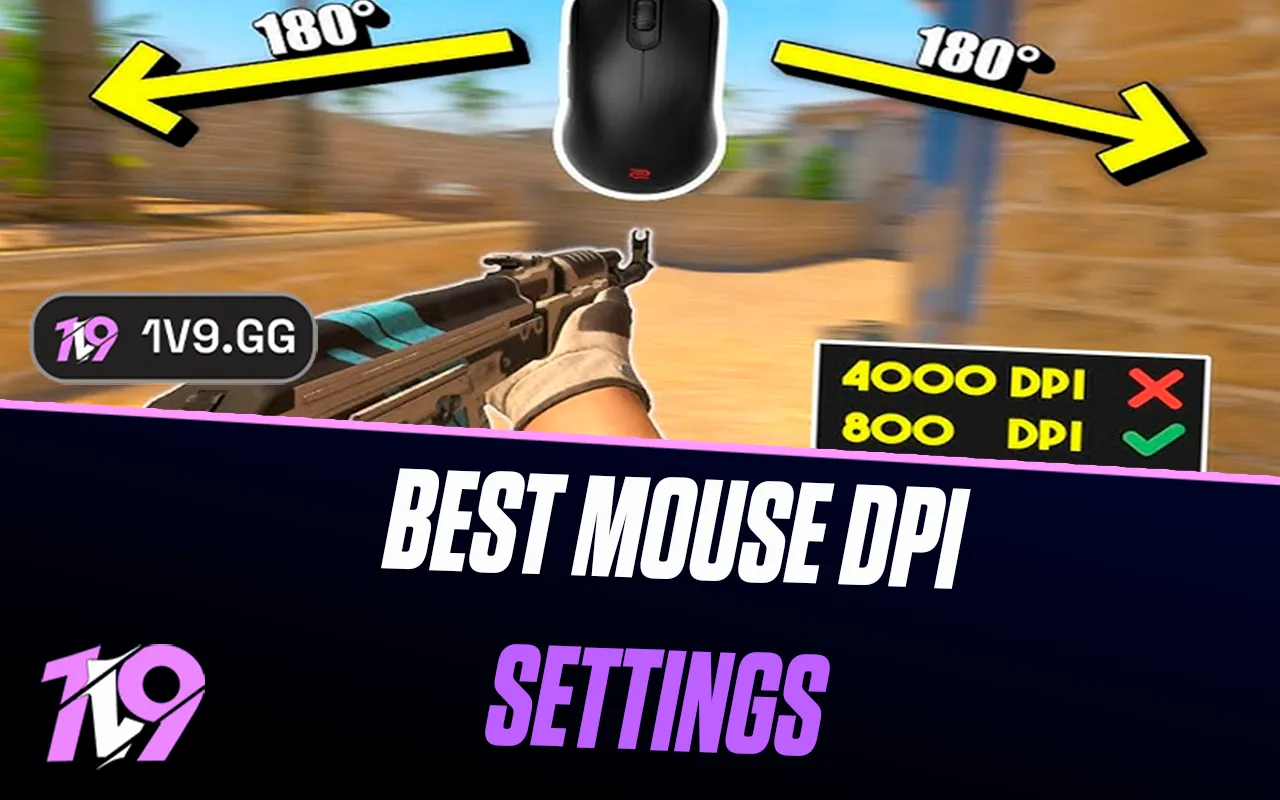


Best Mouse DPI Settings in CS2: Sensitivity guide
Finding the right mouse DPI and sensitivity in CS2 is one of the most important steps to improving your aim and overall consistency. Unlike faster-paced shooters, CS2 heavily rewards precision, crosshair placement, and controlled mouse movement, which is why most skilled players rely on carefully tuned low-sensitivity settings. In this guide, we’ll break down how DPI and in-game sensitivity work together in CS2, what settings most high-level players prefer, and how you can find the best setup for your own playstyle to improve accuracy, tracking, and flicks without overcomplicating things.
What is DPI in CS2
DPI in CS2 stands for Dots Per Inch, and it describes how sensitive your mouse is at the hardware level. In simple terms, DPI controls how far your crosshair moves on screen when you move your mouse physically. A higher DPI means your cursor travels farther with less hand movement, while a lower DPI requires more movement but gives you finer control.
In CS2, DPI works together with your in-game sensitivity to determine your final aim speed. This combined value is often called eDPI (DPI × in-game sensitivity). For example, 800 DPI with 1.0 sensitivity feels the same as 400 DPI with 2.0 sensitivity. Most CS2 players focus on keeping their eDPI consistent rather than chasing a specific DPI number.
Because CS2 is a precision-focused tactical shooter, lower DPI settings are generally preferred. They make small aim adjustments easier, help with recoil control, and reduce shaky crosshair movement during firefights. That’s why most competitive and professional players stick to DPI values like 400 or 800 and fine-tune accuracy using in-game sensitivity instead of cranking DPI too high.
In short, DPI in CS2 defines your mouse’s raw sensitivity, and choosing the right value is about balancing comfort, control, and consistency rather than speed alone.
Best DPI Settings for CS2
The best DPI settings for CS2 are all about control, consistency, and comfort rather than raw speed. Since CS2 is a tactical shooter where precision aiming, recoil control, and small crosshair adjustments matter far more than fast camera turns, lower DPI values are generally the smartest choice.
For most players, 400 DPI or 800 DPI are the two best options. These values give you smooth, predictable mouse movement and make it easier to track heads, control sprays, and line up precise shots. They are also the most common DPI settings used by professional CS2 players, which makes them a reliable baseline to start from.
Here’s how the most popular CS2 DPI setups usually look:
• 400 DPI – Maximum precision and control, ideal if you have enough desk space and prefer larger arm movements
• 800 DPI – Slightly faster while still very accurate, perfect for players who want a balance between control and speed
What matters more than DPI alone is your eDPI, which is calculated by multiplying your DPI by your in-game sensitivity. Most CS2 players fall somewhere between 600 and 1000 eDPI, with many pros sitting around 800 eDPI. For example, 400 DPI with 2.0 sensitivity or 800 DPI with 1.0 sensitivity will feel identical in-game.
High DPI values like 1600 or 3200 are generally not recommended for CS2, as they can make your aim feel jittery and inconsistent, especially during spray transfers and long-range fights. Lower DPI gives you better muscle memory and more stable aim over time.
In short, if you want the best DPI settings for CS2, stick to 400 or 800 DPI, fine-tune your in-game sensitivity, and focus on consistency rather than constantly changing your setup.
Conclusion
Finding the right mouse DPI and sensitivity in CS2 comes down to consistency, comfort, and long-term accuracy. While there is no single “perfect” setting for everyone, lower DPI values paired with a well-tuned in-game sensitivity give most players better control, smoother crosshair movement, and more reliable aim in real matches. Sticking to a stable setup helps build muscle memory, improves spray control, and reduces over-aiming during clutch situations. Instead of constantly copying new settings, take time to test small adjustments, settle on what feels natural, and commit to it. Once your DPI and sensitivity feel right, your focus can shift fully to positioning, crosshair placement, and decision-making—where CS2 games are truly won.
Posted On: January 3rd, 2026
Recent Articles


Our 1v9 support team is available 24/7 to help you with any questions or issues you may have.
support@1v9.gg


-a6d5b3e156bb.webp)





Loading...
1v9.gg is not endorsed or affiliated by any game developers or publishers.
2026 1v9, All Rights Reserved, Created By Ritesh (riteshsahoo.com)