- Home
Games
 League of Legends
 Valorant
-a6d5b3e156bb.webp) Fortnite
Fortnite Call of Duty
 Clash of Clans
 Counter-Strike 2
 Roblox
 Rainbow Six Siege
 Clash Royale
 Minecraft
 Rocket League
 Dota 2
 Genshin Impact
 Squad Busters
 Rust
Rust Apex Legends
 Pokemon Go
 XDefiant
 LoL: Wild Rift
 Hay Day
 Diablo 4
 FC 25
FC 25 Marvel Rivals
 World of Warcraft
 Destiny 2
 Deadlock
-9ede9dc6b01b.webp) PUBG Mobile
PUBG Mobile The Finals
 Growtopia
 Forza Horizon 5
 Honkai: Star Rail
 Warframe
 8 Ball Pool
 Zenless Zone Zero
 Path of Exile
 Runescape 3
 Raid: Shadow Legends
 Lost Ark
 WoW: Classic Era
 Summoners War
 WoW: Season of Discovery
 WoW Cataclysm
 WoW: Hardcore
 Throne and Liberty
 New World
 Mobile Legends
 Escape From Tarkov
 Path of Exile 2
 Blade Ball
 Fisch
Fisch Pet Simulator 99
 Pets Go
-d8bcef7708c7.webp) One Piece Bounty
One Piece Bounty Anime Adventures
 Blox Fruits
 Adopt Me
 Murder Mystery 2
 Fragpunk
 Wuthering Waves
 Teamfight Tactics
 Free Fire
 Albion Online
 Black Desert Online
 Honor of Kings
 Brawl Stars
 Arena of Valor
 Call of Duty: Mobile
 Rematch
 Steal a Brainrot
 Grow a Garden
 FC 26
FC 26 Old School Runescape
 Plants vs Brainrots
 Overwatch
 Battlefield
 Arc Raiders
 Dragon Ball Legends
 Fallout 76
 Jailbreak
 Type Soul
 GPO
GPO DonutSMP
 Escape Tsunami For Brainrots
 Watcher of Realms
 Roblox Rivals
 2XKO
2XKO Sailor Piece
 Forza Horizon 6
 GTA 5
GTA 5- Lootboxes
- Become Affiliate
- Blog
- Contact Us
- Sign In

How to Upgrade the Oppressor Mk2 in GTA Online
GTA Online introduced the Oppressor Mk II during the After Hours update, and it didn’t take long for it to become one of the most dominant vehicles in all of Los Santos. This jet-powered hoverbike completely changes how players move around the map, handle missions, and deal with combat, especially in free roam and grinding activities. That said, simply owning the Oppressor Mk II isn’t enough to unlock its true power. Its effectiveness depends heavily on the right upgrades, and those upgrades require specific properties, workshops, and smart choices. In this guide, we’ll break down exactly what you need to fully upgrade the Oppressor Mk II, explain what each modification actually does, and show you the best setups so you can get maximum value out of one of the most powerful vehicles in GTA Online.
Oppressor Mk II Upgrade Requirements in GTA Online
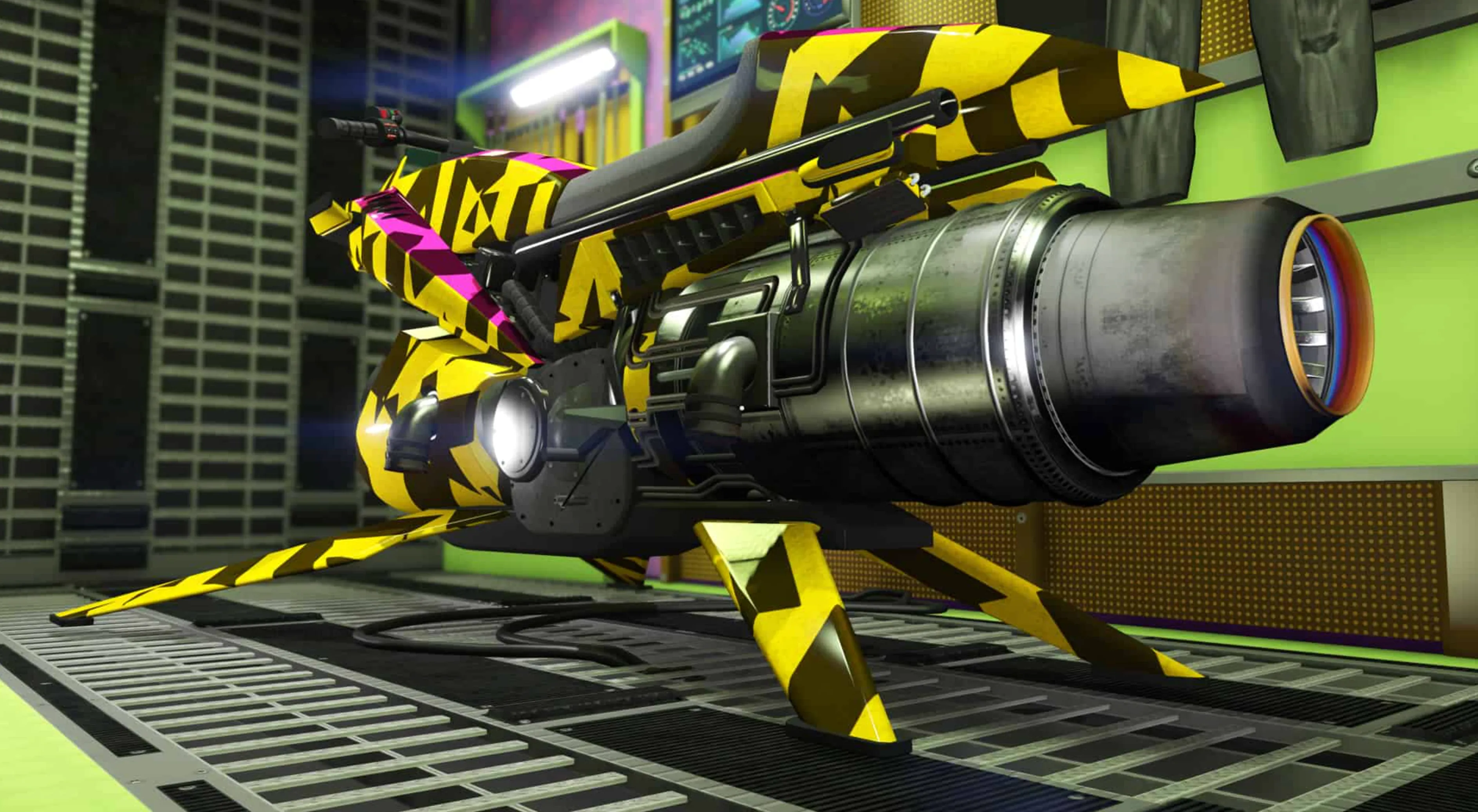
Before you can start upgrading the Oppressor Mk II in GTA Online, there are a few mandatory purchases you need to have in place. Unlike most vehicles, the Oppressor Mk II can’t be modified at Los Santos Customs or inside a standard garage, which is where many players get confused. All upgrades are handled through the Terrorbyte, and that comes with its own set of requirements. First, you must own a Nightclub property, since this is the only place where the Terrorbyte can be stored. You don’t need to upgrade the Nightclub itself or hire staff for this purpose, it simply acts as a garage. The cheapest option is the Elysian Island Nightclub, which costs $1,080,000, while premium locations like West Vinewood go higher in price. Next, you’ll need to buy the Terrorbyte from Warstock Cache & Carry for $1,375,000. When purchasing it, adding the Specialized Vehicle Workshop is mandatory, as this is the only modification bay that allows Oppressor Mk II upgrades. That workshop costs an additional $495,000, and without it, the Terrorbyte won’t let you modify the bike at all. On top of that, you’ll still need to buy the Oppressor Mk II itself, which costs $3,890,000 at full price or $2,925,000 if you’ve unlocked the trade price. Once everything is set up, the upgrades for the bike typically run between $345,000 and $545,000 depending on your choices. Altogether, you’re looking at a total investment of roughly $7.2 to $7.4 million to fully unlock and upgrade the Oppressor Mk II, not counting optional Terrorbyte upgrades or more expensive Nightclub locations.
Where to Upgrade the Oppressor Mk II in GTA Online
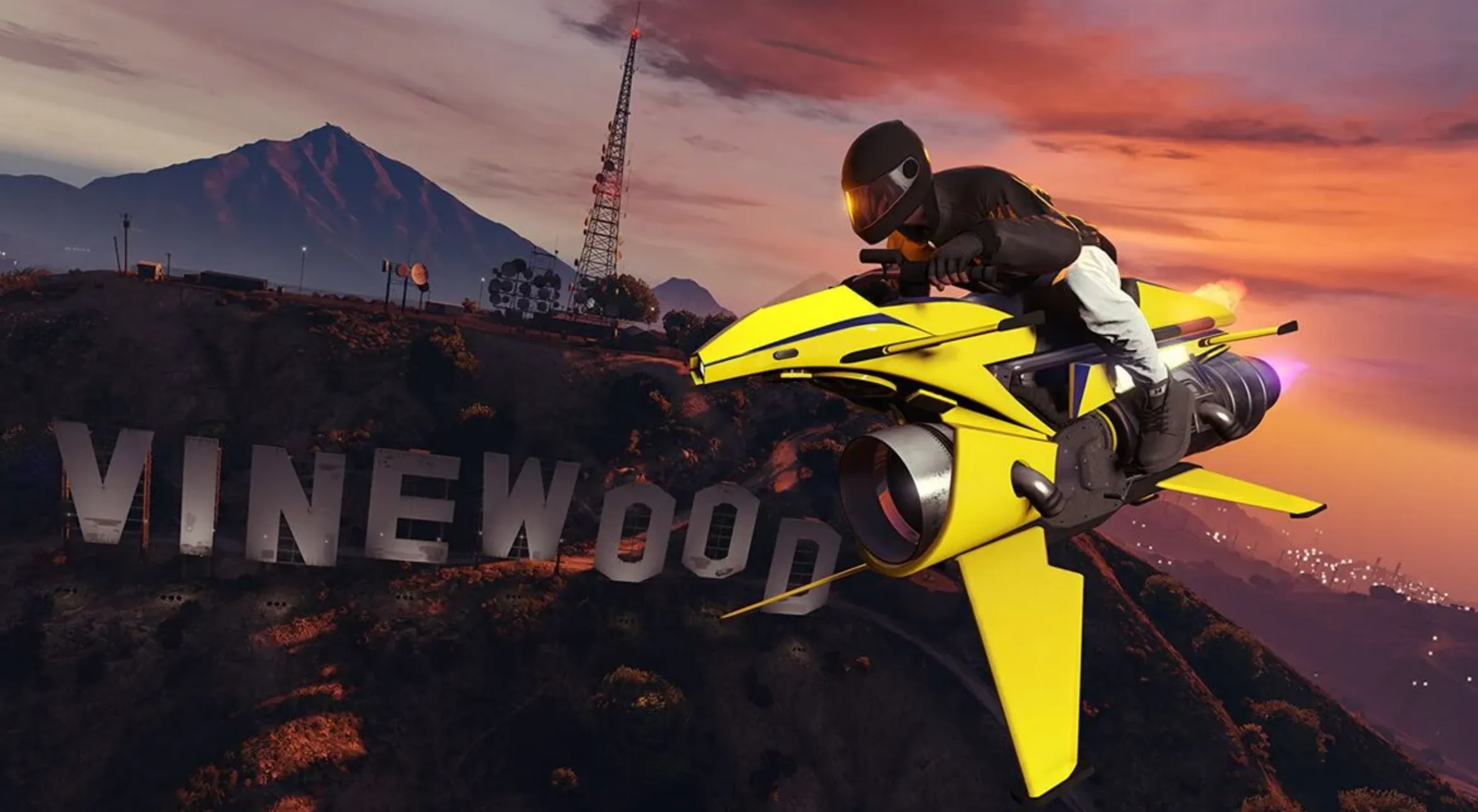
After you’ve secured a Nightclub and a Terrorbyte equipped with the Specialized Vehicle Workshop, upgrading the Oppressor Mk II in GTA Online becomes straightforward. Open your in-game phone, head to the Services menu, and request the Terrorbyte so it spawns nearby. Before going inside, it’s smart to park it in a quiet or protected area, since other players can destroy it and force you into a cooldown. Once it’s safely parked, head to the rear of the Terrorbyte and interact with the Vehicle Workshop prompt. If your Oppressor Mk II is assigned to the Terrorbyte, it will load in automatically and allow you to start applying upgrades. Keep in mind that the Terrorbyte can only hold one compatible vehicle at a time, and you can’t modify an Oppressor Mk II that’s sitting in a regular garage or apartment. If it’s stored elsewhere, you’ll need to move it into the Terrorbyte first using the interaction menu before any upgrades become available.
Oppressor Mk II Weapons and Countermeasures in GTA Online
When you first buy the Oppressor Mk II in GTA Online, it comes completely unarmed, so choosing the right upgrades is what turns it into the powerhouse everyone knows. During the upgrade process inside the Terrorbyte, you’ll pick one weapon system and one countermeasure, and the difference between the options is massive. For weapons, you can choose the Machine Gun or Homing Missiles. The Machine Gun is the cheaper option and relies entirely on manual aim, but its damage is underwhelming and it struggles against fast vehicles and aircraft, which is why most players skip it entirely. Homing Missiles are the clear winner, giving you a stock of 20 missiles with lock-on targeting that automatically refresh over time. Their tracking is extremely reliable against cars, helicopters, jets, and NPCs, making them perfect for missions, grinding, and PvP, and they don’t require any Bunker research to unlock, so you can buy them right away.
For defense, the Oppressor Mk II lets you equip either Chaff or Flares. Chaff temporarily prevents enemies from locking onto you with missiles, but it has to be activated before the enemy fires, which means it rewards good prediction and timing. This makes it more useful for experienced PvP players who can read situations in advance. Flares, on the other hand, work after a missile has already been launched, pulling it away from your bike and giving you a second chance to escape. While flares don’t stop enemies from locking on again, they’re far more forgiving in chaotic fights, which is why most players prefer them.
Performance upgrades also play a big role in how effective the Oppressor Mk II feels. Upgrading the engine improves acceleration and flight responsiveness, making the bike smoother and quicker during missions and combat. Armor is especially important, since the Oppressor Mk II is fragile by default and can be destroyed very quickly; max armor gives you a much better chance to survive ambushes. Turbo adds extra burst speed, which helps with escapes and shortens travel time between objectives, making it a strong but optional upgrade. Because the Oppressor Mk II hovers instead of driving on wheels, there are no suspension, brake, or transmission upgrades available, meaning the engine, armor, turbo, weapons, and countermeasures are the full list of meaningful choices you’ll make when fully upgrading this vehicle.
Best Oppressor Mk II Setup for Missions and Grinding
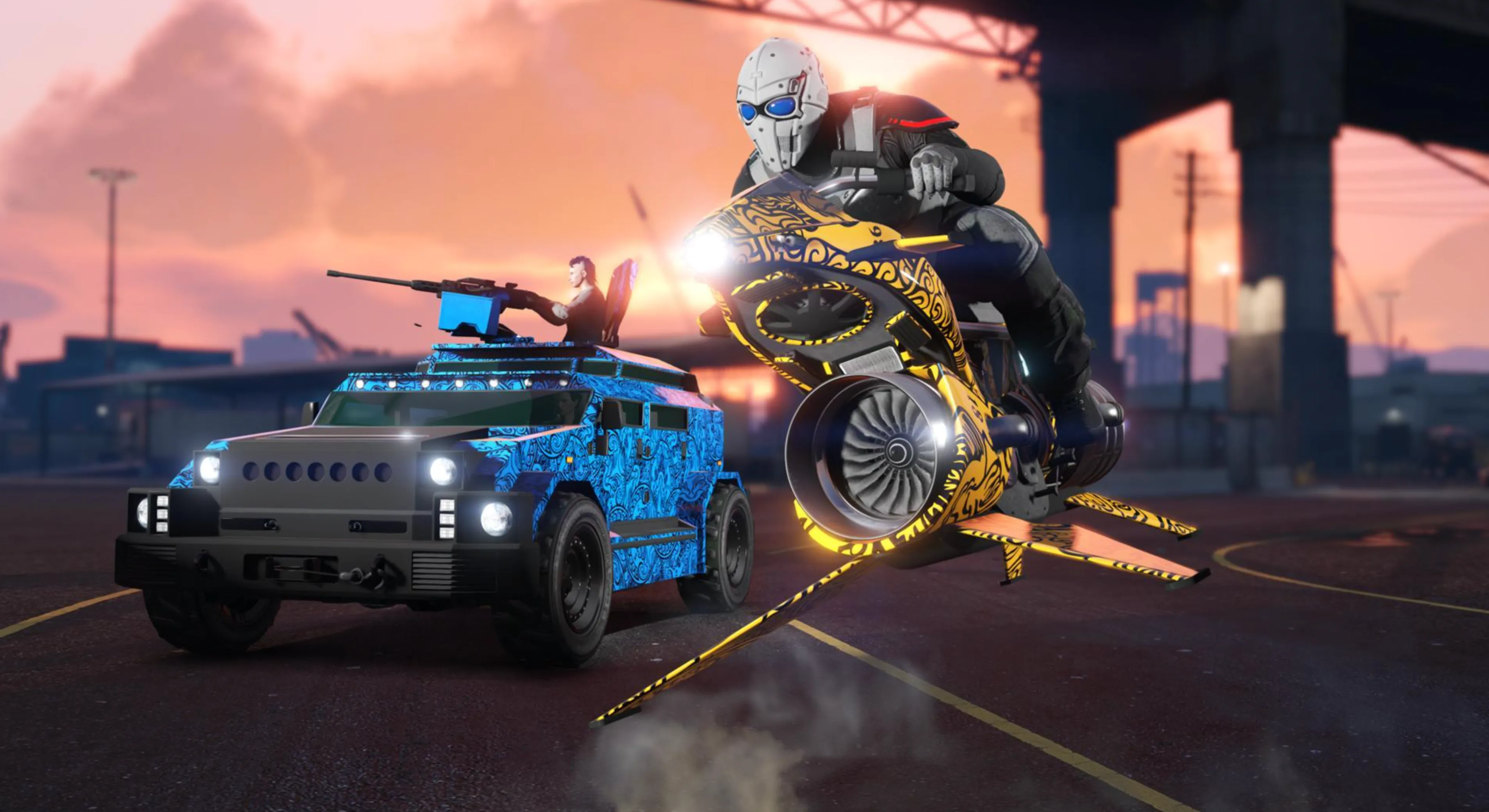
If your goal is fast money and smooth mission clears in GTA Online, the Oppressor Mk II can be tuned to be extremely efficient for PvE content like cargo runs, VIP work, and contact missions. The ideal setup focuses on speed, survivability, and ease of use rather than PvP tricks. Homing Missiles are essential, as they let you wipe out mission targets, vehicles, and NPCs instantly without worrying about precise aiming. Pairing them with Flares works best for PvE, since NPC helicopters and jets fire in predictable patterns and flares reliably pull missiles away after they’re launched. Maxing out the armor is also important, giving you enough durability to survive crashes, stray rockets, or heavy gunfire without losing the bike instantly. A fully upgraded engine improves acceleration and overall flight responsiveness, making travel between objectives faster and smoother, while Turbo adds an extra burst of speed that further cuts down mission time. Altogether, this configuration costs roughly $470,000 and covers nearly every PvE activity in the game without any real downsides, making it one of the most efficient Oppressor Mk II builds for grinding money and completing missions quickly.
Oppressor Mk II PvP and Self-Defense Upgrades in GTA Online
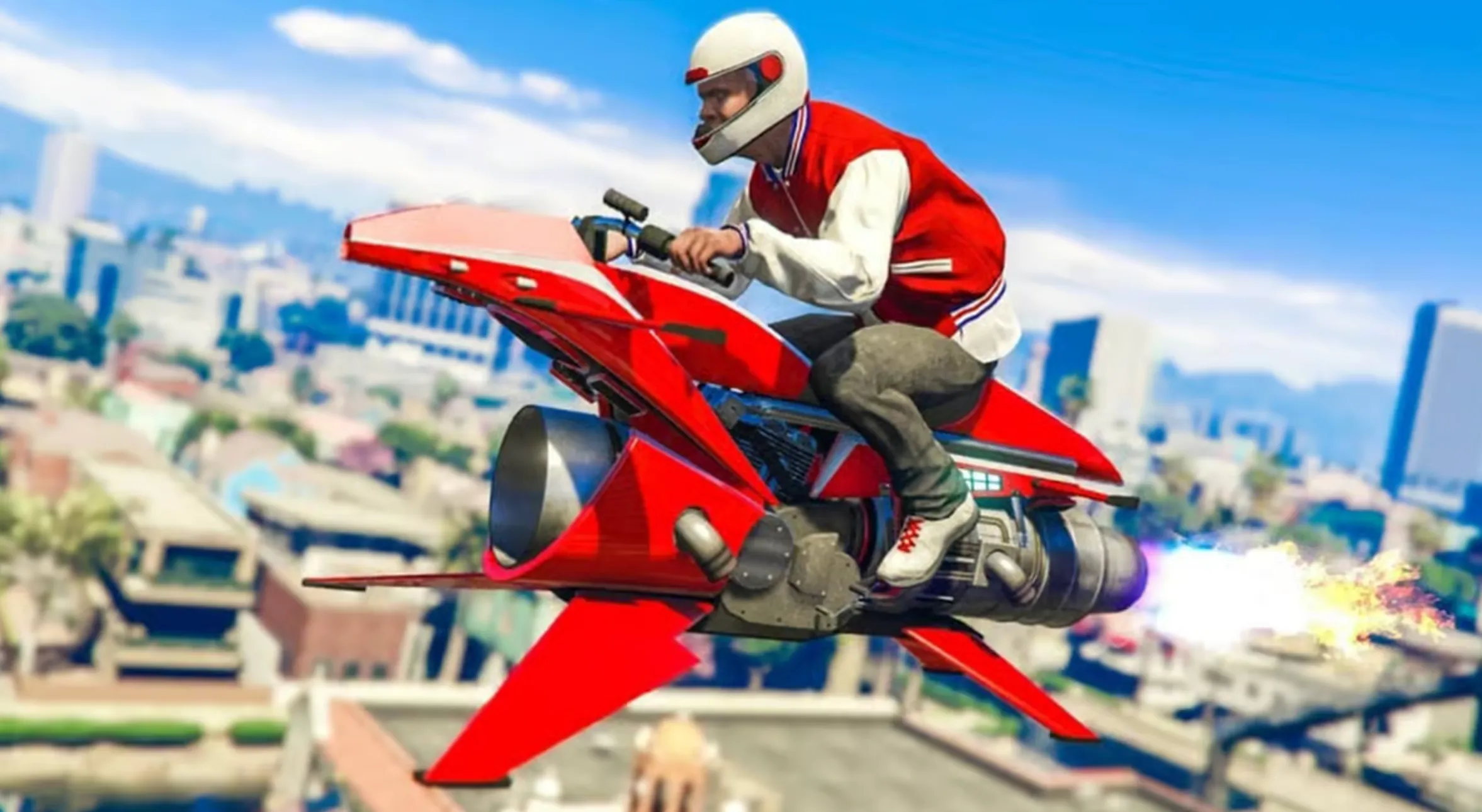
When it comes to surviving crowded lobbies and dealing with other players in GTA Online, the Oppressor Mk II needs a setup focused on mobility, durability, and fast reactions. Homing Missiles remain the core weapon choice, as they’re the most reliable way to pressure enemy vehicles, aircraft, and other Oppressor users without needing perfect aim. Defensive upgrades matter much more in PvP, which is where the choice between Flares and Chaff comes down to personal playstyle. Flares are easier to use and work best against average players who shoot as soon as they get a lock, since they pull missiles away after launch and give you time to escape. Chaff, on the other hand, shines against experienced players who try to predict your movement and fire preemptively, as it blocks lock-ons entirely for a short window. Full armor is non-negotiable, as it gives you a chance to survive surprise attacks long enough to counter or disengage. A maxed engine upgrade improves acceleration and positioning during fights, making it easier to dodge missiles and reposition quickly, while Turbo adds extra burst speed that can save you in close calls. Depending on whether you choose flares or chaff, this setup usually costs around $470,000 to $485,000 and provides a strong balance of offense and defense for PvP-focused gameplay.
How to Unlock the Oppressor Mk II Trade Price in GTA 5
In GTA Online, the Oppressor Mk II normally costs a hefty $3,890,000 on Warstock Cache & Carry, but you can knock a big chunk off that price if you unlock its trade discount. To do this, you’ll need to complete five Terrorbyte Client Jobs, which drops the price down to $2,925,000, saving you $965,000 right away. Client Jobs are quick, solo-friendly missions launched directly from the Terrorbyte’s command terminal, and most of them take only a few minutes to finish. Popular choices include Diamond Shopping, where you rob a jewelry store, Robbery in Progress, which involves stealing seized goods from a crime scene, and Data Sweep, where you hack multiple laptops around the map. Each job usually pays between $30,000 and $35,000, meaning you’ll earn roughly $150,000 to $175,000 while unlocking the discount at the same time. The smartest path is to buy a Nightclub first, then purchase the Terrorbyte with the Vehicle Workshop, complete five Client Jobs, and only then buy the Oppressor Mk II at the reduced price. Following this order saves close to a million dollars compared to buying the bike at full price upfront and makes the grind far more efficient.
FAQs
Do I need a Nightclub to upgrade the Oppressor Mk II?
Yes, owning a Nightclub is mandatory because it’s the only place where the Terrorbyte can be stored, and the Terrorbyte is required to upgrade the Oppressor Mk II in GTA Online.
Can I upgrade the Oppressor Mk II at Los Santos Customs?
No, the Oppressor Mk II cannot be modified at Los Santos Customs or in standard garages. All upgrades must be done inside the Terrorbyte using the Specialized Vehicle Workshop.
Is the Oppressor Mk II worth upgrading for grinding?
Absolutely. With homing missiles, full armor, and performance upgrades, the Oppressor Mk II becomes one of the fastest and most efficient tools for VIP work, cargo missions, and general money grinding.
What’s the best countermeasure for the Oppressor Mk II?
For most players, flares are the easiest and most reliable option, especially in missions and casual PvP. Chaff can be stronger in high-level PvP, but it requires better timing and prediction.
Can the Oppressor Mk II be destroyed easily?
Without upgrades, yes. The Oppressor Mk II is fragile by default, but with full armor and smart use of countermeasures, it becomes much harder to take down and far more forgiving in combat situations.
Conclusion
Fully upgrading the Oppressor Mk II in GTA 5 Online is a big investment, but it’s one that pays off quickly once everything is set up correctly. By owning the right properties, using the Terrorbyte for upgrades, and choosing the best weapons, countermeasures, and performance mods, the Oppressor Mk II becomes one of the most powerful and versatile vehicles in the game. Whether you’re grinding missions, running cargo, or defending yourself in busy lobbies, a fully upgraded setup saves time, increases survivability, and makes nearly every activity easier. If you plan to use the Oppressor Mk II regularly, taking the time to unlock the trade price and apply the right upgrades is well worth the effort.
Posted On: February 3rd, 2026
Recent Articles


Our 1v9 support team is available 24/7 to help you with any questions or issues you may have.
support@1v9.gg
Loading...
1v9.gg is not endorsed or affiliated by any game developers or publishers.
2026 1v9, All Rights Reserved, Created By Ritesh (riteshsahoo.com)